吉卜力畫風
照片 → 手繪動畫感
Upload a photo, type what to change, and the AI edits it for you — restyle, retouch, swap backgrounds or outfits. Free to try, no sign-up needed.
滑鼠停在任一成品上,即可看到它的原圖。
照片 → 手繪動畫感
照片 → 粗線條平塗
隨手拍 → 影棚正裝照
乾淨去背、透明底
同姿勢、同穿搭
換髮型、不換臉
每張卡片標註了產出它的模型——點「試試這個」會切到該模型並自動載入原圖。
Drop in a JPG, PNG or WebP. You can add up to four images when an edit needs a reference, like a product shot plus a new background.
Write what should change and what should stay, such as "replace the sky with a sunset, keep the people the same". No masks, layers or brushes needed.
Pick a model, generate, and compare the result with your original. Not quite right? Refine the instruction and run it again, then save the version you like.
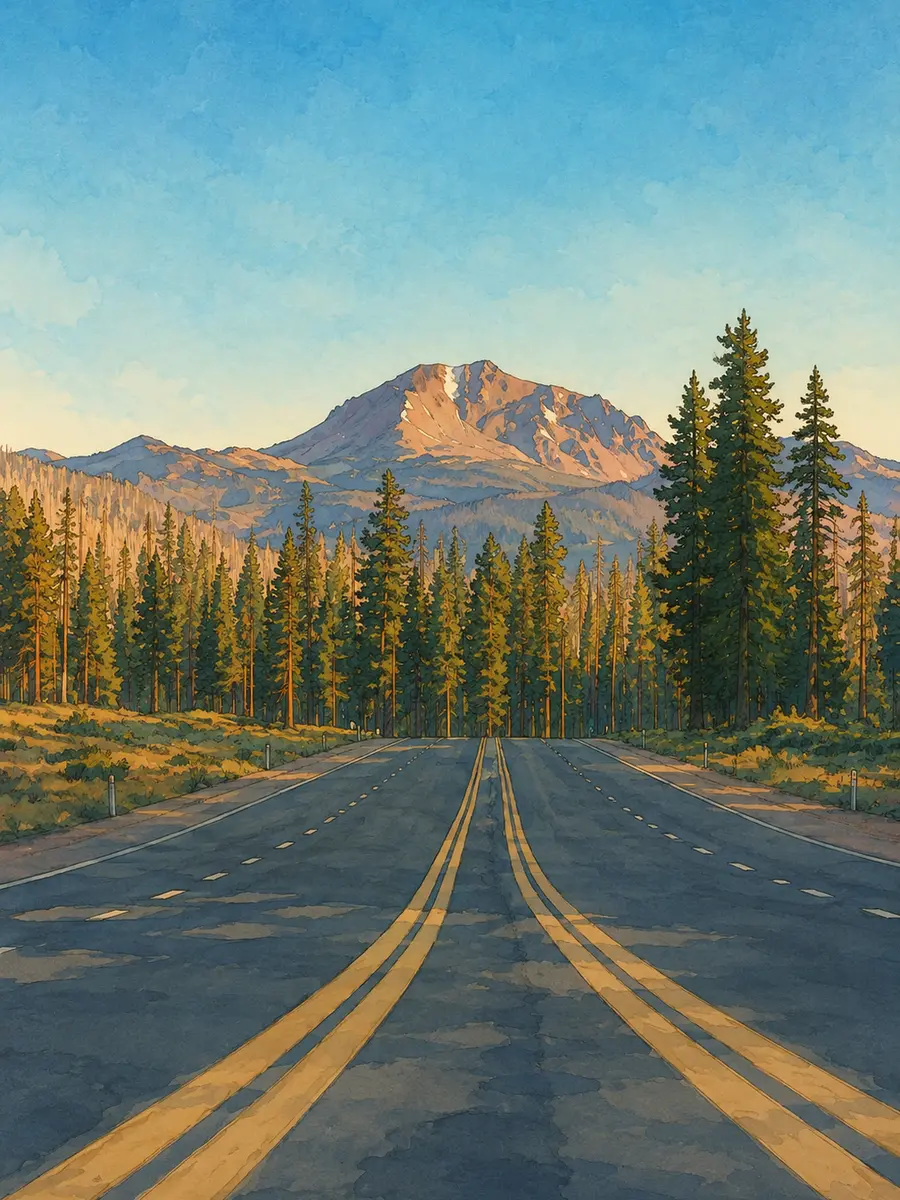
Repaint a snapshot in a soft hand-painted animation style, as a watercolor or as an oil painting, with the original composition kept.
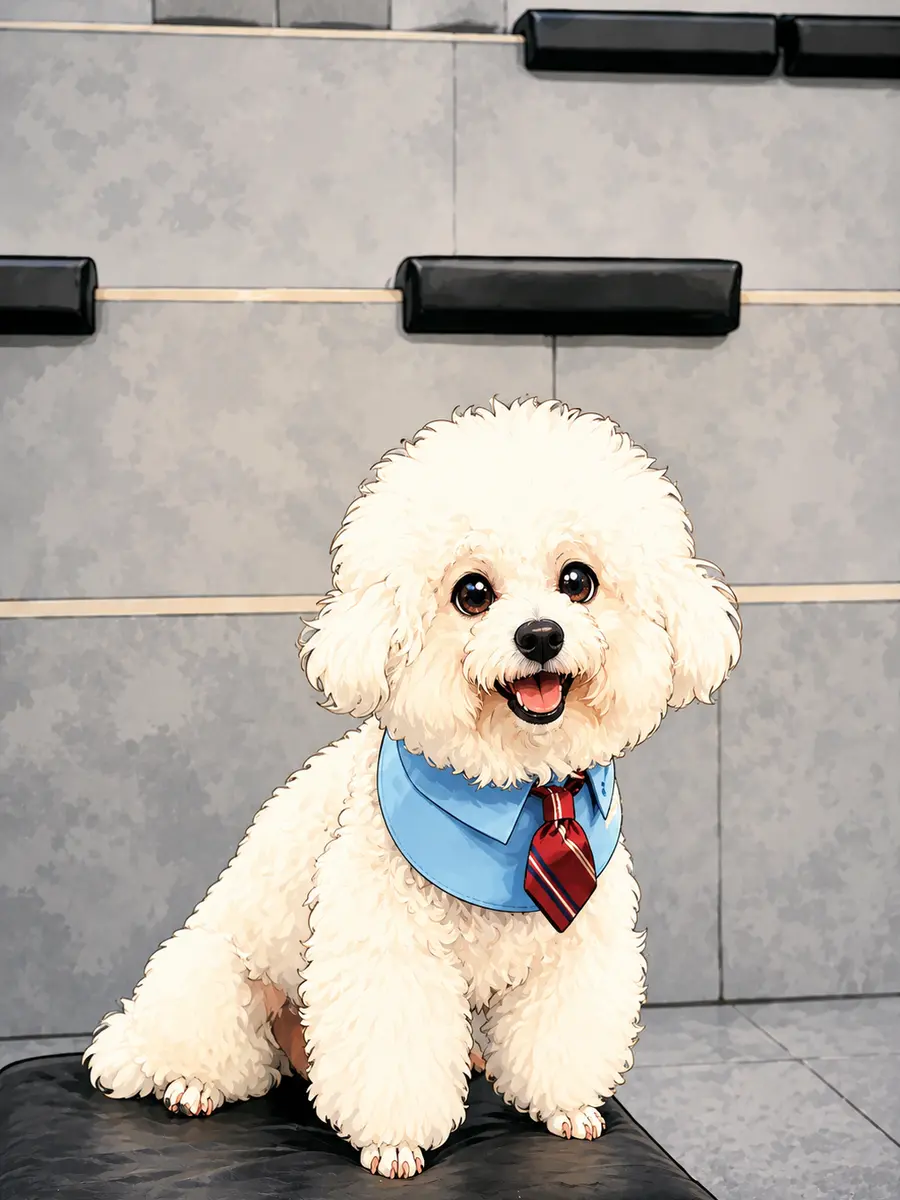
Redraw portraits and scenes with bold outlines and flat shading for avatars, stickers and comic panels.
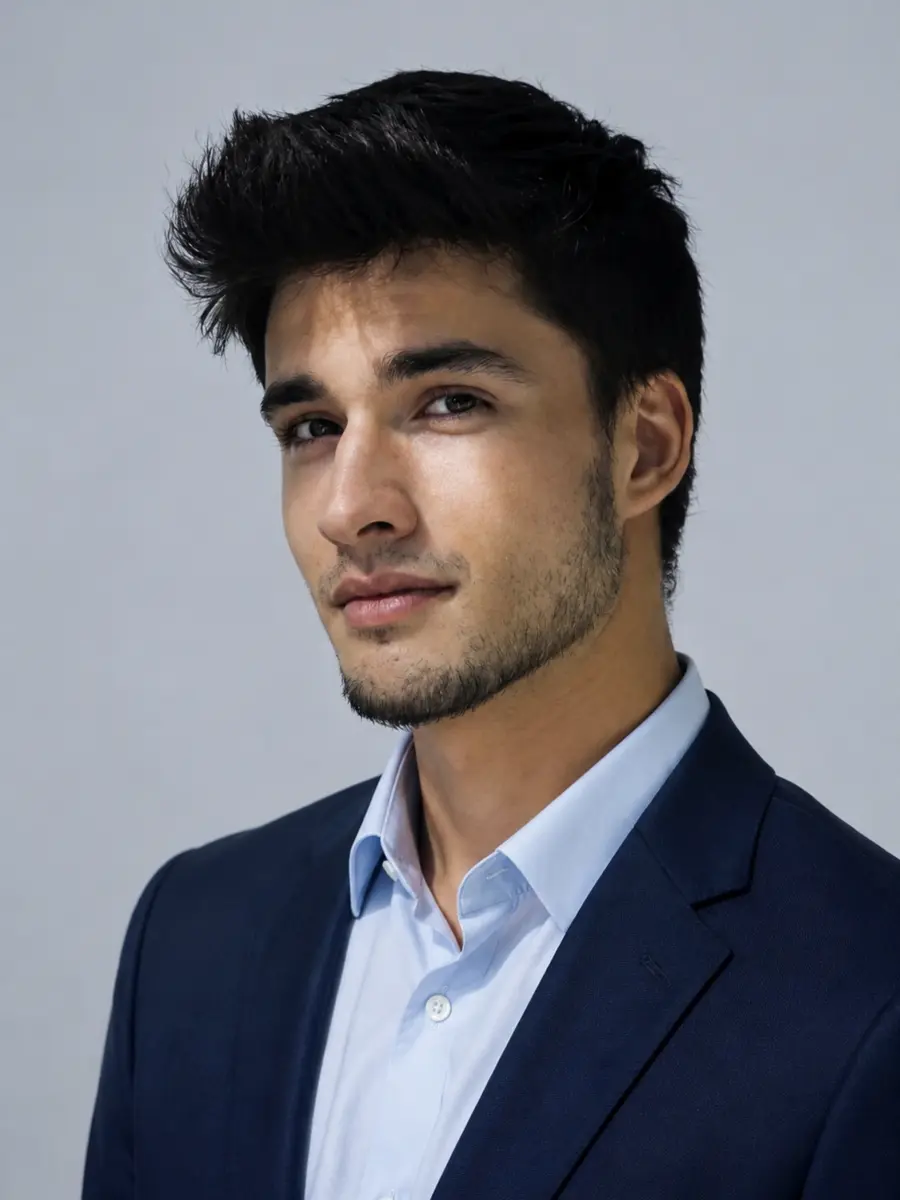
Swap a busy background for plain studio gray, tidy up the outfit and even out the lighting for a passport-style headshot.
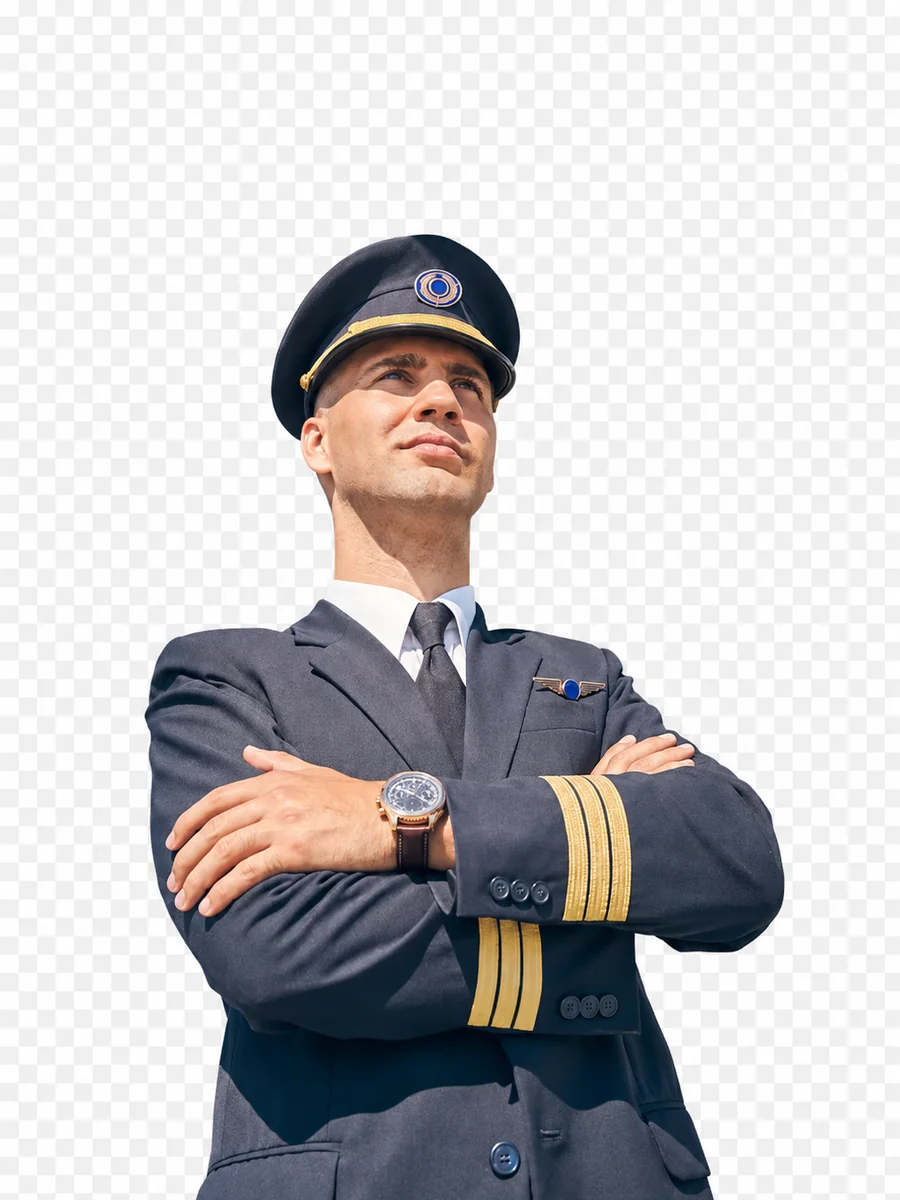
Cut out the subject for product listings or drop it onto a new scene, all from a short text instruction.
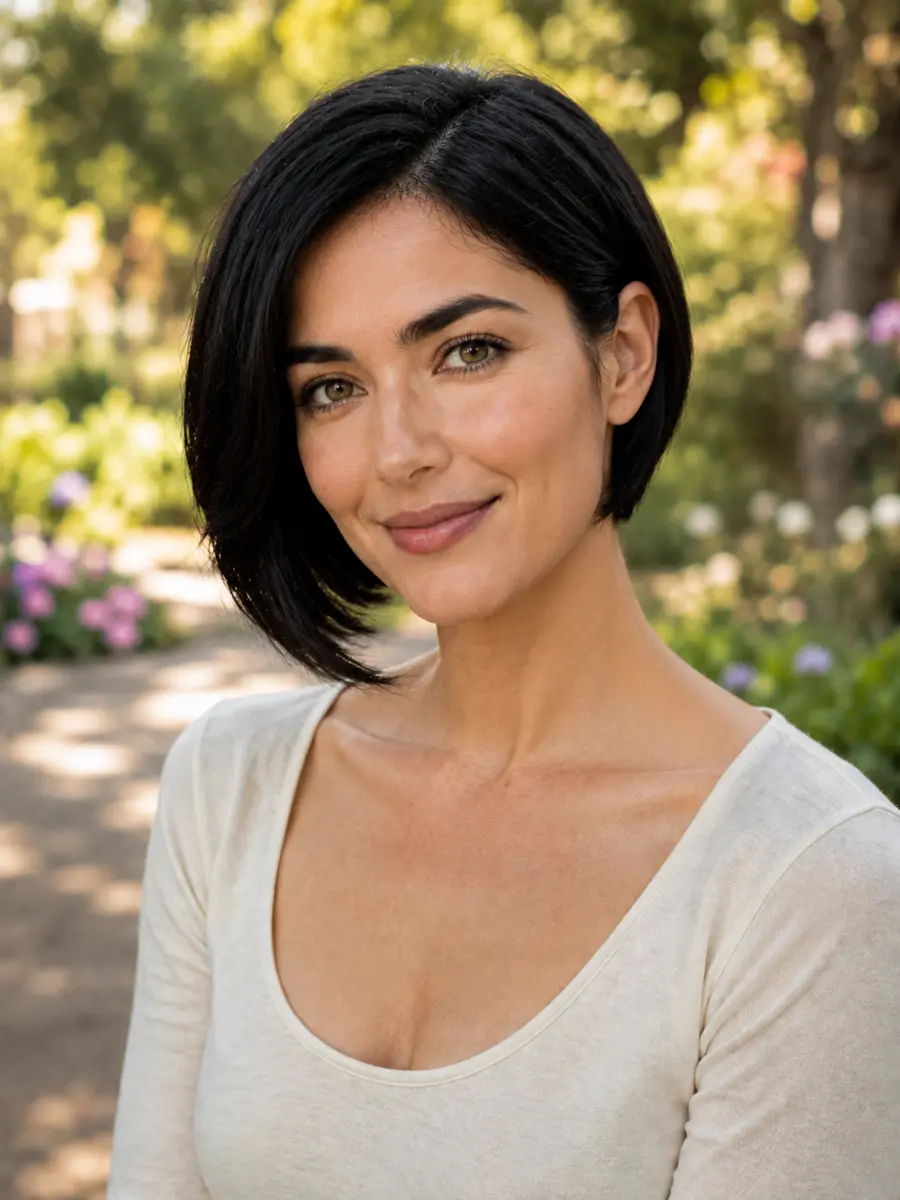
Preview a bob, curls or a new color on your own photo before the salon visit, with the face kept the same.
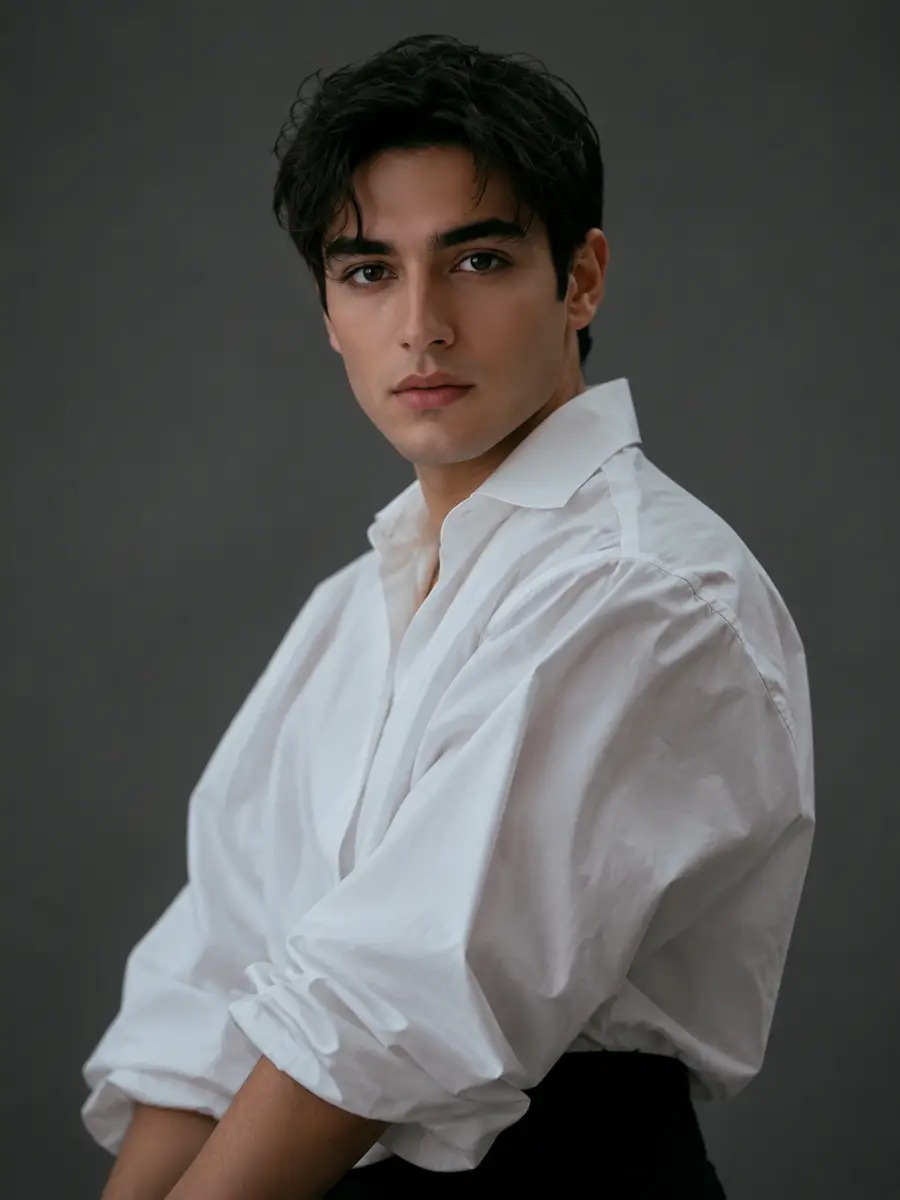
Swap outfits, change age or gender for a character concept, or add and remove objects without retouching skills.
Tell the editor what to change and it finds the right area itself. Changing an outfit or a background takes one sentence instead of careful selections.
Faces, pose, composition and lighting stay close to the original, so the edit looks like the same photo rather than a brand new picture.
Switch between models such as GPT Image 2, Nano Banana and Seedream from the same box and keep the one that handles your edit best.
Combine up to four images in one edit: put a product into a new scene, copy a style from one picture onto another, or merge people into one shot.
No download and no sign-up to try it. Visitors get free daily credits for image edits, and an account adds more.
Beyond fixes and retouching, the same editor turns photos into anime, comic, watercolor or 3D renders while keeping the subject recognizable.
It is a photo editor that takes plain-language instructions. You upload an image, describe the change, and an AI model redraws the picture with that change applied while keeping the rest of the scene.
Yes, you can start for free without signing up. Visitors receive free daily credits that reset every day, and creating a free account or upgrading gives you more. Credit amounts may change over time.
No. You can upload a photo and generate edits as a visitor. Signing in keeps your history across devices and unlocks more credits.
It is the same technology. Image to image AI takes a picture plus a prompt and returns a new picture; an AI image editor uses it for practical edits like background swaps, retouching and outfit changes, as well as full restyles.
You can choose from the image models available on imgfree, including GPT Image 2, Nano Banana and Seedream. Each handles edits a little differently, so try another model if a result misses the mark.
It tries to keep everything else the same, but the model redraws the whole image, so small details can shift. Say explicitly what must stay, such as "keep the face and pose unchanged", and compare the result with your original.
Yes. Upload up to four images in one edit, for example a person and an outfit, or a product and a background, and describe how to combine them.
Only with their permission, and never to deceive, harass or impersonate anyone. For commercial use, make sure you own or have licensed the original images.
Upload a picture, describe the change and get an edited version in seconds.