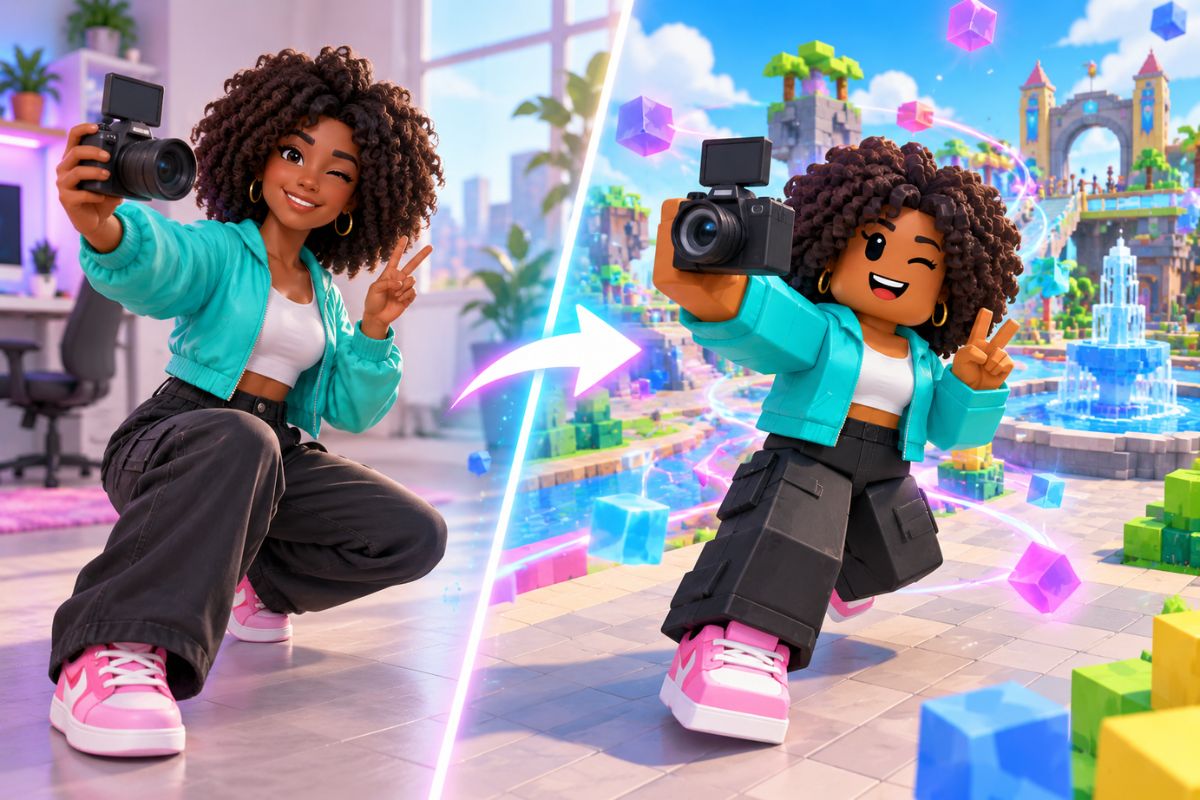
AI Roblox Video Generator: Create Roblox Videos Online
Use the Imgfree AI Roblox generator to turn one image into a playful block-style clip. Create AI Roblox videos for avatars and game-inspired scenes.
AI Roblox 影片產生器

如何從圖片製作 AI Roblox 影片
上傳您的圖片
選擇一張主體清晰、身形輪廓可見且背景雜亂度極低的清晰肖像或原創角色圖片。
套用積木風格特效
讓 Imgfree 在粗獷可愛的 3D 遊戲風格場景中重建主體,並自動加入生動的動態效果。
預覽並下載
在片段中檢視臉部、雙手、四肢、服裝邊緣以及背景。如果角色出現偏移或幾何形狀閃爍,可重新產生另一個版本。
將單張圖片轉化為積木風格動畫場景
積木風格角色動態
使用圖生影片生成技術,為居中的單一主體賦予積木搭建遊戲世界風格的粗獷 3D 比例、生動手勢與趣味動態。
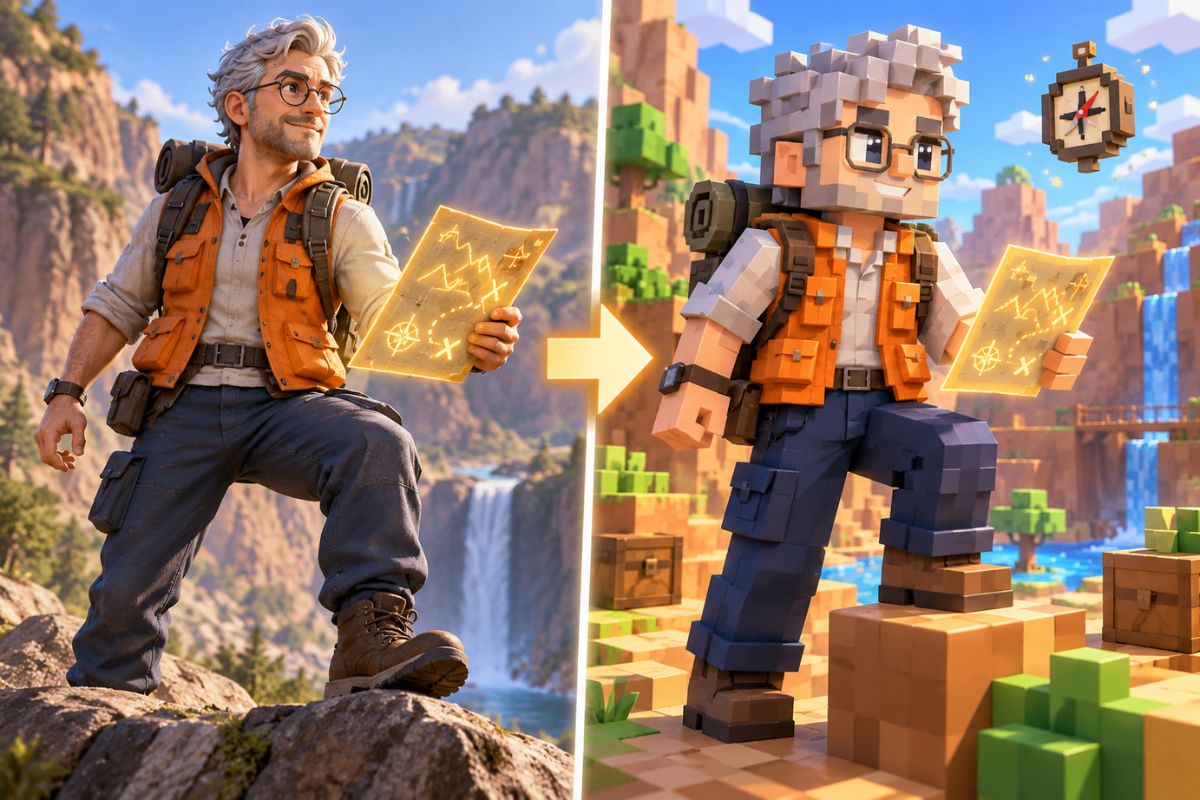
高度還原的服裝與配色
乾淨的原圖能為 AI 提供更強的視覺參考,有助於在場景生動呈現時,完美保留角色的主要服裝顏色、髮型、臉部細節、配件以及辨識度極高的輪廓。
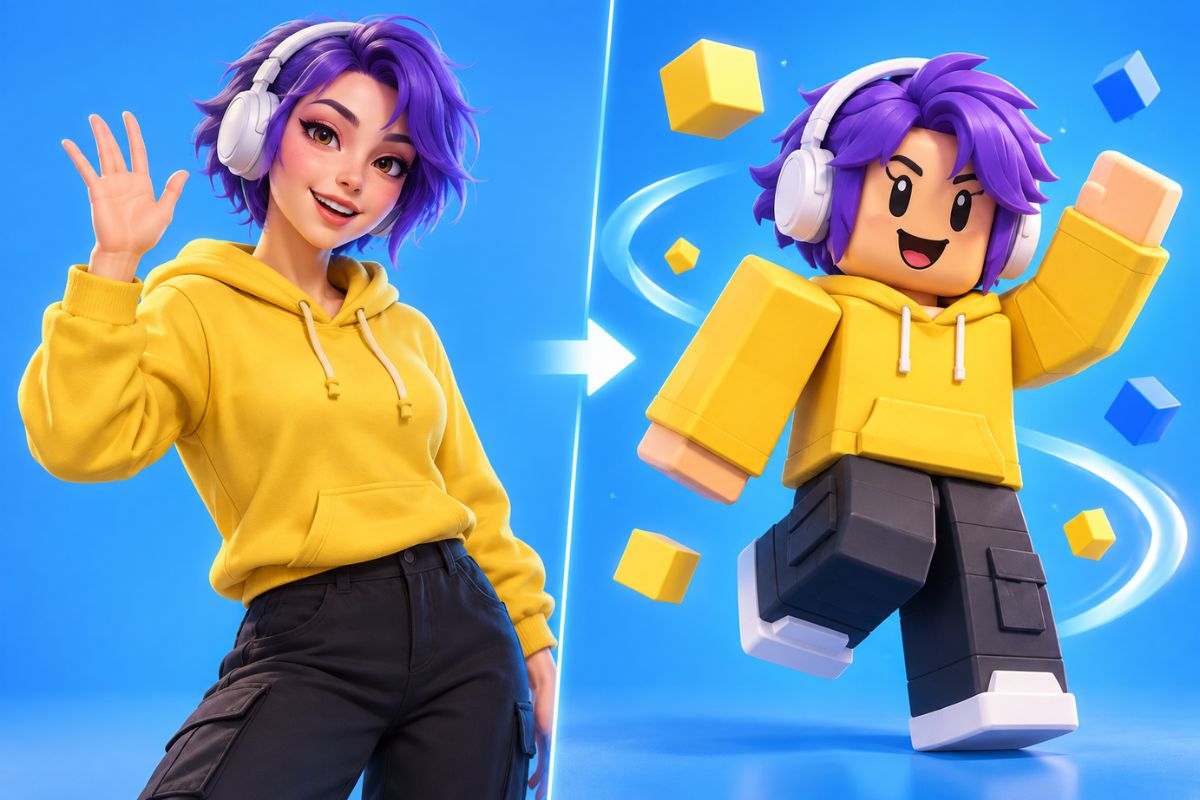
遊戲風格的活力場景
無需實拍演員或建構完整的 3D 序列,即可將靜態角色圖片轉化為充滿活力的遊戲風格瞬間,包含色彩明亮的障礙賽道、積木建造的城市、冒險場景、勝利慶祝或趣味動作畫面。

AI Roblox 影片生成器的創意應用方式
虛擬化身開場動畫
遊戲剪輯短片
生日祝福影片
反應迷因影片
頻道預告片
原創角色故事
AI Roblox 影片生成器常見問題
立即讓積木風格角色動起來

Video Effects
View all 20AI Spring
Use the Imgfree AI Spring Effect to transform one image into a bright seasonal scene with blossoms, fresh greenery, and soft natural light.
AI Twerk Generator
Create an AI twerk dance with the Imgfree AI twerk video generator and AI twerk creator. Animate an adult photo into a playful dance video.
Gender Swap
Use the Imgfree gender swap video generator to upload one authorized adult photo and create a short AI video with an alternate gender presentation and natural motion.
Kiss Me AI
Create a tasteful kiss me AI clip from photos. Add gentle motion and review faces, timing, and continuity with Imgfree.
Video Background Remover
Remove background from video online with Imgfree. Upload a clip, isolate the subject, preview edge quality, and export a clean result for your next edit.
AI Hug Generator
Create an AI hugging video with Imgfree. Use the AI hug video generator free credits to animate two compatible photos into a warm, natural-looking hug scene.
AI Kissing Generator
Create an AI kiss video from compatible photos with Imgfree. Try a free AI kissing video or a tasteful AI french kiss video generator for adult couples.
AI Dance
Use Imgfree as a free AI dance generator to make a photo dance. Learn how to make AI dance video clips from portraits in three simple steps.