AI Smile Generator for Natural Smile Effects | Imgfree
Use the Imgfree AI smile generator to add a warm, natural-looking smile to a portrait. Create an AI smile effect while keeping the person recognizable.
AI 微笑生成器
上傳清晰的肖像照,並使用 Imgfree 增添溫暖、自然的表情。此 AI 微笑創作工具能輕柔地調整嘴部與臉頰,同時確保人物特徵、光影與姿勢保持原樣。
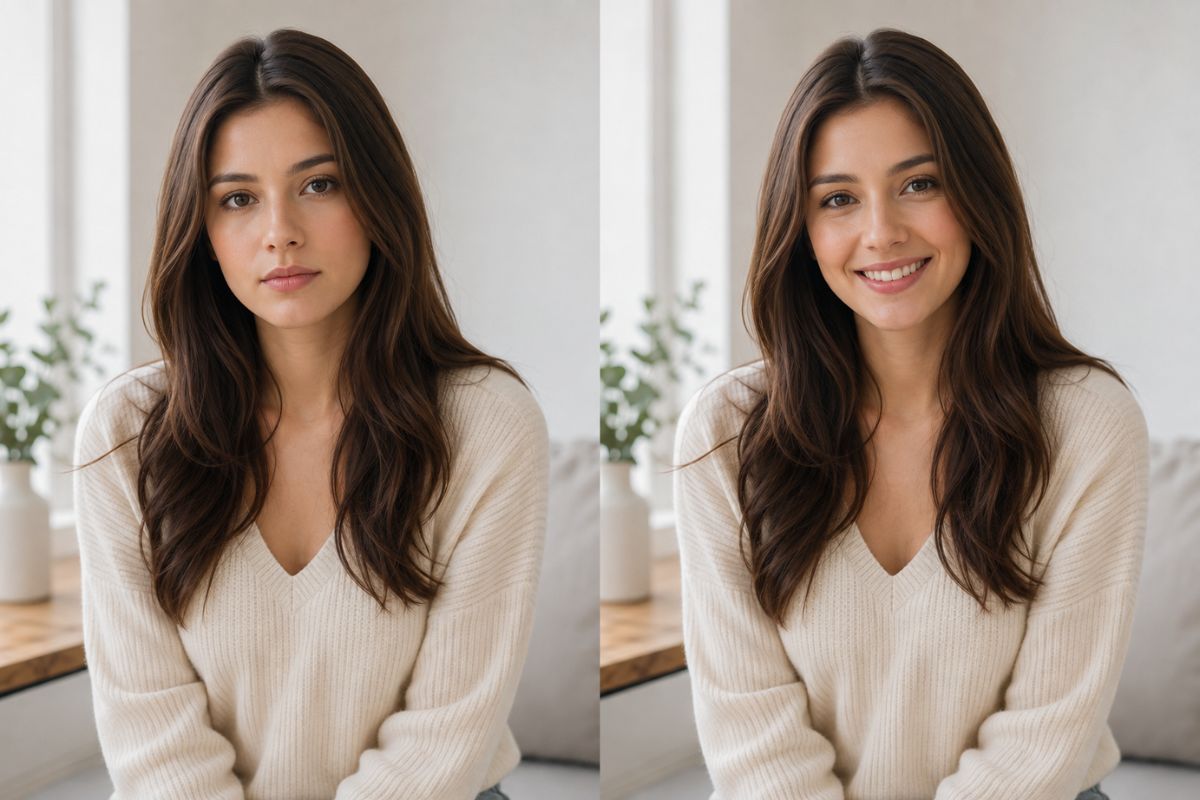
從單張肖像創造自然微笑
平衡的面部表情
使用 以圖生圖 編輯功能來添加自然微笑,同時協調嘴部、臉頰與眼睛,創造出比單純改變唇部更真實的表情。
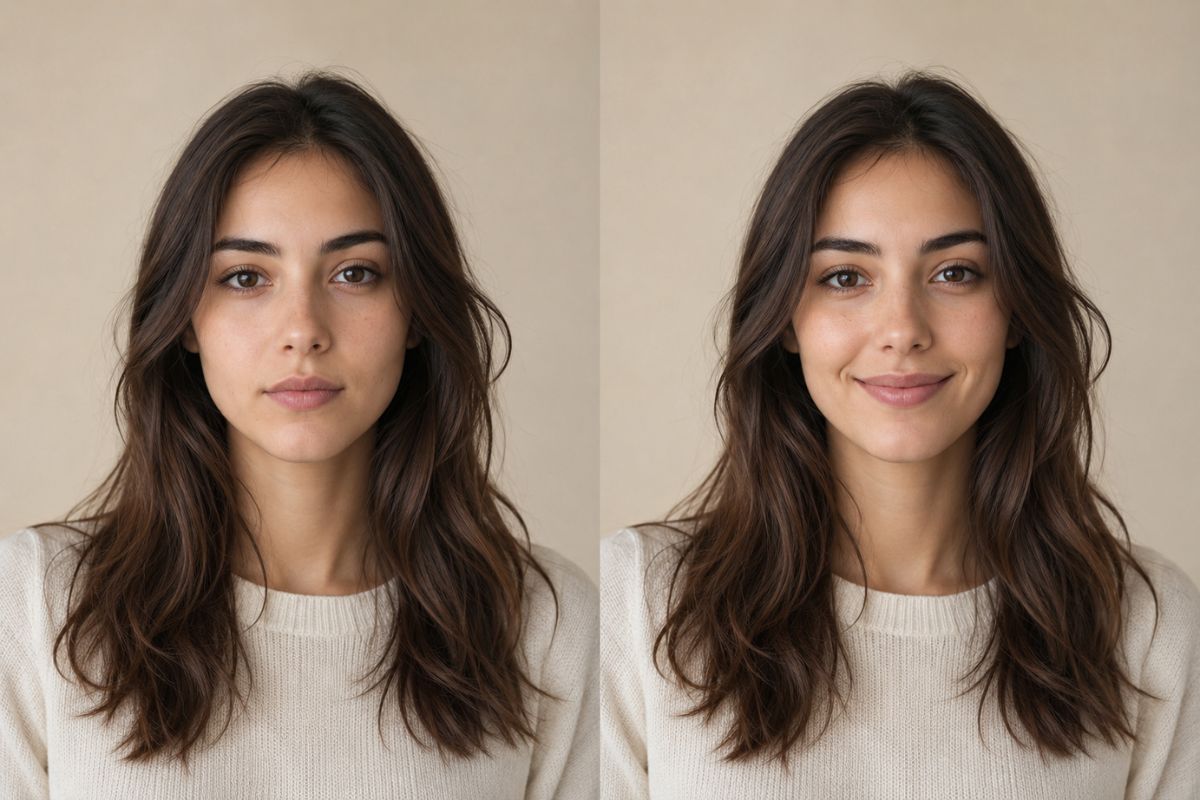
可辨識的肖像細節
清晰的正面照片能提供更好的參考,在調整表情的同時,保留人物的髮型、臉部結構、皮膚紋理、光影及整體外觀。
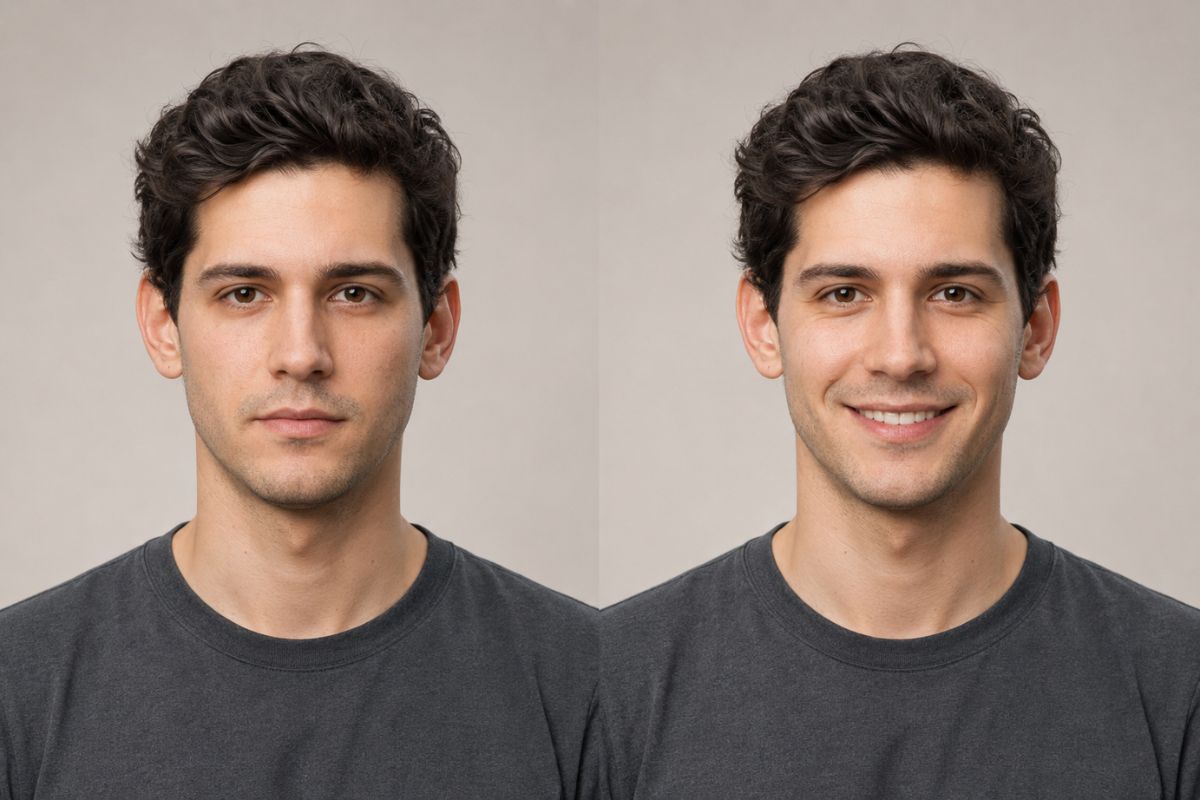
靈活的微笑氛圍
探索不同的情感風格,從細微的閉口微笑、友善表情到明亮開朗的模樣,接著生成並比較多種變化,找出最適合您肖像的風格。
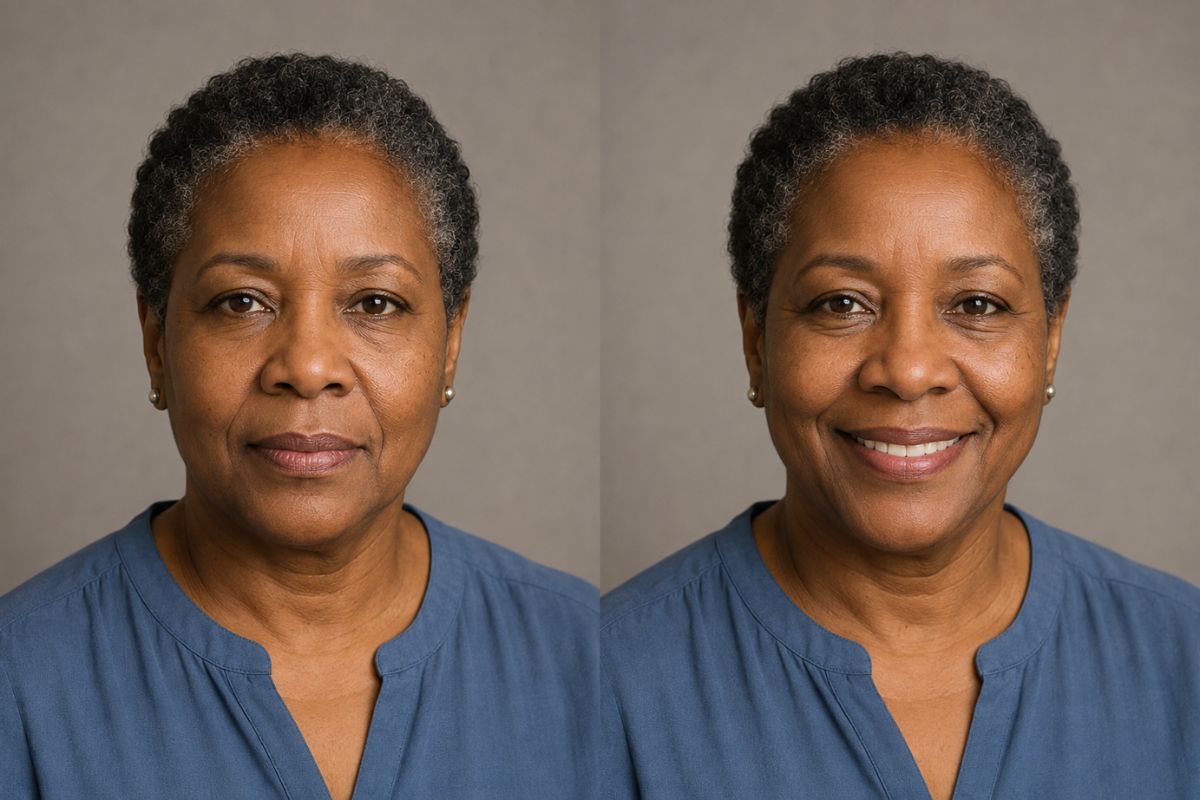
AI 微笑生成器的創意用法
個人頭像
為個人頭像更新一張表情友善的照片,取代原本中性的表情。
家庭照片
為私人相簿中的清晰個人肖像創造更溫暖的版本。
問候圖片
為慶祝或感謝圖片增添開朗的表情。
角色表情
為原創插畫角色賦予開朗的表情變化。
社群貼文
為日常更新或公告製作正向的肖像變化。
肖像選擇
在選擇最自然的效果前,先比較多種微笑變化。
如何套用 AI 微笑效果
上傳、套用、預覽並下載
- 01
上傳您的肖像
選擇一張清晰、光線充足、僅有一張人臉、角度放鬆,且沒有物體遮擋嘴部或臉頰的圖片。
- 02
套用微笑效果
讓 Imgfree 在調整表情的同時,保留肖像的主要特徵、姿勢、背景和光影細節。
- 03
預覽並下載
檢查牙齒、唇緣、臉頰、眼睛和臉型。如果微笑看起來不自然或臉部細節偏移,請生成另一個版本。
AI 微笑生成器常見問題解答
什麼是 AI 微笑生成器?
它能將合適的肖像轉換為帶有更友善或更開朗表情的新版本,同時致力於保持人物的可辨識度。
AI 微笑效果是如何運作的?
上傳一張肖像,套用效果,預覽結果,然後下載在嘴部、臉頰和眼睛之間達到最自然平衡的版本。
什麼樣的照片效果最好?
請使用清晰、正面或略微傾斜、光線均勻且嘴部無遮擋的肖像。嚴重的模糊和極端的側面角度效果較差。
原始臉孔還能被辨識出來嗎?
該效果旨在保留人物的主要外觀,但牙齒、嘴唇、皮膚紋理和臉型可能會有所變化。在使用結果前,請檢查整張臉部。
我可以在插畫角色上使用 AI 微笑生成器嗎?
清晰的原始插畫角色肖像或許可以使用,但結果會因線條風格、臉部角度以及嘴部繪製的清晰度而異。
我可以用它製作什麼?
它適用於個人頭像、問候圖片、肖像變體、家庭照片編輯、社群貼文以及原創角色表情。
我可以免費試用嗎?
目前的免費額度、使用條款和下載選項會顯示在 Imgfree 介面中,並可能隨時變更。
將中性表情的肖像轉變為溫暖的微笑
Image Effects
View all 52AI Storyboard Generator
Use the Imgfree AI storyboard generator and AI storyboard creator to turn a reference image into cinematic frames for scenes, pitches, and visual planning.
Sunset Photo
Turn any portrait into a golden sunset photo with warm backlight, soft lens flare and a glowing sky. Your face, hair and outfit stay the same. Free, no sign-up.
AI Tongue Out
Create a playful AI tongue out face from a clear adult portrait. Apply the expression effect and review facial details with Imgfree.
AI Vampire Generator
Use the Imgfree AI vampire generator as an AI vampire creator and AI vampire maker. Turn a portrait into an original gothic vampire character.
Wall Art
AI wall art turns your photo into a framed gallery-style painting and shows it hanging in a room. Free to start, no sign-up needed. Upload one picture.
Charcoal
Use this charcoal drawing filter free to turn a photo into a smudged, hand-drawn sketch on textured paper. Upload one picture, no sign-up needed to start.
Crayon
Crayon AI drawing turns your photo into bright, waxy crayon art on paper. It is free to try with no sign-up needed. Upload one picture and watch it redrawn.
Crying Filter
Use the Imgfree crying face filter to add tears to a photo and create a natural sad face effect from one clear portrait.