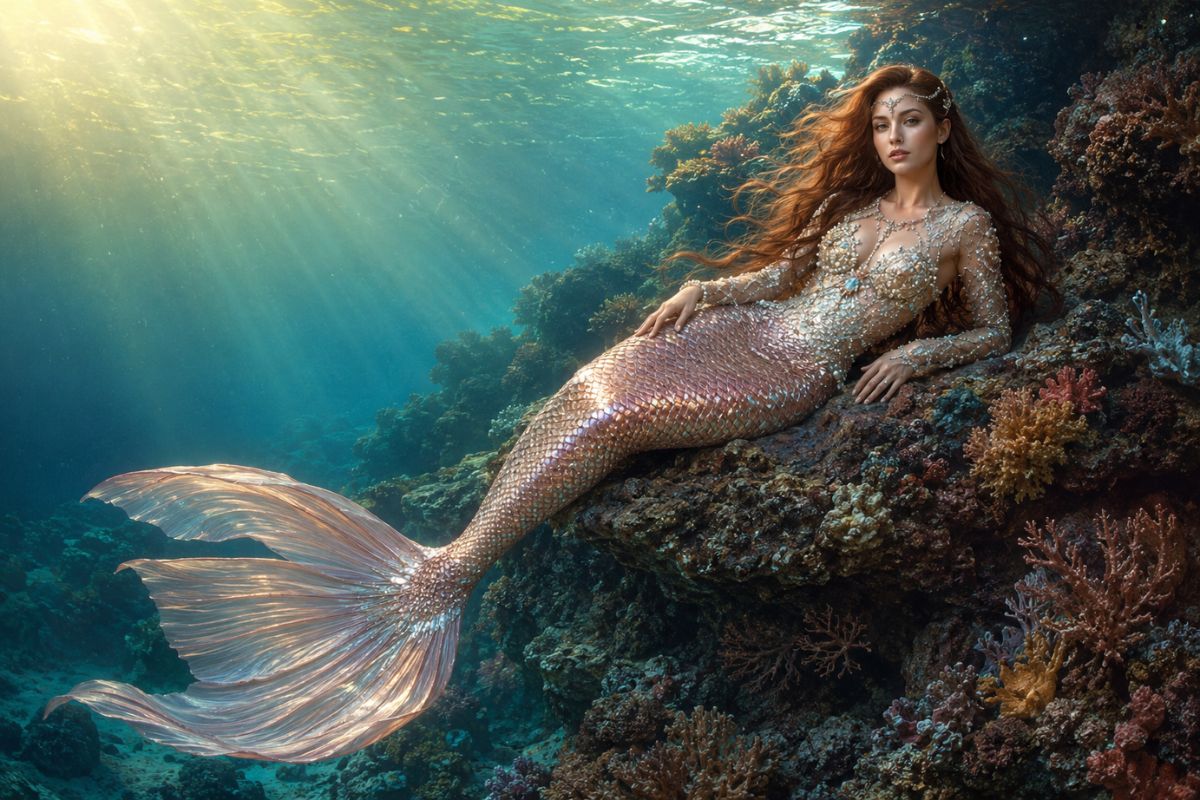
AI Mermaid Filter: Transform Your Photos into Mermaid Videos
Use the Imgfree AI mermaid filter to transform a portrait into an original underwater character with shimmering scales, flowing hair, and ocean scenery.
AI美人鱼滤镜
上传一张清晰的人像,使用免费图片将其转换为 AI 生成的美人鱼。打造拥有闪耀鱼尾、飘逸长发、奇幻细节和海洋灵感背景的原创水下角色。
如何使用 AI 美人鱼滤镜
上传,应用特效,然后预览并下载
- 01
上传清晰的人像
选择一张清晰、光线充足且主体明显的图片。简洁的背景和无遮挡的面部能为转换提供更干净的视觉锚点。
- 02
应用美人鱼特效
让免费图片在主体周围添加原创的美人鱼鱼尾、奇幻造型和水下风景。
- 03
预览并下载
检查面部、双手、头发、尾巴形状、饰品和背景。如果细节显得扭曲或角色与原图偏差过大,请重新生成一个版本。
将人像变成水下美人鱼
海洋灵感的美人鱼造型
将人像转换为带有绚丽鳞片、飘逸长发、贝壳灵感细节和水下配色方案的原创美人鱼角色。
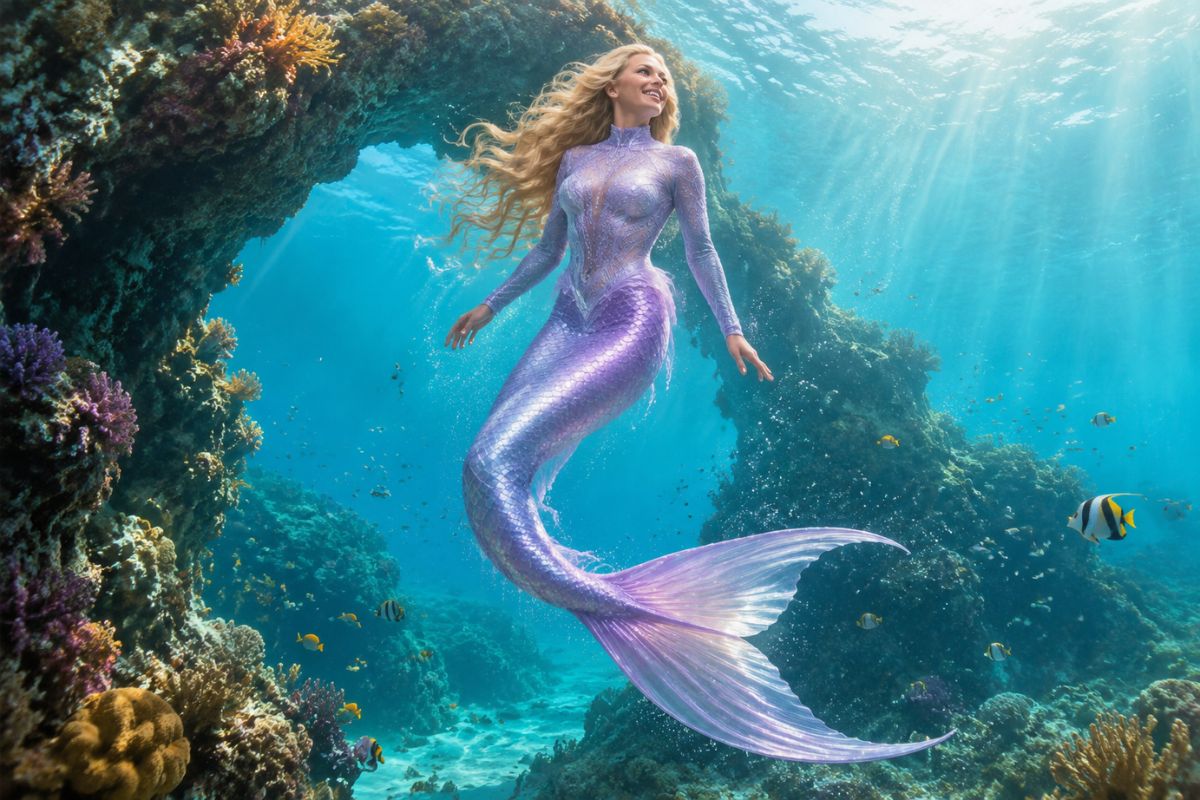
可识别的人像细节
清晰的原图能为特效提供更强的面部、发型、姿势和光影特征,同时服饰和背景围绕主体发生变化。
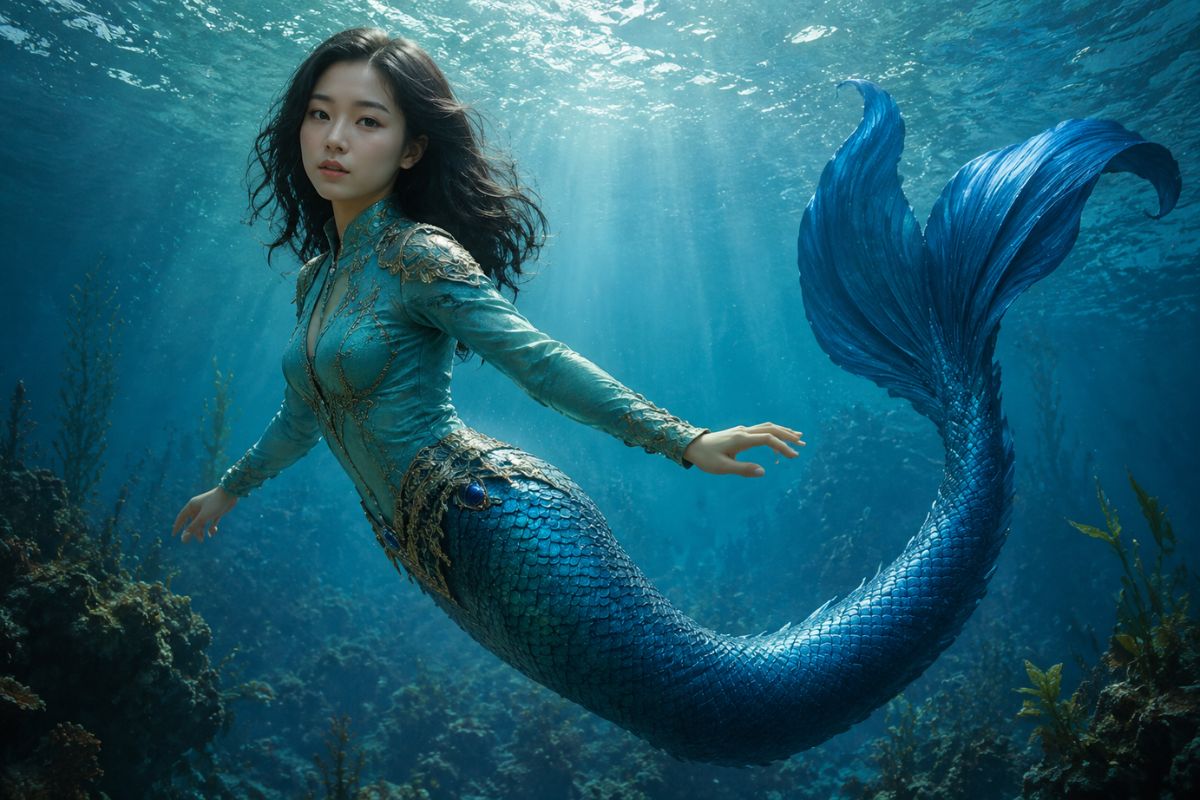
奇幻水下氛围
添加礁石、气泡、光束和深海色彩,营造完整的奇幻场景,而非简单的服装叠加。
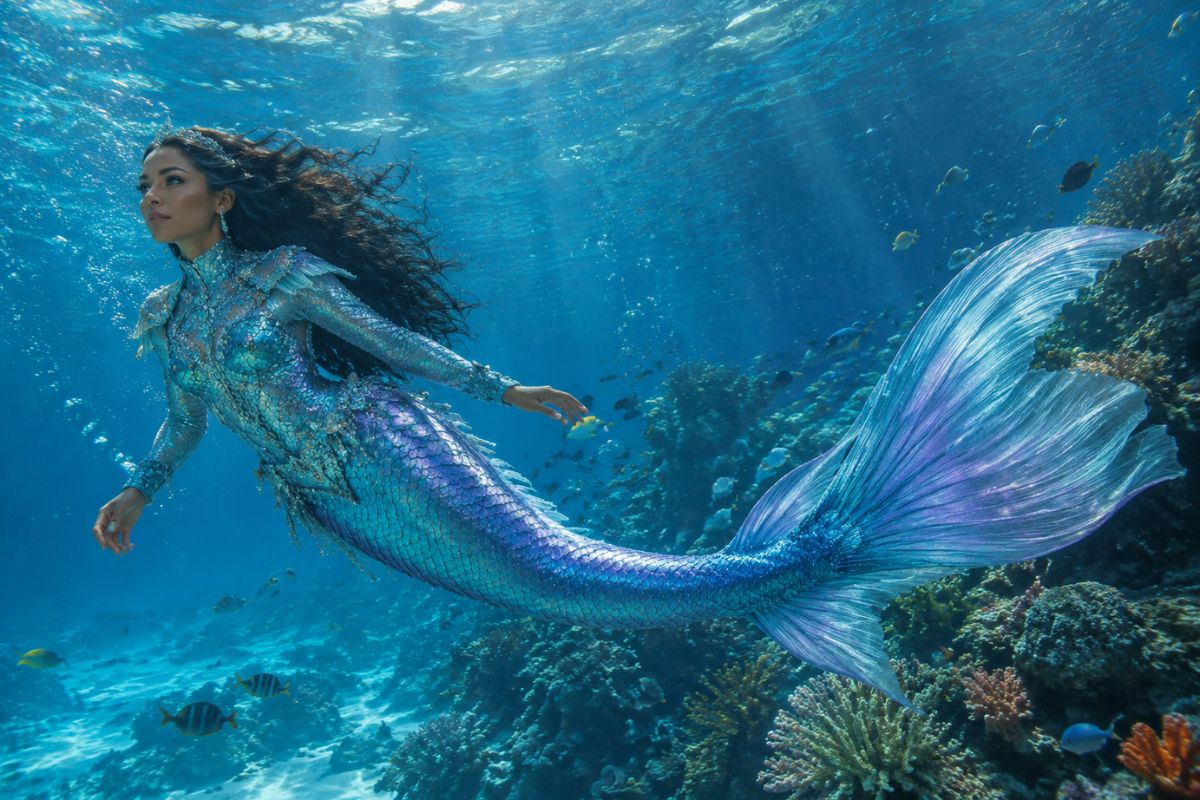
美人鱼图片的创意用法
奇幻头像
为社交个人资料、社区或游戏账号打造独特的水下头像。
角色概念设计
为故事、桌游跑团或个人艺术参考构思并可视化一个原创的美人鱼角色。
海洋主题派对艺术
制作色彩丰富的奇幻人像,用于请柬、装饰品或主题纪念品。
童话故事场景
为海底传说、漫画创意或情绪板构建视觉起点。
Cosplay 灵感
在组装服装之前,探索鱼尾颜色、首饰、发型、妆容和水下造型。
适合分享的梦幻修图
将喜爱的肖像照转化为富有想象力的大海场景,用于社交发布、互动回应和创意挑战。
AI 美人鱼生成器常见问题
什么是 AI 美人鱼滤镜?
它通过添加美人鱼造型、鱼尾、鳞片细节和海洋风景,将肖像照转化为奇幻的水下角色。
AI 美人鱼生成器是如何工作的?
上传一张清晰的肖像照,应用美人鱼特效,然后查看生成的图片。原照片会为转换过程提供面部、姿态和光影参考。
什么样的照片效果最好?
建议使用主体清晰可见、面部清晰、光线均衡且遮挡极少的单人照片。半身或全身肖像照能为服装和鱼尾细节留出更多展示空间。
AI 生成的美人鱼还会像我吗?
该特效以原肖像照作为视觉基准,但生成的头发、面部细节、双手和身材比例可能会有所不同。请查看最终图片,必要时可以尝试其他版本。
我可以创作不同风格的美人鱼吗?
每次生成在鱼尾颜色、鳞片纹理、饰品、光影和水下场景上都可能有所不同,非常适合用来探索多种原创角色造型。
我可以免费试用 AI 美人鱼生成器吗?
Imgfree 可能会提供免费点数或试用权限。打开工具即可查看当前的免费额度、登录要求以及可用的下载选项。
我可以使用别人的照片吗?
请仅上传您获得使用许可的图片。在分享或用于公开项目前,请仔细核查生成结果。