Video Background Remover: Remove Background from Video in Seconds
Remove background from video online with Imgfree. Upload a clip, isolate the subject, preview edge quality, and export a clean result for your next edit.
25
视频背景移除工具
上传简短片段即可去除视频背景,无需逐帧手动描边。Imgfree 将运动主体与场景分离,方便您预览干净的抠图效果、检查复杂边缘,并在更简洁的视觉图层上继续编辑。

去除视频背景,呈现更干净的主体边缘
从杂乱场景中分离人物
将拍摄于房间、办公室或户外环境的视频片段转换为突出主体的效果。跨帧对比发丝、肩膀、运动的手臂和衣物边缘;这些细节可以体现抠图是否保持连贯,而不是在人物周围产生闪烁。

处理动态画面与精细边缘
实用的 MP4 视频去背景工具必须能够应对发丝、宽松衣袖、手势以及身体与背景之间不断变化的空隙。建议查看片段中的多个时刻,而不要仅依赖单张静止帧,尤其是在存在运动模糊或前后景颜色相近的情况下。
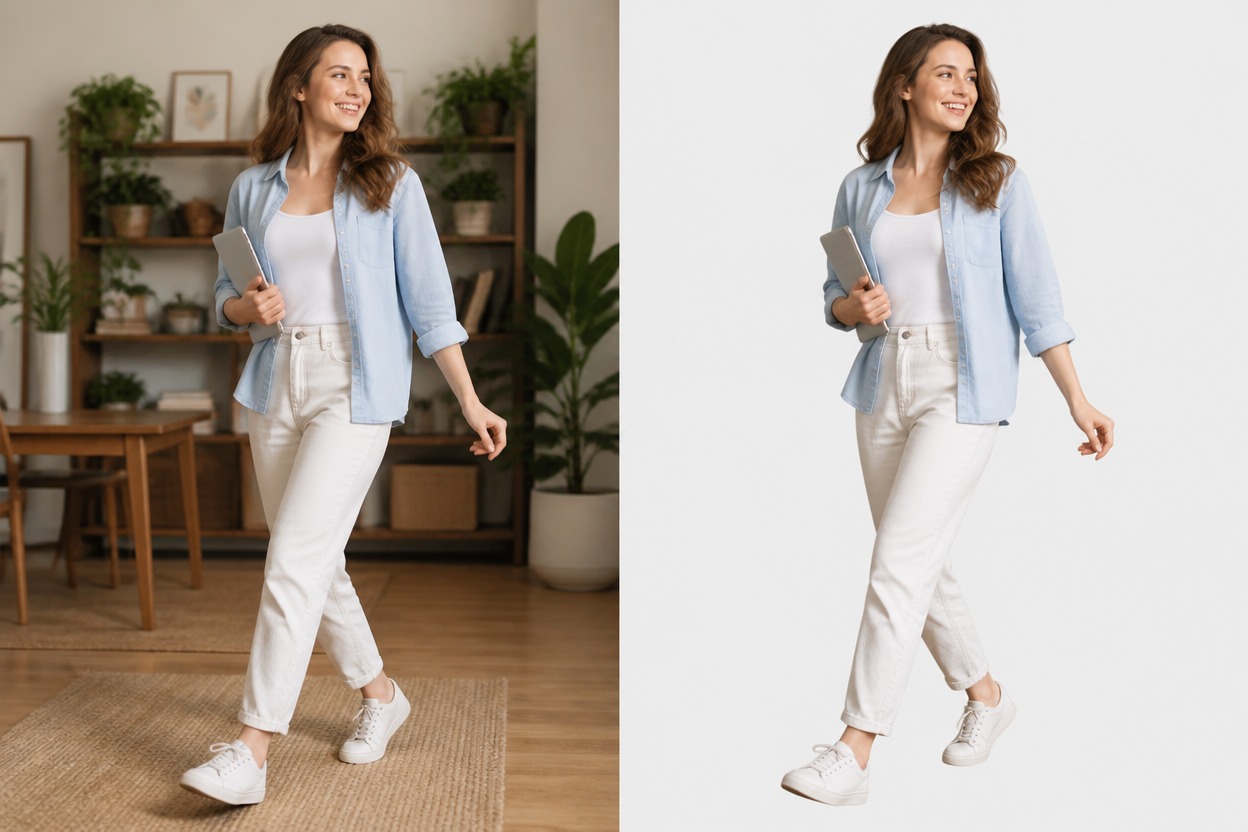
准备灵活的视频图层
将分离出的主体用于产品解说、社交片段、教学课程、反应视频或演示素材。将输出结果作为可编辑的抠图图层,并在放置到新背景上之前检查边缘光晕、缺失细节以及帧与帧之间的稳定性。
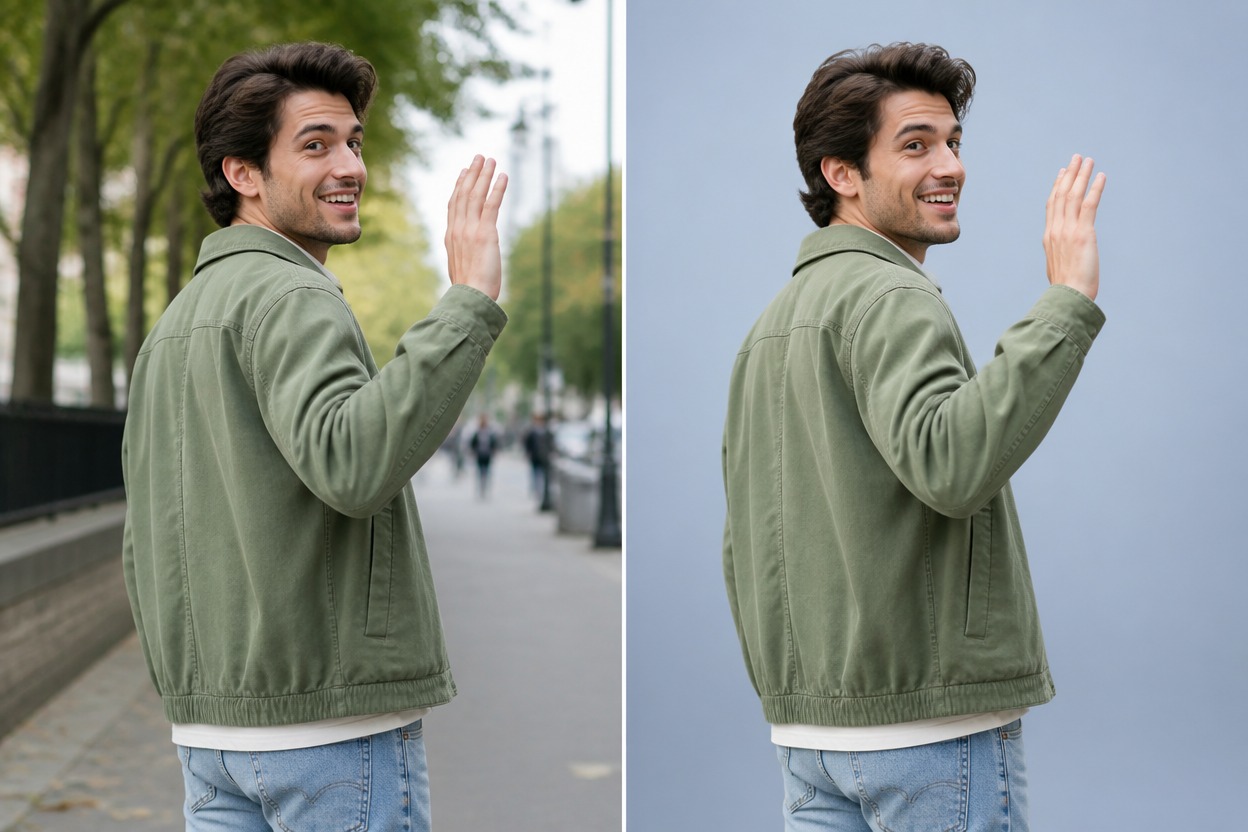
您可以创作的内容
产品解说视频
先抠出主讲人,再在其他编辑器中将片段置于产品图表或品牌场景之上。
社交媒体短片
为竖屏短视频剪辑、反应视频和创作者日常更新打造更干净的出镜解说画面。
在线课程
在主体背后合成幻灯片或图表之前,将讲师与容易让人分心的房间背景分离开来。
演示视频
准备演讲者素材,使其能够置于图表、截图或要点旁,而无需显示杂乱的房间背景。
电商产品演示
从实物产品演示和展示片段中去除简陋的拍摄背景。
创意合成
将抠图结果作为图层,用于打造全新环境、风格化场景或进行动态设计尝试。
如何移除视频背景
01
上传您的视频
选择一段清晰的视频片段,要求主体明确且单一、构图稳定、主体与场景对比明显,且无严重的动态模糊。
02
移除视频背景
应用该特效,让图免将整个剪辑中的动态前景与原始场景分离。
03
预览并下载
在下载处理后的视频之前,拖动进度条检查发丝、手部、服装边缘、快速动作、缝隙及光晕。
常见问题解答