AI Mermaid Filter: Transform Your Photos into Mermaid Videos
Use the Imgfree AI mermaid filter to transform a portrait into an original underwater character with shimmering scales, flowing hair, and ocean scenery.
AI 人魚濾鏡
上傳清晰的肖像,並使用圖像免費將其轉換為 AI 生成的人魚。打造具有閃爍尾巴、飄逸秀髮、夢幻細節和海洋風格設定的獨創水下角色。
如何使用 AI 人魚濾鏡
上傳、套用效果,然後檢視與下載
- 01
上傳清晰的肖像
選擇清晰、光線充足且包含單一清晰主體的影像。簡單的背景和無遮擋的面部能為轉換提供更乾淨的視覺錨點。
- 02
套用人魚效果
讓圖像免費為主角添加獨創的人魚尾巴、夢幻造型和水下風景。
- 03
預覽與下載
檢查面部、雙手、頭髮、尾巴形狀、配件和背景。如果細節看起來失真或角色偏離原圖太遠,請重新生成另一個版本。
將肖像轉化為水下人魚
海洋風格人魚造型
將肖像轉換為具有絢麗鱗片、飄逸秀髮、貝殼靈感細節和水下調色板的獨創人魚角色。
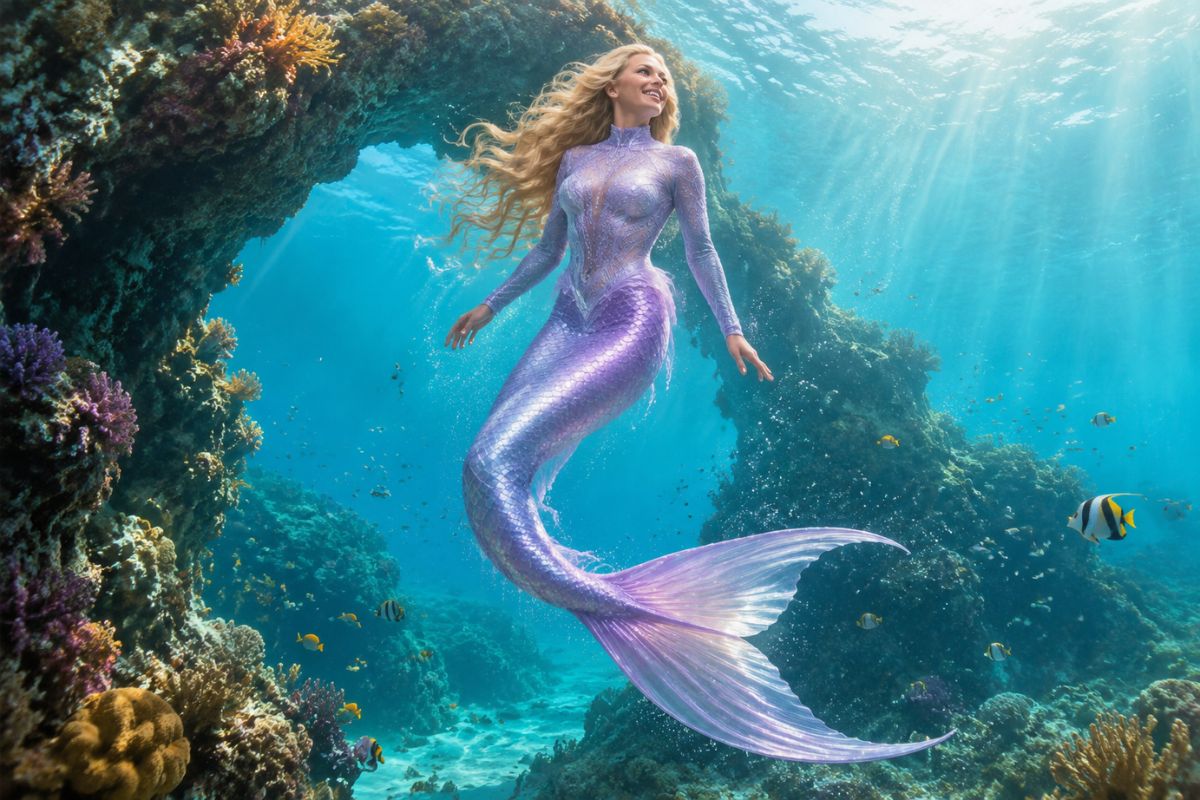
可辨識的肖像細節
清晰的來源影像能為效果提供更強的面部、髮型、姿勢和光影提示,同時主體周圍的服裝與背景隨之改變。
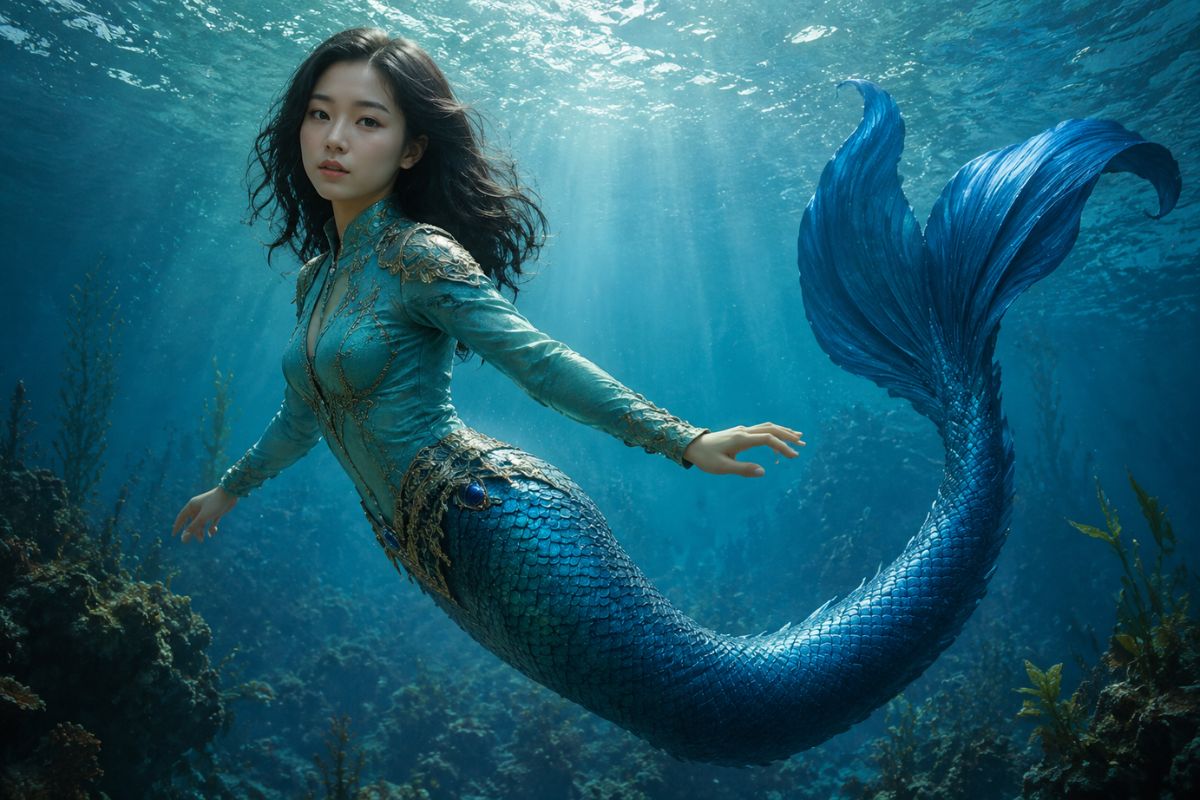
夢幻水下氛圍
添加珊瑚礁、氣泡、光線和深海色彩,打造完整的夢幻場景,而非簡單的服裝疊加。
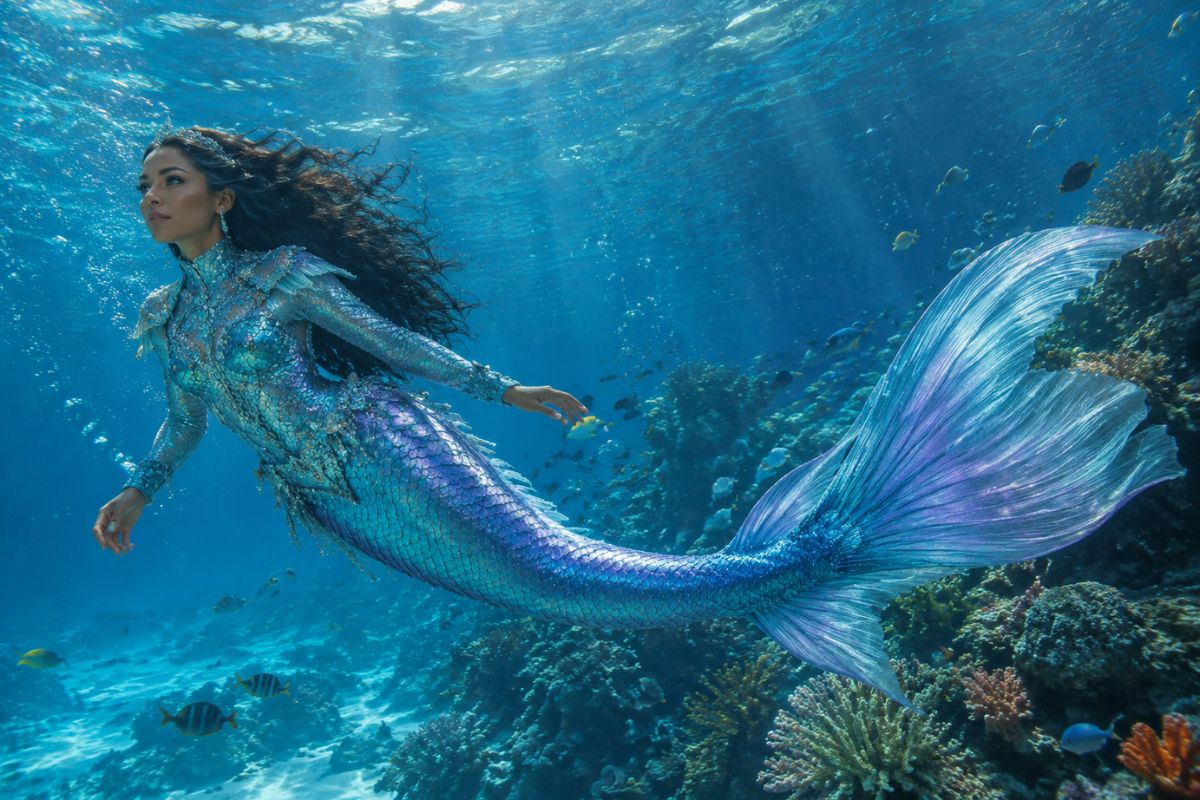
美人魚圖片的創意用途
夢幻個人頭像
為社群個人資料、社群或遊戲帳號建立獨特的水下頭像。
角色概念設計
為故事、桌遊跑團或個人藝術參考視覺化獨創的人魚角色。
海洋主題派對藝術
為邀請函、裝飾品或主題紀念品製作豐富多彩的夢幻肖像。
故事書場景
為海底故事、漫畫靈感或情緒板打造視覺起點。
Cosplay 靈感
在搭配服裝前,先探索魚尾顏色、首飾、髮型、妝容及水下造型。
適合分享的奇幻創作
將喜愛的肖像轉化為富有想像力的海洋場景,非常適合社群貼文、互動回應與創意挑戰。
AI 美人魚生成器常見問題
什麼是 AI 美人魚濾鏡?
它透過加入美人魚造型、魚尾、鱗片細節和海洋景色,將肖像轉化為奇幻的水下角色。
AI 美人魚生成器是如何運作的?
上傳一張清晰的肖像,套用美人魚特效,然後檢視生成的影像。原圖會提供面部、姿勢和光影提示,以進行變身轉換。
哪種照片的效果最好?
請使用單一清晰可見的主角,且五官清晰、光線均衡且遮擋最少。半身照或全身照能為特效留出更多空間來展現服裝與魚尾細節。
AI 生成的美人魚看起來還會像我嗎?
此特效會以原肖像作為視覺基準,但生成的髮型、五官細節、雙手和身材比例可能會有所不同。請檢視最終成品,如有需要可再嘗試其他版本。
我可以創作不同的美人魚風格嗎?
每次生成的魚尾顏色、鱗片紋理、飾品、光影及水下背景都可能有所不同,非常適合用來探索多種原創角色造型。
我可以免費體驗 AI 美人魚生成器嗎?
Imgfree 可能會提供免費點數或試用權限。開啟工具即可查看目前的額度、登入要求及可用的下載選項。
可以使用他人的照片嗎?
請僅上傳您獲得授權使用的圖片。在分享或用於公開專案之前,請仔細確認生成結果。
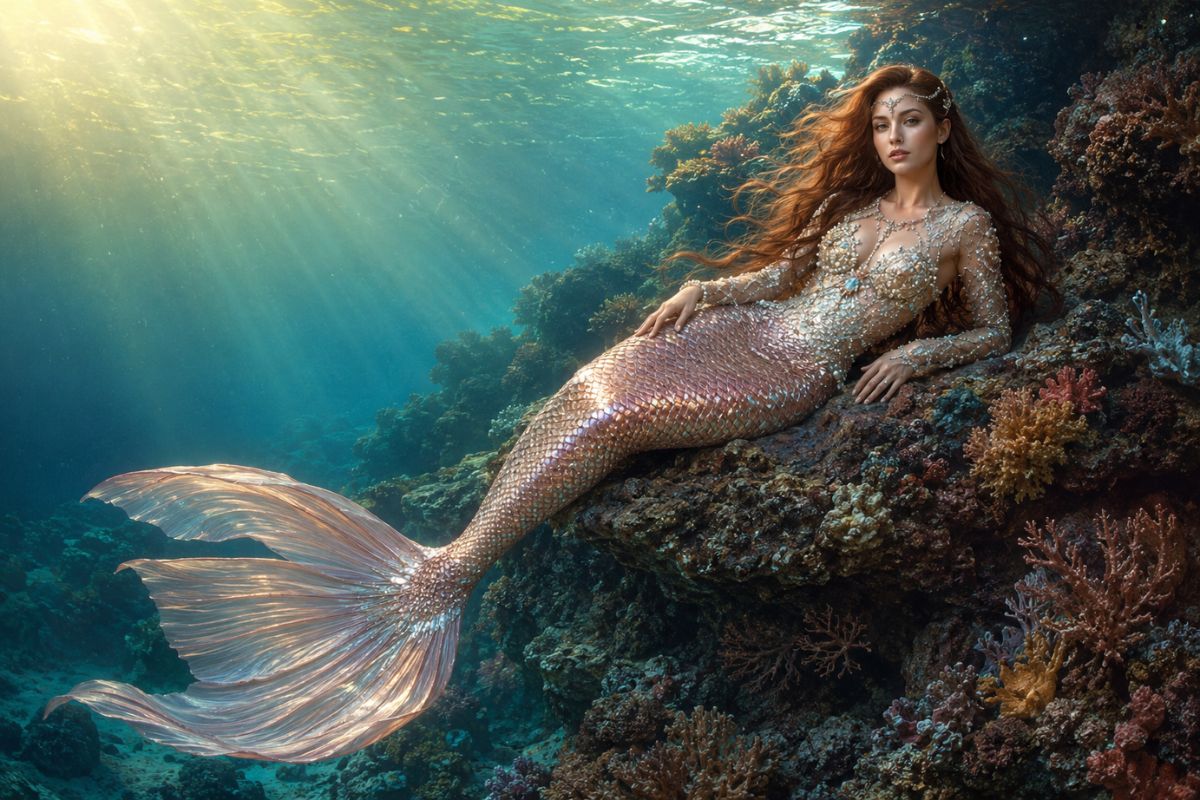
打造專屬於您的美人魚變身

Video Effects
View all 20AI Roblox Video Generator
Use the Imgfree AI Roblox generator to turn one image into a playful block-style clip. Create AI Roblox videos for avatars and game-inspired scenes.
AI Spring
Use the Imgfree AI Spring Effect to transform one image into a bright seasonal scene with blossoms, fresh greenery, and soft natural light.
AI Twerk Generator
Create an AI twerk dance with the Imgfree AI twerk video generator and AI twerk creator. Animate an adult photo into a playful dance video.
Gender Swap
Use the Imgfree gender swap video generator to upload one authorized adult photo and create a short AI video with an alternate gender presentation and natural motion.
Kiss Me AI
Create a tasteful kiss me AI clip from photos. Add gentle motion and review faces, timing, and continuity with Imgfree.
Video Background Remover
Remove background from video online with Imgfree. Upload a clip, isolate the subject, preview edge quality, and export a clean result for your next edit.
AI Hug Generator
Create an AI hugging video with Imgfree. Use the AI hug video generator free credits to animate two compatible photos into a warm, natural-looking hug scene.
AI Kissing Generator
Create an AI kiss video from compatible photos with Imgfree. Try a free AI kissing video or a tasteful AI french kiss video generator for adult couples.