AI Jiggle Generator
Turn any photo into a jiggle dance clip — upload a picture and go.
AI Jiggle Generator
Upload a clear full-body or half-body photo and turn it into a playful motion clip with the Imgfree AI jiggle generator. Create an AI jiggle effect or AI jiggle dance while keeping the movement upbeat, tasteful, and easy to preview.
Add Bouncy, Rhythmic Motion to a Photo
Rhythmic Body Motion
Create a readable sequence of bounce, sway, and recovery with image to video so the clip feels like continuous movement instead of disconnected frames.
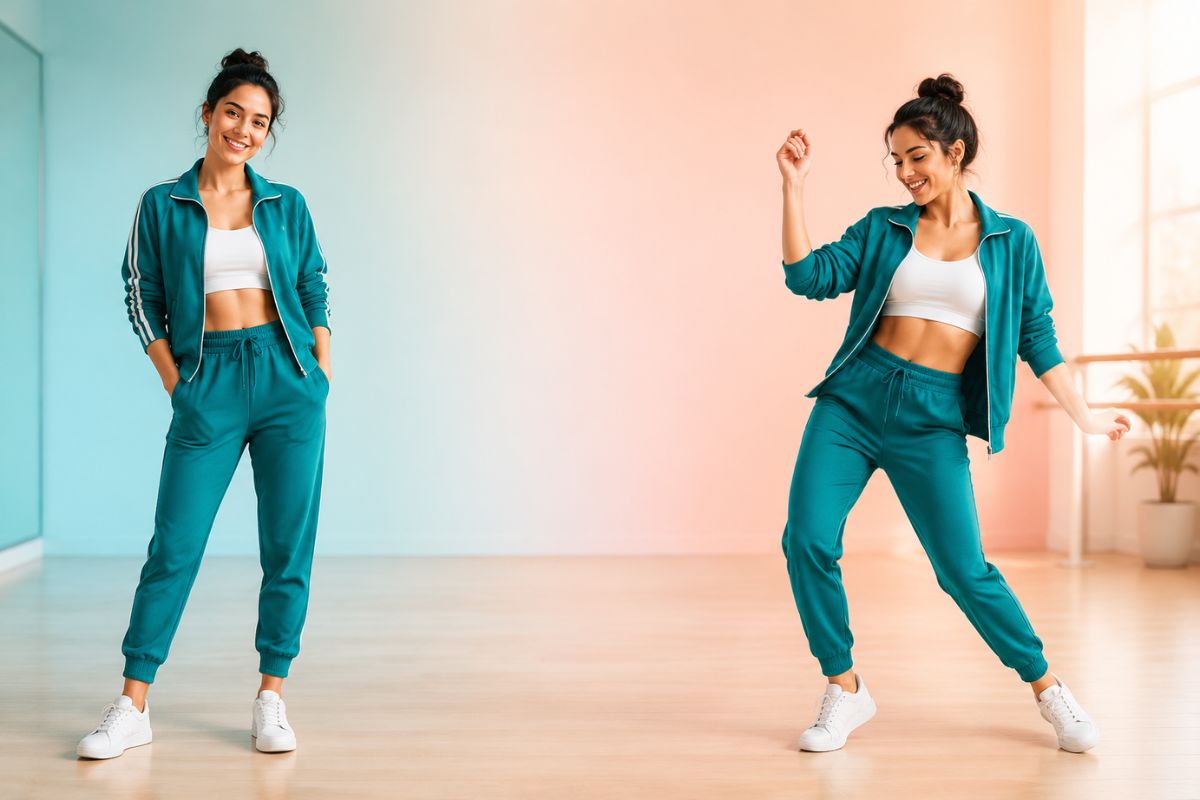
Stable Subject Appearance
Clear photos help preserve the face, outfit, and overall silhouette as the subject moves through the generated sequence.

Social-Ready Energy
Turn a portrait into a short energetic reaction, dance beat, or playful loop suited to casual posts and private edits.
How to Create an AI Jiggle Effect
Upload, apply, preview, and download
- 01
Upload a clear photo
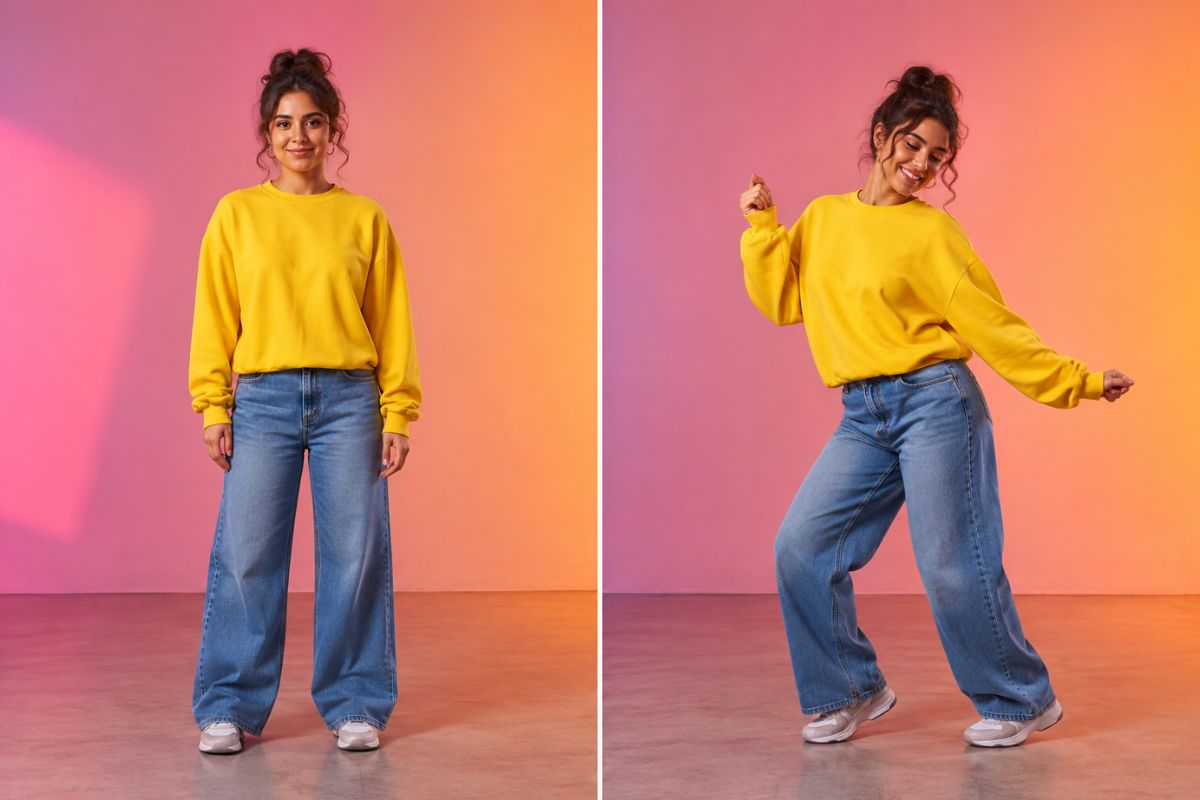
Choose one adult subject with a visible face and body, simple pose, good lighting, and enough space around the arms, waist, and legs.
- 02
Apply the jiggle effect
Let Imgfree generate a coordinated bounce or dance motion from the starting pose.
- 03
Preview and download
Watch for facial drift, warped limbs, unstable clothing, or abrupt background changes. Generate another version if the motion looks uneven.
Ways to Use an AI Jiggle Dance Clip
Dance Challenges
Animate a suitable photo into a short bouncy dance moment for a trend-inspired post.
Reaction Clips
Create an exaggerated movement beat for playful replies, memes, and group chats.
Music Edits
Add a rhythmic generated shot to a personal montage or beat-synced video edit.
Character Animation
Give an original illustrated adult character a lively bounce or dance motion.
Party Invitations
Build a cheerful animated visual for birthdays, celebrations, and event messages.
Profile Content
Turn a favorite portrait into an energetic clip for stories and creator profiles.
AI Jiggle Generator FAQ
What is an AI jiggle generator?
It turns a still photo into a short video with generated bouncy, swaying, or dance-like movement.
Can I use a free AI jiggle video generator?
Imgfree may provide free credits or trial access. Open the effect to check the current allowance, login requirements, and download options.
How do I make an AI jiggle dance look cleaner?
Use one clearly visible adult subject in a balanced standing pose. Avoid crossed limbs, crowded backgrounds, heavy motion blur, and body parts cut off by the frame.
Will the face and outfit stay consistent?
The effect aims to keep the subject recognizable, but strong movement can change facial details, hands, clothing edges, or body proportions. Review the full clip before sharing.
What can I create with the AI jiggle effect?
It can work for dance challenges, reactions, music edits, party messages, original-character clips, and playful social posts.
Can I animate someone else’s photo?
Use only adult images you have permission to upload and animate. Avoid deceptive, humiliating, or non-consensual edits.