Text to Video
Describe a scene and turn it into cinematic video.
100
AI Text to Video Generator
Write what you want to see — a subject, how it moves, where the camera goes — and imgfree renders it as a short clip. No footage, no timeline, no editing suite: just a prompt.
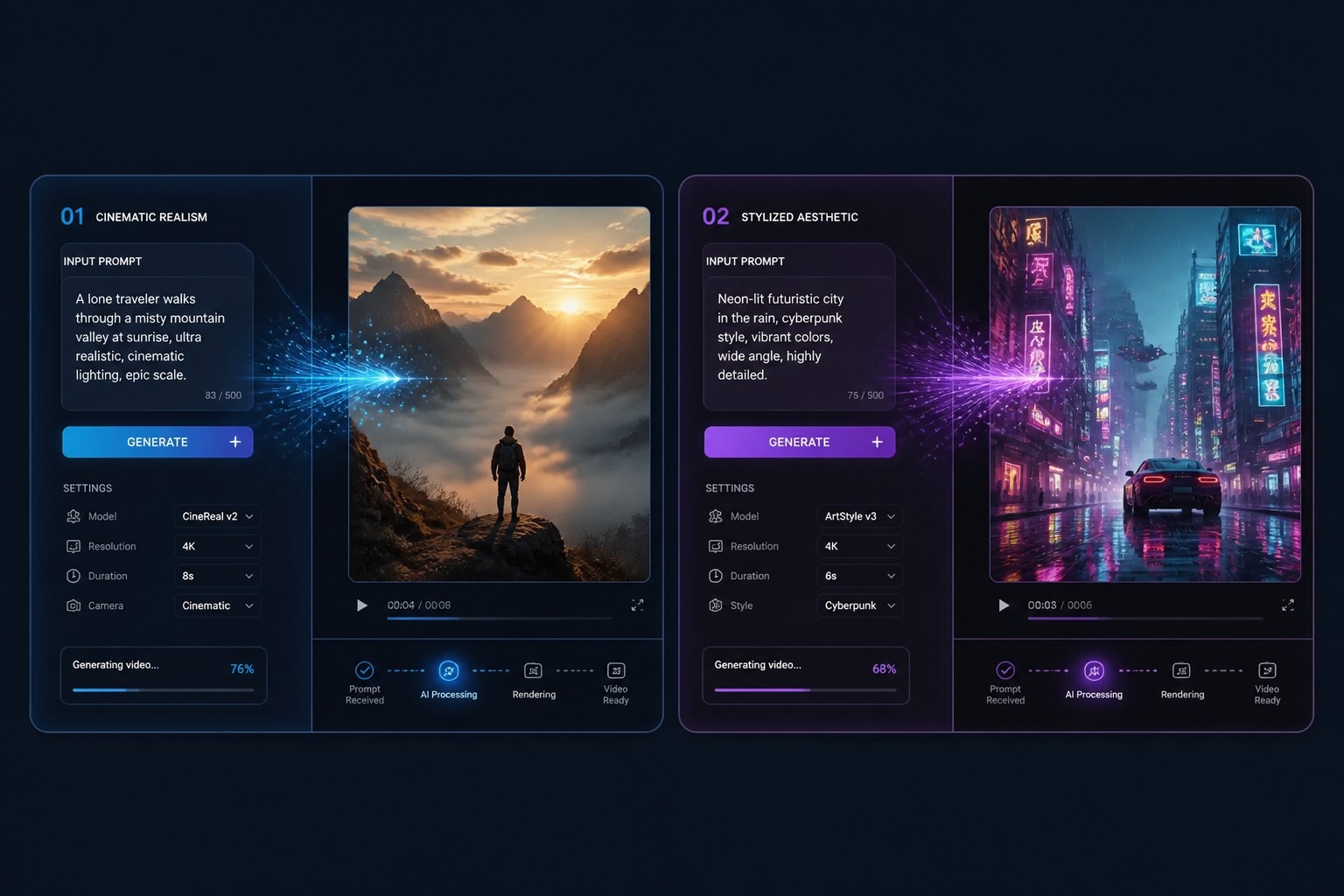
From Prompt to Moving Picture
Prompt to Video
Prompt to video generation needs more than a subject. Add movement, shot type, setting, pacing, and visual style so the result feels like a video rather than a still image with motion.
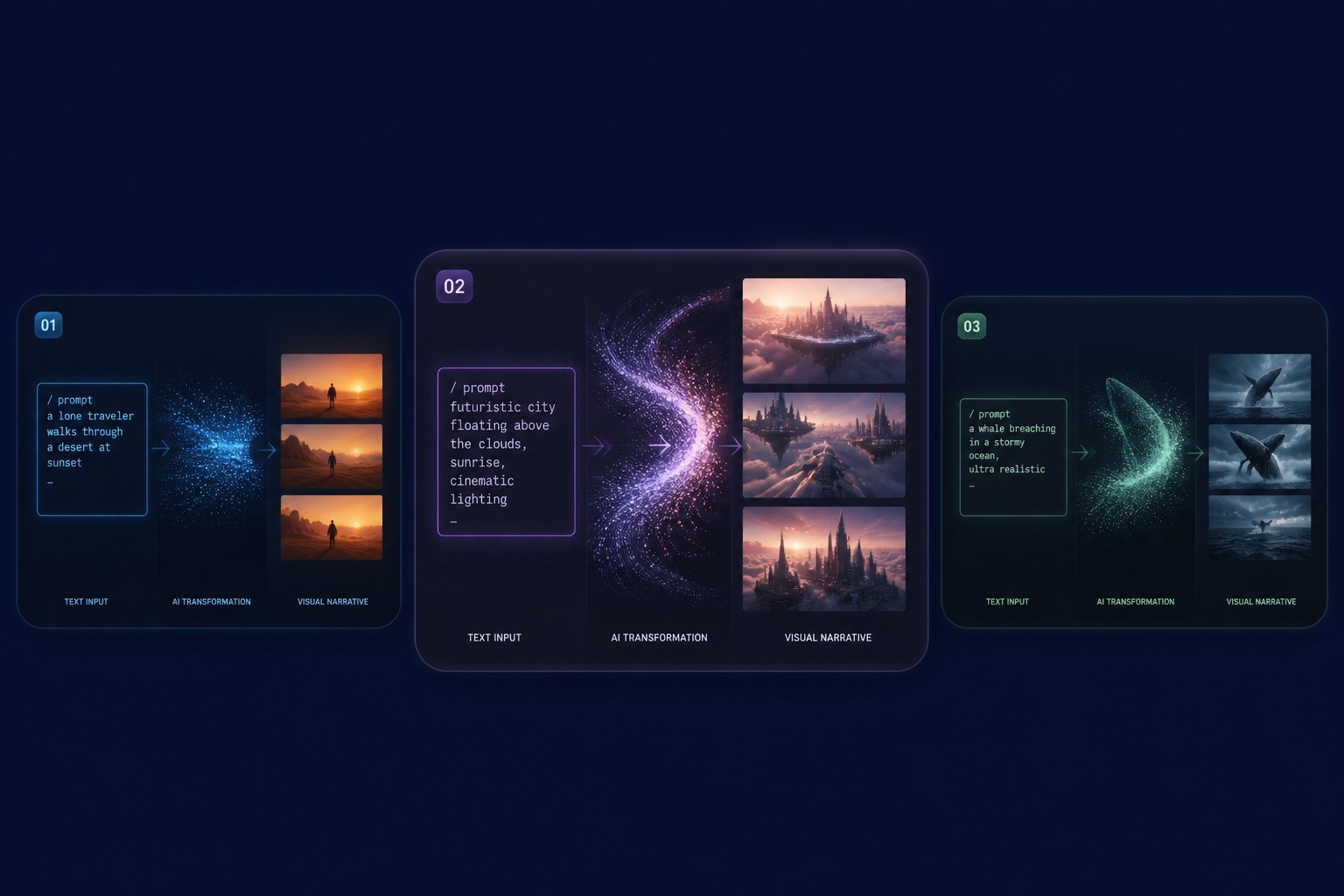
Text to Video AI
Text to video AI is strongest for short clips, concept scenes, social hooks, background loops, and early storyboard ideas. Keep the first render focused on one main action.
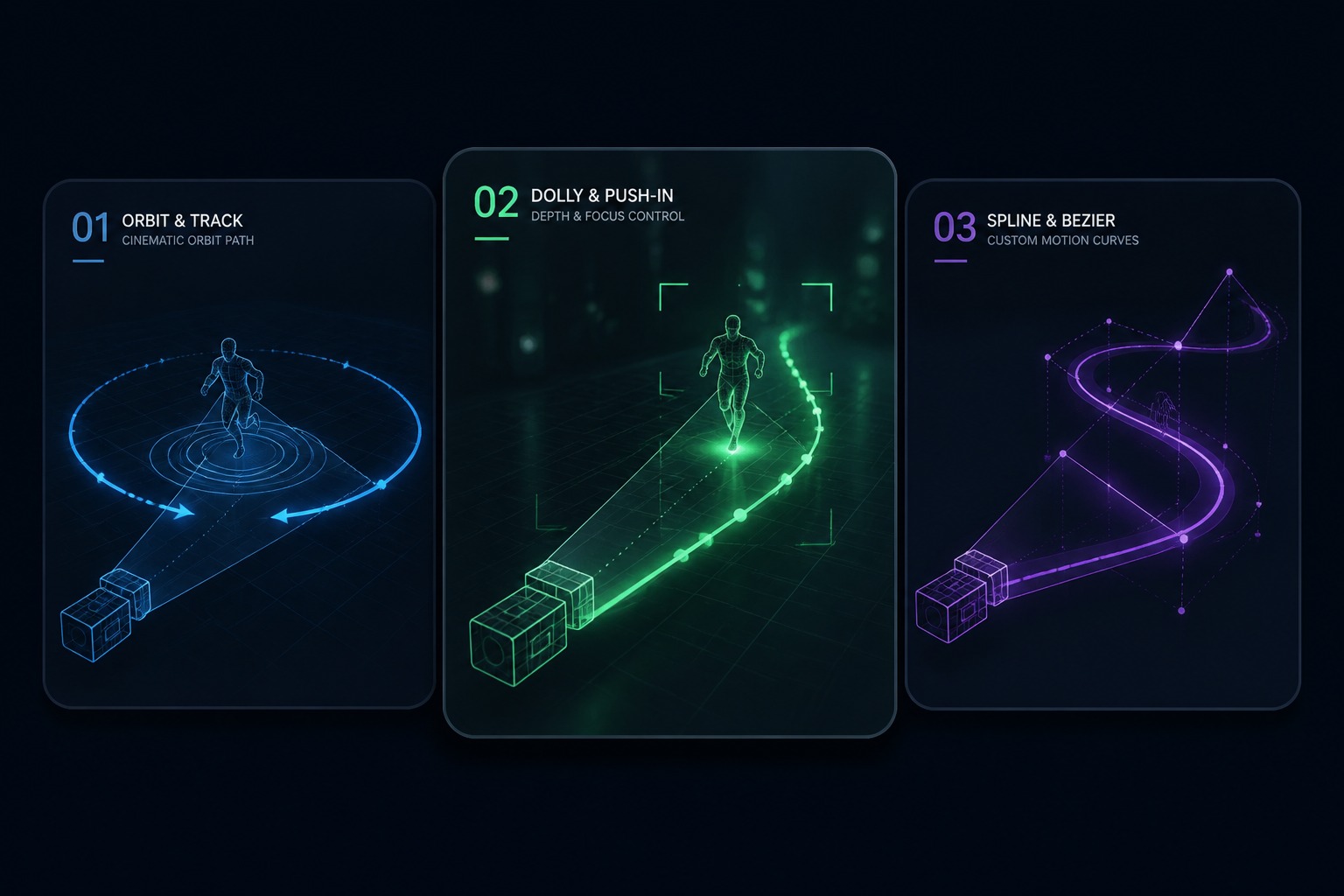
Scene Motion Control
Describe what moves, how fast it moves, and what the camera should do. A clear motion brief reduces random animation and makes the clip easier to evaluate.
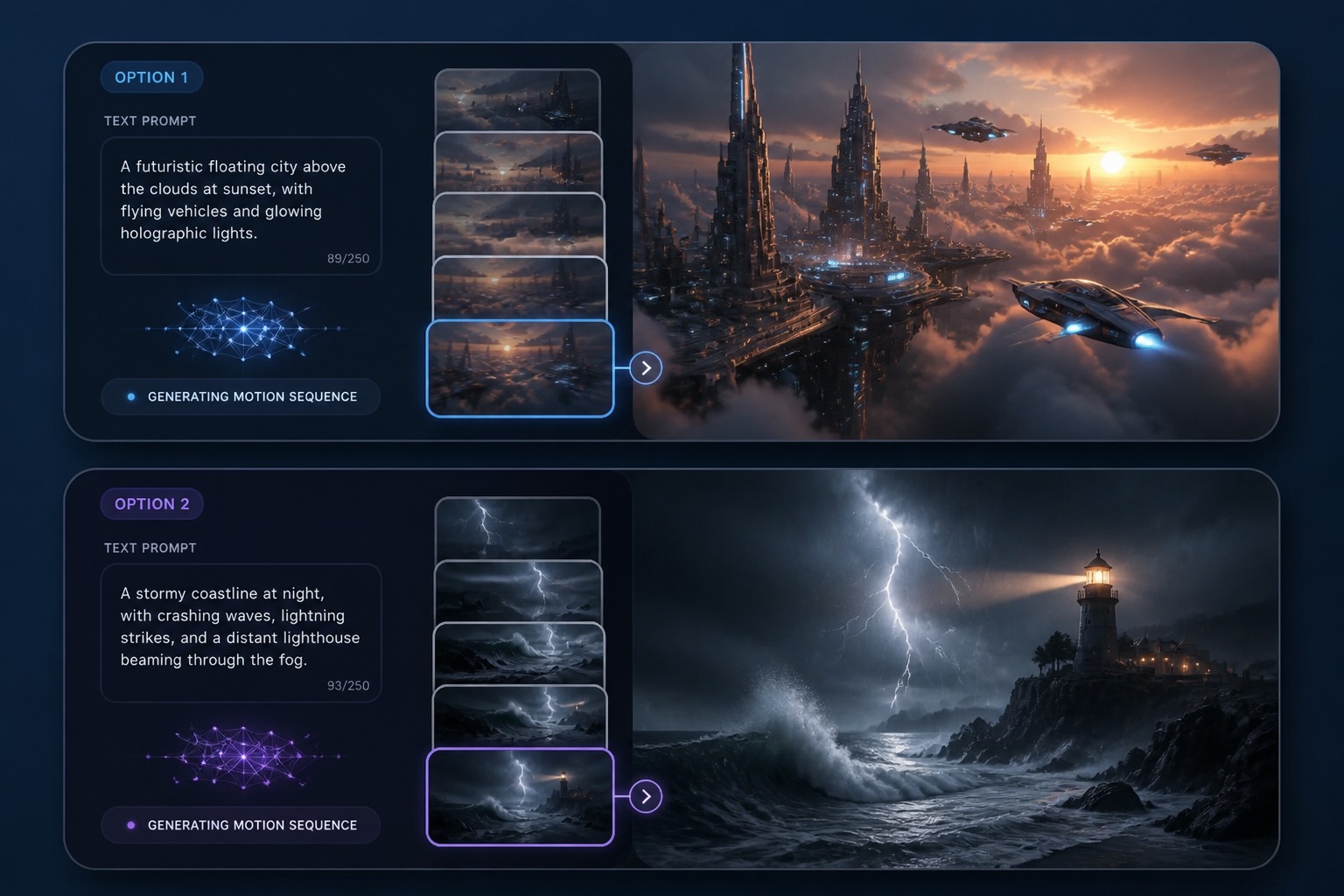
Video From Text
An AI video generator from text helps you prototype ideas before production. Generate a short draft, inspect motion quality, then refine the prompt around the best take.
The ingredients of a scene
How to Write a Video Prompt
Lead with the action
Video is motion. "A hawk dives between skyscrapers" will always beat "a hawk in a city" — verbs carry the clip.
Give the camera a job
Push-in, orbit, handheld follow, static wide: naming the camera move separates a video from an animated photograph.
Set the scene and the light
Time of day, weather, and location anchor the look. "Rain-soaked street at night, neon reflections" does more than any style tag.
Control the pace
Say whether the moment is slow and majestic or fast and chaotic — pacing is part of the prompt, not luck.
Commit to one style
Cinematic or anime, realistic or stylized. Mixing style keywords makes the renderer split the difference, and it shows.
Skip on-screen text
Generated type rarely comes out readable. Leave titles and captions to an editor after export.
How to Turn Text into Video
Write, compare, export
01
Write the Scene
Describe the subject, the action, the setting, and the camera move in a few plain sentences.
02
Compare Short Drafts
Generate a couple of variations and judge motion quality, composition, and stability side by side.
03
Refine and Export
Rerender the strongest direction with a tightened prompt, then download the clip that holds up.
Prompting, motion quality, and where text to video fits.