Image to Video
Bring a single photo to life with natural, controllable motion.
100
AI Image to Video Generator
Your photo already has the composition — imgfree adds the motion. Upload a portrait, product shot, or landscape, say what should move, and get a short clip that stays true to the original image.
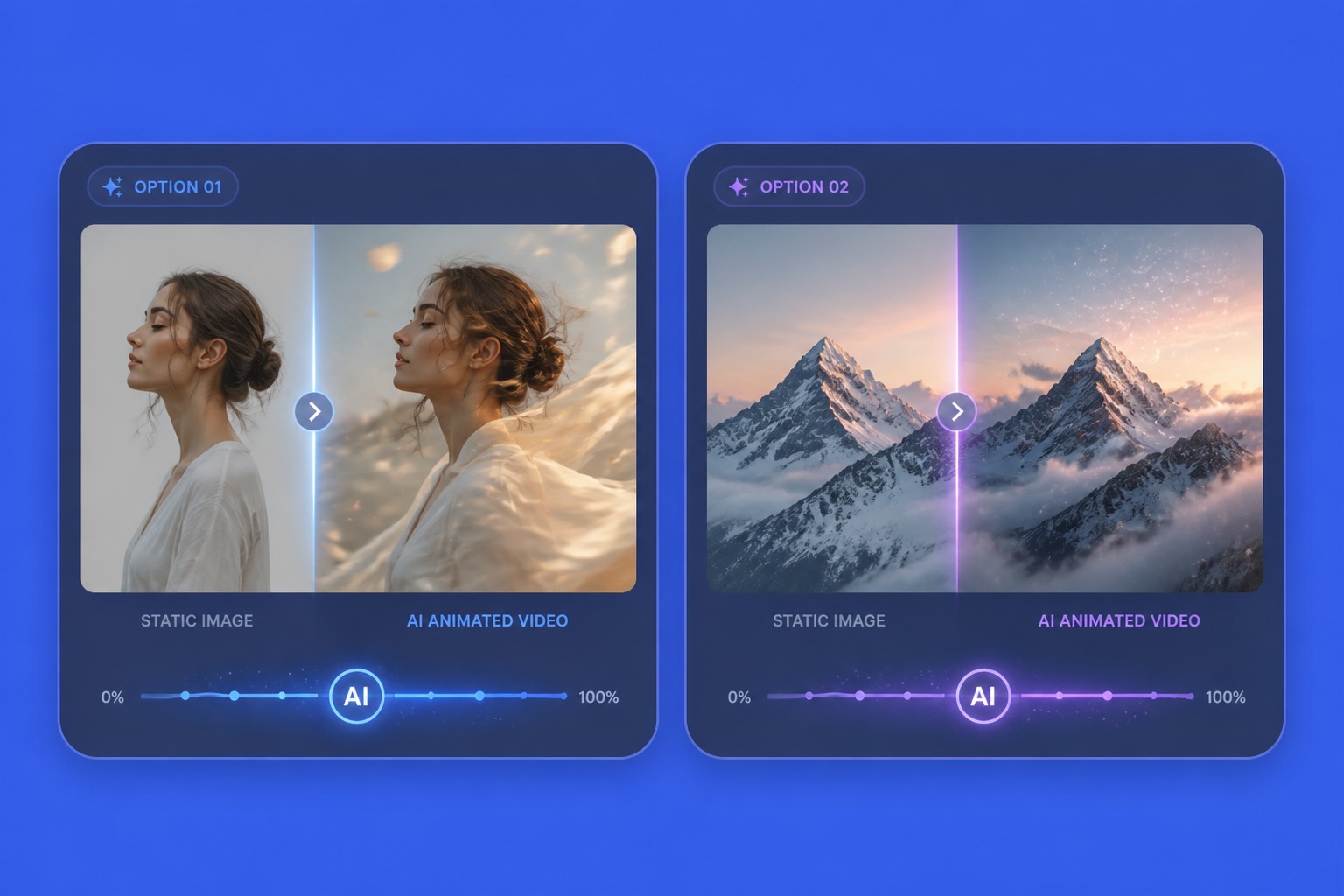
Bring a Still Image to Life
Image to Video AI
Image to video AI starts from your source image, so composition matters. Use a clear subject and describe the exact motion you want: camera push-in, hair movement, product turn, or ambient scene motion.
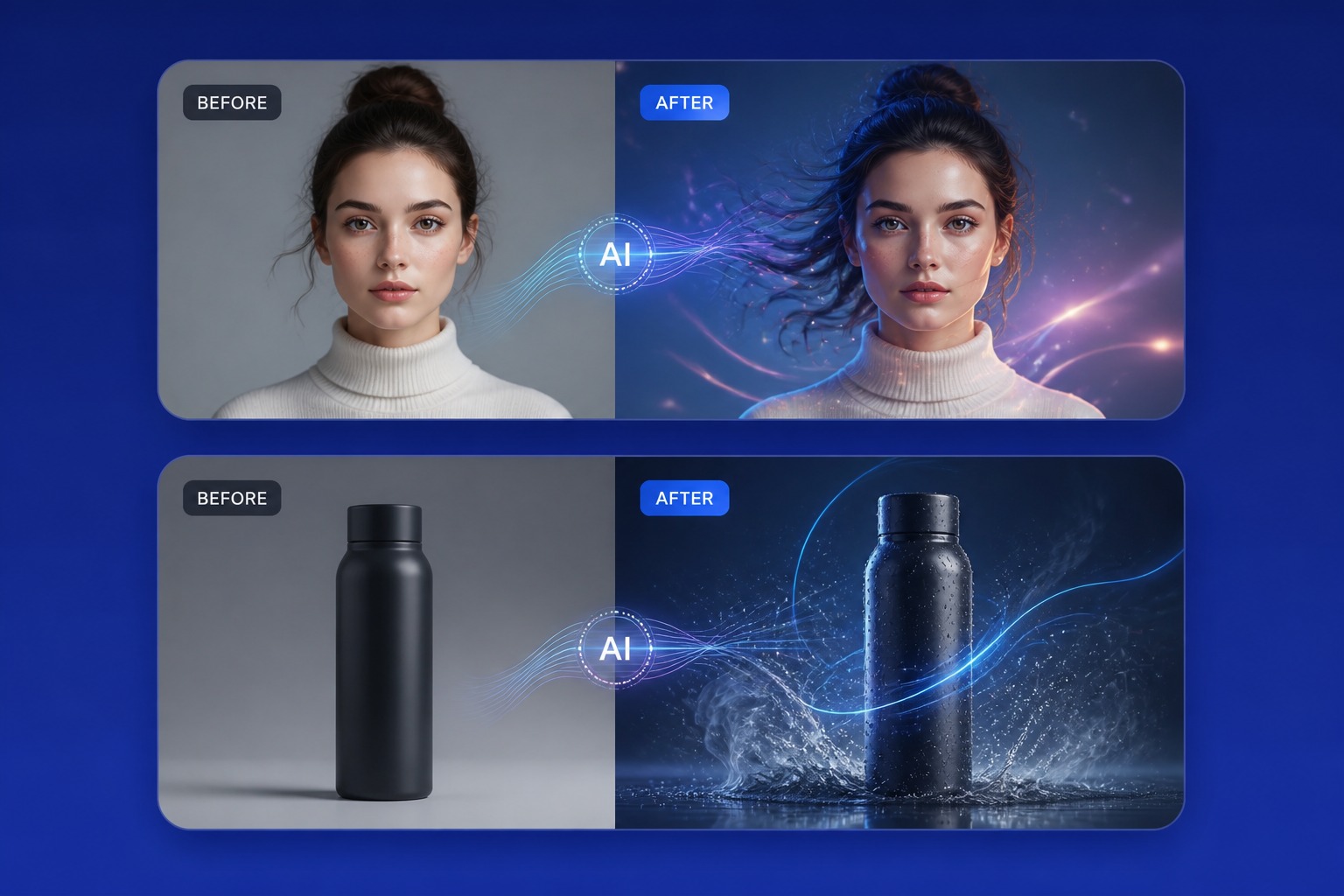
Photo to Video AI
Photo to video AI is useful for portraits, products, landscapes, posters, and social visuals. The best outputs add believable motion without changing the core subject.
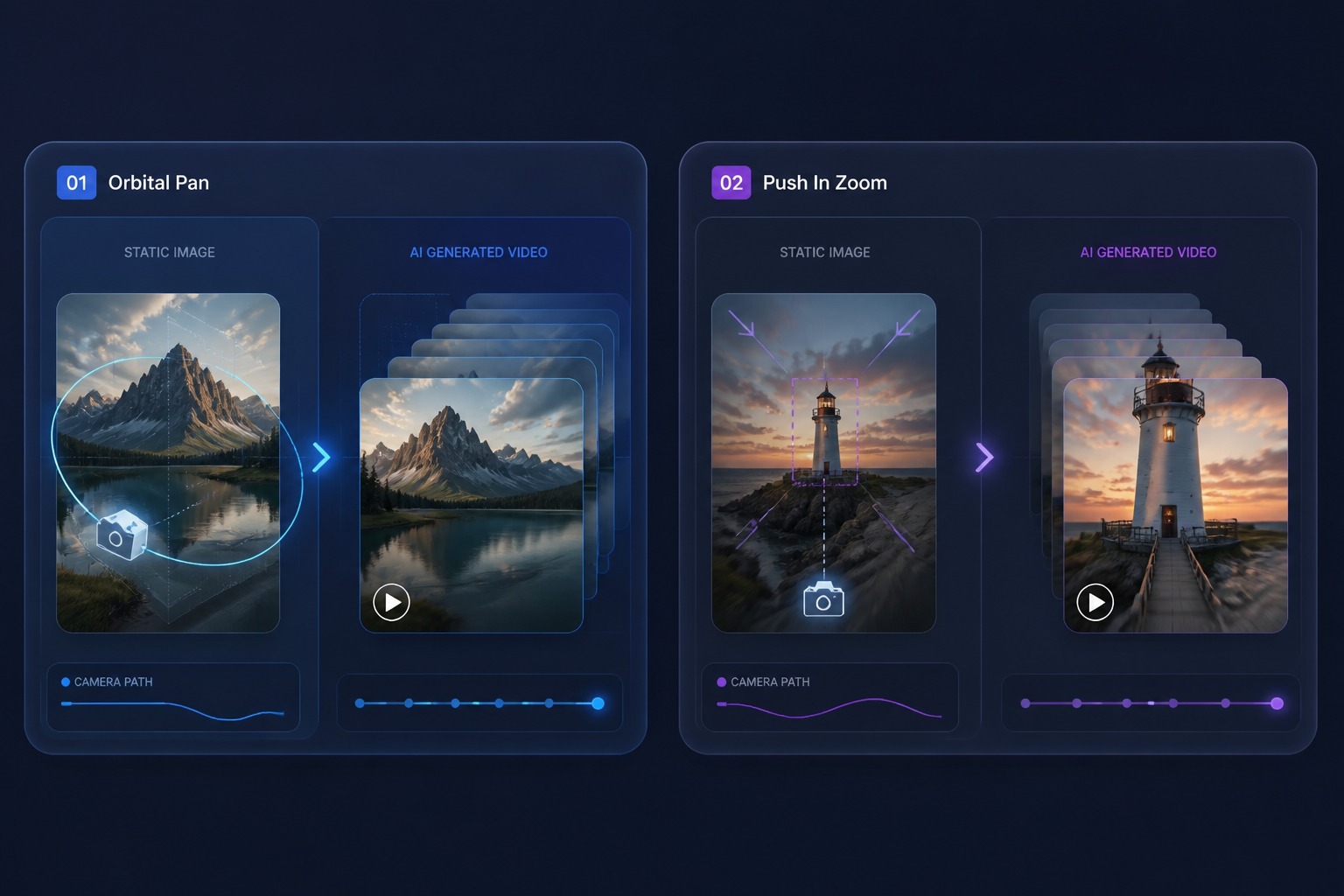
Animate Photo AI
Animate photo AI works best when the image has enough detail and a simple motion goal. Avoid asking one clip to change identity, style, background, and camera all at once.
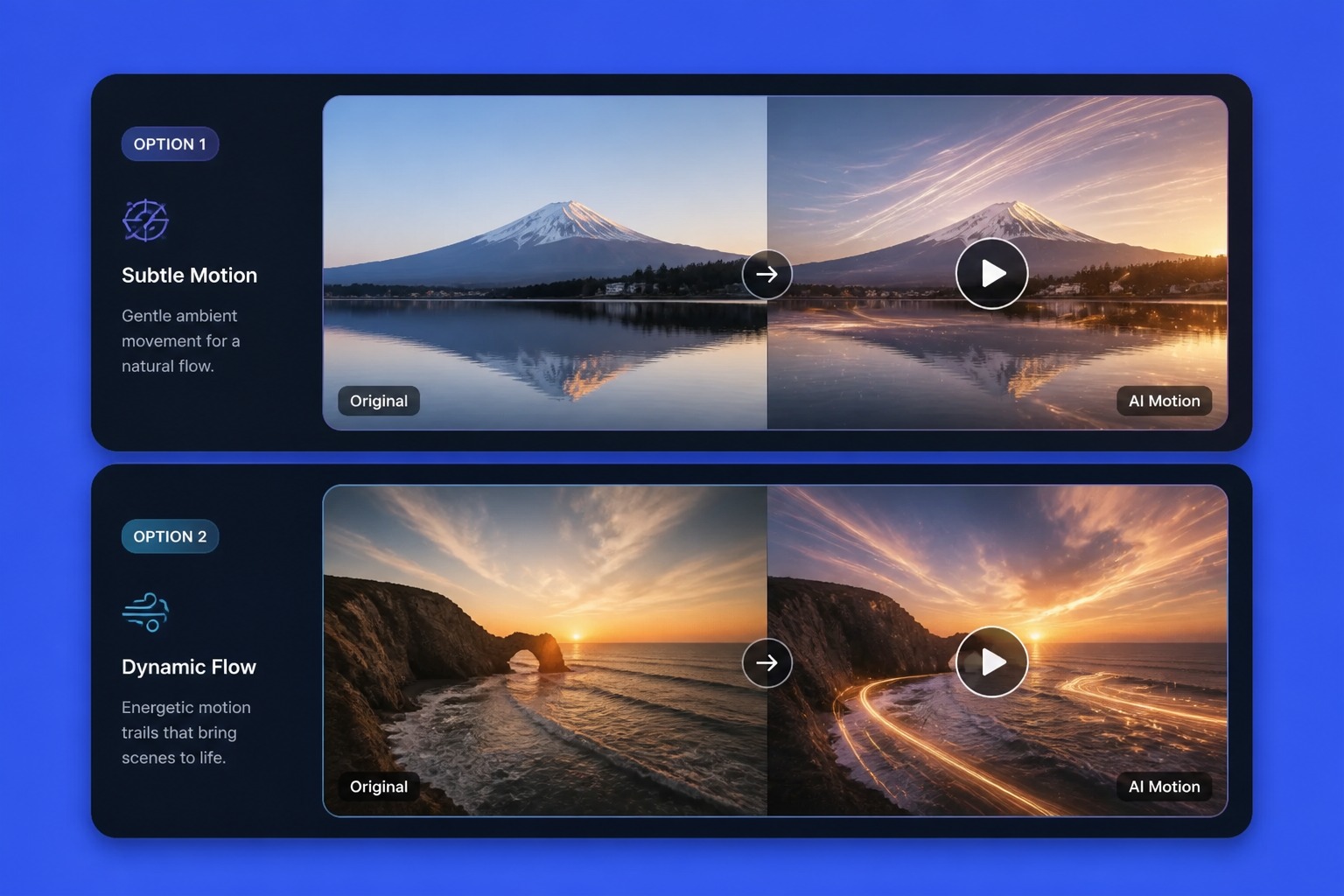
Picture to Video AI
Picture to video AI turns a static creative into a short clip for ads, posts, intros, and storytelling. Review whether motion improves the image instead of distracting from it.
Check these before you hit generate
What Makes a Photo Animate Well
One clear subject
The model animates what it can identify. A single well-defined subject moves convincingly; a crowd becomes soup.
Room to move
Very tight crops leave nowhere for the camera or subject to go. A little breathing space around the subject pays off.
Say what moves — and what doesn't
"Hair and dress sway in the wind, face stays still" is a motion brief. "Animate this" is a coin flip.
Keep the physics plausible
Wind, water, drifting clouds, a slow turntable — motion the real world could produce reads as premium. Teleporting doesn't.
Mind the edges
Objects cut off by the frame tend to distort once they start moving. Check the borders of your source first.
Match motion to purpose
Portraits want subtle life — a blink, a breath. Products want a clean rotation. Landscapes want slow ambient drift.
How to Animate a Photo
Upload, brief, generate
01
Upload a Picture
Choose a sharp image with one clear subject and a little space around it.
02
Brief the Motion
Describe the subject movement and the camera move — and name anything that must stay frozen.
03
Generate and Check
Preview the clip, verify the subject still looks like itself in motion, then export.
Source images, motion control, and fixing common artifacts.