Ghibli painting
Photo → hand-painted anime
Edit, restore and recolor photos — describe the change, keep the rest intact.
Hover any result to see the original photo it came from.
Photo → hand-painted anime
Photo → bold cel-shaded art
Casual snap → studio headshot
Clean cut-out, transparent
Same pose, same outfit
New hair, same face
Each example shows the model that made it — Try this switches to it and loads the source photo.
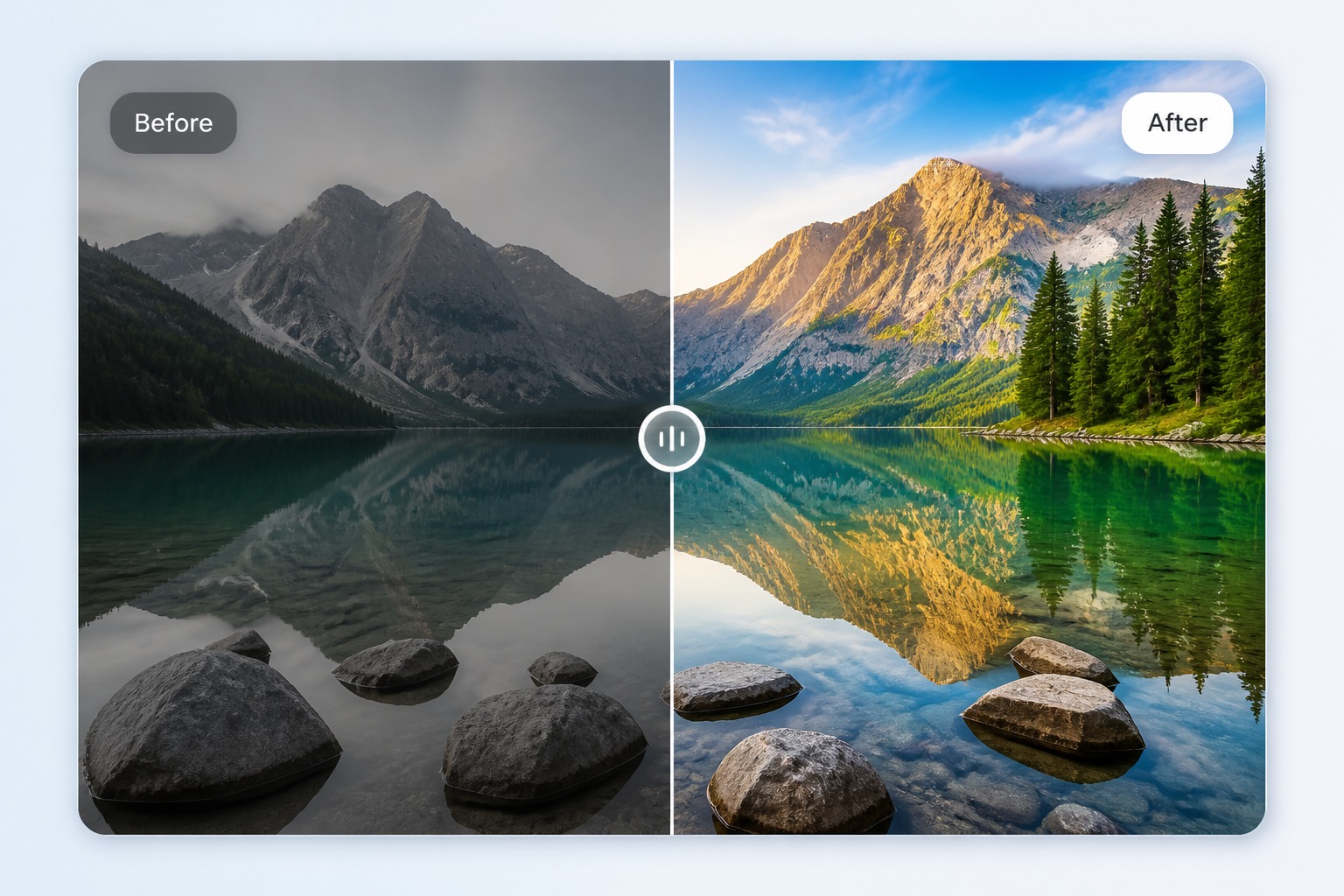
Upload an existing image and guide the edit with a short instruction. imgfree works best when you describe the exact change: restore detail, adjust lighting, remove distractions, or explore a new style.
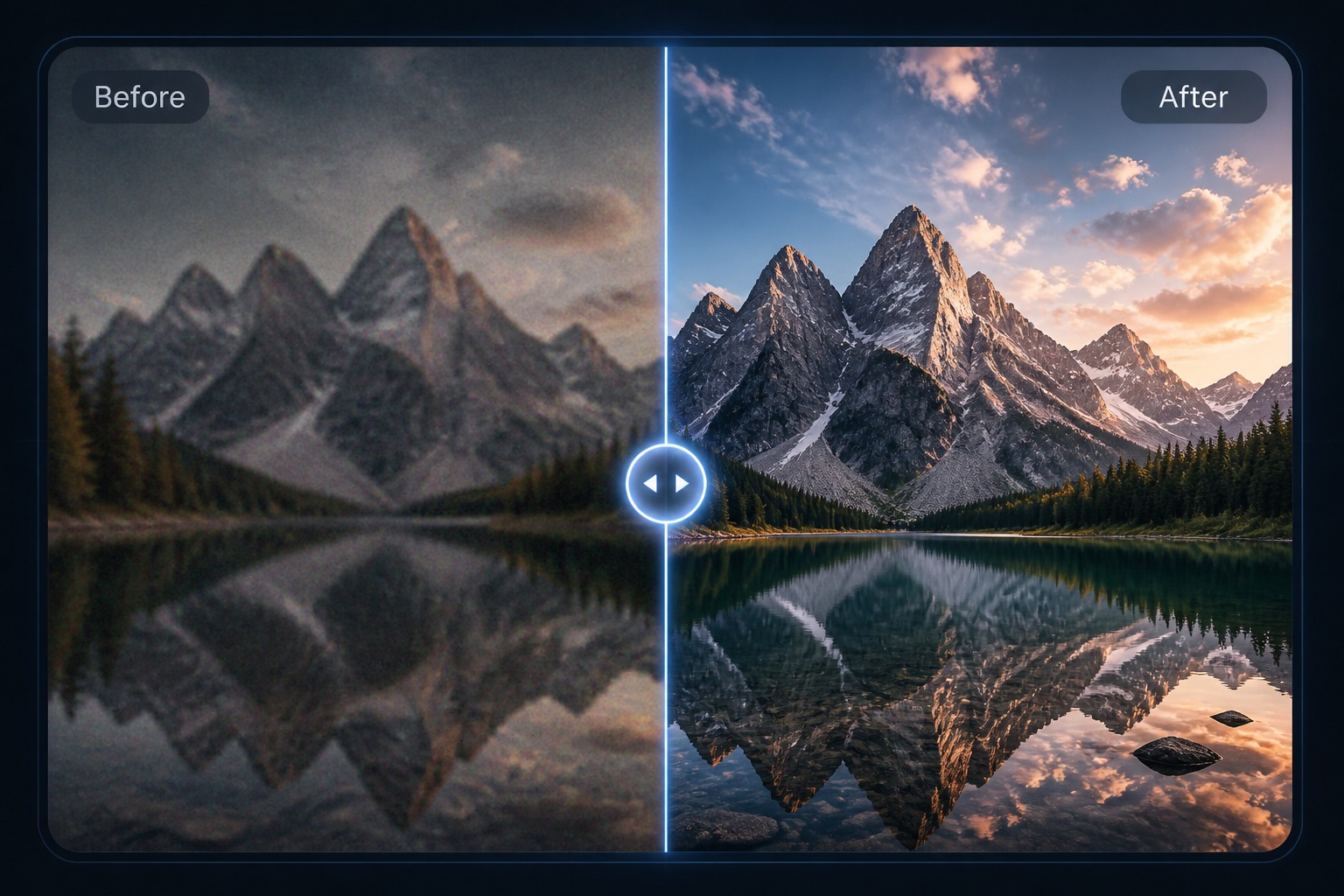
Use the AI photo editor for practical fixes before manual design work: cleaner portraits, stronger colors, sharper product shots, and fast creative variations.
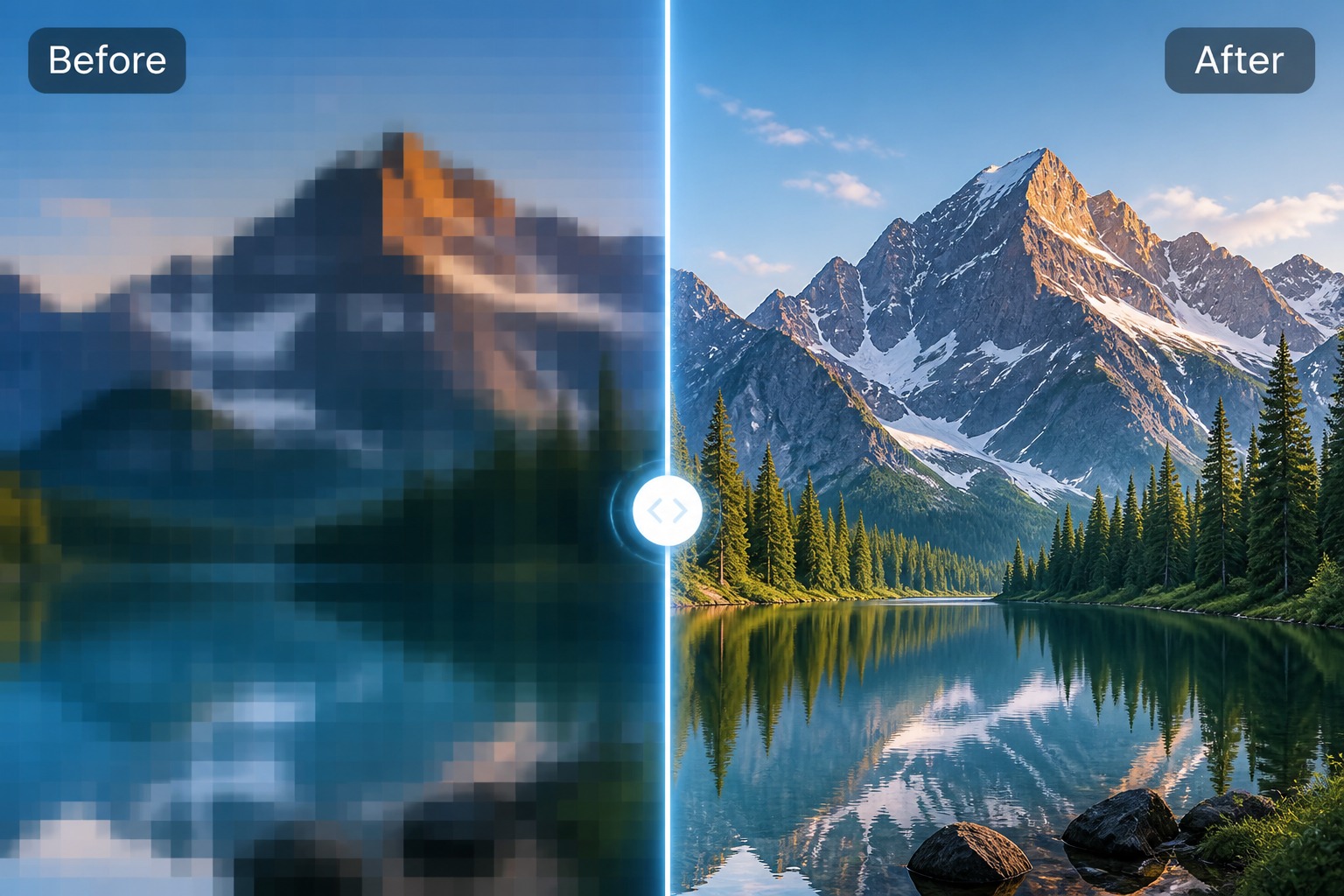
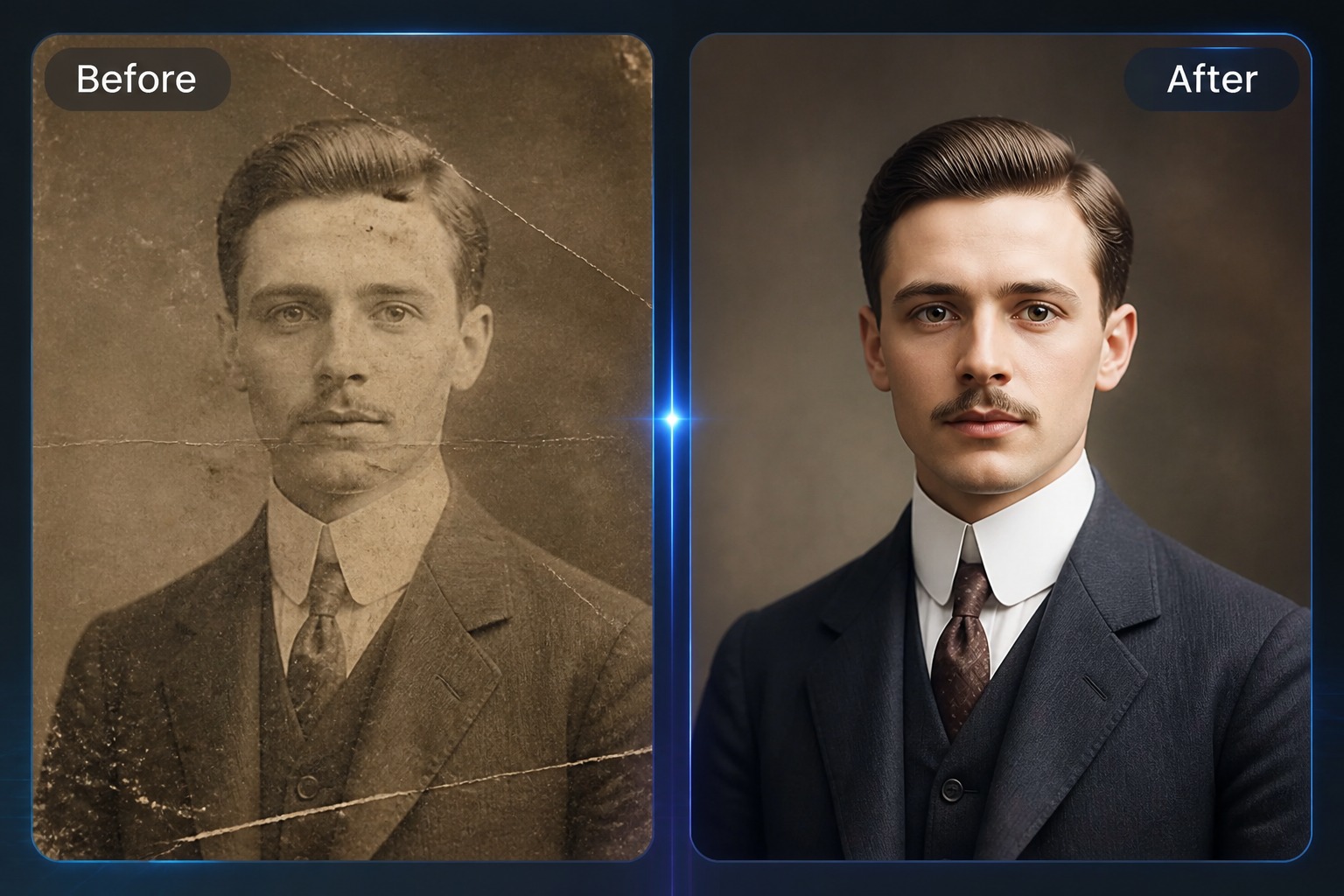
AI photo restoration is useful for faded, soft, or lightly damaged images. Review faces and important details carefully, because restoration should improve the image without rewriting identity.
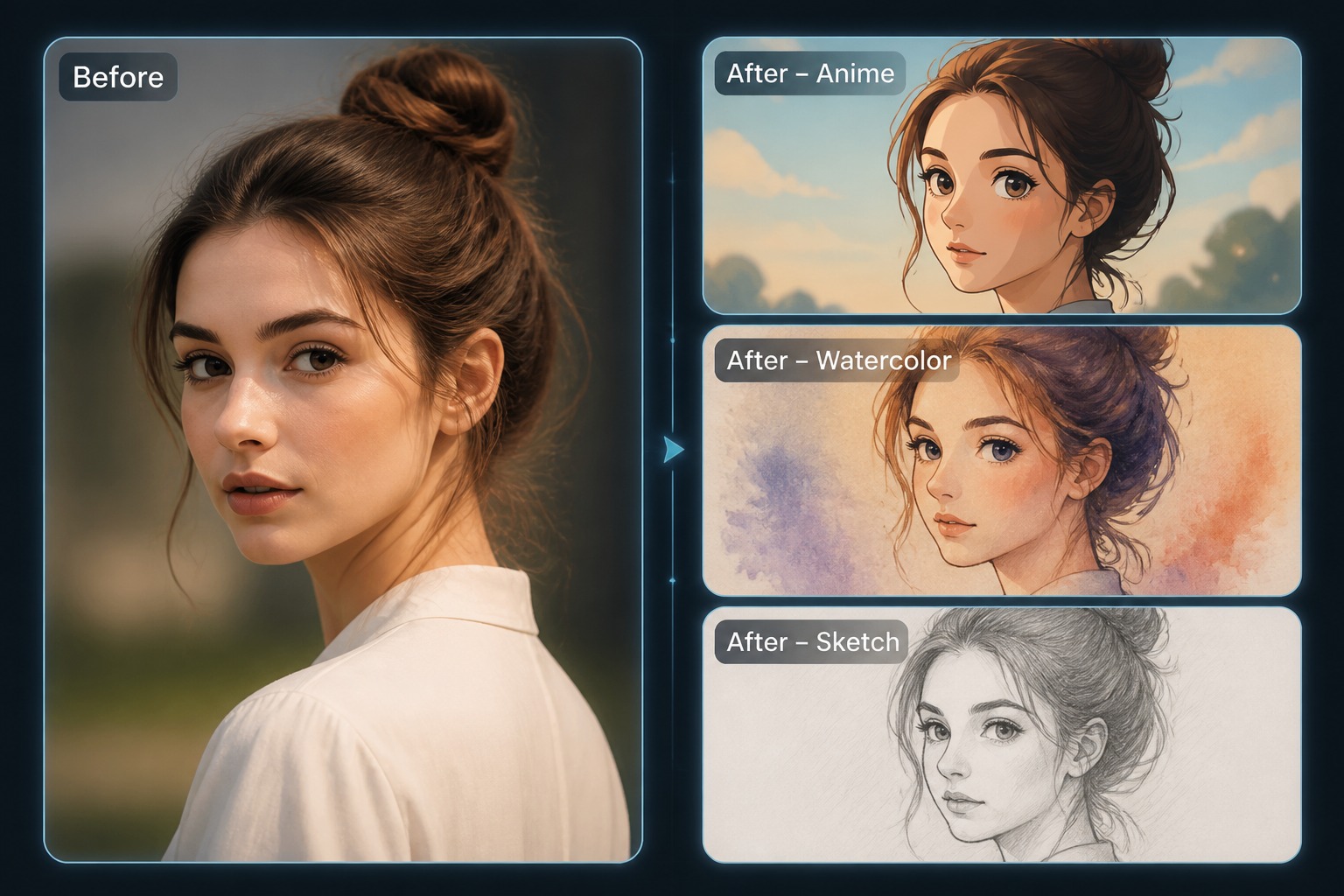
An AI image enhancer should make the image clearer, brighter, and more usable. Start with the highest-quality source you have, then compare before and after results before publishing.
Pick the photo or artwork to edit. A sharp, well-lit source gives the AI reliable detail to preserve.
Say what to fix or transform — and just as importantly, what to keep exactly as it is.
Check the result against the original side by side. Download it, or tighten the instruction and run another pass.