AI Drawing Generator
Describe what to draw, pick a style like line art, pencil sketch or ink, and the AI draws it for you. Free to try, no sign-up needed.
How to Make an AI Drawing
- 01
Describe what you want drawn
Type the subject and scene in plain words, like "a fox reading a book under a tree". Add details such as pose, setting or mood if you have them in mind.
- 02
Pick a drawing style
Tap a style such as Line Art, Pencil Sketch, Ink, Charcoal, Watercolor or Coloring Page. The style words are added to your prompt, where you can still edit them.
- 03
Generate and download
Choose a model and aspect ratio, generate, and save the drawing you like. Not quite there? Adjust the description or switch styles and draw again.
Drawing Styles You Can Create
From clean outlines to soft painted washes, switch the look with one tap.
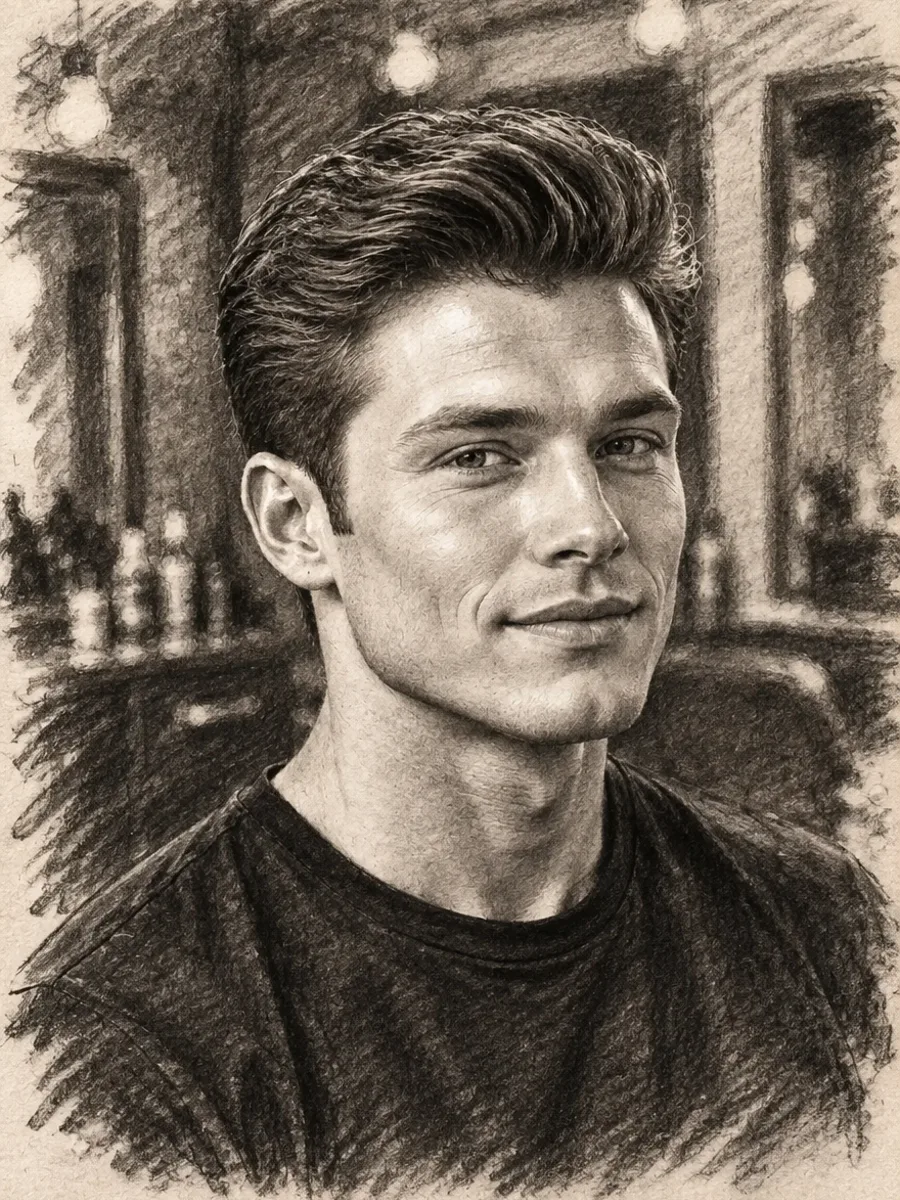
Pencil and charcoal sketches
Graphite hatching or smudged charcoal shading with visible paper grain, for portraits, studies and moody scenes.
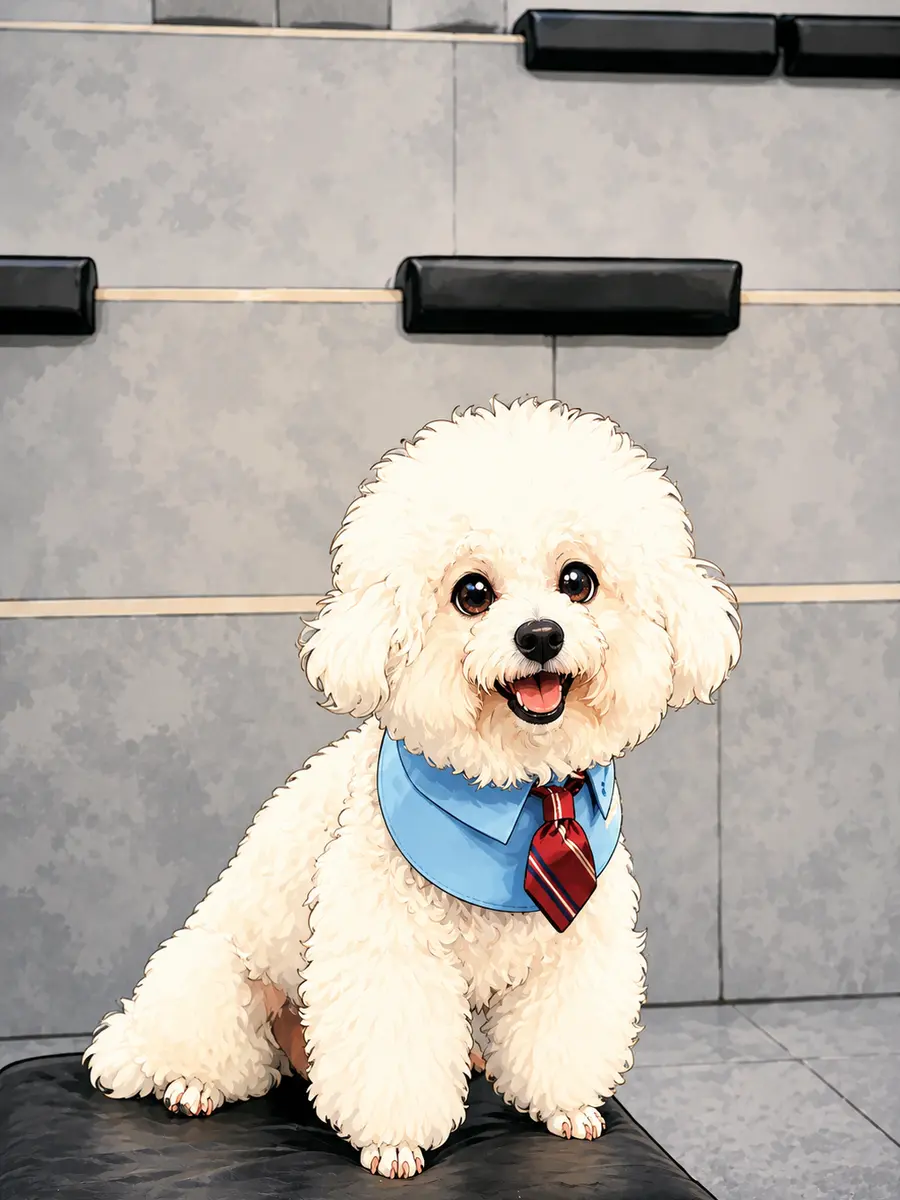
Bold line art and comics
Crisp outlines and flat shading for characters, stickers, comic panels and clean line drawings you can color later.
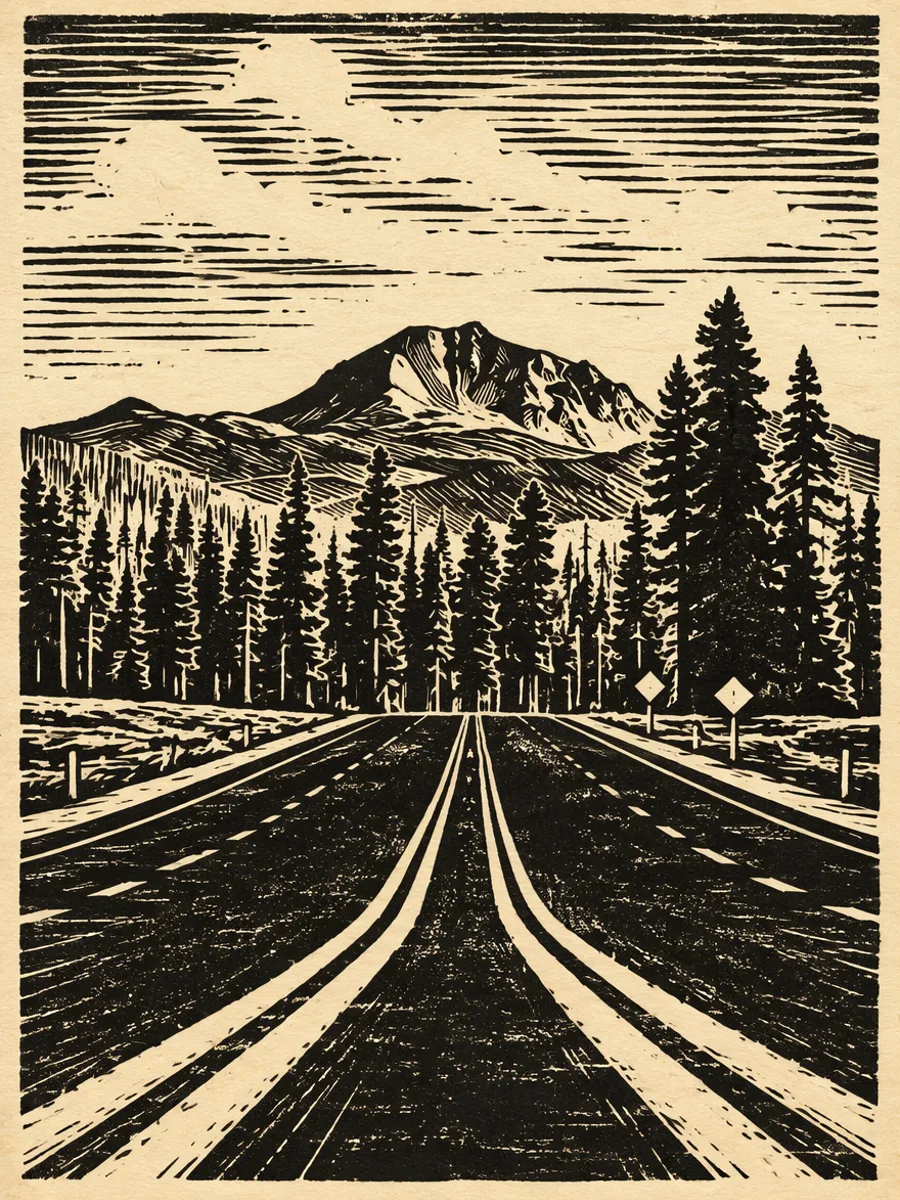
Ink and print-style drawings
High-contrast black ink, crosshatching and carved print textures for posters, book illustrations and tattoo ideas.
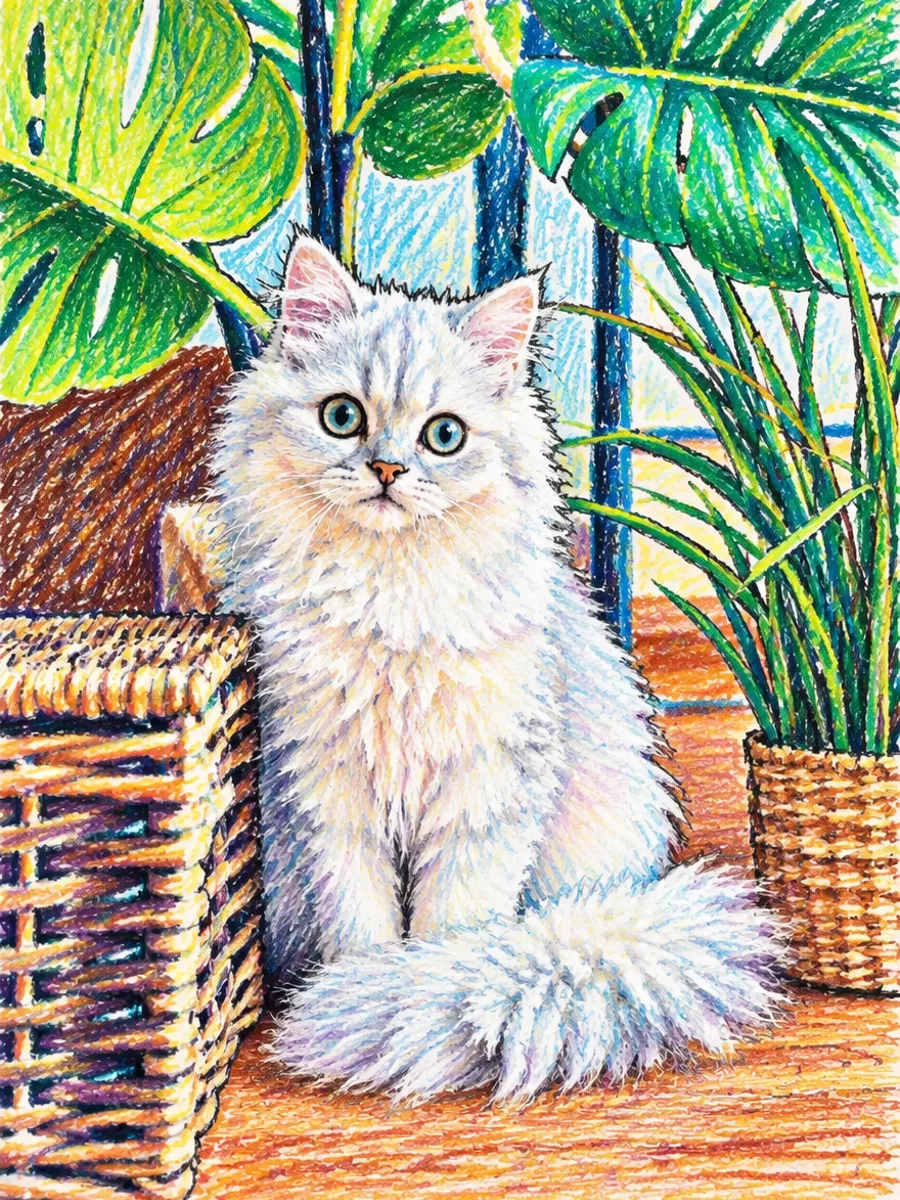
Crayon and kids' drawings
Waxy, playful strokes and bright colors that look drawn by hand, great for cards, classrooms and story books.
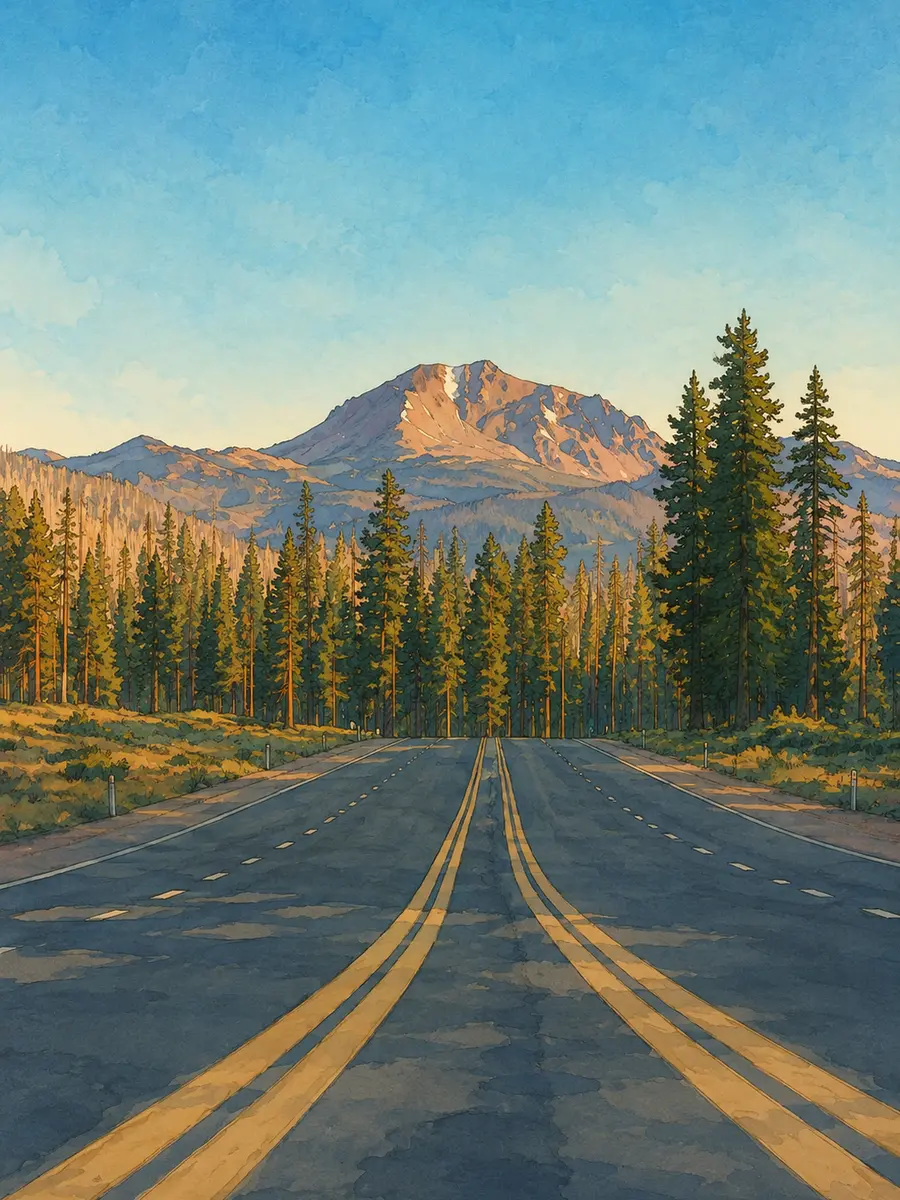
Watercolor and hand-painted art
Soft washes over light pencil lines, warm painterly light and gentle gradients for scenery and storybook art.
Why Use This AI Drawing Generator
Text to drawing in seconds
No drawing skills or tablet needed. Describe the idea and get a finished sketch, line drawing or illustration you can use right away.
One-tap drawing styles
Line art, pencil, ink, charcoal, watercolor, crayon, coloring page, anime sketch and doodle presets write the right style words for you.
Several image models in one place
Switch between the image models on imgfree from the same box and keep the one whose line quality you like best.
Any aspect ratio
Draw square art for avatars, tall pages for coloring sheets and prints, or wide scenes for headers and wallpapers.
Free to start in the browser
Nothing to install and no sign-up to try it. Visitors get free daily credits, and an account adds more.
Have a photo instead?
Upload it in the same box to turn a picture into a sketch or line drawing, or open the photo filters like Charcoal Drawing and Crayon Drawing.
AI Drawing Generator FAQ
What is an AI drawing generator?
It is a tool that turns a text description into a drawing. You describe the subject, pick a style such as line art or pencil sketch, and an AI image model draws it for you in seconds.
Is the AI drawing generator free?
Yes, you can start for free without signing up. Visitors receive free daily credits that reset every day, and creating an account or upgrading gives you more. Credit amounts may change over time.
Do I need to sign up?
No. You can type a prompt and generate drawings as a visitor. Signing in keeps your history across devices and unlocks more credits.
What drawing styles can I make?
The presets cover line art, pencil sketch, ink drawing, charcoal, watercolor, crayon, coloring pages, anime sketches and doodles. You can also write any other style into the prompt, such as chalk, pastel or blueprint.
How do I get clean line art without shading?
Use the Line Art or Coloring Page preset, which asks for black outlines on a white background with no shading or color. Simple subjects with clear shapes give the cleanest lines.
Can I turn my own photo into a drawing?
Yes. Upload the photo in the same box and the tool switches to image to image, so the style preset redraws your picture as a sketch or line drawing while keeping the subject.
Can I use the drawings commercially?
Check the plan and terms that apply to your account before commercial use, and make sure your prompt and any uploaded images do not copy other people's characters, artwork or likeness without permission.
Why does the drawing not match my style exactly?
Each model reads style words a little differently. Try another model, put the most important style words first, or describe the line weight and shading you want more precisely.
Draw Your Next Idea with AI
Describe it, pick a drawing style and get your artwork in seconds.