AI Video Generator
imgfree brings three ways of making AI video into one place: type a prompt, animate a still photo, or keep a character consistent with reference images. Choose the mode that fits what you already have and generate your first clip in minutes.
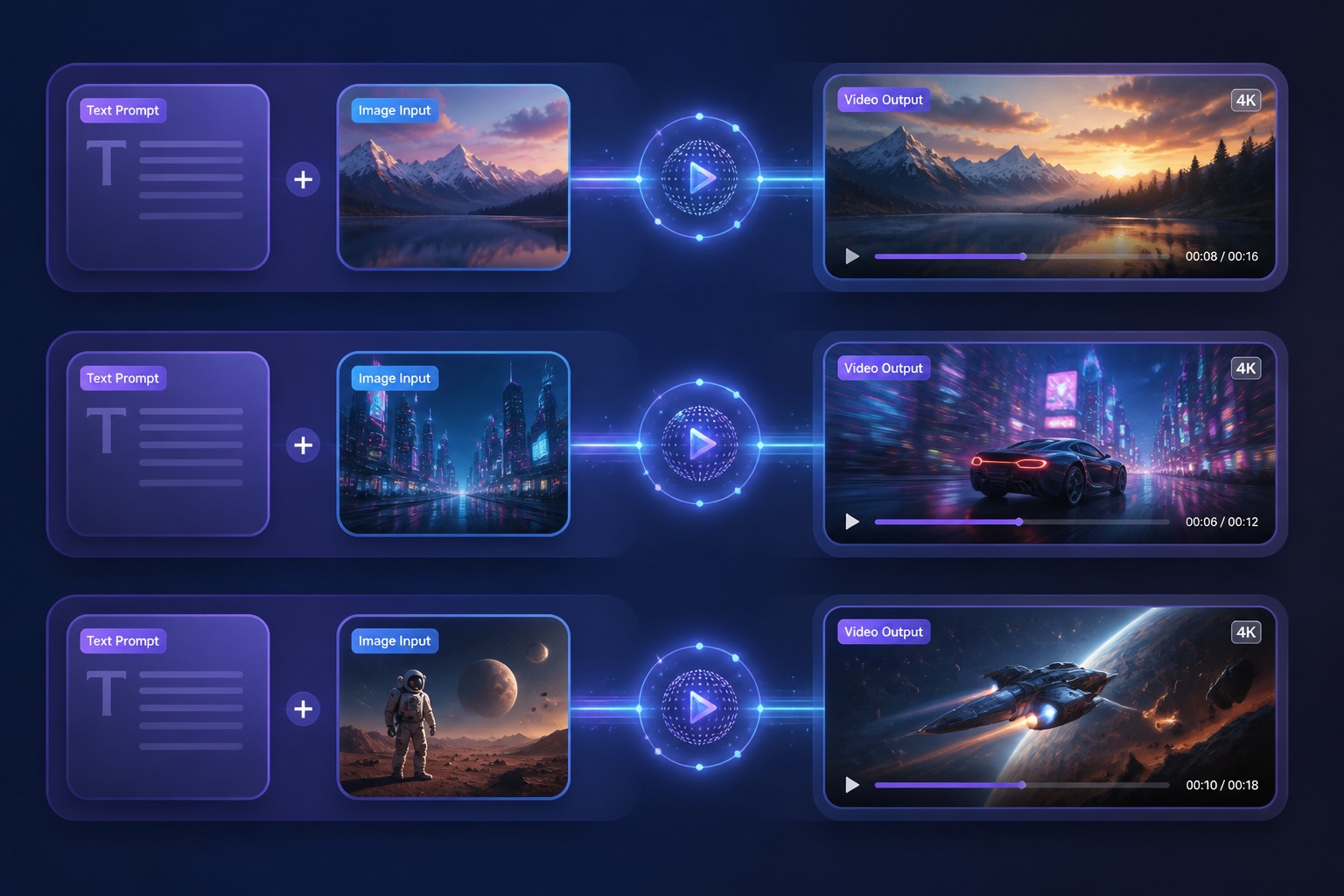
Three Ways to Make an AI Video
AI Video Maker
An AI video maker helps you turn prompts, images, or reference ideas into short clips. Start with a clear goal: social hook, product motion, background loop, explainer scene, or creative draft.
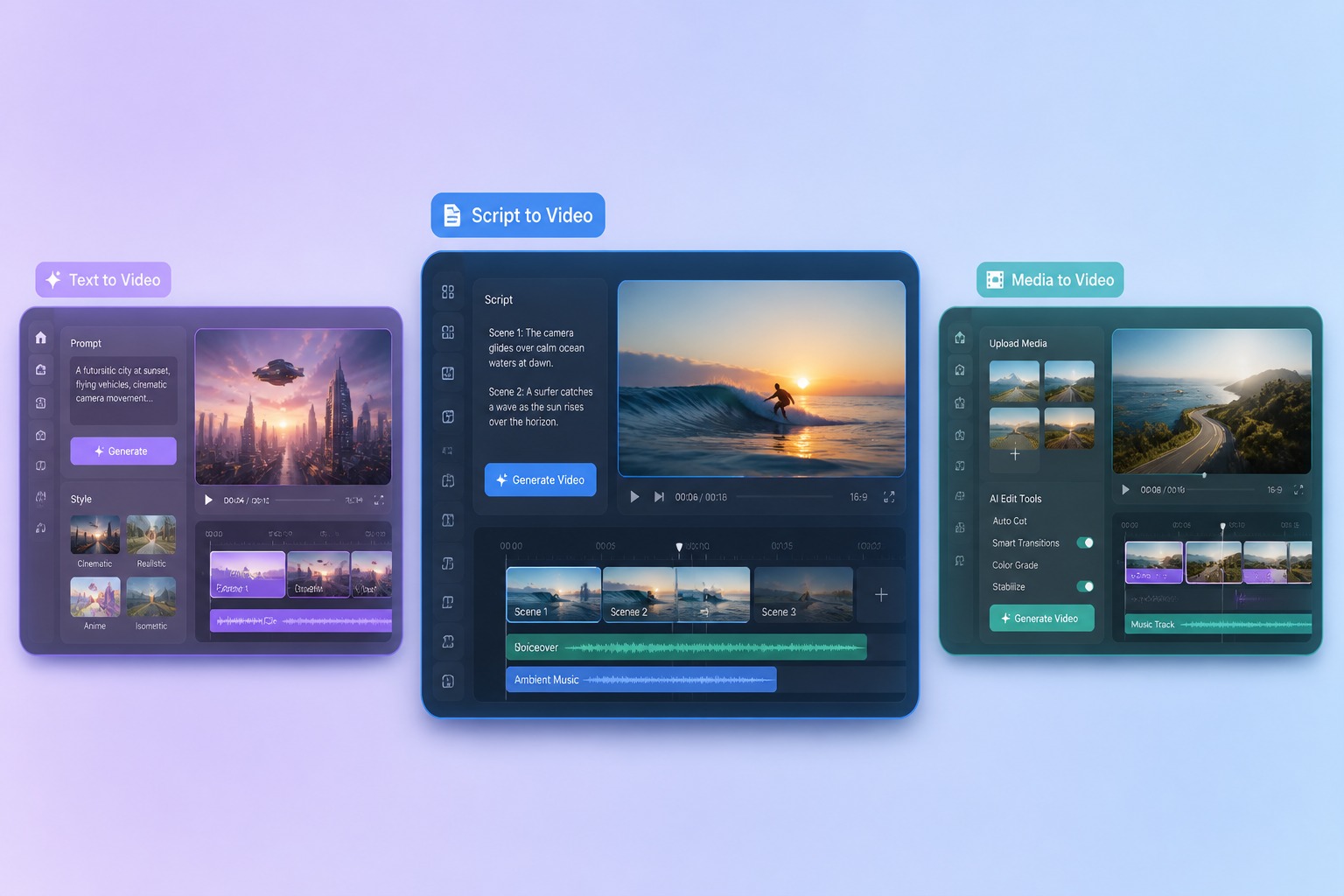
Text to Video AI
Text to video AI is best when the prompt explains scene, motion, camera, and style. Keep the first clip simple so you can judge motion quality before adding complexity.
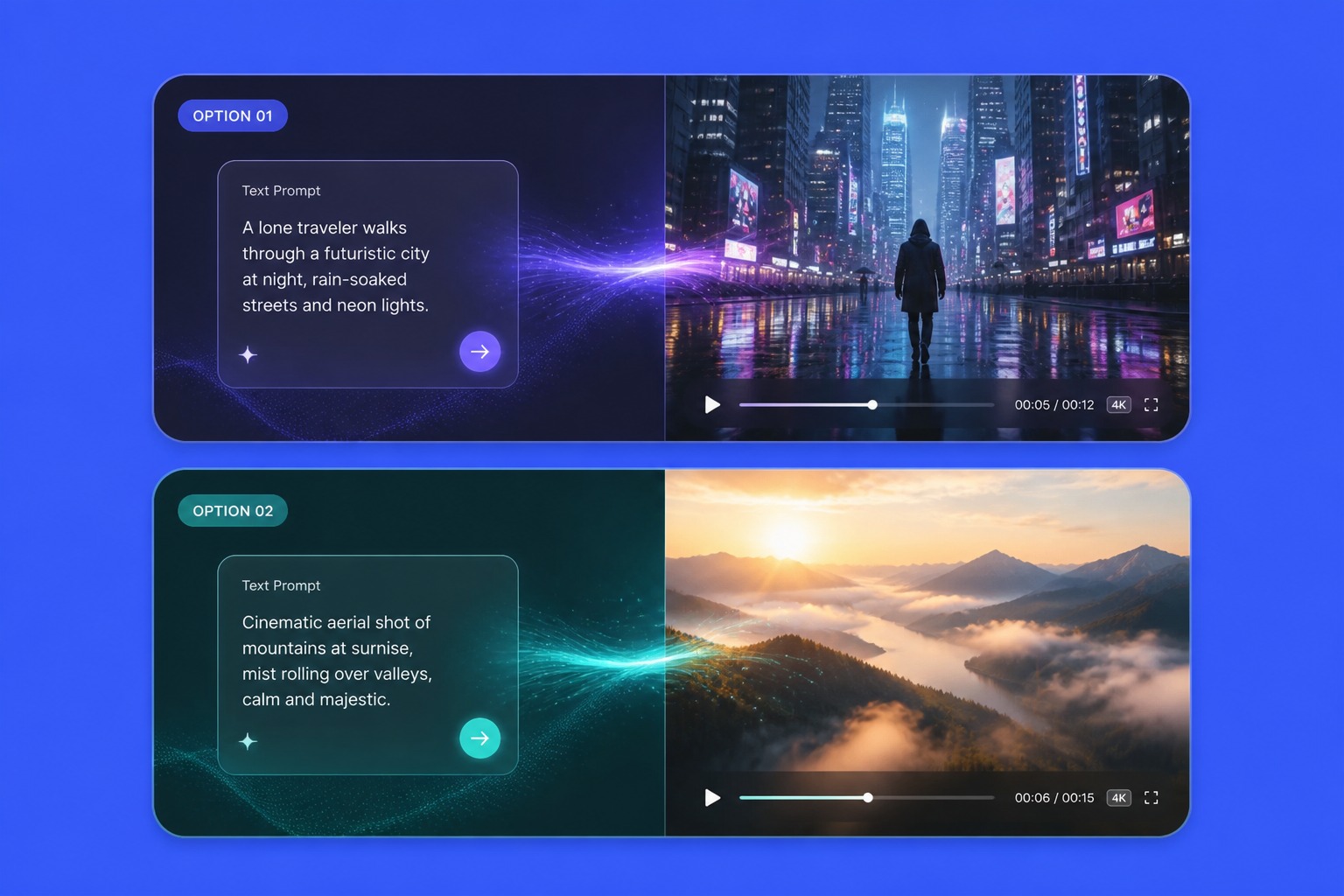
Image to Video AI
Image to video AI starts from a real visual. Use it when you already like the composition and want motion without rebuilding the whole scene from text.
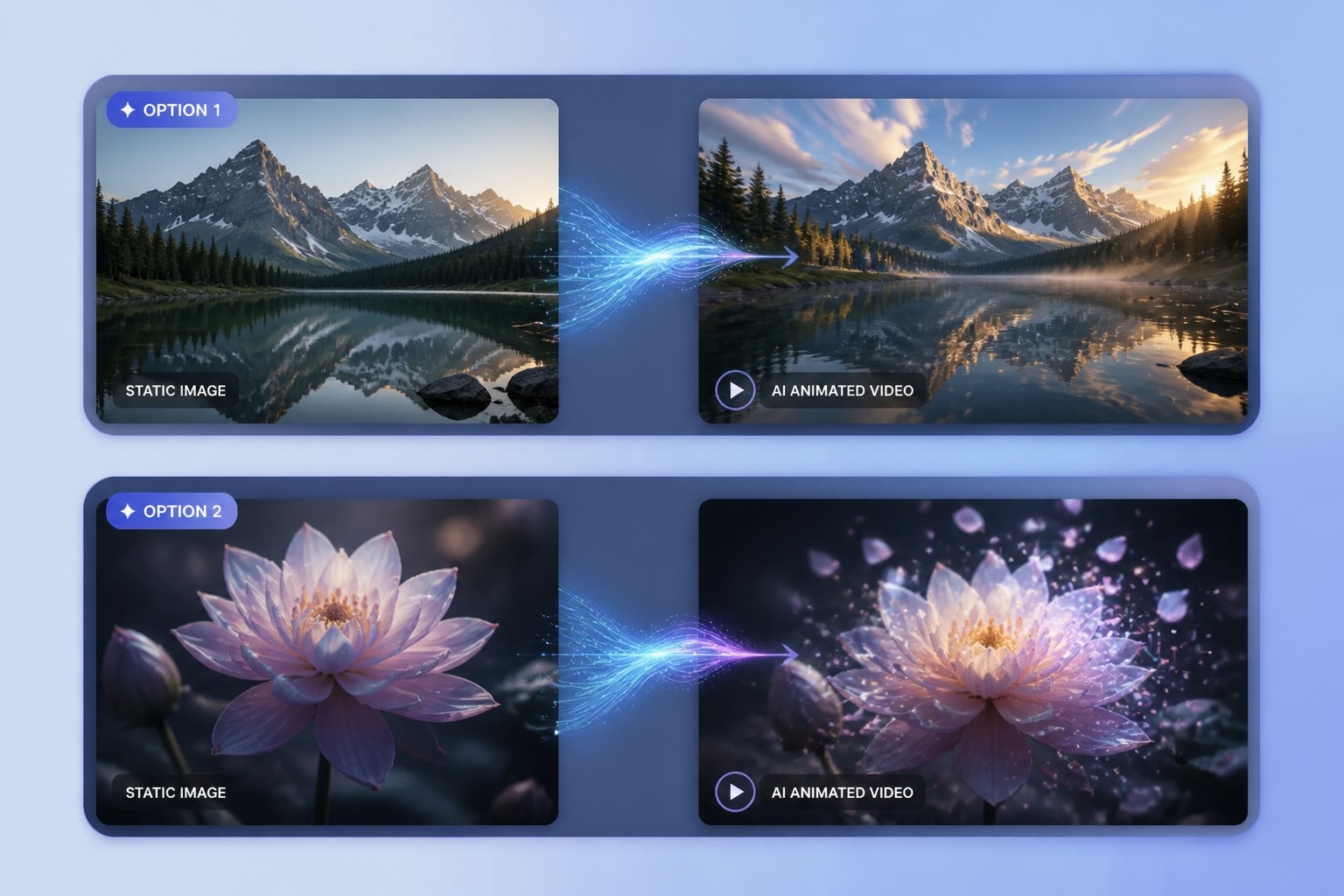
Free AI Video Generator
A free AI video generator is the right place to test ideas before committing to a direction. Run a few quick drafts, see which concept holds up in motion, then spend your effort refining the winner.
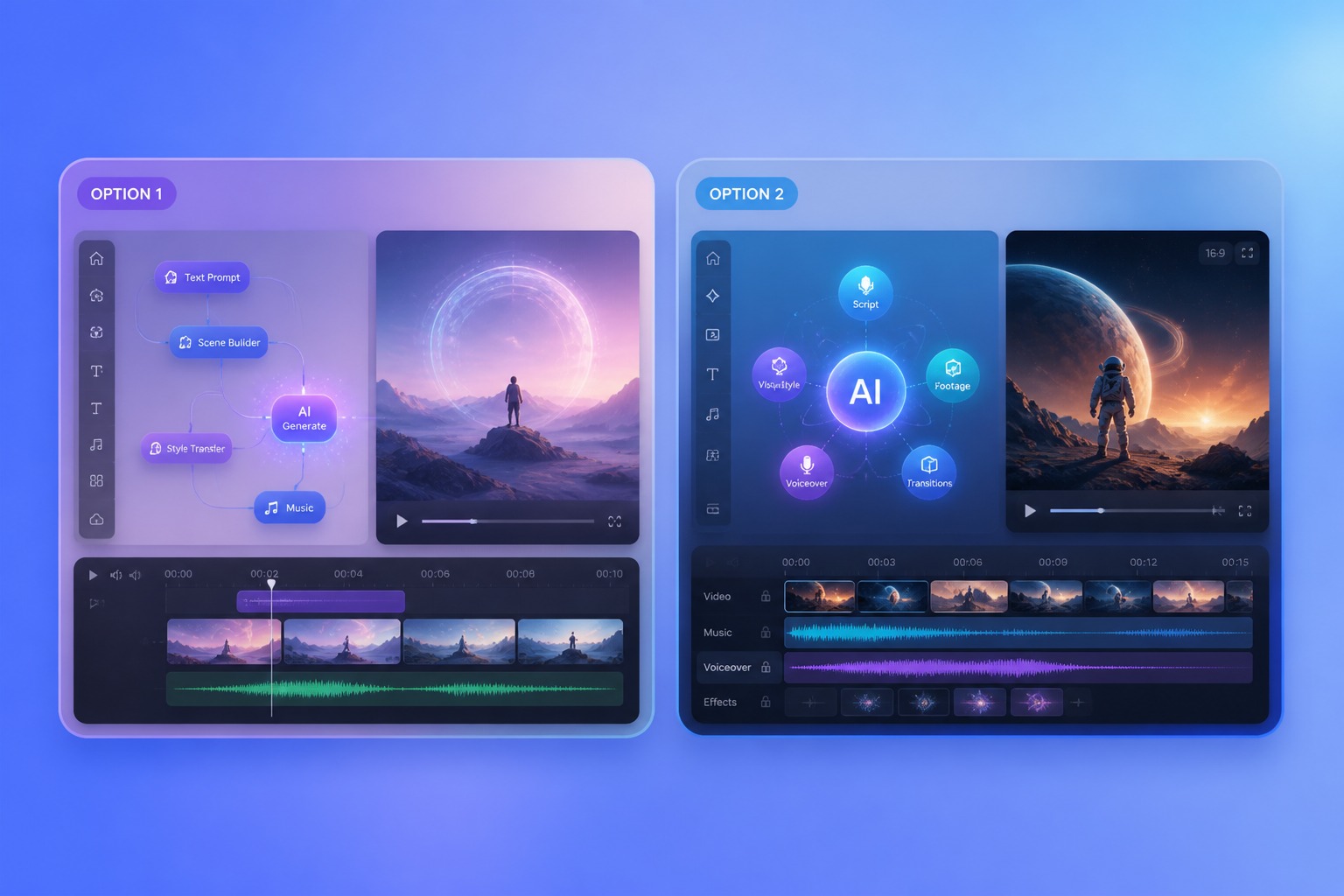
Match the tool to what you already have
Which Video Mode Should You Use?
Only have an idea
Start with text to video. Describe the subject, the motion, and the camera in a sentence or two, and judge the concept from a short draft.
Already love the frame
Use image to video when the composition is done and it only needs motion — the tool animates without rebuilding the scene.
Need the same face twice
Reference to video keeps a character's face, outfit, and style stable across separate clips — essential for series and storytelling.
Making social hooks
Vertical ratios and one bold motion in the first second work best. Generate several drafts and keep the one that stops the scroll.
Product or brand work
Favor clean backgrounds, slow camera moves, and subtle motion. Restraint reads as premium; chaos reads as AI.
Not sure yet
Prototype in text to video first. Once a draft shows promise, recreate the key frame as an image and animate it for finer control.
How to Create an AI Video
From material to finished clip
01
Pick Your Starting Point
Begin from a text prompt, a still photo, or reference images — whichever is closest to the video you have in mind.
02
Generate a Short Draft
Keep the first clip to one subject and one motion so you can judge quality quickly and cheaply.
03
Refine the Winner
Compare drafts, adjust the prompt or source image where the motion falls short, and export the strongest take.
Modes, quality, and what to expect from AI video.