Free AI Mount Rushmore Generator: Create Your Own Mount Rushmore
Use the AI Mount Rushmore generator to transform a face into an original mountain-carving portrait and compare it with the source.
Mount Rushmore Generator
Upload a portrait and apply a monumental stone-carving effect. The tool transforms the face into a carved mountain portrait with integrated rock texture, dramatic lighting, and a rugged landscape background.
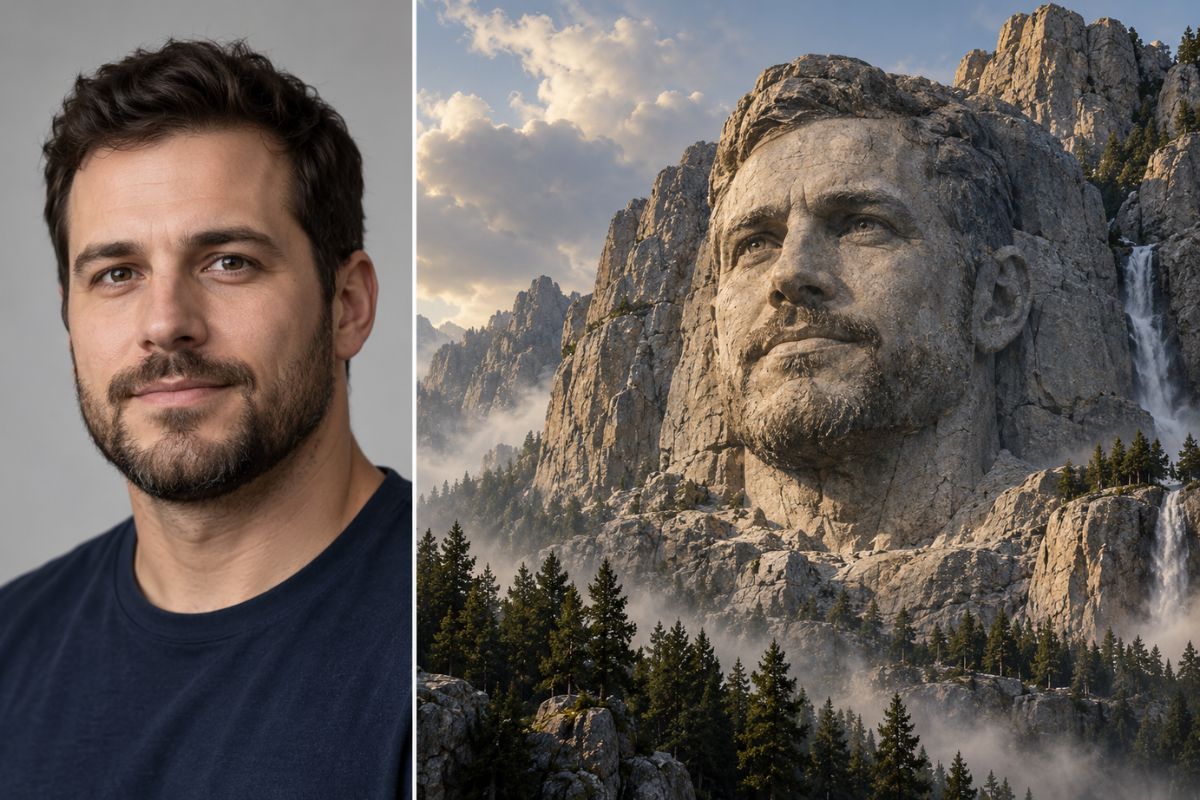
Turn a Portrait Into Monumental Stone Art
Carve One Face Into Stone
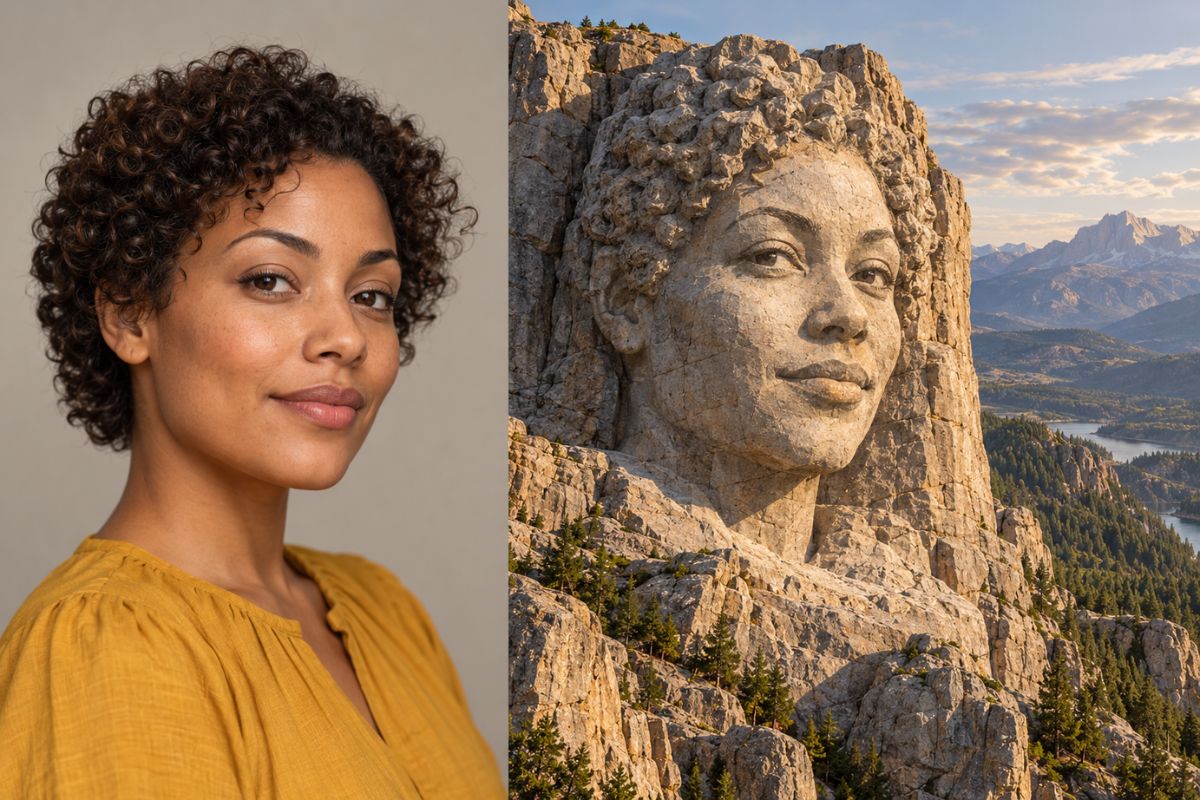
Use the Mount Rushmore face generator to transform one portrait into a large cliff carving. The effect reshapes the portrait with carved stone planes, natural shadows, weathered texture, and a dramatic mountain setting using image to image tools.
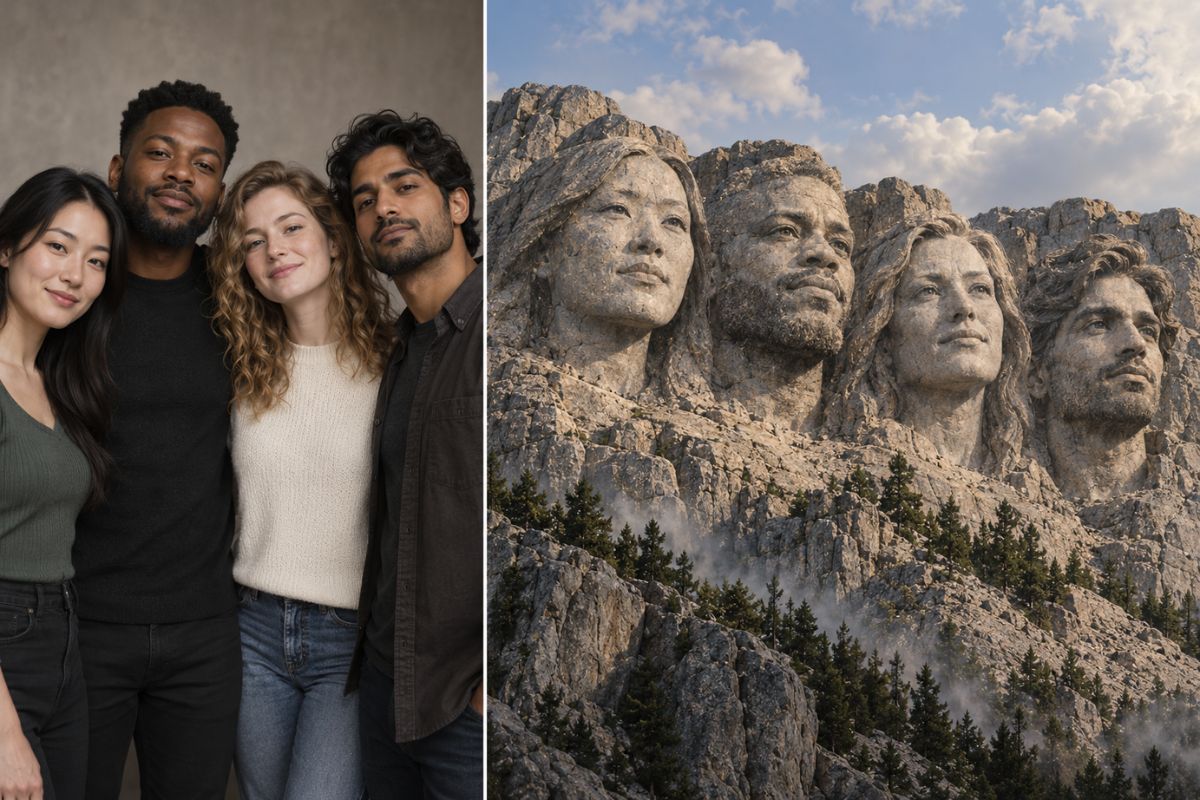
Create an Original Group Monument
Upload several portraits to create a custom mountain memorial image. The generated artwork combines distinct facial features with consistent scale, stone texture, lighting, and landscape details.
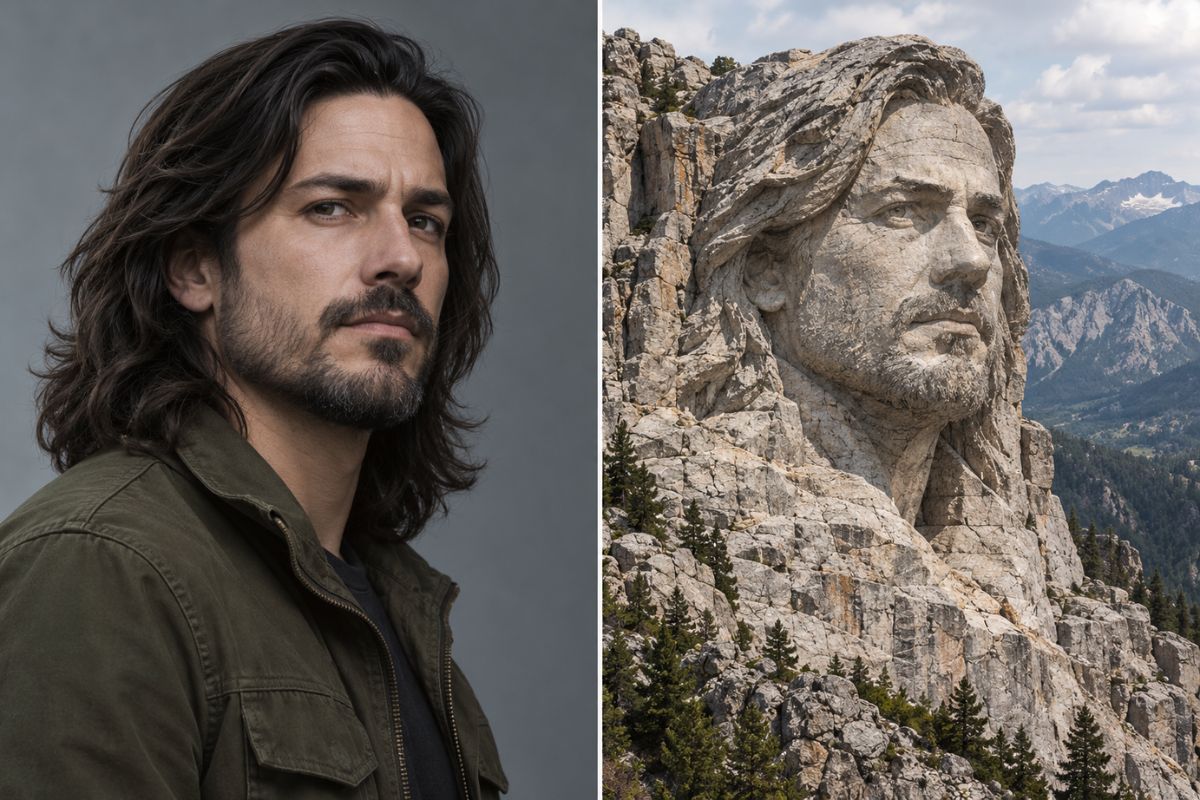
Add Rock Texture and Mountain Detail
Create a convincing carved-stone portrait with coordinated facial features, erosion, cracks, mineral color, atmospheric haze, sky, and surrounding peaks. The effect integrates the face into the mountain instead of placing a flat portrait over the background.
How to Use the Mount Rushmore Face Generator
- 01
Upload Your Portrait
Choose one or more sharp portraits with visible facial features, a clear angle, and even lighting.
- 02
Apply the Stone-Carving Effect
Click to apply the effect and let Imgfree reinterpret the face as a monumental cliff carving with integrated rock texture, shadows, weather, and mountain scenery.
- 03
Preview and Download
Review the generated image for facial details, carved anatomy, scale, stone texture, lighting, and background continuity before downloading.
What You Can Create
Personal Monument Portraits
Transform a portrait into a dramatic mountain-carving image.
Friend Group Composites
Combine several portraits into a playful custom stone monument.
Family Art Concepts
Create a personalized carved-stone keepsake with a distinctive mountain setting.
Character Worldbuilding
Imagine fictional leaders, explorers, or heroes as monumental carved figures.
Poster Backgrounds
Generate cinematic stone-and-mountain artwork for posters and visual concepts.
Travel-Parody Images
Create a fictional mountain monument with custom faces and an original landscape.
Mount Rushmore Generator FAQ
What is an AI Mount Rushmore generator?
It transforms uploaded portraits into monumental mountain-carving artwork with coordinated facial details, rock texture, dramatic lighting, and a landscape background.
How does the Mount Rushmore face generator work?
Upload a clear portrait, click to apply the effect, and wait for the tool to generate a customized carved-stone mountain image.
Can I add several faces?
You can use several portraits for a group monument concept when the faces are clear and the source images have compatible angles and lighting.
Will it recreate the real Mount Rushmore?
The effect creates original mountain artwork inspired by monumental carved-stone imagery. The generated result can use a customized landscape and uploaded faces.
What photos work best?
Use sharp front-facing or slight three-quarter portraits with unobstructed eyes, nose, mouth, jaw, and even lighting.
Can I try the generator for free?
Imgfree may provide trial credits or limited access. Open the tool to check the current generation limits and download options.
Can I use public figures?
You should have the necessary rights or permission to use uploaded portraits, especially when creating public or commercial content featuring identifiable people.
Create an Original Mountain Portrait
Upload a portrait, apply the stone-carving effect, and generate a monumental mountain artwork.