
Anime Ai Generator
Use imgfree to anime-focused text-to-image page for original characters, anime-style portraits, scenes, and creator references. Start with a clear input, generate focused options, then refine the best result before download.
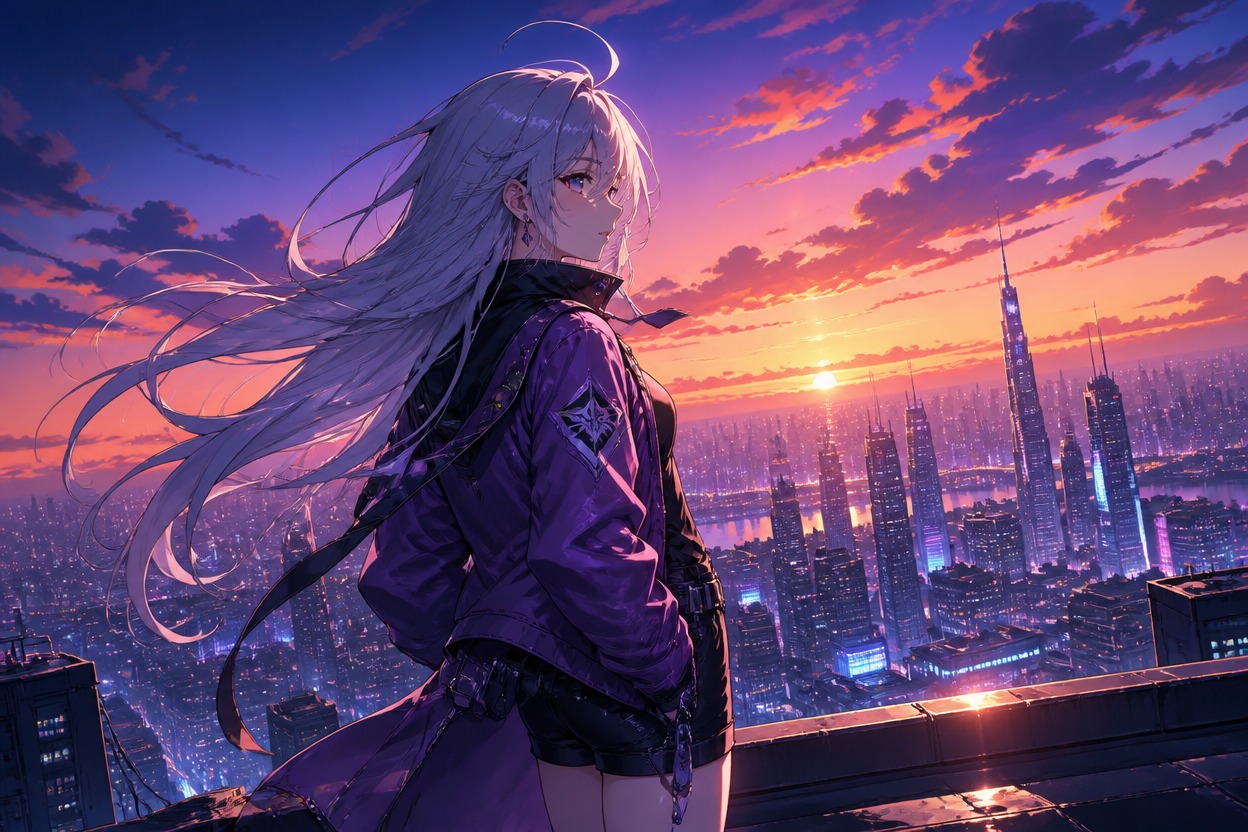
How imgfree Handles Anime Ai Generator Workflows
AI Anime Generator
An AI anime generator turns a written idea into anime-style artwork. Describe the original character, pose, expression, outfit, background, and mood instead of relying on a single style label.
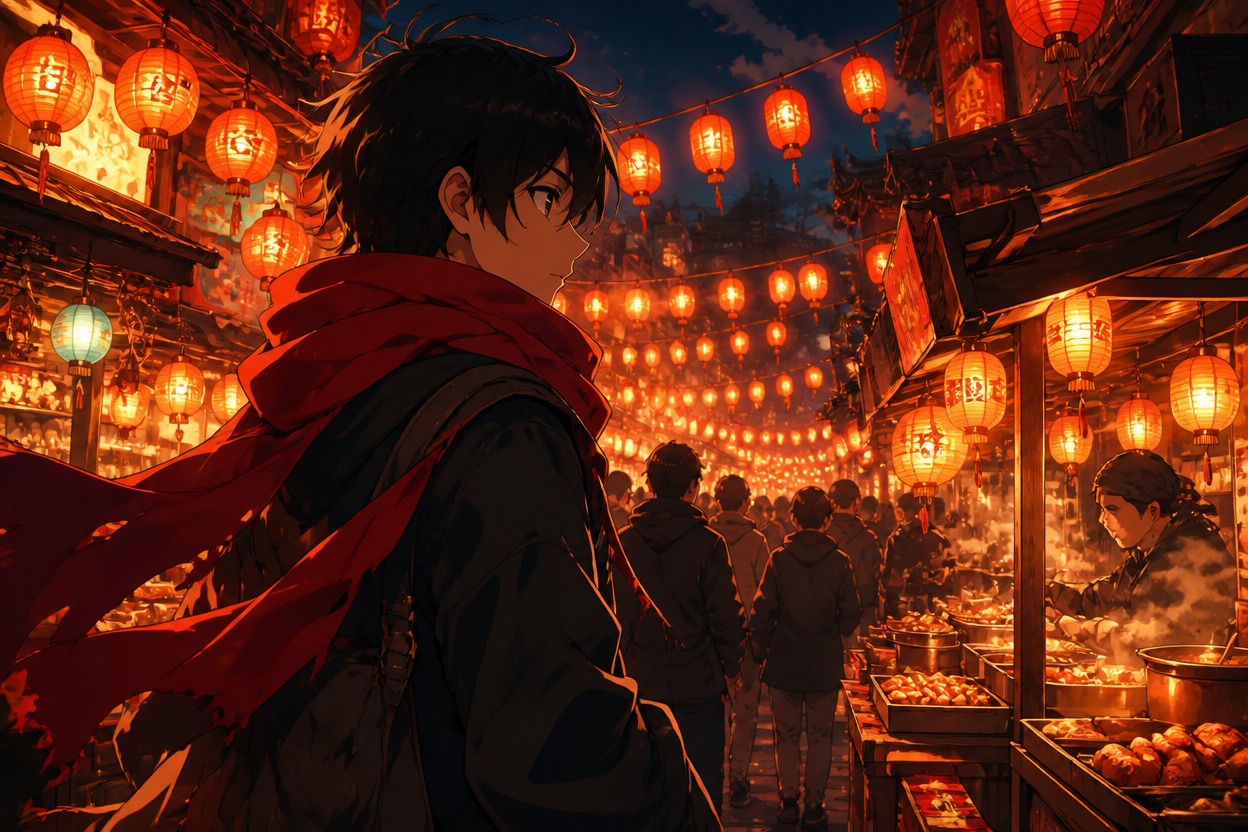
Text to Anime
Text to anime works best with concrete visual details: hair shape, color palette, lighting, camera angle, and scene context. Avoid naming protected characters or asking for exact franchise copies.
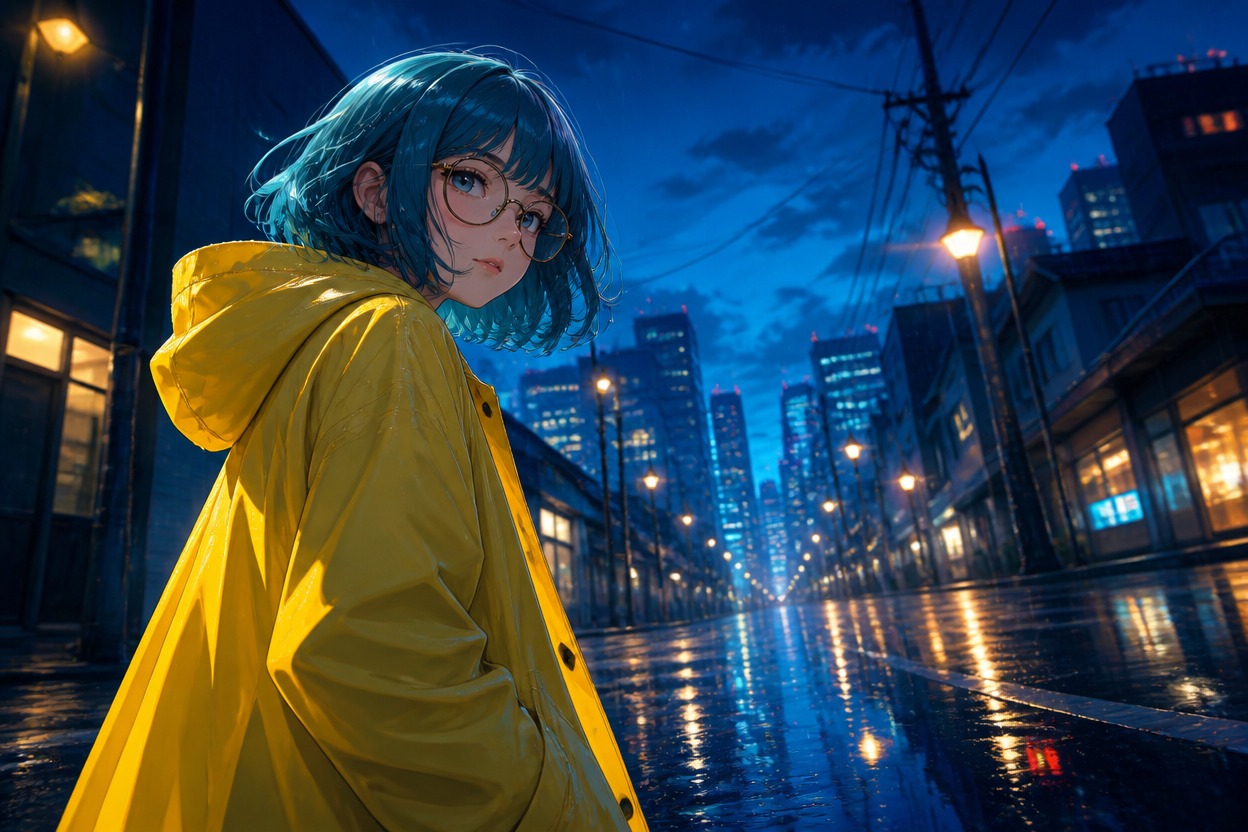
Anime Art Generator
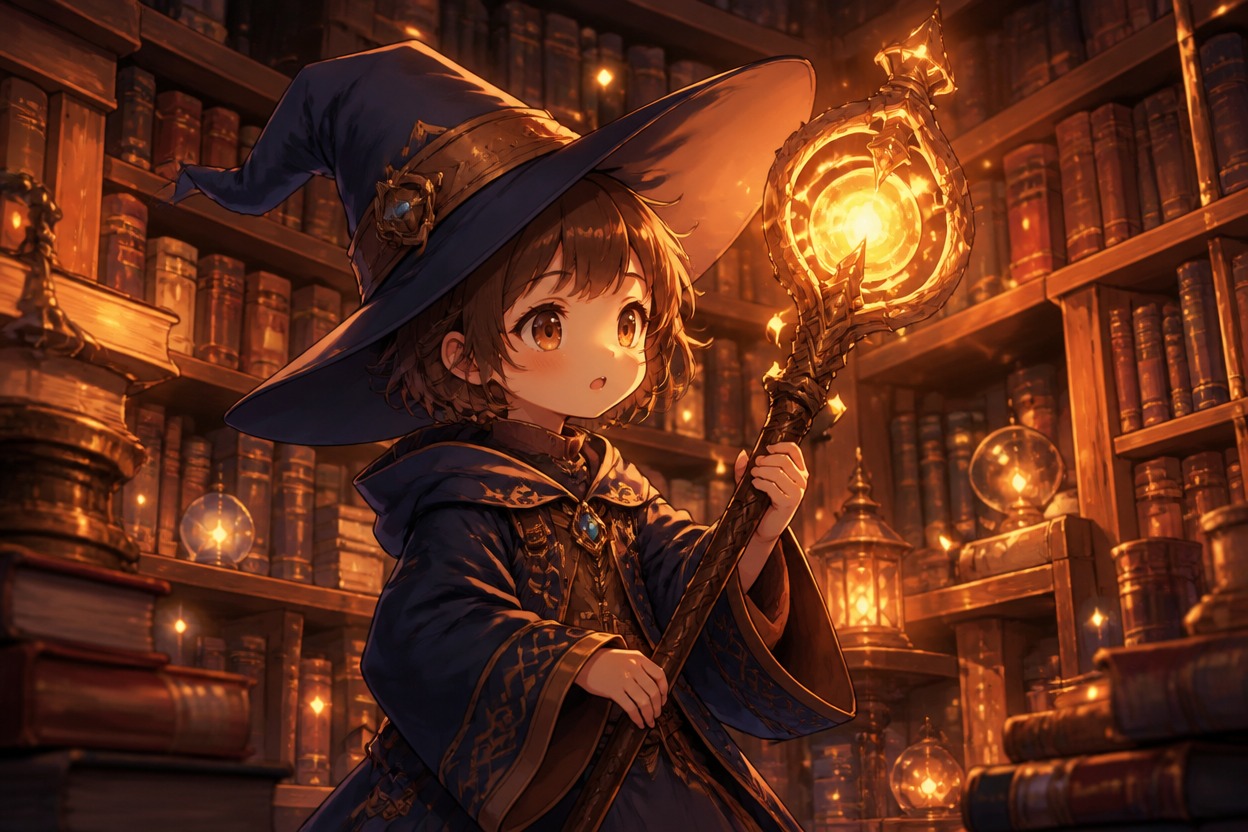
Use the anime art generator for original portraits, character references, thumbnails, wallpapers, and concept scenes. Review hands, eyes, outfit details, and background clarity before using the result.
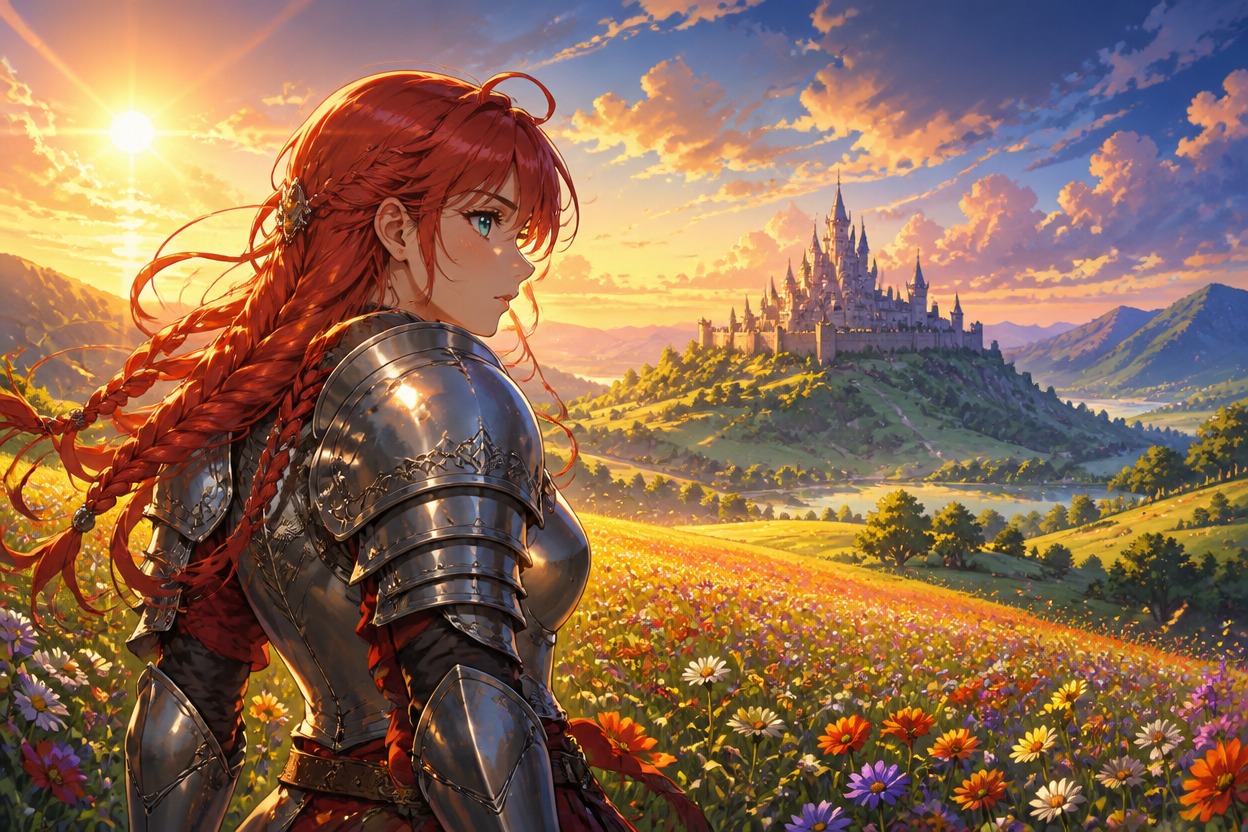
AI Anime Maker
An AI anime maker is strongest as a creative drafting tool. Generate several options, pick the best silhouette and expression, then refine the prompt around that direction.
Quality checklist
Best Practices for Anime Ai Generator
Start with a clear goal
Know whether you need a concept, production draft, social asset, or reference before generating.
Keep the first pass simple
One subject and one main action make it easier to judge the result.
Control style deliberately
Add style terms only when they support the output, not as random decoration.
Review artifacts closely
Check faces, hands, text, edges, motion, and consistency before publishing.
Iterate from evidence
Change one prompt or input detail at a time so you know what improved.
Respect rights and brands
Avoid protected logos, copyrighted characters, and likenesses you cannot use.
How to Use Anime Ai Generator
Three-step imgfree workflow
01
Describe Original Character
Write a clear prompt with character, outfit, pose, expression, and scene.
02
Generate Anime Options
Create variations and compare silhouette, face, color, and composition.
03
Refine and Save
Improve weak details, avoid copyrighted references, and download the strongest anime image.
Common questions about workflow, inputs, quality, and usage rights.