AI Fisheye Lens Generator for Curved Photo Effects
Use the Imgfree AI fisheye lens generator to turn a photo into a bold ultra-wide image with curved edges, exaggerated depth, and a playful close-up look.
AI 鱼眼镜头
上传照片,利用 Imgfree 重新打造 AI 鱼眼镜头的大胆视角。无需专业相机,鱼眼镜头生成器即可放大中心、弯曲边缘并添加戏剧性的超广角深度。
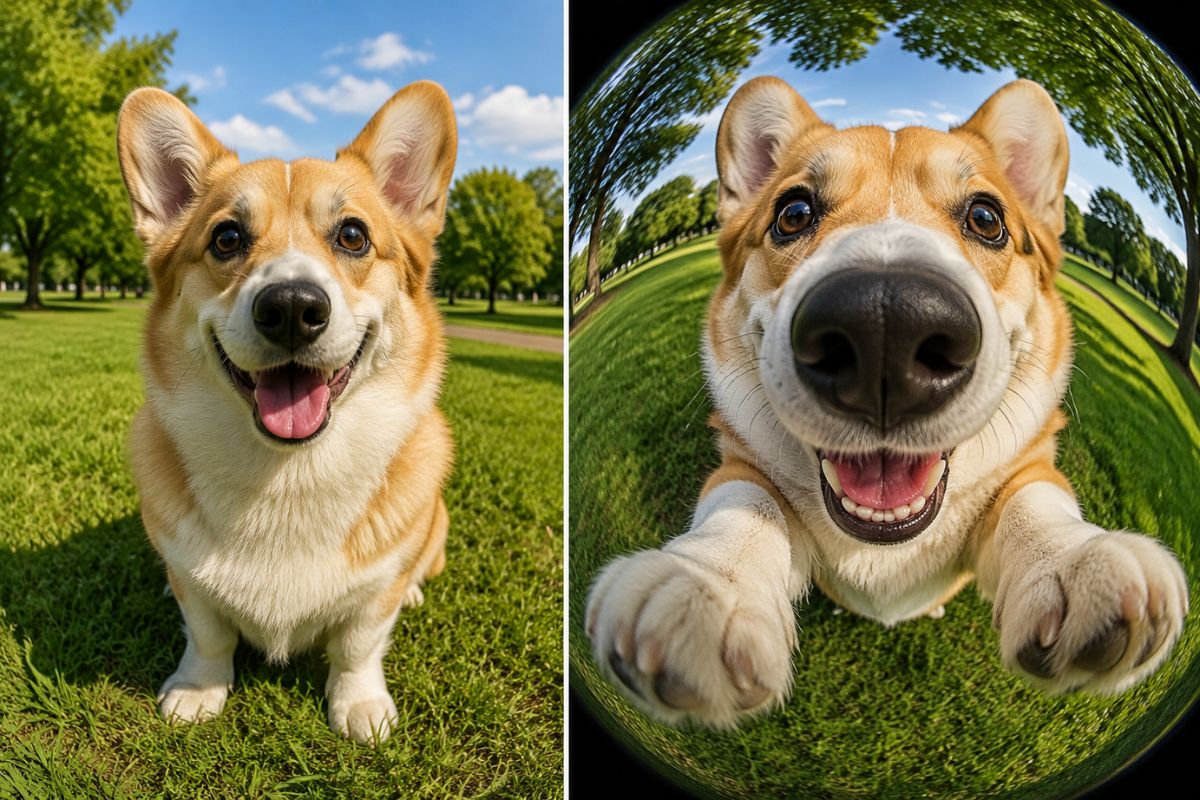
将任何照片打造出大胆的鱼眼效果
夸张的超广角视角
显著拉近近处主体并压缩远处细节,通过图生图转换打造大胆且身临其境的超广角鱼眼效果。
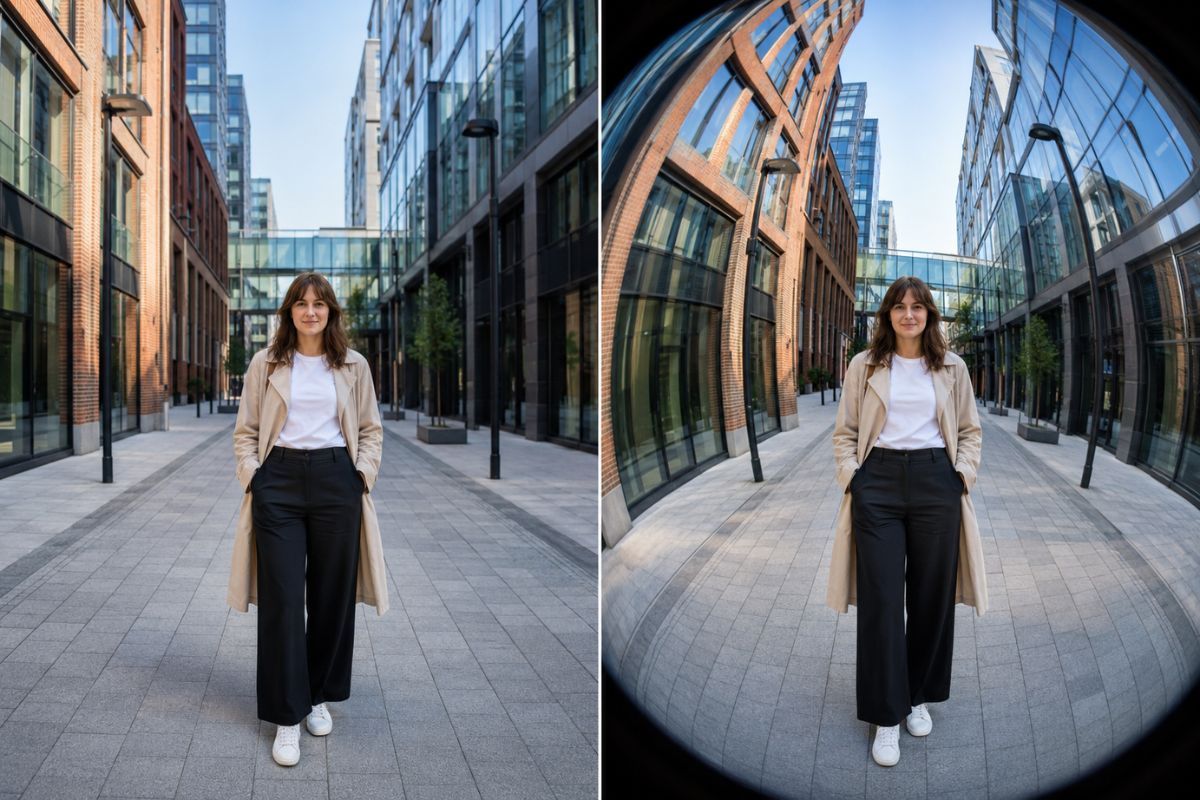
弯曲边缘畸变
在画面四周创建弯曲的墙壁、圆弧状的地平线和流畅的线条,同时保持中心附近的主体清晰可见。
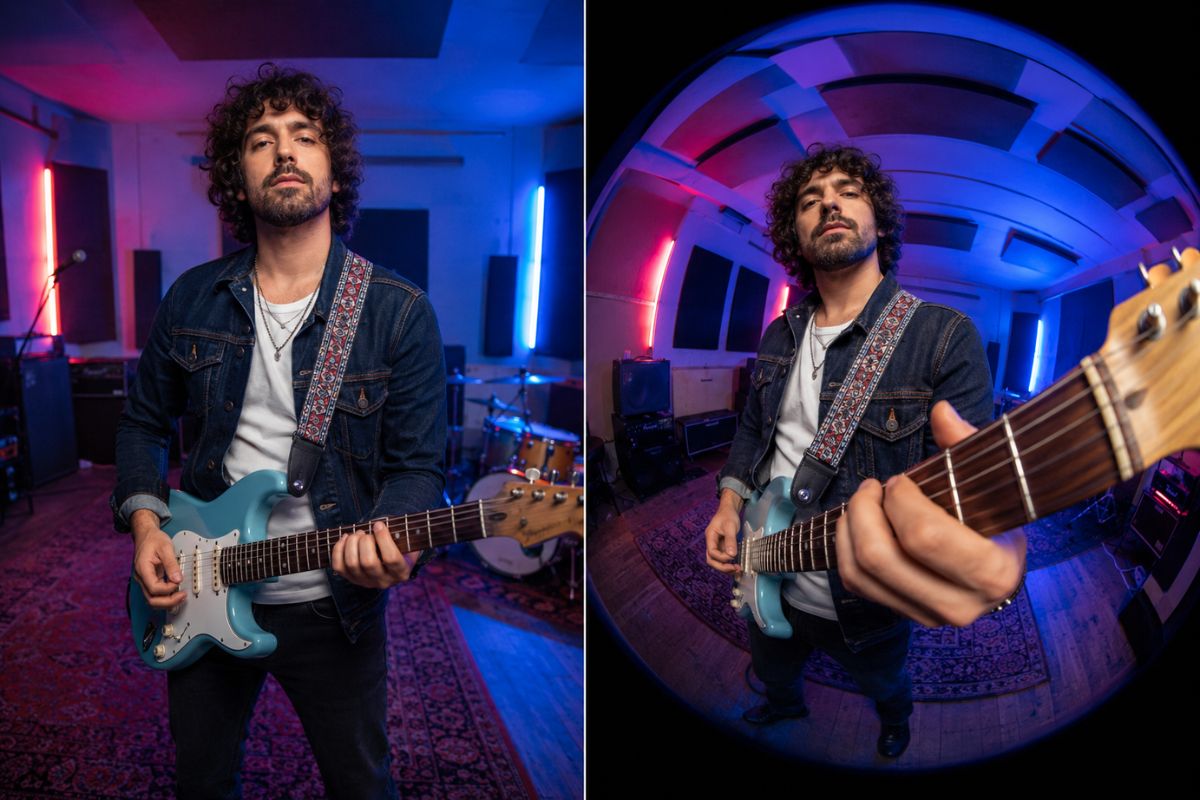
充满活力的特写
赋予人像、宠物、运动鞋、滑板照片和表情包贴近镜头的有趣冲击力,非常适合社交媒体发布。
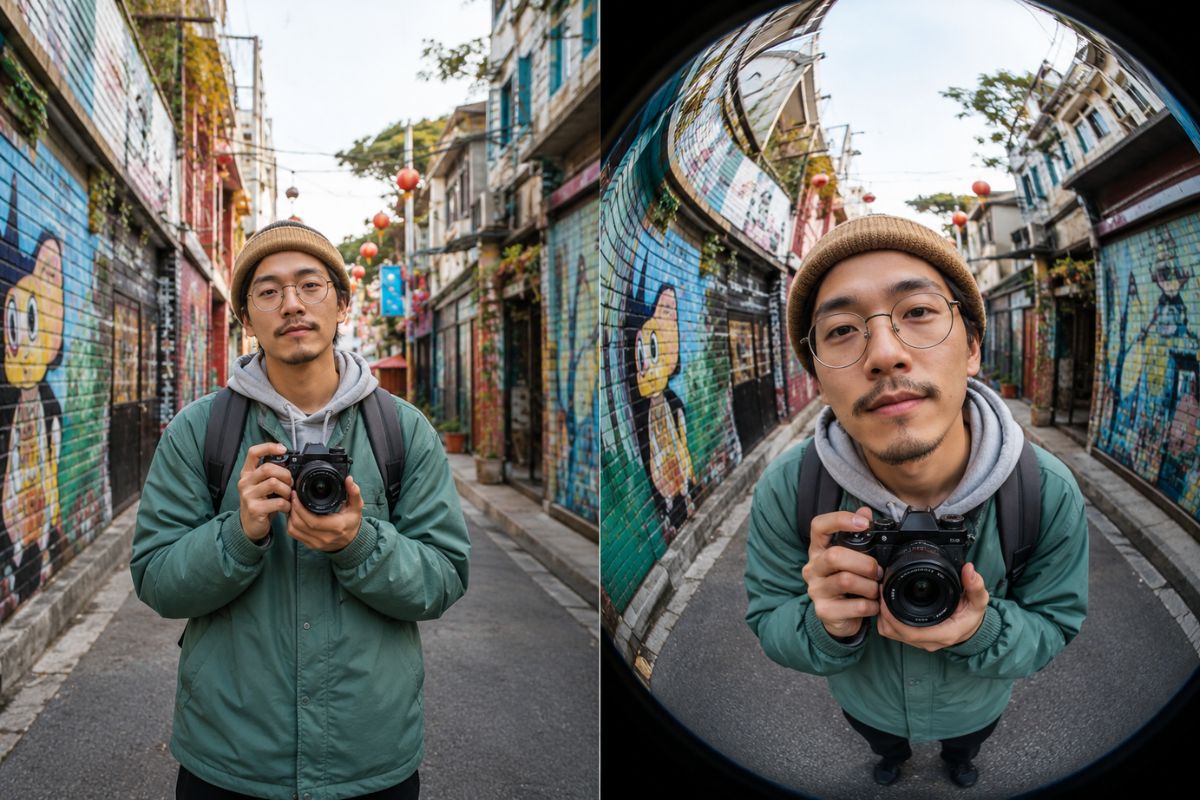
鱼眼镜头效果的创意用法
个人头像
将居中的自拍照转换为带有宽广弯曲背景且充满活力的头像。
滑板与运动照片
让滑板、鞋子、双手或动作姿态显得更贴近镜头、更有动态感。
宠物特写
突出鼻子、爪子或表情,打造充满个性且有趣的宠物肖像。
音乐封面概念设计
为原创单曲、播放列表或艺人公告制作具有畸变感的概念图像。
街头摄影编辑
无需更换镜头,即可为城市街景添加宏伟的建筑线条和夸张的纵深感。
反应表情包
用滑稽的超广角视角放大面部表情或近处物体。
如何应用 AI 鱼眼镜头效果
上传、应用、预览与下载
- 01
上传您的照片
选择一张清晰的照片,主体最好位于中心附近且清晰可见,同时拥有足够的周围背景以呈现弯曲的透视效果。
- 02
应用鱼眼效果
让 Imgfree 放大中央前景,并将周边场景弯曲呈超广角镜头效果。
- 03
预览并下载
检查面部、手部、直线及画面边缘。如果重要细节拉伸变形过于严重,可尝试生成其他版本。
AI 鱼眼镜头常见问题解答
什么是 AI 鱼眼镜头生成器?
它能将超广角鱼眼镜头的视觉特征应用到现有图像上,包括放大的中心、弯曲的边缘以及被夸大的前景深度。
鱼眼效果在 Imgfree 中是如何运作的?
上传照片并应用该效果。Imgfree 会生成一个具备更宽广、更圆润视角的新版本,您可以在下载前进行预览。
哪些照片的效果最好?
建议使用中心主体明确且周边环境清晰的高清图片。特写、宠物、街景、运动姿势和建筑照片能特别出彩地展现这种畸变效果。
原始主体还能被辨认出来吗?
该效果旨在保留主体,但强烈的畸变可能会拉伸靠近画面边缘的面部、手指、物体和线条。请将关键细节保持在接近中心的区域。
使用鱼眼镜头生成器可以制作什么?
它适用于头像、表情包、宠物肖像、滑板照片、街拍修图、音乐封面以及其他需要趣味透视效果的图片。
我可以免费体验 AI 鱼眼镜头效果吗?
Imgfree 的使用权限和免费积分额度可能会有所变动。请打开效果页面查看当前的生成额度和下载选项。
为您的照片打造鱼眼透视效果

Video Effects
View all 20AI Mermaid
Use the Imgfree AI mermaid filter to transform a portrait into an original underwater character with shimmering scales, flowing hair, and ocean scenery.
AI Roblox Video Generator
Use the Imgfree AI Roblox generator to turn one image into a playful block-style clip. Create AI Roblox videos for avatars and game-inspired scenes.
AI Spring
Use the Imgfree AI Spring Effect to transform one image into a bright seasonal scene with blossoms, fresh greenery, and soft natural light.
AI Twerk Generator
Create an AI twerk dance with the Imgfree AI twerk video generator and AI twerk creator. Animate an adult photo into a playful dance video.
Gender Swap
Use the Imgfree gender swap video generator to upload one authorized adult photo and create a short AI video with an alternate gender presentation and natural motion.
Kiss Me AI
Create a tasteful kiss me AI clip from photos. Add gentle motion and review faces, timing, and continuity with Imgfree.
Video Background Remover
Remove background from video online with Imgfree. Upload a clip, isolate the subject, preview edge quality, and export a clean result for your next edit.
AI Hug Generator
Create an AI hugging video with Imgfree. Use the AI hug video generator free credits to animate two compatible photos into a warm, natural-looking hug scene.