AI 2D to 3D Converter | Turn Images into 3D
Turn drawings, photos, icons, and characters into dimensional 3D-style visuals with Imgfree AI 2D to 3D Converter.
25
AI 2D to 3D Converter
Upload a drawing, product image, icon, character, or photo and transform it into a polished 3D-style visual. Imgfree adds depth, dimensional lighting, realistic materials, and perspective while preserving the original design.
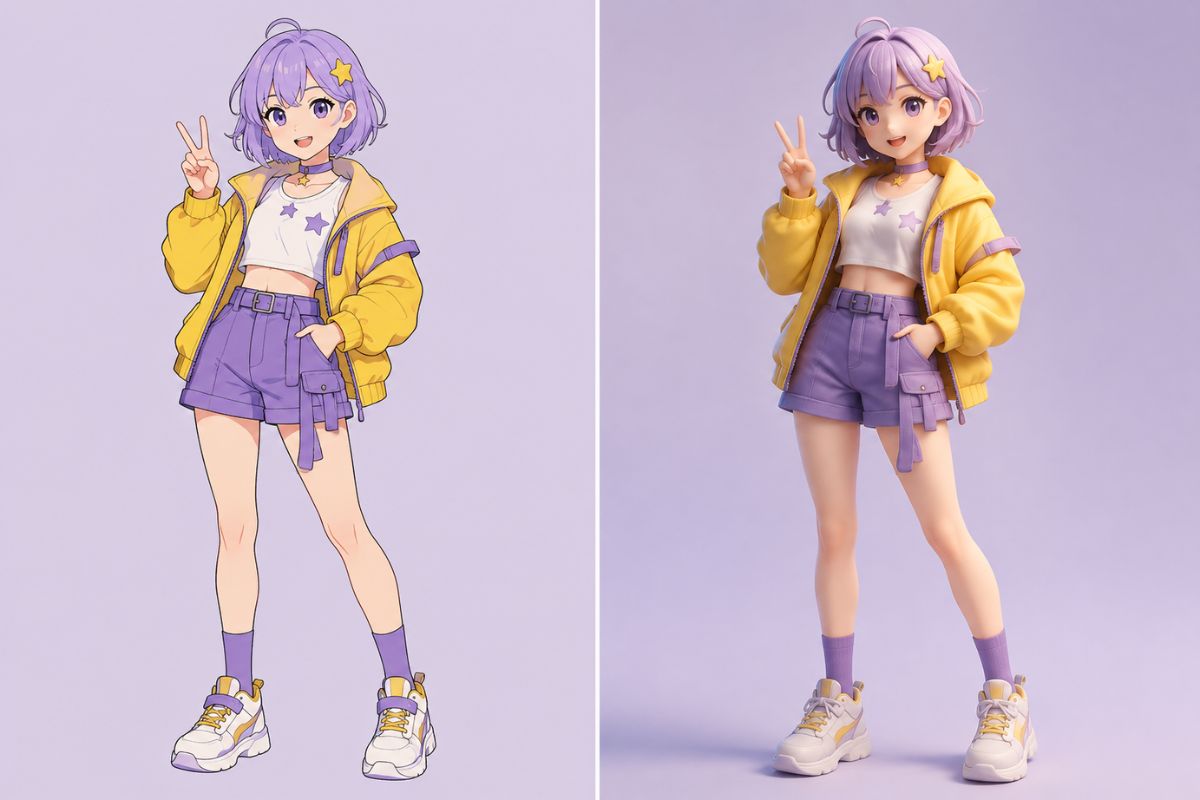
Turn Flat Images into Dimensional 3D Visuals
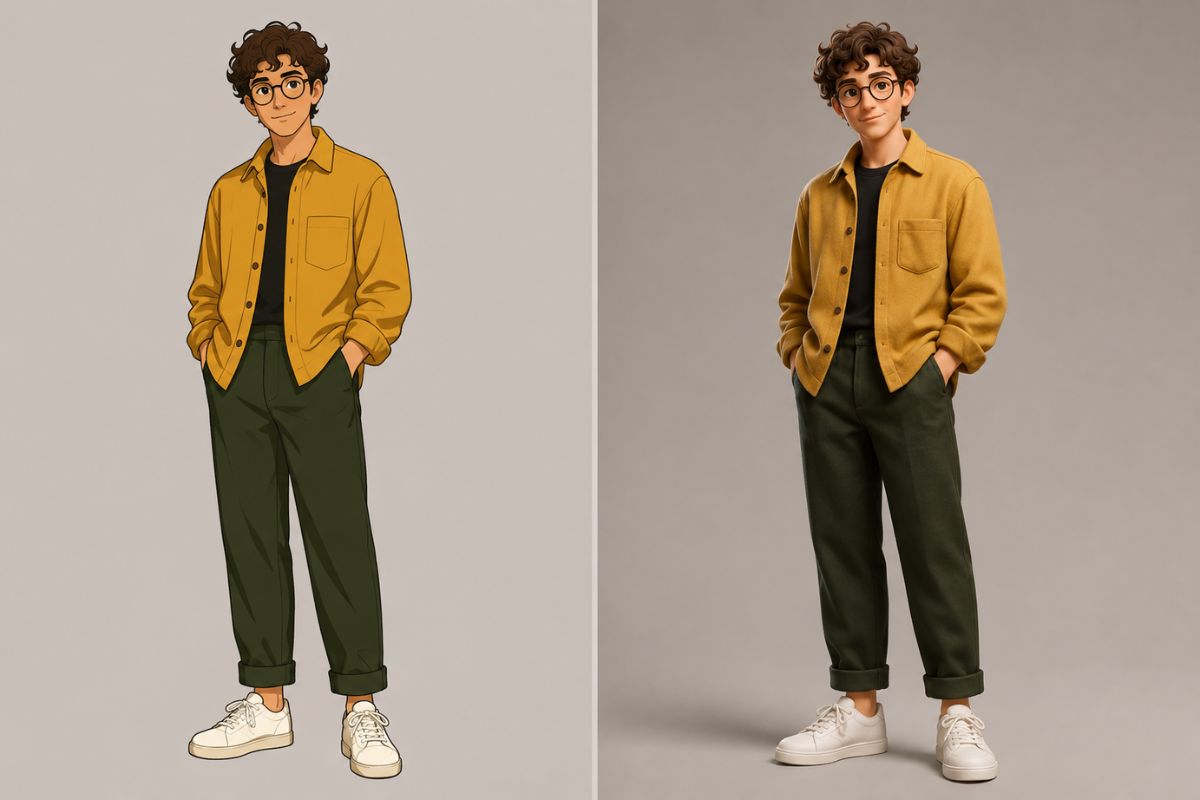
Preserve the Original Design
Use a clear source with the image-to-image tool to retain important details such as the silhouette, colors, facial features, proportions, clothing, and object shape.
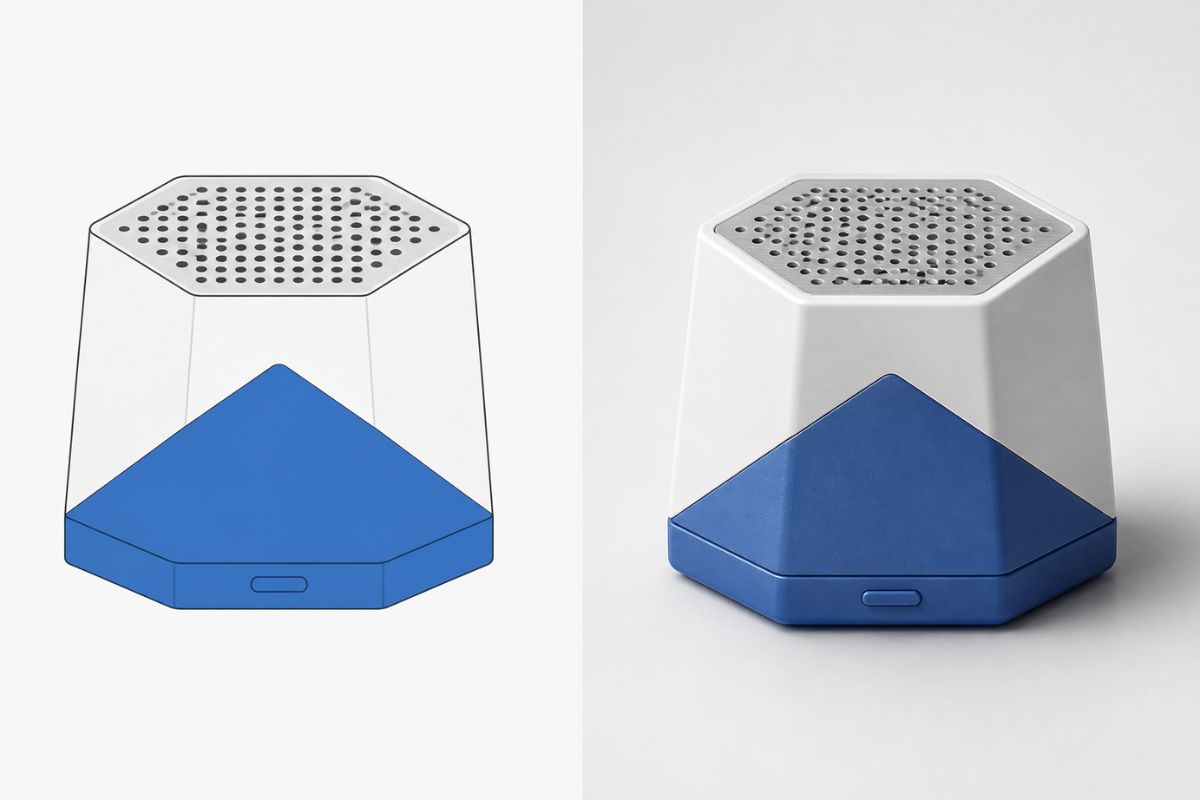
Add Depth and Materials
Transform flat artwork into a dimensional visual with convincing surfaces such as clay, plastic, metal, fabric, soft vinyl, or glossy product materials.
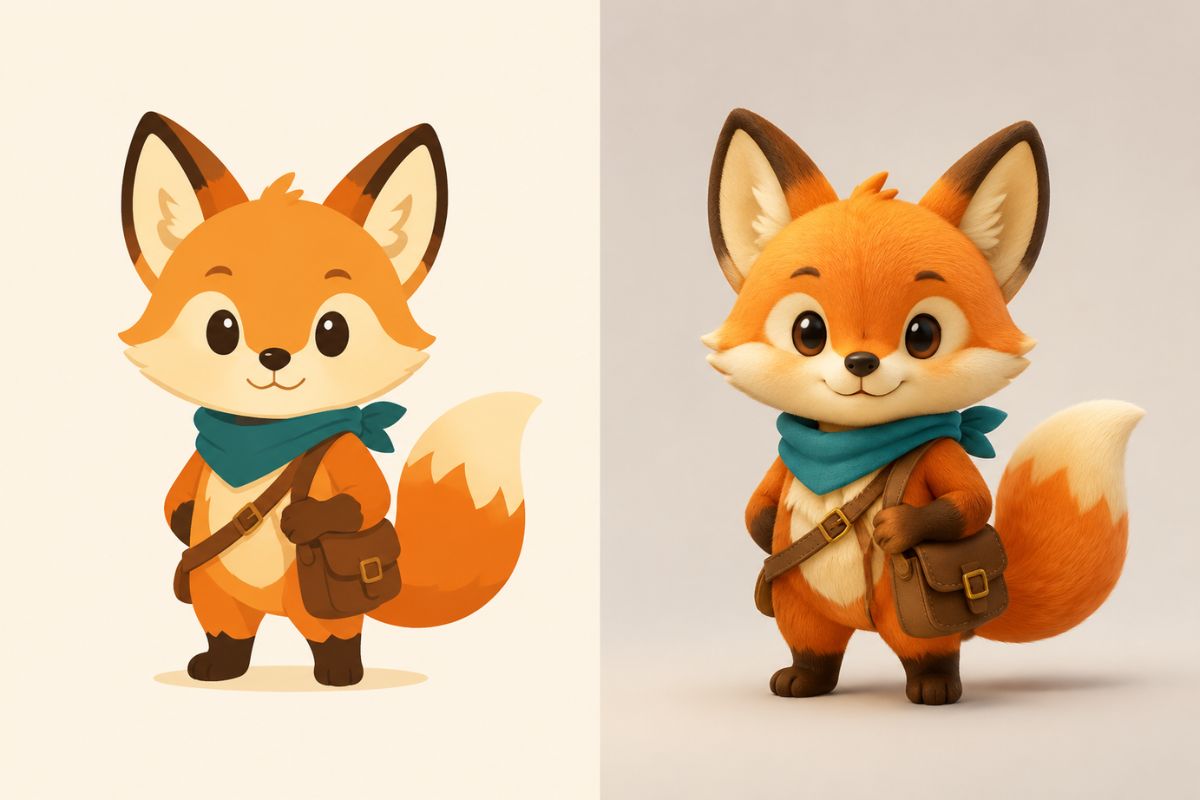
Create a Polished 3D Look
Add studio lighting, natural shadows, smooth volume, and balanced perspective to create a finished render suitable for presentations, posts, mockups, and design concepts.
Popular ways to use 3D-style image conversions
What Can You Create with AI 2D to 3D?
3D Product Mockups
Turn product photos, packaging designs, and flat sketches into dimensional visuals for presentations, landing pages, and early concept reviews.
3D Icons and Stickers
Give logos, icons, emojis, stickers, and app graphics a polished 3D appearance with added depth, texture, and lighting.
3D Character Concepts
Transform anime characters, mascots, game avatars, and original illustrations into stylized 3D character renders.
How to Turn a 2D Image into 3D
Create a dimensional visual in three steps
01
Upload your 2D image
Choose a clear drawing, icon, product photo, character, logo, or object image with recognizable shapes and visible details.
02
Apply the 2D-to-3D effect
Select the AI 2D to 3D effect and let Imgfree automatically add dimensional form, materials, lighting, shadows, and perspective.
03
Preview and download
Review the generated 3D-style image, try another variation when needed, and download the result once the design looks right.
Common questions about turning drawings, photos, icons, and characters into 3D-style images.