AI Clothing Remover: Edit and Replace Clothes Free Online
Remove or replace coats, jackets, scarves, and other outer layers with Imgfree’s AI clothing remover. Create clean fashion and product photo edits online.
AI Clothing Remover
Upload a fashion photo and remove or replace a visible outer layer while keeping the base outfit in the composition. Imgfree presents the source and generated result for review.
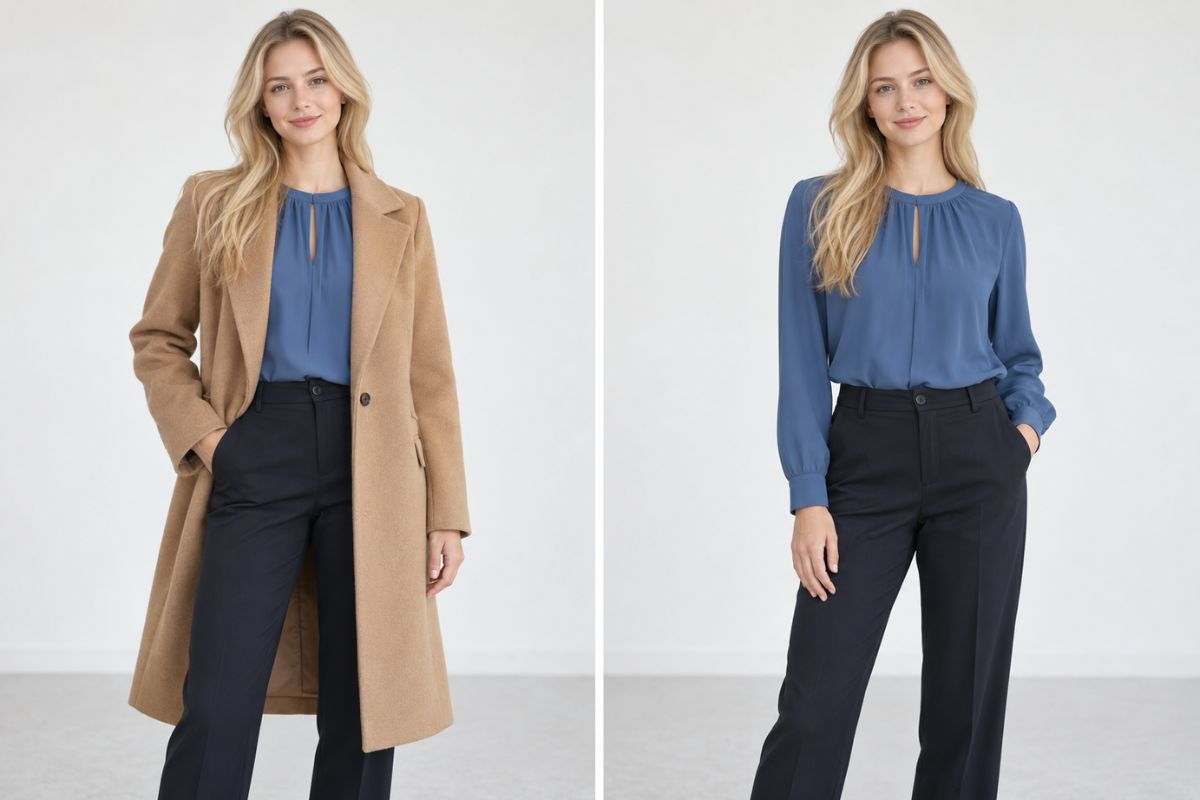
Remove Outerwear While Preserving the Base Outfit
Remove an Outer Layer
Replace a coat, blazer, or overshirt with the base outfit already visible underneath. Compare the result to inspect sleeves, torso, hands, and fabric edges.
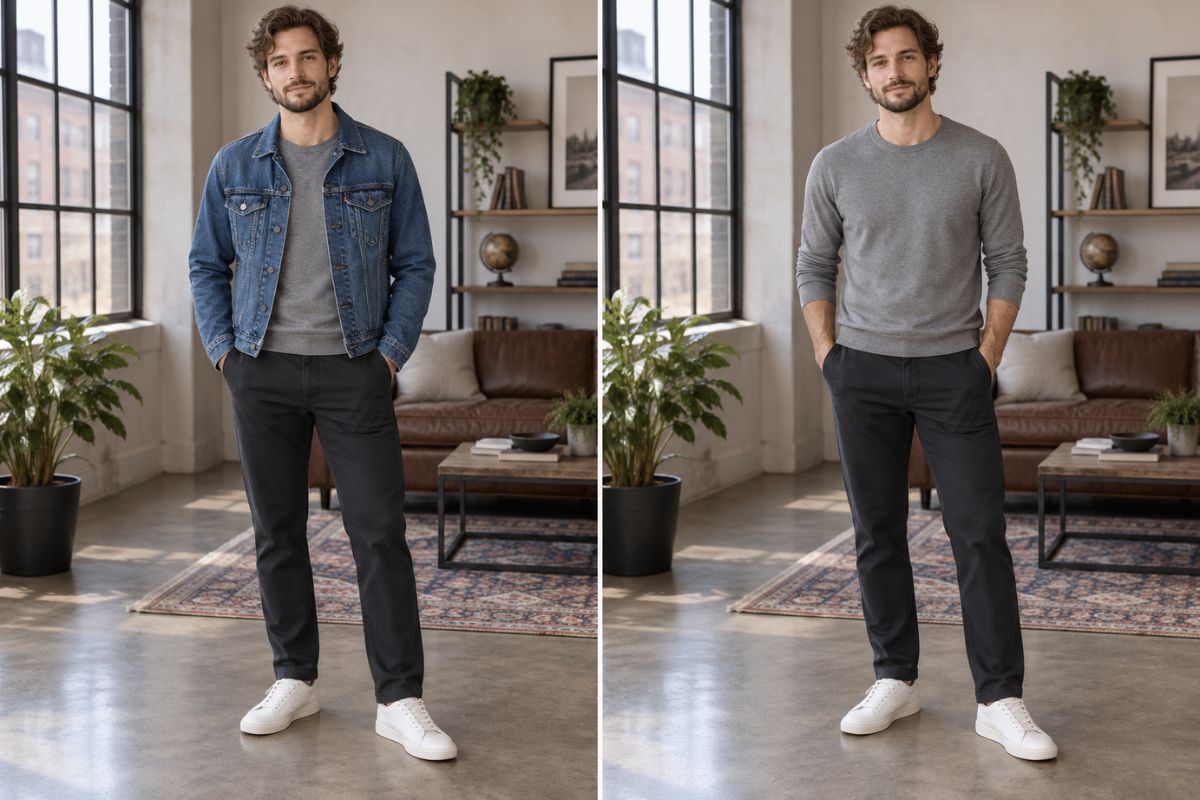
Clean Up Product Styling
Remove an unwanted jacket, scarf, or extra layer from a mannequin or dress-form photo while keeping the intended base garment intact. This creates a cleaner fashion-product concept.
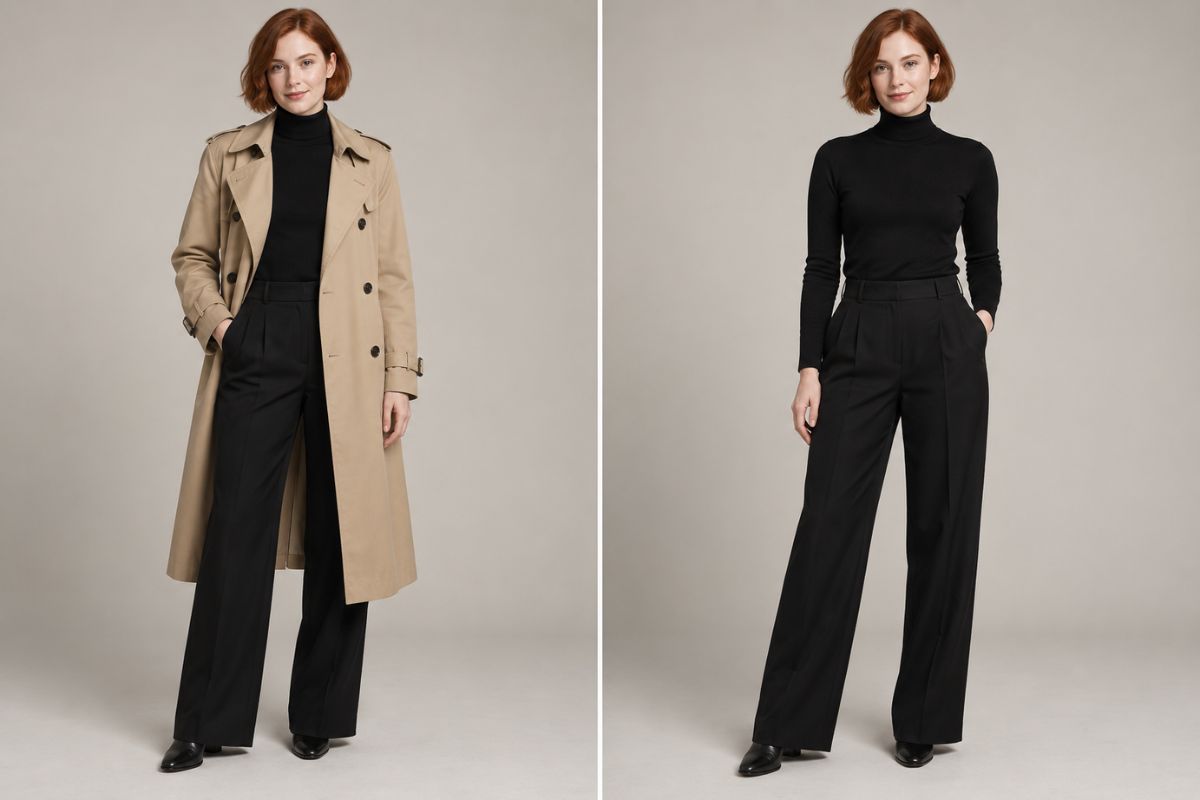
Replace Removed Clothing With Coverage
When a garment is removed, use a shirt, dress, trousers, or other base layer as the generated replacement. Review the result for consistent pose, body shape, hands, shadows, and fabric construction.
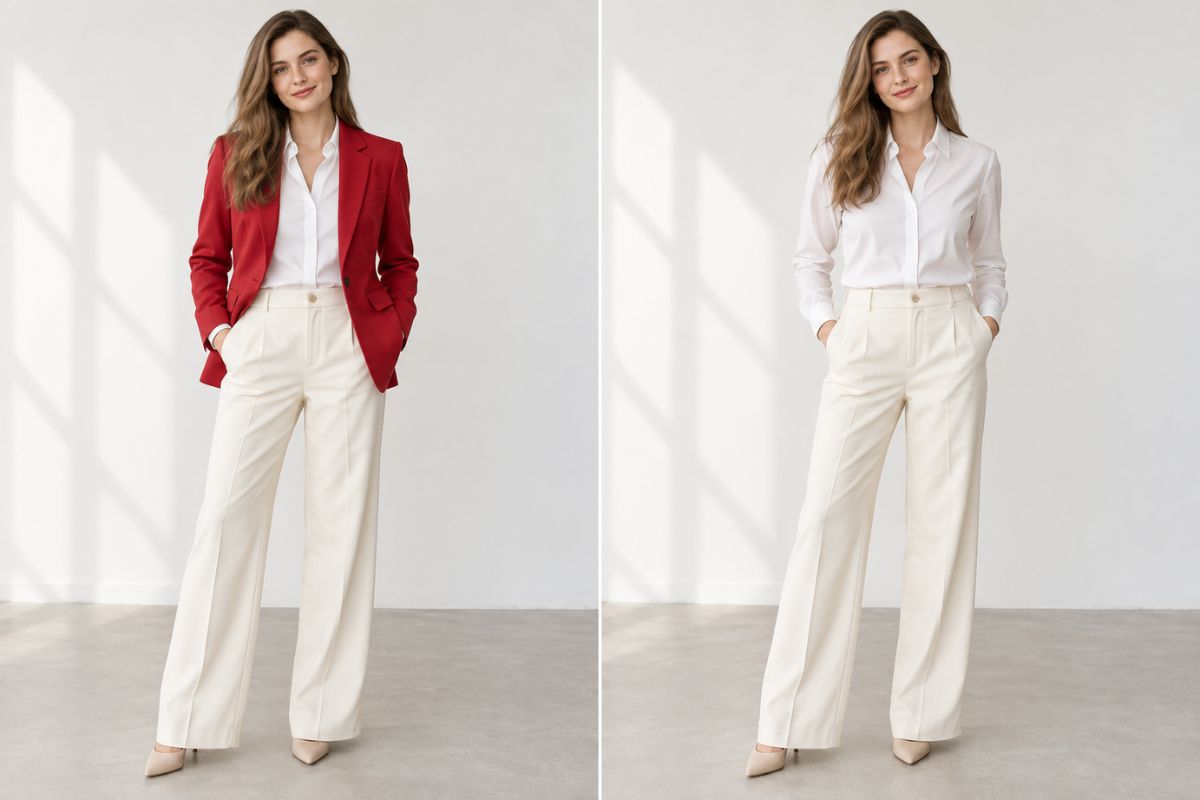
How to Use the AI Clothing Remover
Upload a Fashion Photo
Choose a fashion, mannequin, flat-lay, or dress-form image with a clearly visible base outfit.
Remove or Replace the Layer
Let Imgfree remove the selected outer garment while preserving or generating the underlying outfit.
Preview and Download
Compare the source and result. Check identity, hands, body proportions, fabric edges, and background before downloading.
What You Can Create
Outerwear Removal
Catalog Photo Cleanup
Wardrobe Variation Tests
Costume Continuity Edits
Fashion Layout Preparation
Layering Comparisons
AI Clothing Remover FAQ
Remove an Outer Layer
Upload a fashion image and compare the original layer with the edited result.