Free AI Lego Generator: Turn Any Image into Lego Art
Turn one image into original building-brick art with the Imgfree AI lego set generator and create a polished miniature scene.
AI Lego Generator
Upload one clear image and use the Imgfree AI lego set generator to rebuild the subject and surroundings as an original interlocking-brick scene. The result coordinates shape, color, scale, material, lighting, and depth.
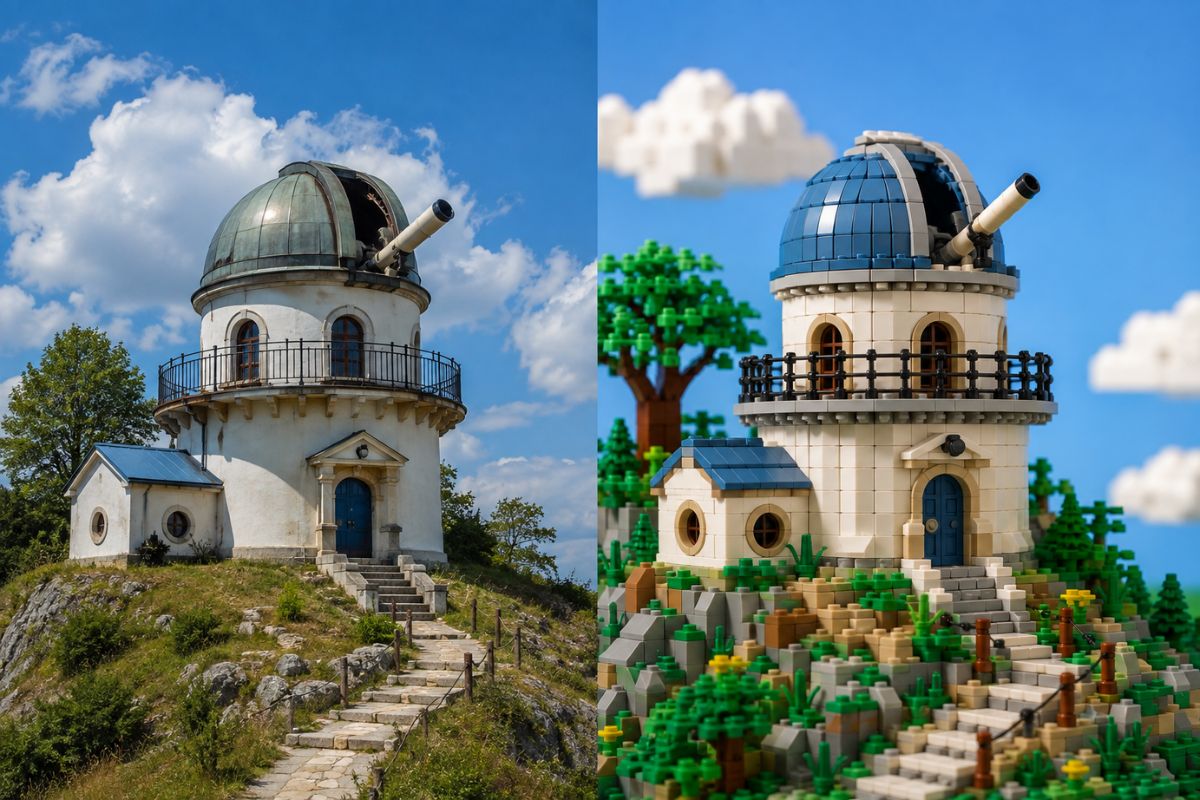
Build Original Brick-Style Images from One Photo
Full-Scene Brick Transformation
Rebuild the main subject, props, and environment together with colorful interlocking-brick geometry, consistent scale, molded details, and coordinated lighting. Explore more photo restyling with Imgfree’s image to image tools.
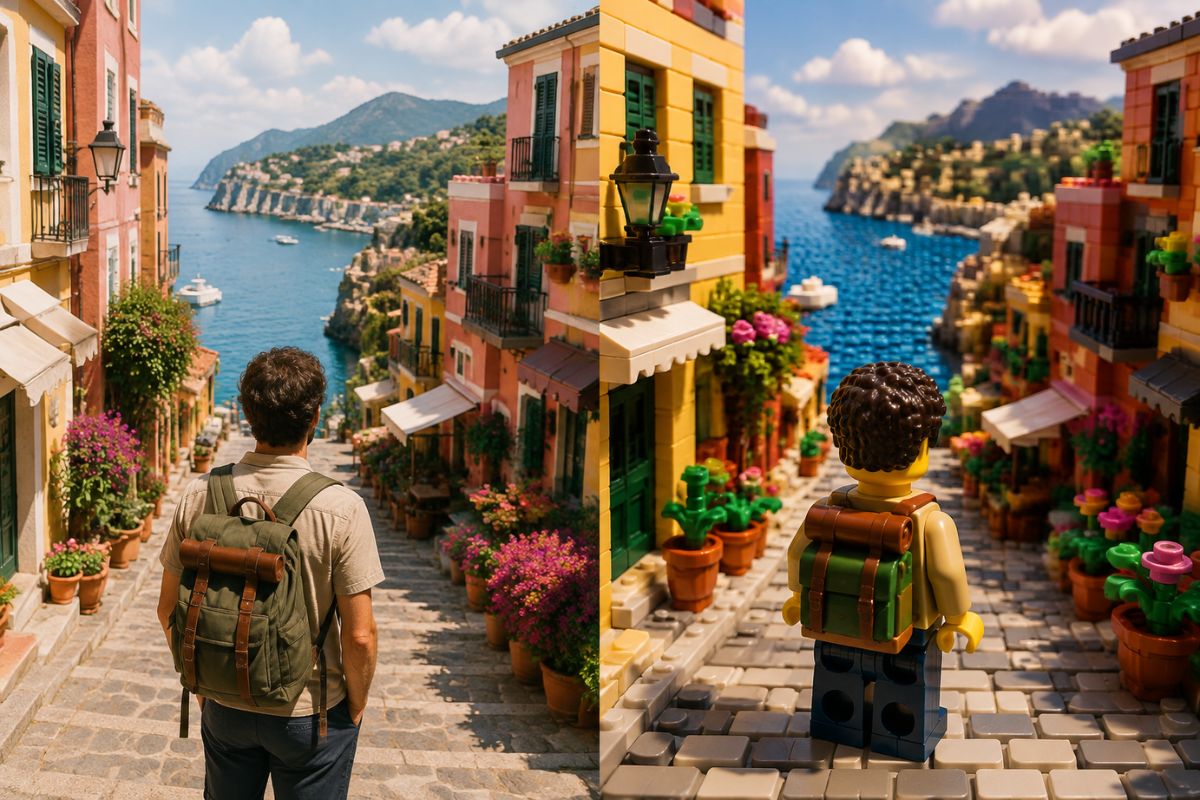
Source-Aware Shapes and Colors
Use the uploaded composition to guide the subject’s silhouette, palette, pose, framing, and important visual details. This helps transform portraits, products, travel photos, and everyday scenes into recognizable brick-style artwork.
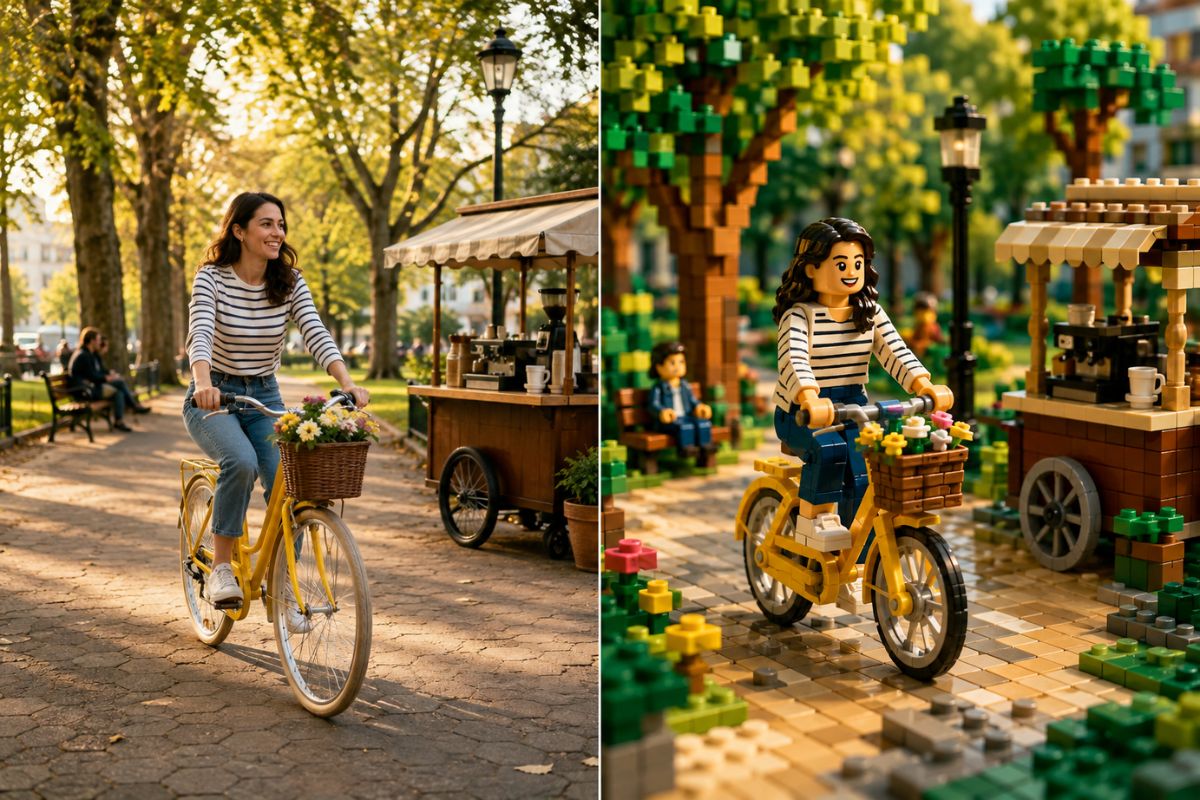
Original Set-Style Concepts
Create imaginative vehicles, buildings, portraits, or fantasy scenes with custom structures, decorative details, and cinematic lighting. Generate original brick-built concepts without copying an official branded set.
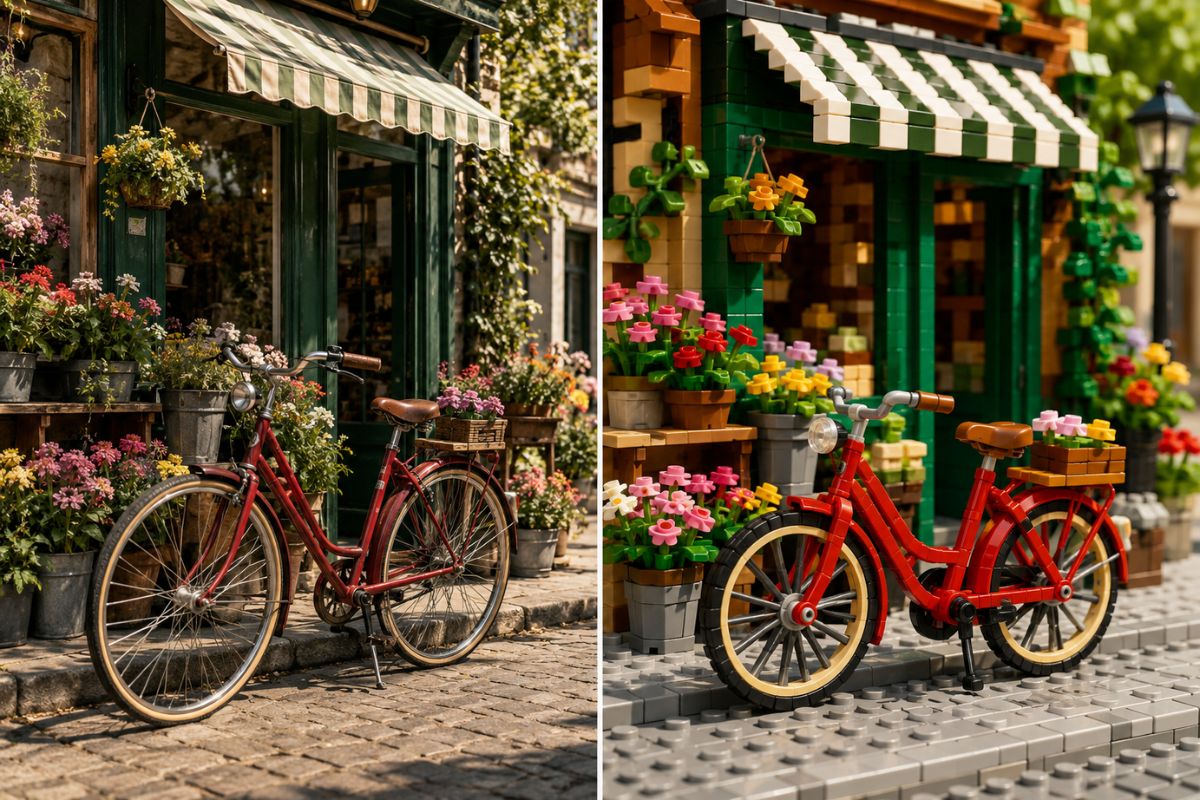
What You Can Create
Miniature Portraits
Turn an authorized adult portrait into an original brick-built character scene.
Travel Keepsakes
Reimagine a memorable place as a colorful miniature brick environment.
Vehicle Concepts
Transform a clearly framed car, bicycle, boat, or spacecraft into brick-style art.
Architecture Ideas
Explore houses, cafés, towers, studios, and fantasy buildings as miniature constructions.
Pet Portraits
Translate a clearly photographed pet into a playful unbranded brick-style scene.
Original Set Concepts
Develop a new environment or story scene with coherent brick geometry and scale.
How to Create AI Generated Lego-Style Art
- 01
Upload Your Image
Choose a sharp photo with one clear subject, readable outlines, and even lighting.
- 02
Apply the Brick Effect
Let Imgfree reinterpret the subject, colors, materials, and environment as one original interlocking-brick scene.
- 03
Preview and Download
Check faces, hands, proportions, brick continuity, object geometry, and background perspective, then download the best version.
AI Lego Generator FAQ
What is an AI lego set generator?
It transforms an uploaded image into an original building-brick scene with stylized geometry, molded materials, coordinated colors, and a unified setting.
How is AI generated lego-style art created?
Upload one suitable image and apply the effect. Imgfree interprets visible shapes, colors, pose, lighting, and composition to generate a cohesive brick-style result.
What images work best?
Use a sharp, evenly lit photo with a distinct subject and readable silhouette. Heavy blur, deep shadows, and crowded scenes are weaker inputs.
Can I transform people, pets, or objects?
You can try portraits, pets, vehicles, buildings, and other clearly framed subjects, then review the generated geometry and important identifying details.
Will the result match my source exactly?
No. The upload guides a new stylized interpretation. Review proportions, faces, hands, markings, and object geometry before using the image.
Is this an official LEGO product?
No. Imgfree is not affiliated with or endorsed by the LEGO Group. Create original, unbranded scenes rather than copies of official sets, characters, packaging, or logos.
Can I try it for free?
Imgfree may provide trial access or credits. Open the generator to check current availability and limits.
Create an Original Brick-Style Scene
Upload one image and turn it into a colorful miniature building-brick world.