AI Tongue Out Effect: Create AI Tongue Out Videos
Create a playful AI tongue out face from a clear adult portrait. Apply the expression effect and review facial details with Imgfree.
25
AI Tongue Out Effect
Upload a clear adult portrait and create a playful AI tongue out face with Imgfree. The strongest source images show the mouth, jawline, and eyes clearly, with even lighting and minimal obstruction.
Make a Playful Tongue-Out Portrait
Keep the Face Recognizable
Use a front-facing or slight three-quarter portrait so the effect can preserve visible cues such as face shape, hairstyle, eye color, and expression.
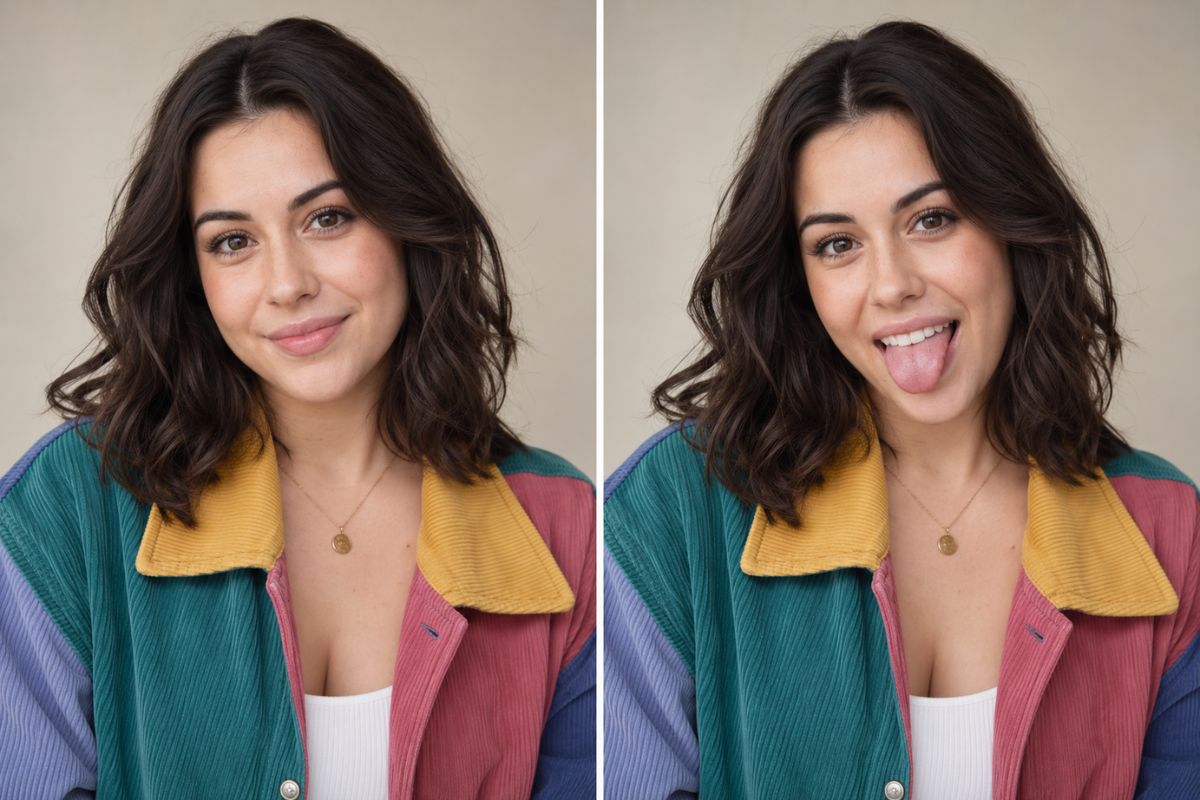
Match the New Expression
A believable result needs the mouth, cheeks, eyes, and head angle to support the same playful emotion. Review the full expression rather than only the tongue detail.
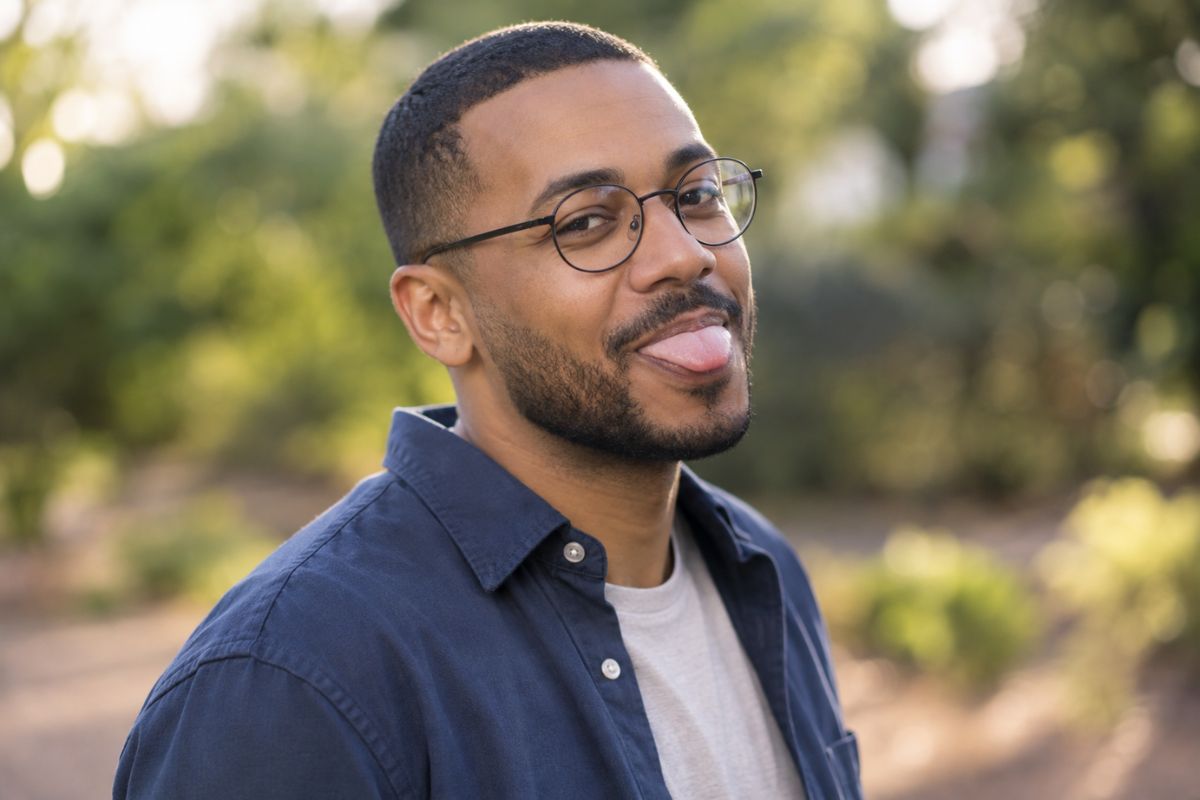
Use Clean Portrait Inputs
Sharp lighting and an unobstructed mouth make the AI tongue out effect easier to evaluate. Heavy blur, hands over the face, and extreme side angles usually need more retries.
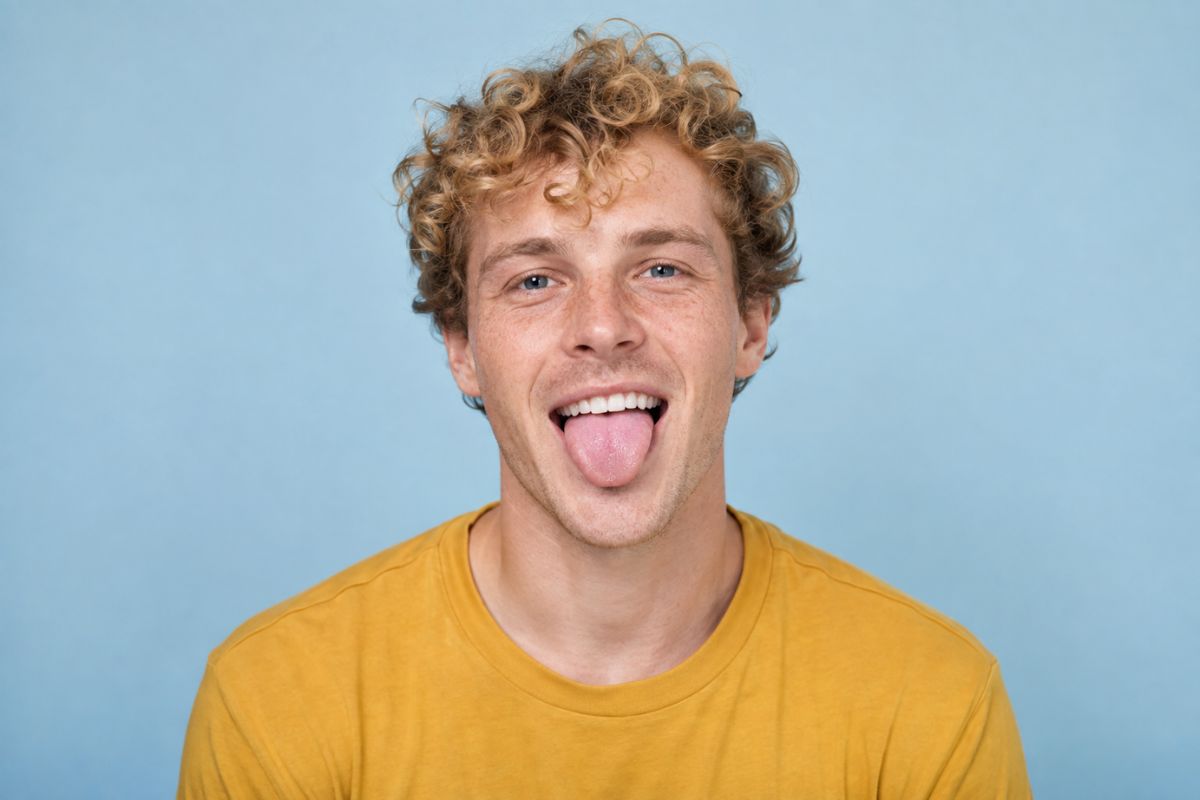
What You Can Create
Reaction Images
Create a playful response image for chats and personal conversations.
Profile Variations
Try a lighthearted alternative to a standard portrait or avatar.
Meme Drafts
Build an expressive portrait before adding separate caption text.
Friend Group Themes
Create coordinated playful expressions from authorized adult portraits.
Sticker References
Use clean expressions as starting points for sticker or emote artwork.
Creative Portraits
Explore a more energetic mood while keeping the subject recognizable.
How to Apply the AI Tongue Out Effect
01
Upload an Adult Portrait
Choose a sharp, well-lit photo with the face and mouth visible and no major obstruction.
02
Apply the Expression Effect
Generate a playful tongue-out variation while keeping the source identity and overall head angle readable.
03
Preview and Download
Review the mouth, teeth, tongue, jawline, eyes, and skin texture, then download the version that looks most coherent.
Frequently Asked Questions
AI Tongue Out Effect FAQ
Create a Playful Tongue-Out Portrait
Upload a clear adult photo and generate a lighthearted expression variation with Imgfree.