Free AI Crying Filter: Add Tears to a Photo Online
Use the Imgfree crying face filter to add tears to a photo and create a natural sad face effect from one clear portrait.
25
Crying Filter
Upload one clear portrait and use the Imgfree crying face filter to create watery eyes, natural tear tracks, and a coherent emotional expression. The effect works across the face, skin, and lighting instead of placing a flat tear sticker over the photo.
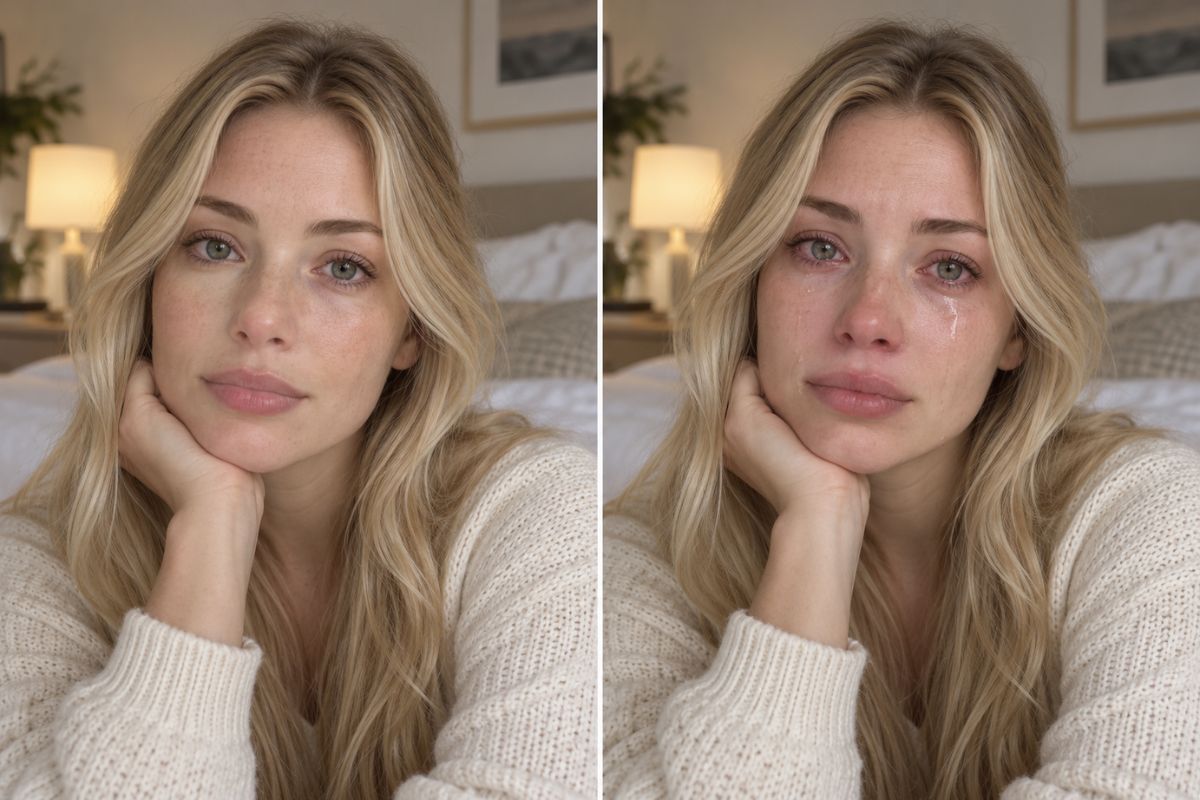
How to Add Tears to a Photo
01
Upload Your Photo
Choose a sharp, well-lit portrait with visible eyes and minimal obstruction from hair, glasses, or deep shadow.
02
Apply the Crying Filter
Let Imgfree add tears, watery eyes, and a coordinated sad expression to the uploaded portrait.
03
Preview and Download
Check both eyes, tear direction, face shape, skin texture, hair edges, and background continuity, then download the best result.
Create a Natural Tearful Portrait
Natural Tears and Watery Eyes
Generate subtle eye moisture, tear tracks, and gentle redness that follow the face and lighting.
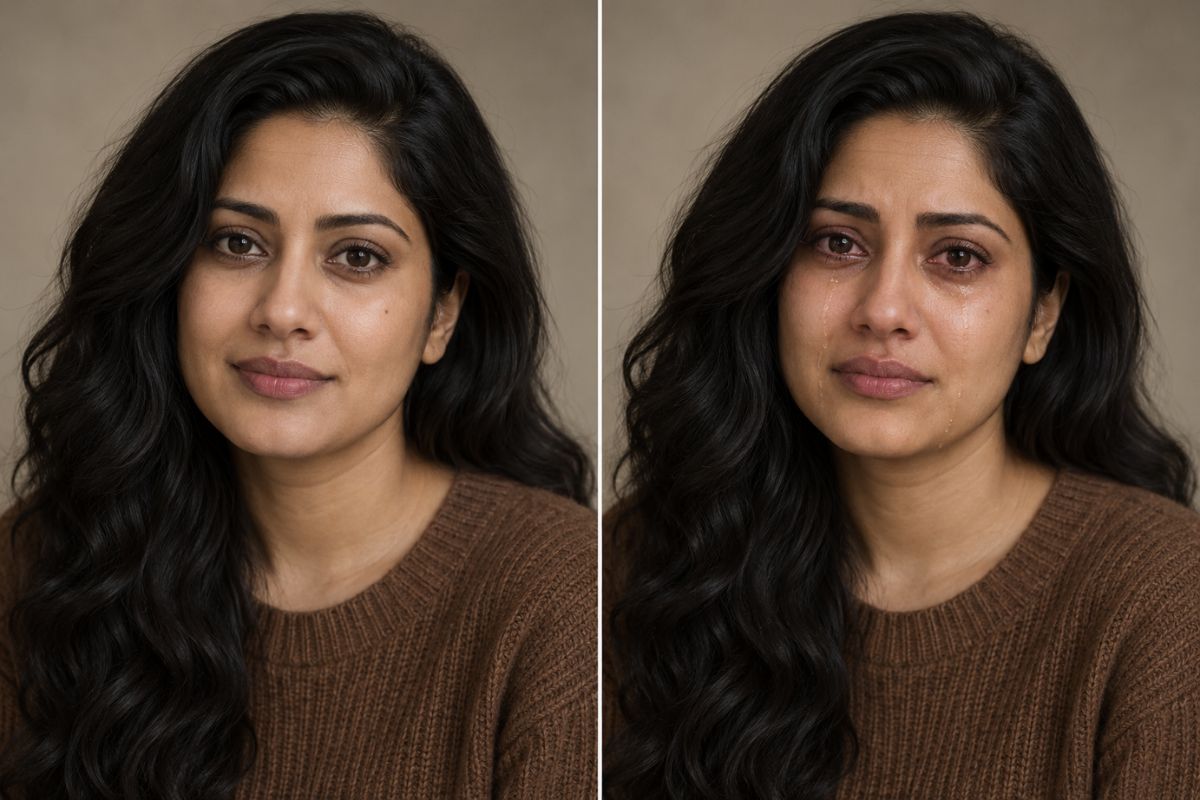
Coherent Sad-Face Expression
A believable sad face filter adjusts the eyes, brows, cheeks, and mouth together while keeping the portrait readable.
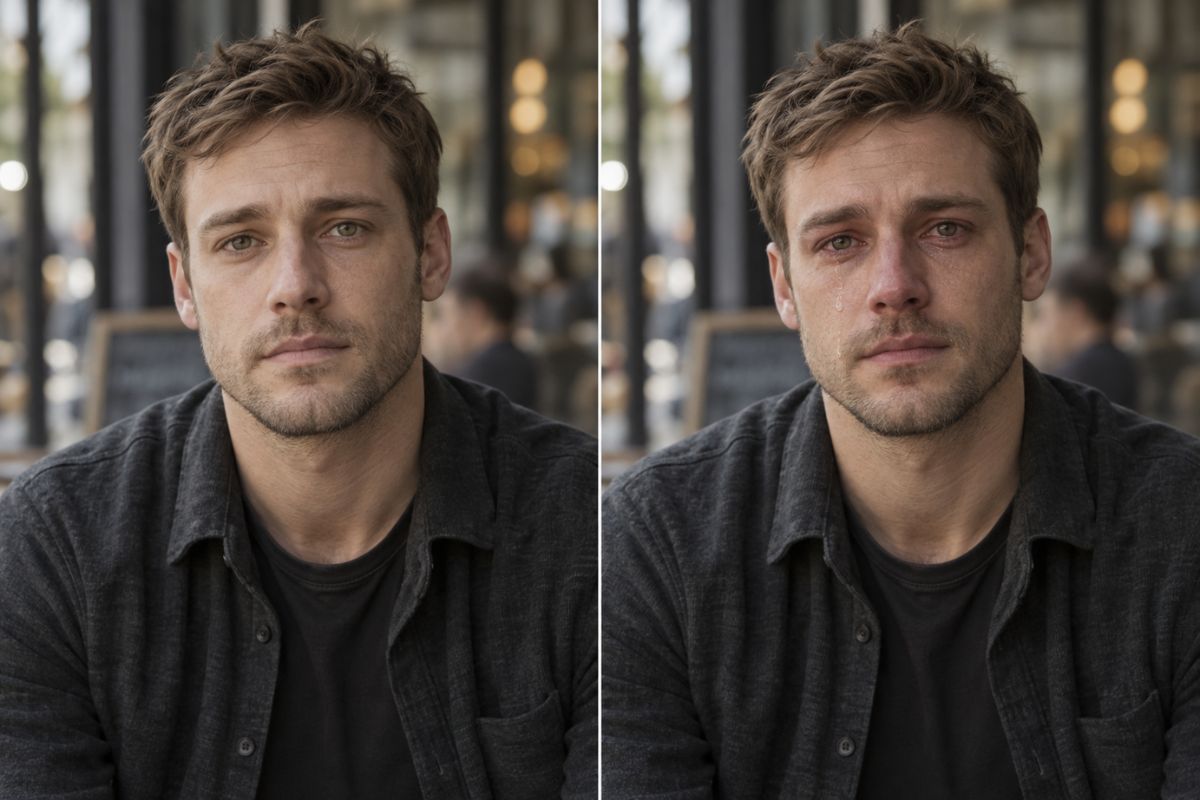
Portrait-Aware Detail
The source guides face shape, hairstyle, pose, clothing, and background while the generated result adds emotional detail.
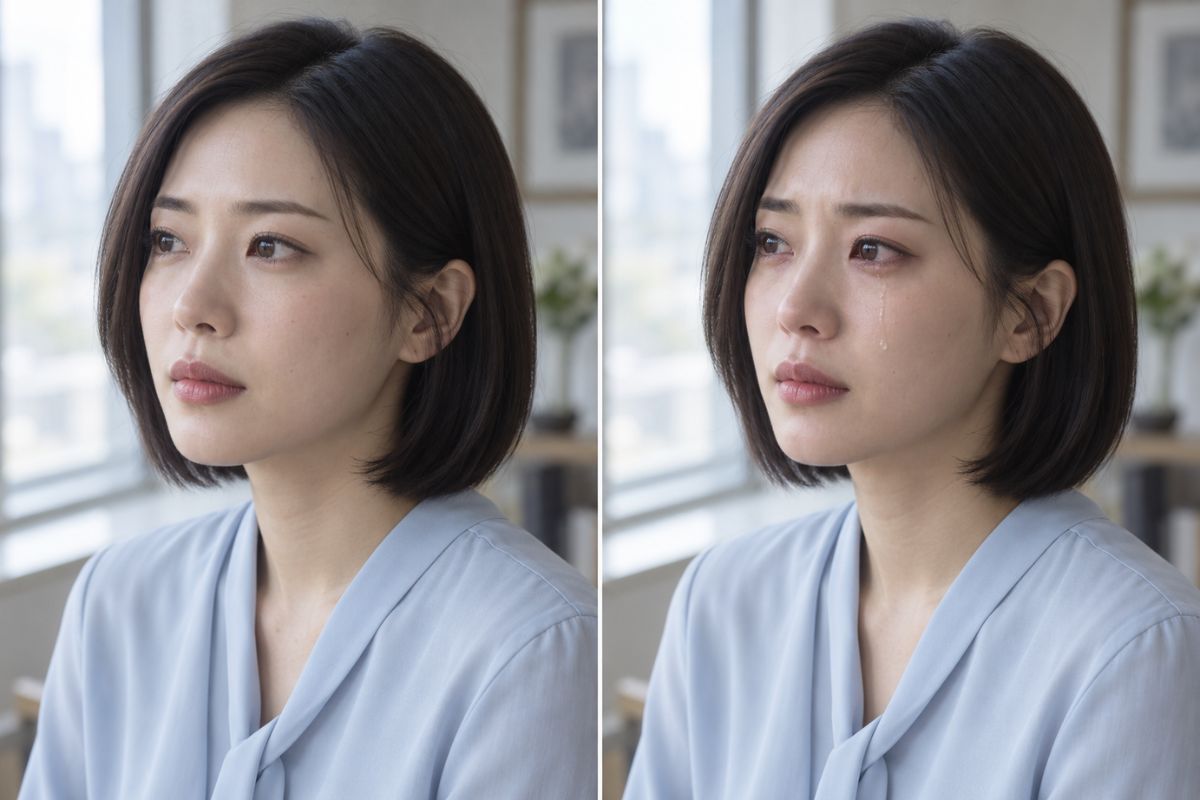
What You Can Create
Reaction Images
Create a tearful reaction portrait before adding any caption separately.
Character Story Stills
Give an original adult character a quiet emotional moment for visual storytelling.
Profile Variations
Explore a somber alternative to a standard authorized portrait.
Short-Film References
Develop a lighting and expression reference for an emotional close-up.
Editorial Mood Studies
Create a restrained portrait about grief, relief, nostalgia, or reunion.
Sticker References
Use a clear crying expression as a starting point for an original emote or sticker.
Frequently Asked Questions
Crying Filter FAQ
Add Natural Tears to Your Portrait
Upload a clear photo and create a coherent tearful expression with Imgfree.