Kiss Me AI Effect: Create AI Kissing Videos for Free
Create a tasteful kiss me AI clip from photos. Add gentle motion and review faces, timing, and continuity with Imgfree.
25
Kiss Me AI Effect
Create a tasteful kiss me AI clip from authorized photos of consenting adults. Imgfree works best with clear faces, compatible camera angles, and similar lighting across the source images.
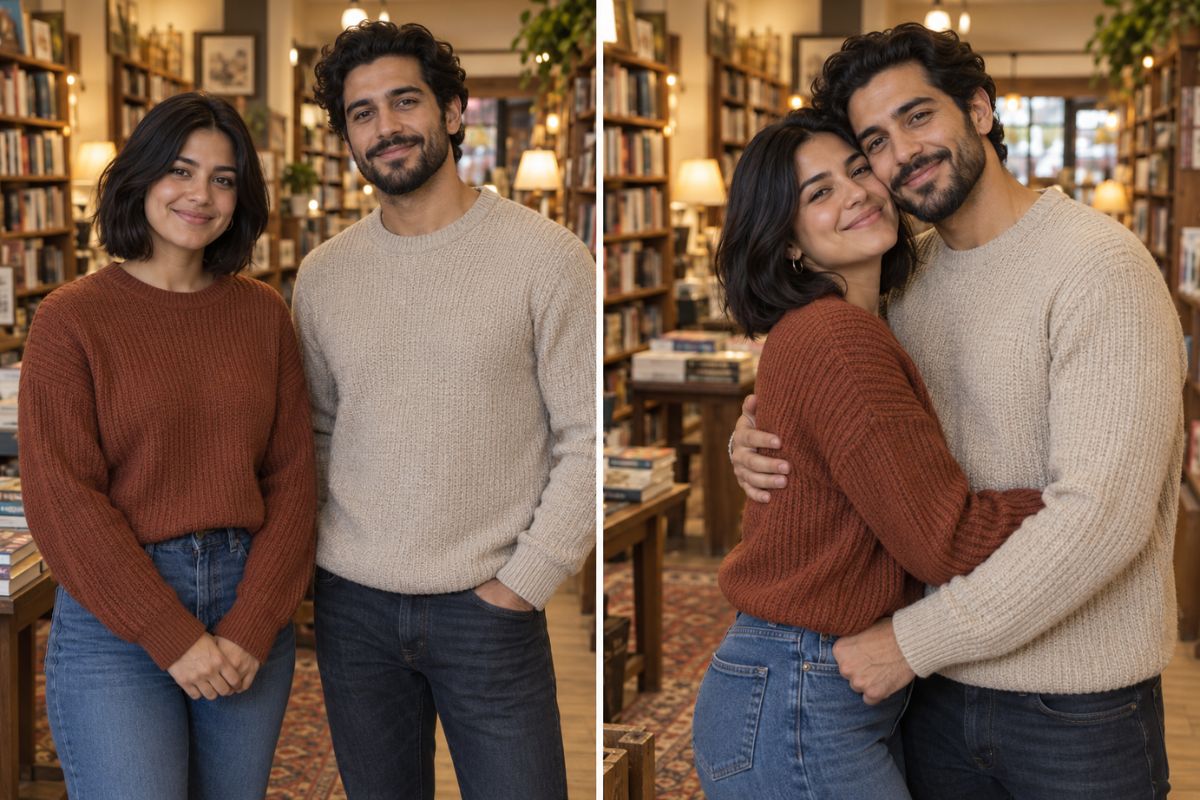
How to Use the Kiss Me AI Effect
01
Upload Authorized Adult Photos
Choose clear photos of consenting adults with compatible angles, visible faces, and similar lighting.
02
Apply the Kiss Me Filter
Generate a short, gentle movement with a simple approach and natural pacing rather than a large pose change.
03
Preview and Download
Review both faces, mouth alignment, hands, clothing, background continuity, and timing before saving the strongest clip.
Create a Natural Romantic Motion Effect
Preserve Both Faces
Use clear adult portraits with visible facial features and compatible angles. Compare both people across multiple frames, not only the final moment.
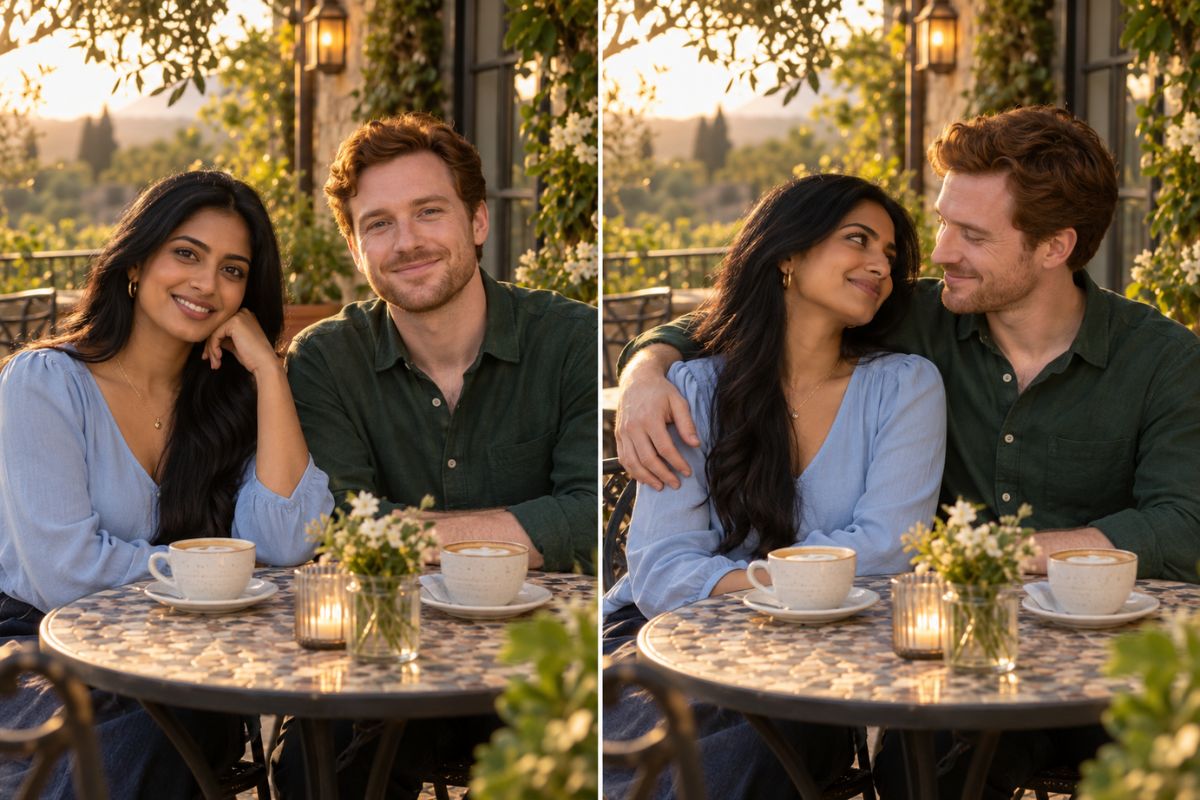
Guide Gentle Motion
The kiss me filter works best with a short, simple movement: eye contact, a small lean, and a natural pause. Large pose changes are more likely to distort faces or hands.
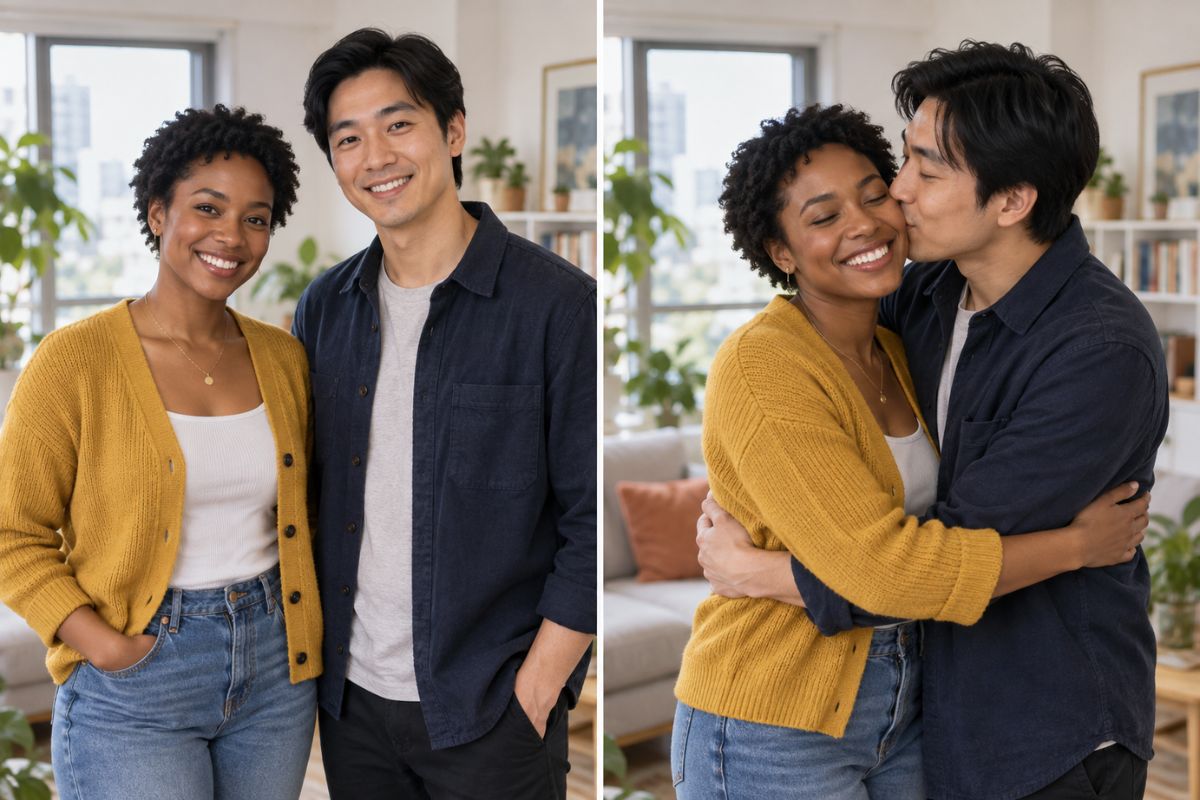
Review Timing and Continuity
Inspect facial identity, head movement, hair edges, hands, clothing, and background stability throughout the clip before choosing a final version.
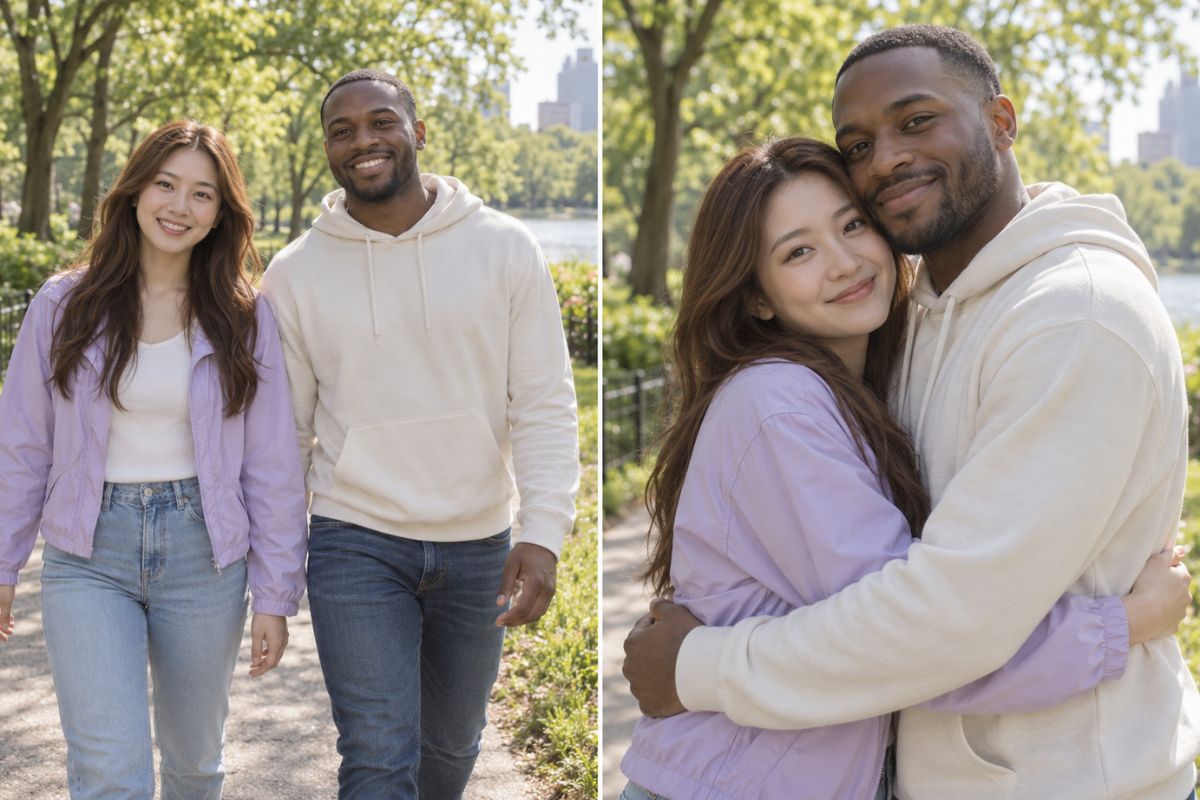
What You Can Create
Couple Memories
Create a short romantic variation from photos both people agreed to use.
Anniversary Posts
Develop a gentle visual for a private or public celebration.
Romantic Storyboards
Preview a simple affectionate beat before producing a larger video.
Music Edits
Pair a short romantic motion moment with licensed audio and pacing.
Creative Greetings
Build a personalized visual message for a consenting partner.
Private Experiments
Compare motion variations before deciding whether to share the result.
Frequently Asked Questions
Kiss Me AI Effect FAQ
Create a Tasteful Romantic Clip
Use authorized adult photos to create a short affectionate motion effect with Imgfree.