AI Mini Me Filter: Create Your Tiny Self
Use the Imgfree AI mini me filter to turn a clear photo into a playful miniature portrait for profile pictures, posts, stickers, and creative scenes.
AI Mini Me Filter: Create a Tiny Version of Yourself
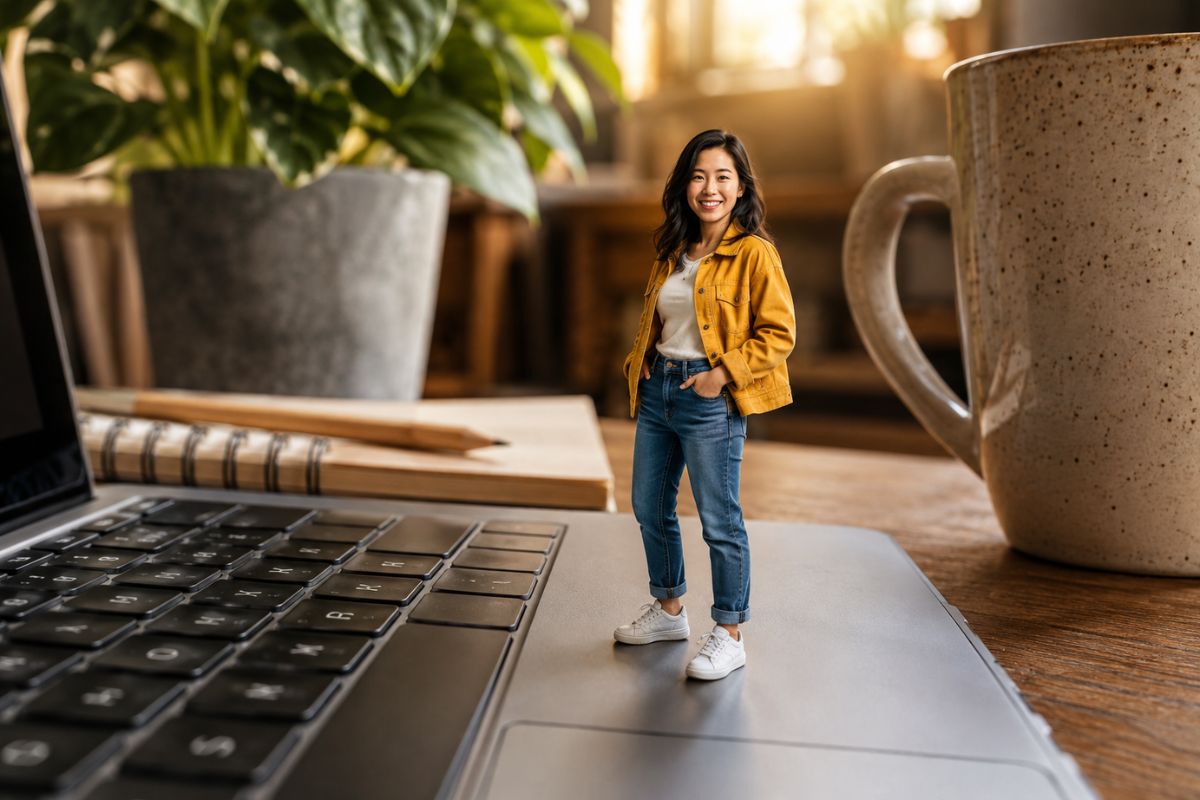
Upload a clear portrait and let Imgfree turn you into an AI generated mini me. Create a playful tiny-person image that keeps the focus on your face, outfit, and personality in an oversized everyday scene.
Create My Mini Me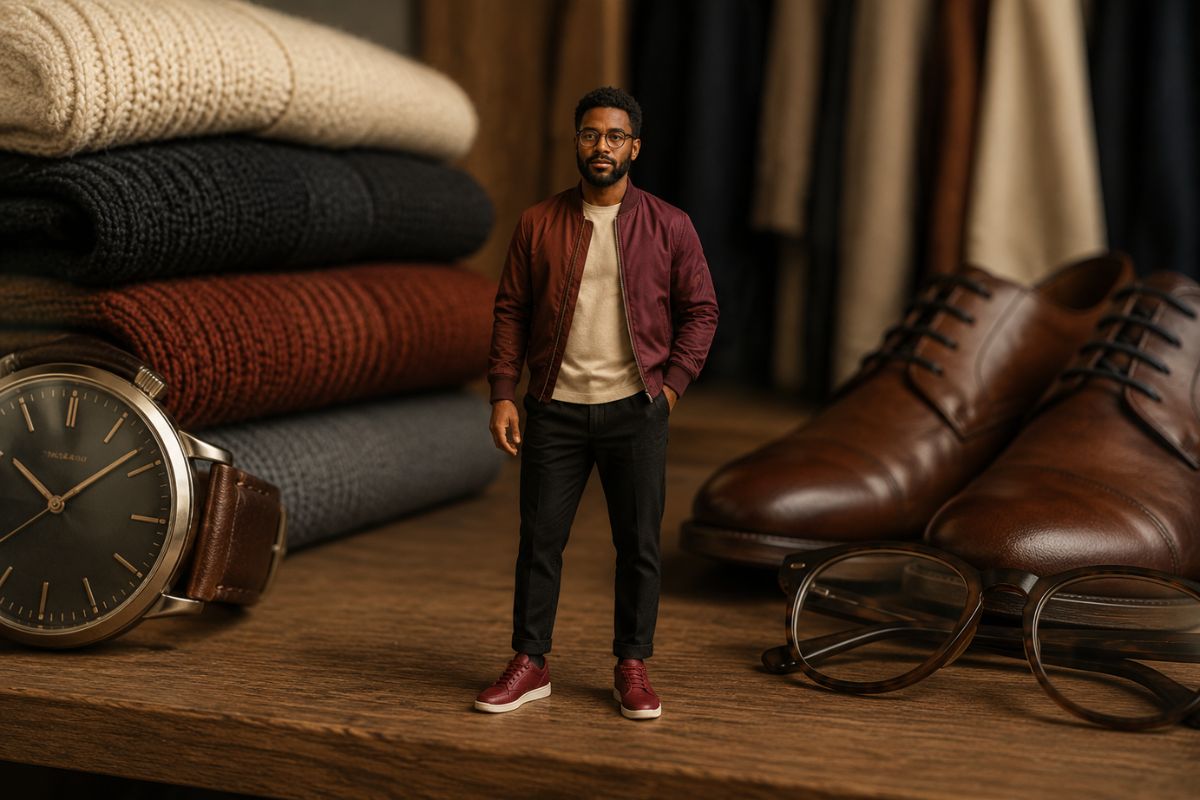
Turn One Portrait into a Playful Miniature Scene
Keep Your Personality in Frame
Turn a suitable portrait into a tiny character-style image while keeping recognizable cues such as hairstyle, expression, color palette, and clothing where possible.
Build a Believable Miniature Look
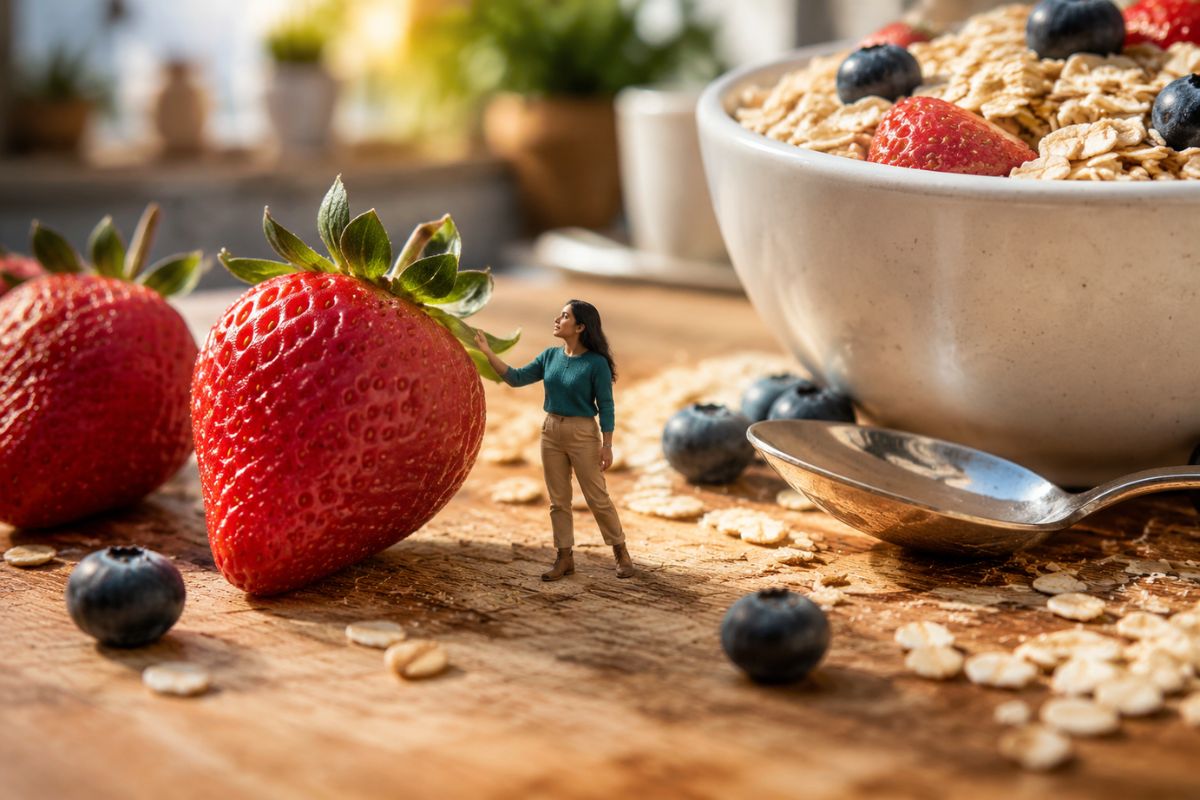
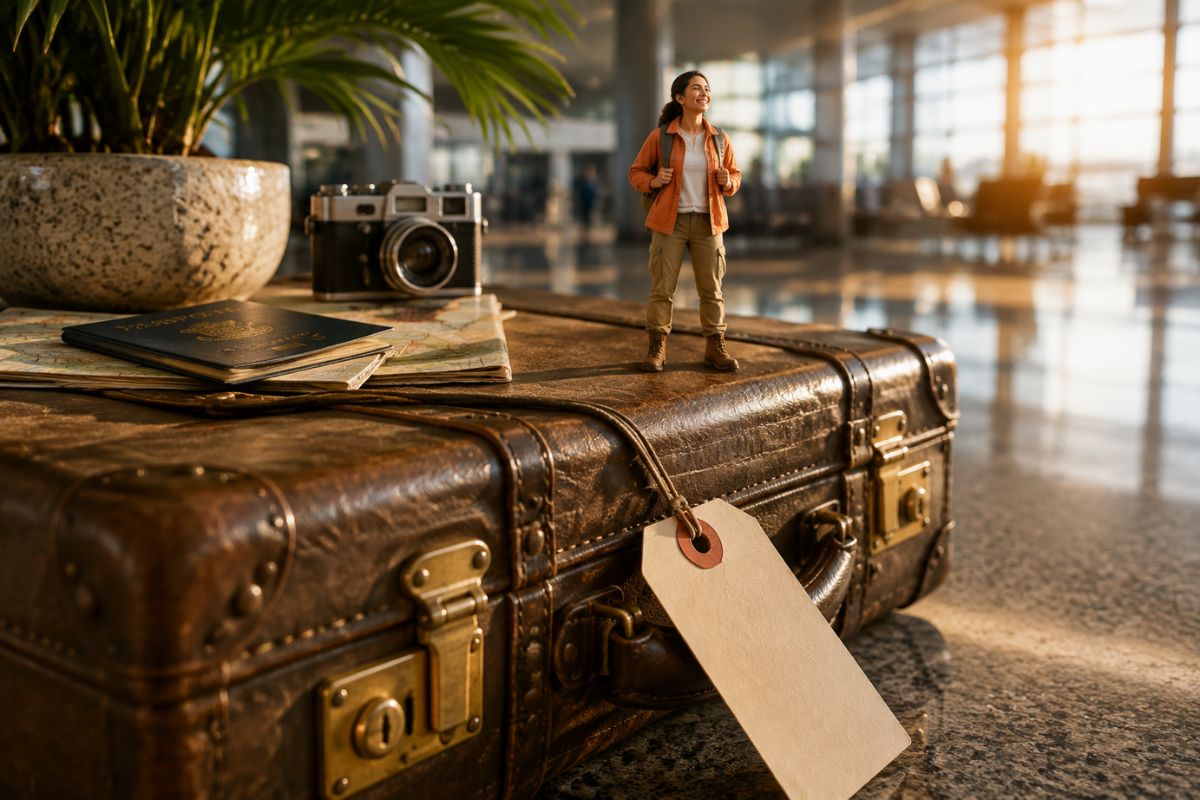
The miniature scale, shallow depth of field, and oversized surroundings create the playful illusion that you have stepped into a much bigger world.
Fit Your Mini Me into Creative Scenes
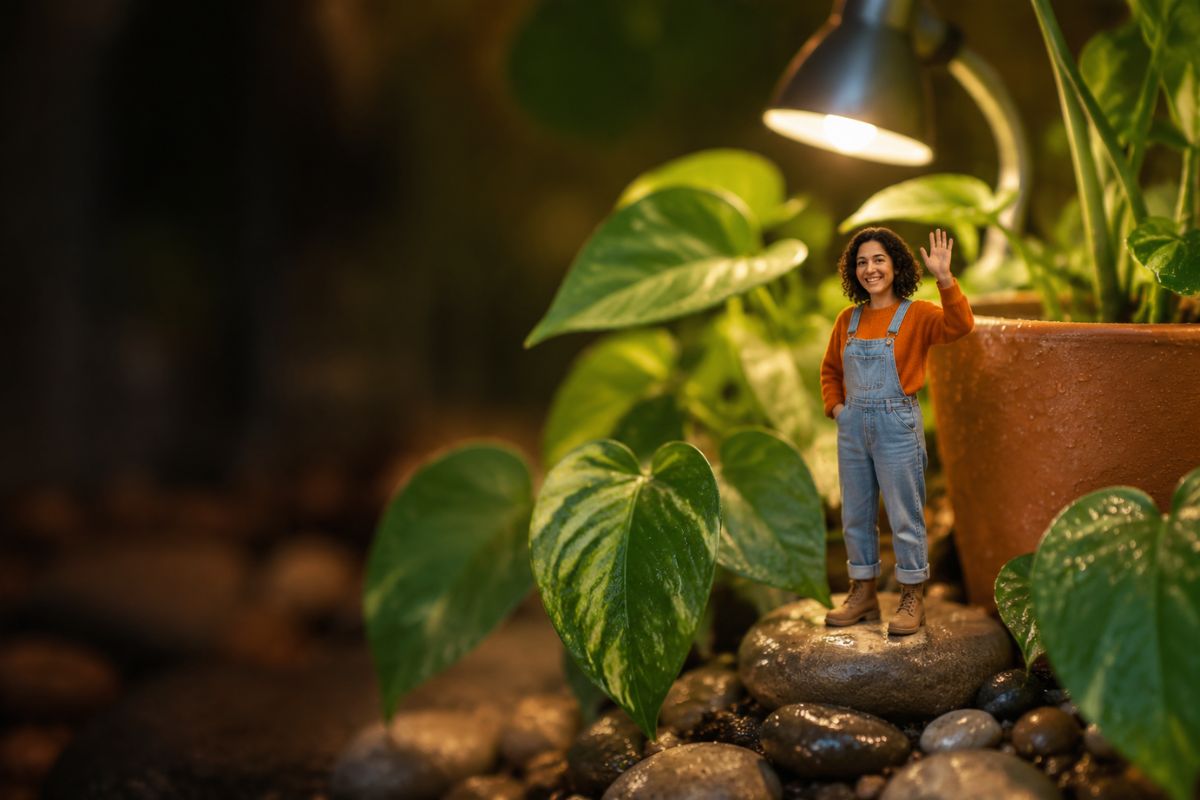
Place the tiny-person concept around desks, plants, books, luggage, or other familiar objects for a clear sense of scale and a more memorable result.
Ways to Use Your AI Mini Me
Profile Pictures
Create a distinctive tiny-self portrait for personal profiles and community avatars.
Social Posts
Use an oversized everyday setting to make a playful image for feeds, stories, or captions.
Reaction Images
Turn an expressive portrait into a humorous miniature reaction for chats and personal posts.
Stickers and Emotes
Create a clear character-style pose that can inspire custom stickers, emotes, or messaging art.
Birthday Edits
Build a lighthearted tiny-person scene for a birthday greeting or personal celebration.
Creative Character Concepts
Explore how your hairstyle, outfit, and expression translate into a miniature character direction.
How to Use the AI Mini Me Filter
Upload, apply, preview, and download
- 01
Upload a clear portrait
Choose one well-lit person with a visible face, simple pose, and enough space around the head and body.
- 02
Apply the mini me effect
Let Imgfree create a tiny version of the subject inside an oversized everyday scene.
- 03
Preview and download
Check the face, hands, clothing, scale, and background. Generate another version if important details drift, then download the result you prefer.
AI Mini Me FAQ
What is an AI mini me filter?
It transforms a suitable portrait into a generated image where the person appears miniature inside an oversized scene.
How do I make an AI generated mini me?
Upload one clear portrait, apply the effect, and review the generated tiny-person scene before downloading or creating another version.
What kind of photo should I upload?
Use a sharp, well-lit portrait with one visible subject, a clear face, limited obstruction, and a simple background.
Will my mini me still look like me?
The effect aims to retain recognizable visual cues, but generated images can change facial details, hands, hair, clothing, or proportions. Review the full result carefully.
What can I create with the AI mini me filter?
You can explore profile pictures, social posts, reaction images, stickers, birthday edits, and miniature character concepts.
Can I use a photo of another person?
Only upload images you have permission to use, especially when the result will be shared publicly.