AI Smile Generator for Natural Smile Effects | Imgfree
Use the Imgfree AI smile generator to add a warm, natural-looking smile to a portrait. Create an AI smile effect while keeping the person recognizable.
25
AI Smile Generator
Upload a clear portrait and add a warm, natural-looking expression with Imgfree. This AI smile creator gently changes the mouth and cheeks while helping the person’s identity, lighting, and pose remain recognizable.
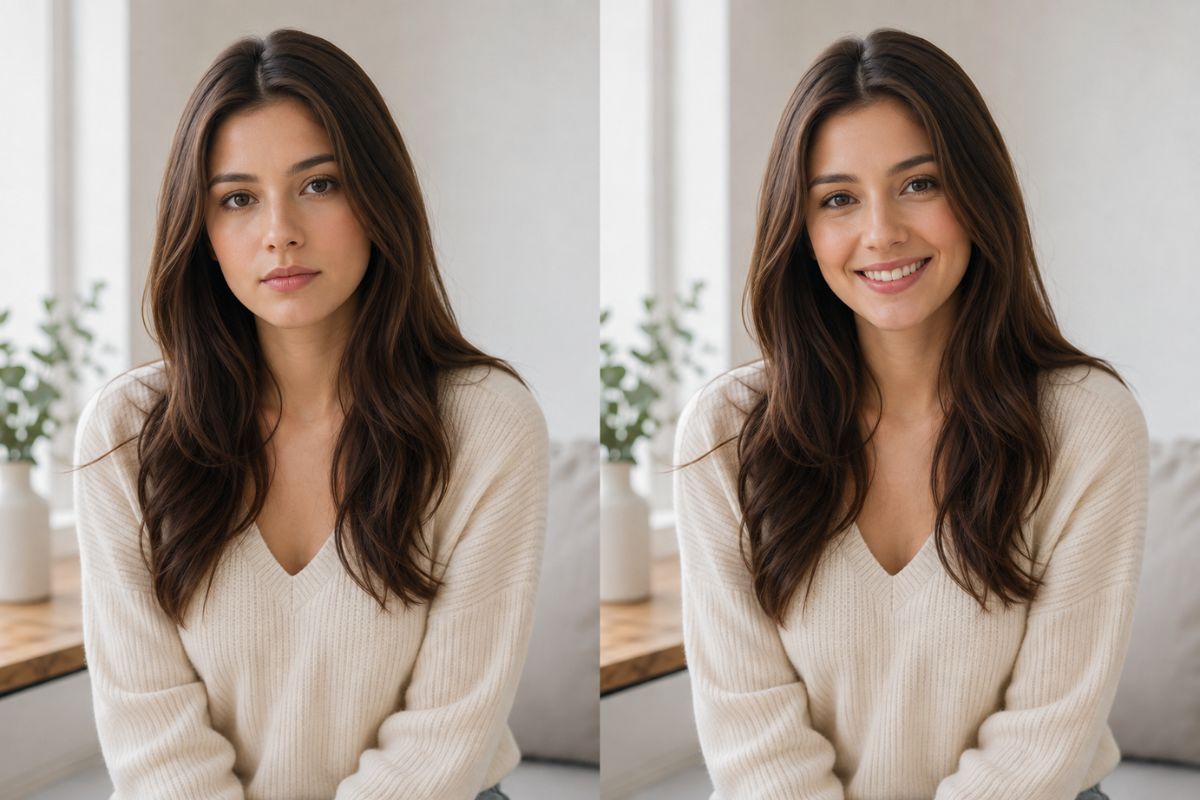
Create a Natural Smile from One Portrait
Balanced Facial Expression
Use image-to-image editing to add a natural smile while coordinating the mouth, cheeks, and eyes, creating a more believable expression instead of changing only the lips.
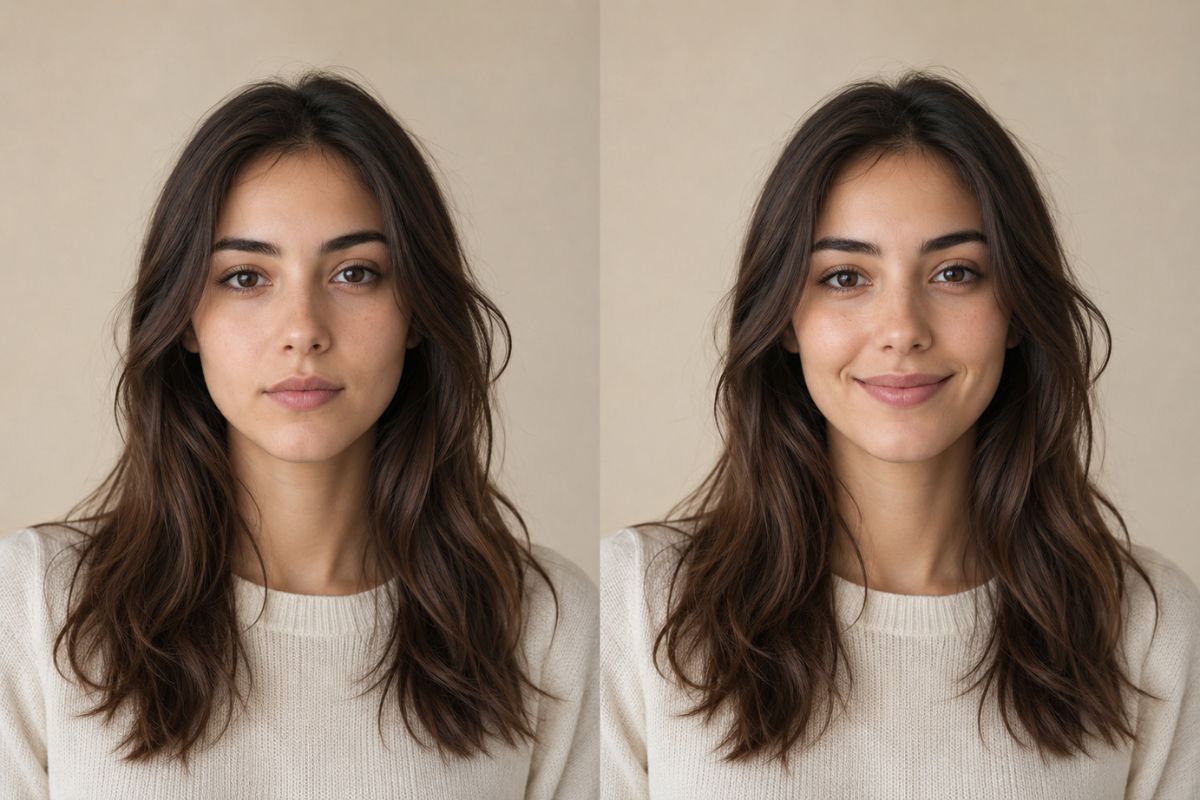
Recognizable Portrait Detail
Clear front-facing photos provide a stronger reference for preserving the person's hairstyle, facial structure, skin texture, lighting, and overall appearance while the expression is adjusted.
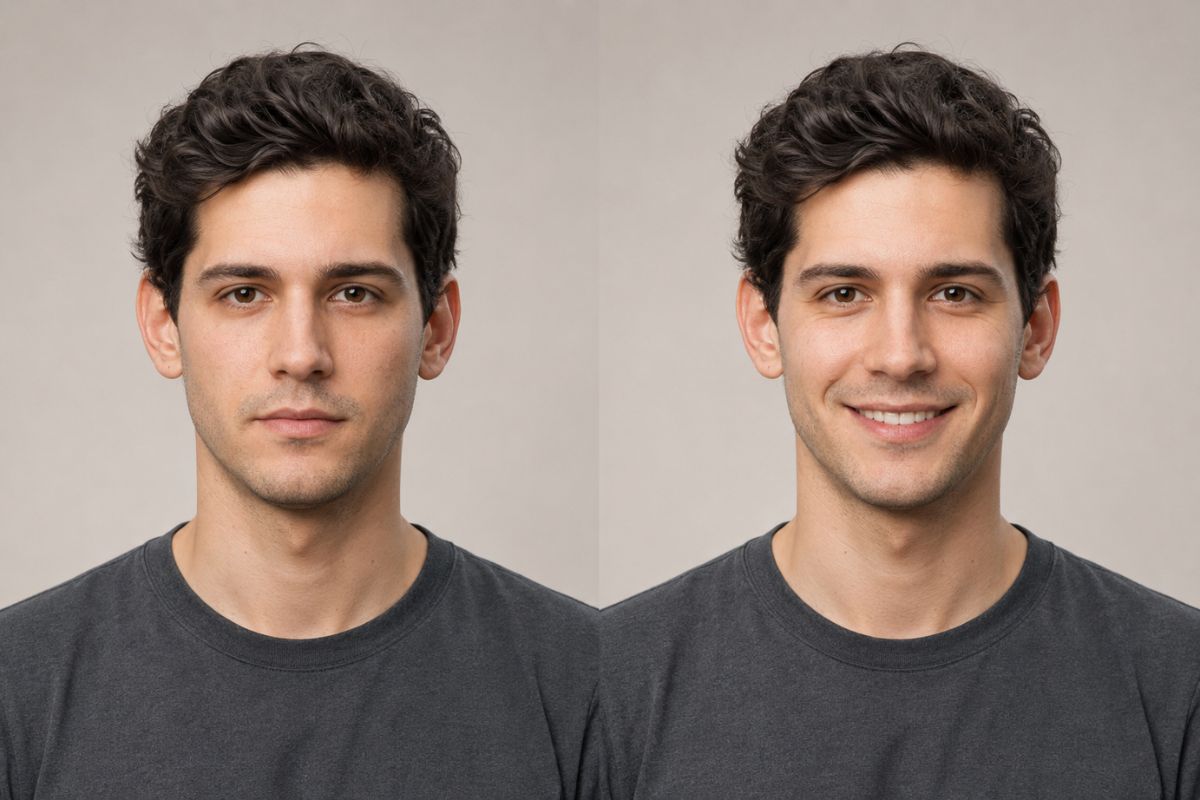
Flexible Smile Mood
Explore different emotional styles, from a subtle closed-mouth smile and friendly expression to a brighter cheerful look, then generate and compare multiple variations to find the best fit for your portrait.
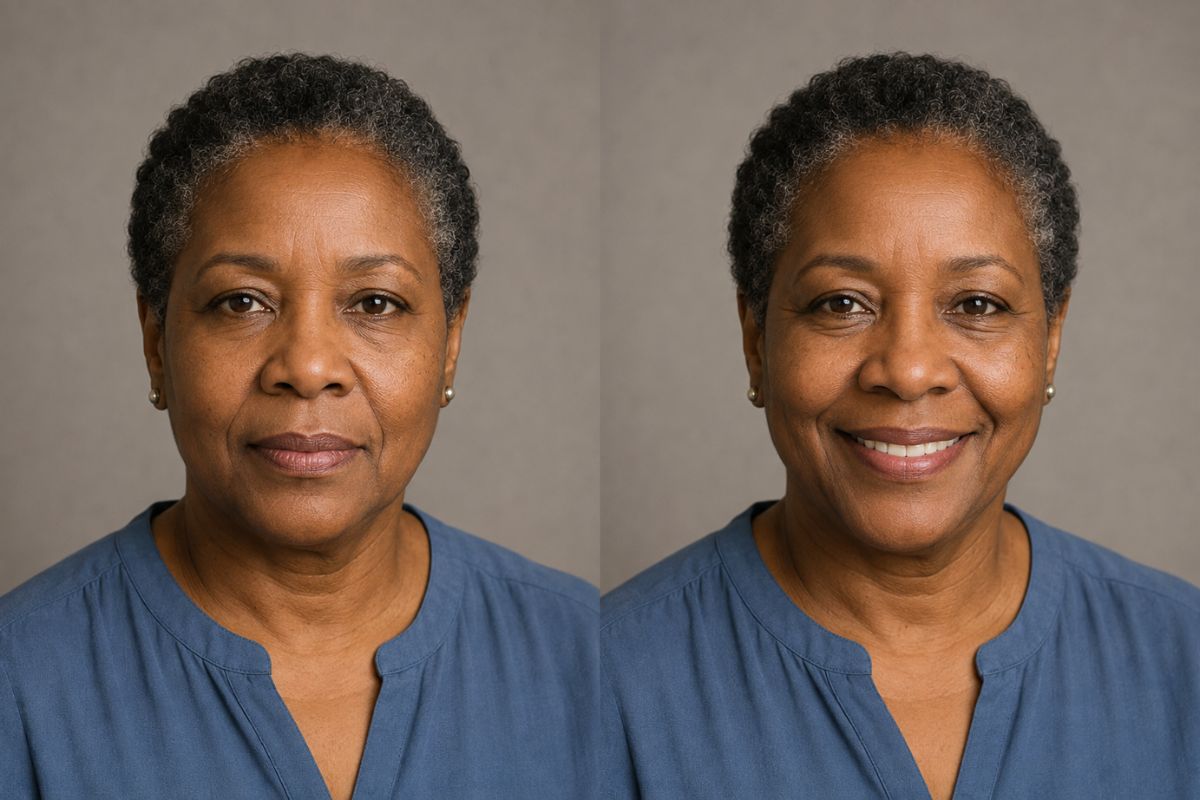
Practical ideas for portraits, social posts, and original projects
Creative Ways to Use AI Smile Generator
Profile Pictures
Refresh a neutral portrait with a friendly expression for a personal profile.
Family Photos
Create a warmer version of a clear individual portrait for a private album.
Greeting Images
Add an upbeat expression to a celebratory or thank-you image.
Character Expressions
Give an original illustrated character a cheerful facial variation.
Social Posts
Create a positive portrait variation for a casual update or announcement.
Portrait Selection
Compare smile variations before choosing the most natural-looking result.
How to Apply an AI Smile Effect
Upload, apply, preview, and download
01
Upload your portrait
Choose a sharp, well-lit image with one visible face, a relaxed angle, and no objects covering the mouth or cheeks.
02
Apply the smile effect
Let Imgfree adjust the expression while retaining the portrait’s main identity, pose, background, and lighting cues.
03
Preview and download
Inspect the teeth, lip edges, cheeks, eyes, and face shape. Generate another version if the smile looks uneven or facial details drift.
Answers to common questions before you create