Free AI Pregnant Generator: Create Realistic Pregnant from Photo
Create a pregnancy-themed portrait from one photo with the Imgfree AI pregnant generator.
AI Pregnant Generator
Upload one adult photo and create a pregnancy-themed portrait with the Imgfree AI pregnant generator. Adjust the subject’s body shape, maternity clothing, pose, facial details, background, and lighting to explore a new portrait concept.
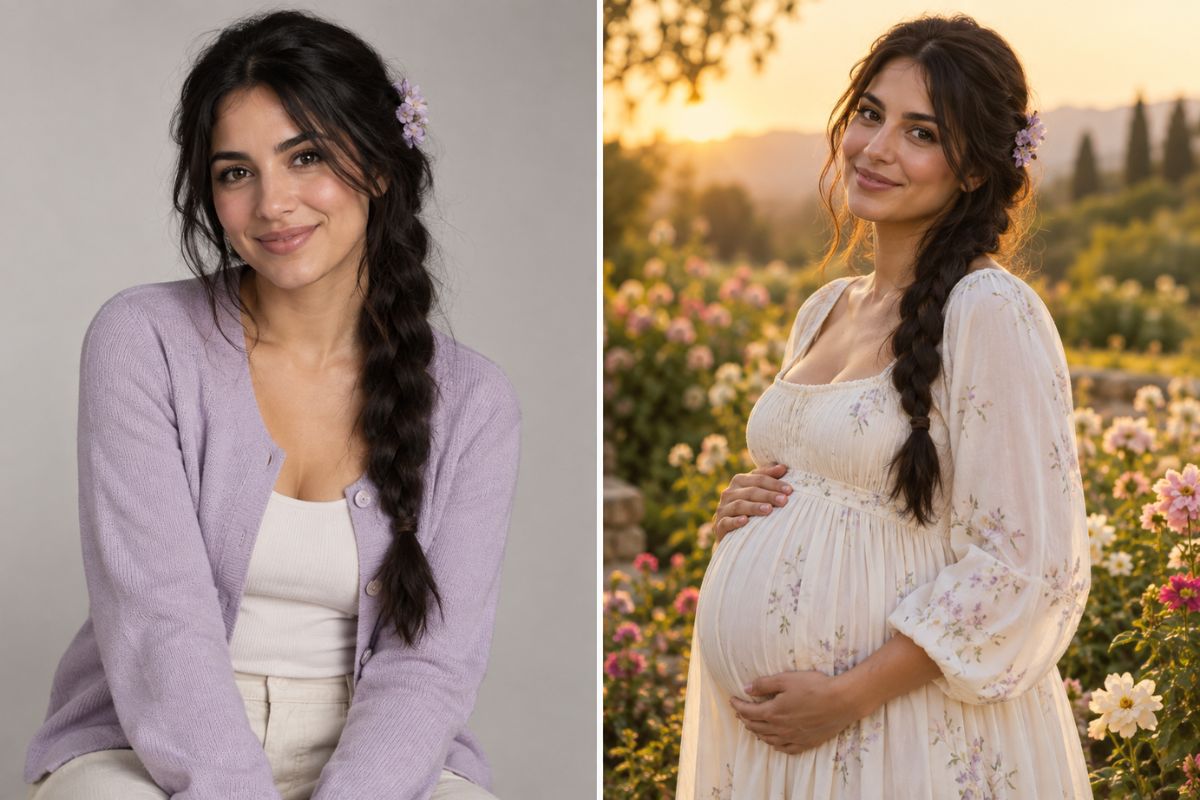
Create a Pregnancy-Themed Portrait
Pregnancy-Themed Portraits
Create a portrait with a maternity-style outfit, adjusted body shape, selected pose, and a setting that matches the intended mood.
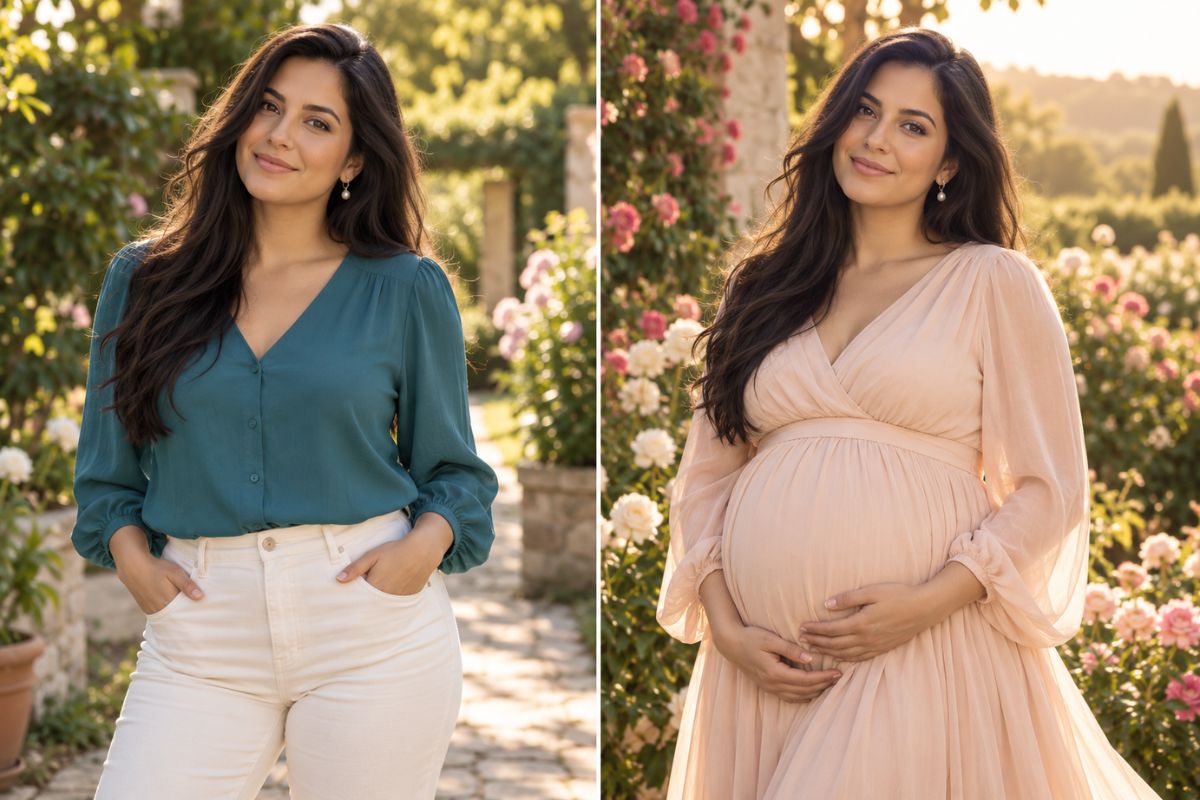
Clothing and Scene Details
Explore how different maternity clothing, fabric shapes, hand positions, backgrounds, and light directions change the overall portrait.
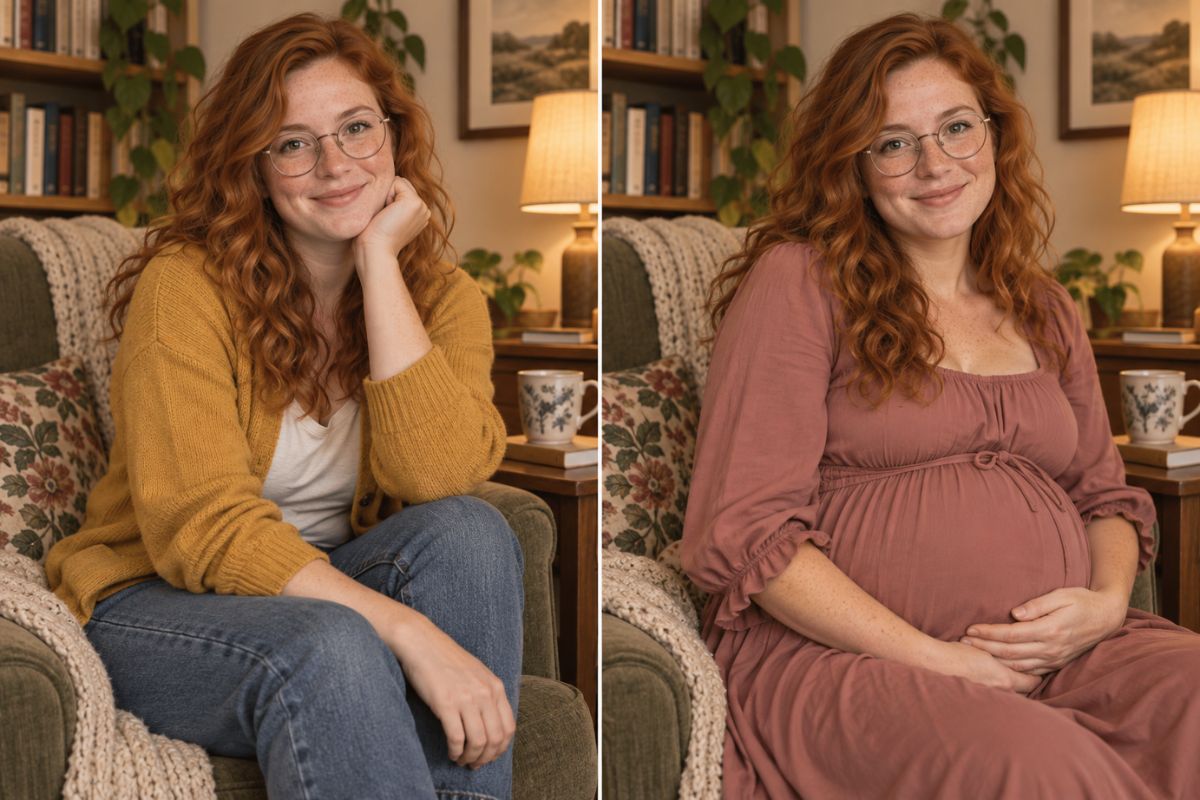
Different Portrait Moods
Compare indoor, garden, golden-hour, and floral portrait ideas while checking the face, hands, clothing, and surrounding composition.
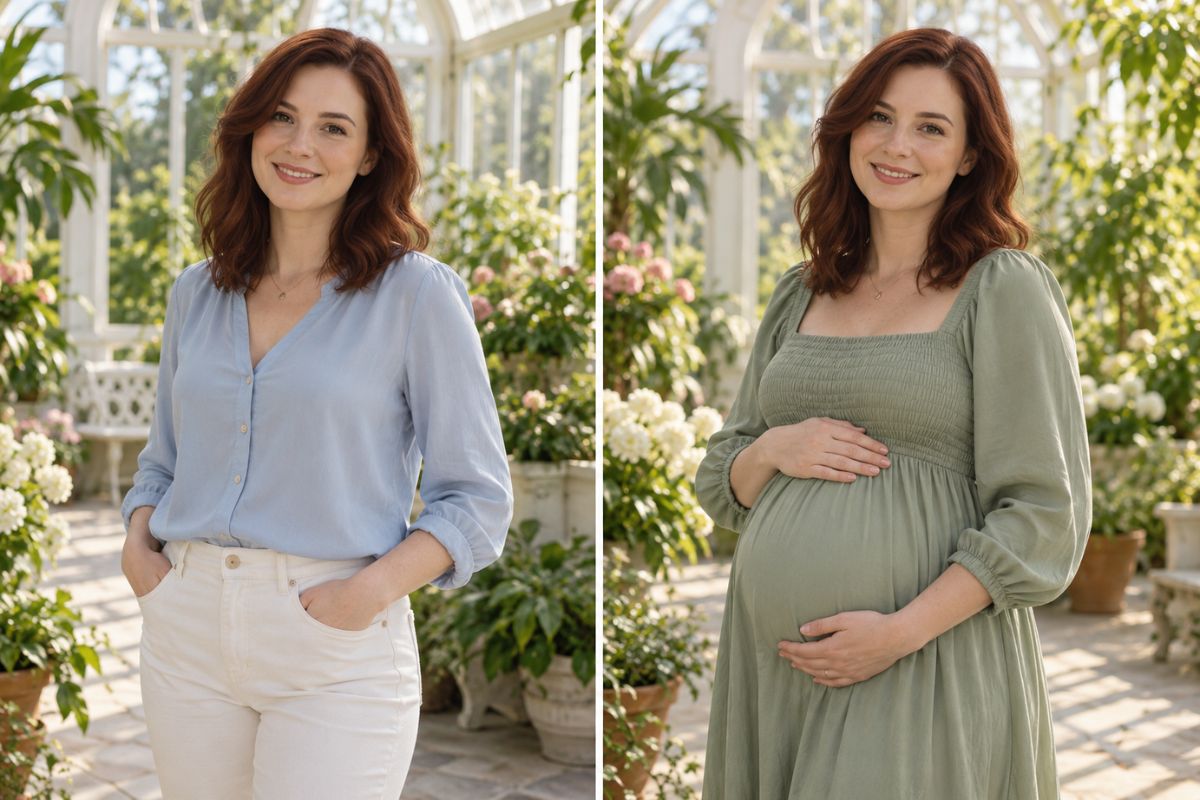
How to Use the AI Pregnant Generator
- 01
Upload an Adult Photo
Choose a clear photo of one adult with visible facial details, a suitable crop, and enough of the upper body for the effect to interpret the pose and clothing.
- 02
Apply the Effect
Imgfree generates a pregnancy-themed interpretation by adjusting the body shape, maternity styling, pose, background, and lighting.
- 03
Review the Result
Check the face, body proportions, hands, clothing, lighting, and background for details you want to keep or change.
What You Can Create
Pregnancy-Themed Portraits
Turn an adult portrait into a maternity-style image with a different silhouette, wardrobe direction, and setting.
Maternity Styling Ideas
Explore flowing dresses, soft colors, layered fabrics, relaxed poses, and different lighting approaches.
Pregnancy Announcement Concepts
Create a visual starting point for a private announcement, family project, or social media concept.
Couple Story Projects
Build a pregnancy-themed visual concept that includes a partner, shared setting, or broader personal story.
Original Character Art
Reimagine an adult fictional character in a maternity outfit or pregnancy-themed environment.
Portrait Mood Boards
Collect indoor, garden, sunset, floral, and seasonal portrait variations for creative planning.
AI Pregnant Generator FAQ
What is an AI pregnant generator?
An AI pregnant generator transforms an uploaded adult photo into a pregnancy-themed portrait by adjusting the body shape, clothing, pose, lighting, and surrounding scene.
How does the AI pregnant filter work?
Upload one clear adult image, apply the effect, and review a generated interpretation based on the visible face, body position, clothing, and composition in the source photo.
Can I use an AI pregnant generator online?
Yes. An online AI pregnant generator lets you upload a photo, apply the effect, preview the result, and download an image through your browser.
Is there a free AI pregnant generator?
Imgfree may provide free credits or trial access depending on the current tool settings. Open the effect to check the available usage limits and download options.
What type of photo works best?
Use a sharp, evenly lit photo of one adult with visible facial details, a natural pose, and enough of the upper body in the frame. Heavy blur, extreme crops, blocked faces, and strong shadows may affect the result.
Can I use a selfie with the pregnant filter?
Yes. A clear selfie can work when the face is visible and the image includes enough of the upper body for the effect to interpret the pose and clothing.
Can I use a full-body photo?
Yes. A full-body photo can provide more information about posture, clothing, and the surrounding scene, although the final composition may still differ from the original.
Can I use a group photo?
Single-person photos are usually easier to process. Group images may produce less consistent results because the effect has to identify and interpret more than one person.
Can I use an old or low-quality photo?
You can try an older image, but low resolution, compression, faded details, scratches, and blur may affect the face, clothing, hands, and overall composition.
Does the AI pregnant filter show a real pregnancy prediction?
No. The result is a creative image transformation, not a medical assessment, fertility statement, pregnancy test, or prediction of someone’s physical appearance.
Can I make the pregnancy portrait look different?
Yes. Try different source photos or compare variations with changes to the clothing, pose, background, lighting, and portrait mood.
Will the generated person remain recognizable?
The source image guides the generated portrait, but facial details, body proportions, hair, clothing, and background may change. Review the result before using it.
Can I create a pregnancy announcement image?
Yes. The effect can be used to explore announcement concepts, maternity-style portraits, couple projects, or private visual ideas. Review the image carefully before sharing it publicly.
Can I use another person’s photo?
Use images you have permission to upload, especially when editing a real person. Avoid deceptive, harmful, or non-consensual edits.
Can I use the generated image commercially?
That depends on the applicable Imgfree terms, the source image rights, and the permissions connected to any people or assets shown in the image. Review the relevant usage terms before commercial use.
Why do the hands or clothing sometimes look unusual?
Hands, fabric folds, body contours, and accessories contain fine visual details that can vary in generated images. Try a clearer source photo and review multiple variations.
Create a Pregnancy-Themed Portrait
Turn one adult photo into a pregnancy-themed portrait concept with different styling, poses, and settings.