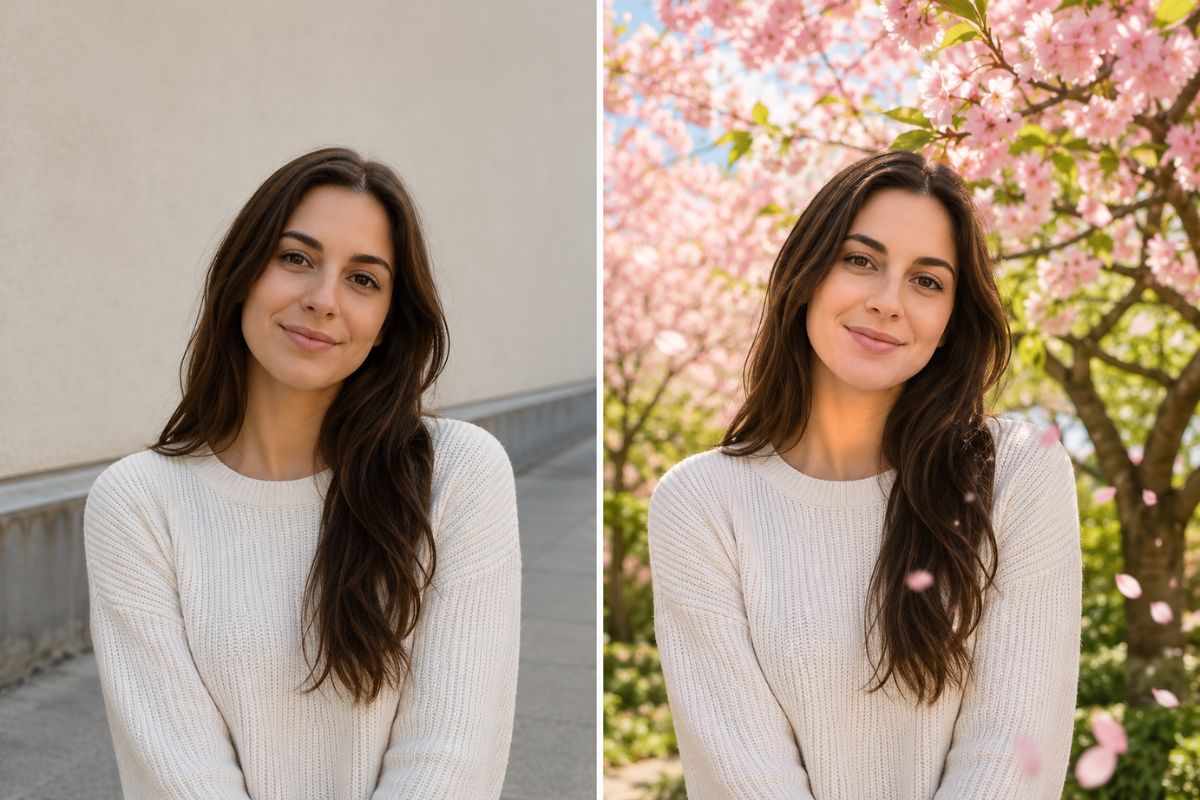
AI Spring Effect: Create Spring Blossom AI Portraits
Use the Imgfree AI Spring Effect to transform one image into a bright seasonal scene with blossoms, fresh greenery, and soft natural light.
25
AI Spring
Upload a clear photo and transform it into a bright seasonal scene with Imgfree. The AI spring effect adds blossoms, fresh greenery, warm daylight, and a soft spring atmosphere while helping the main subject remain recognizable.

Bring Fresh Spring Color to Any Photo
Blooming Seasonal Scenery
Place the subject among fresh flowers, green leaves, and soft spring light without arranging a physical set.
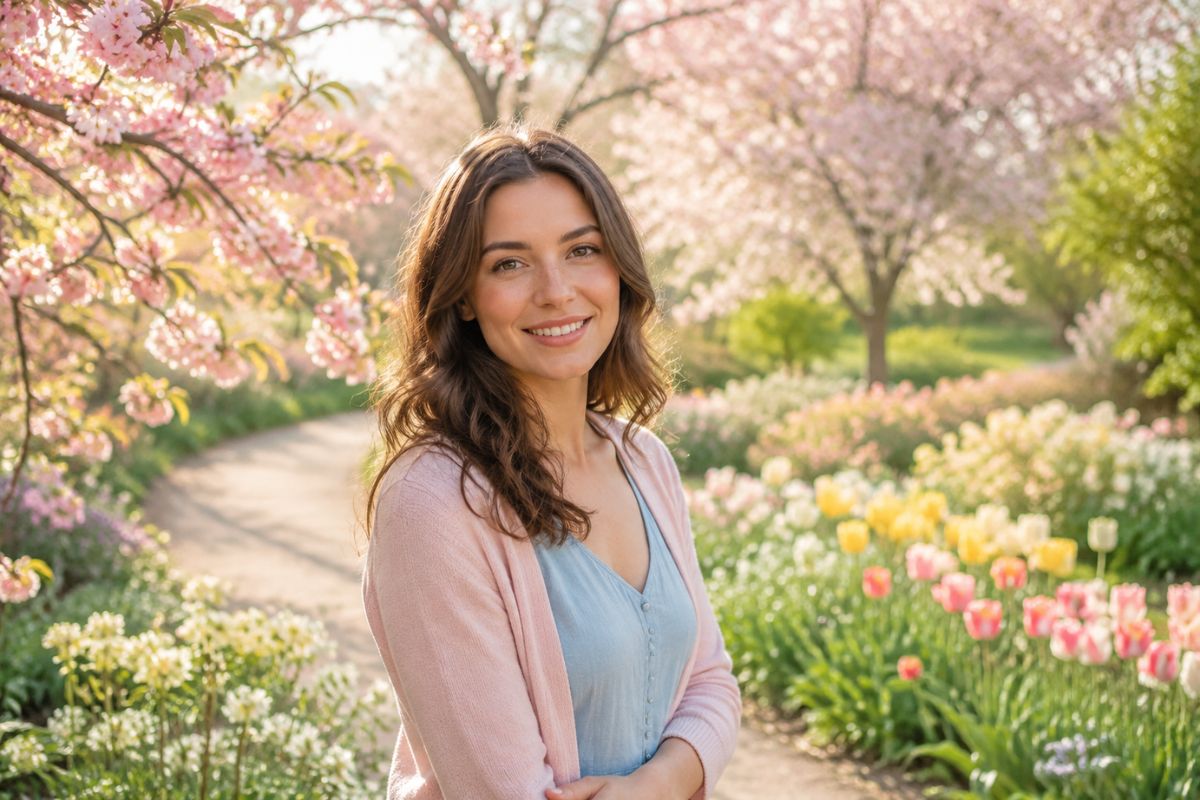
Soft Spring Atmosphere
Create a calm seasonal image with soft daylight, pastel blossoms, fresh greenery, and a gentle outdoor atmosphere.
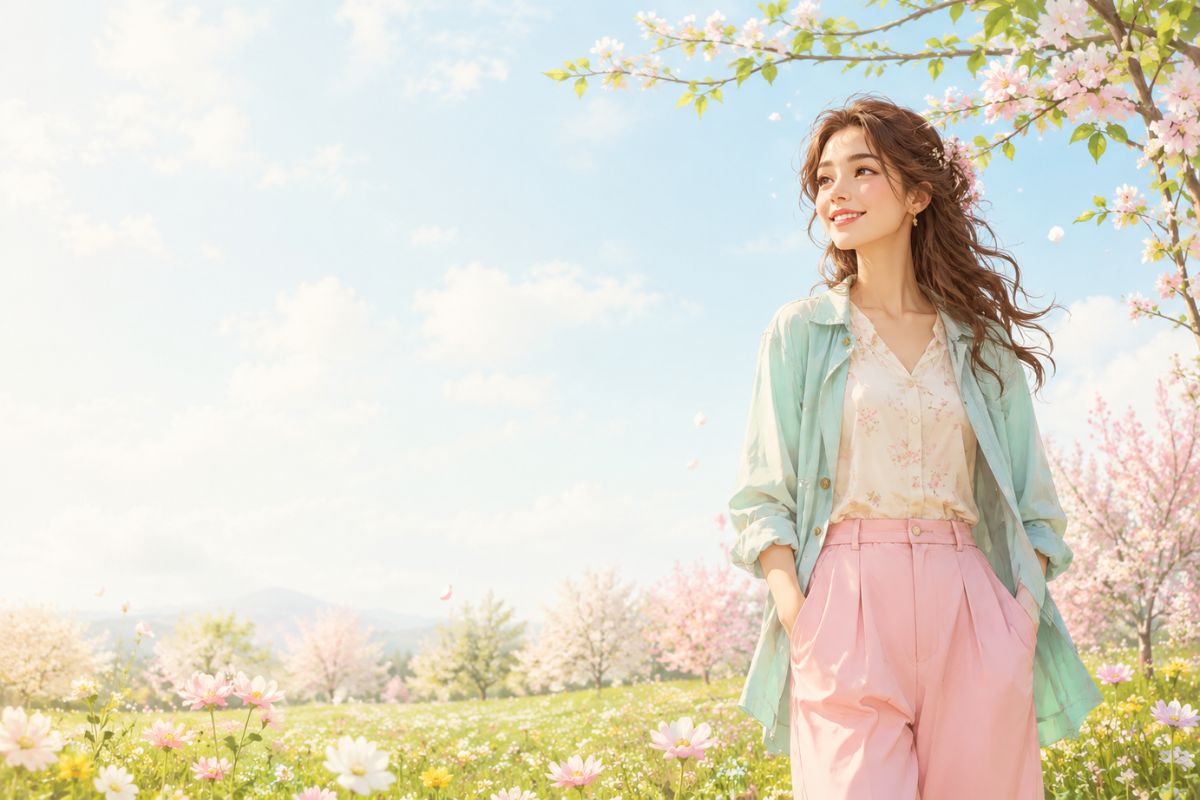
Recognizable Main Subject
A clean source image helps retain the subject’s face, outfit colors, pose, and silhouette while the seasonal background is transformed.
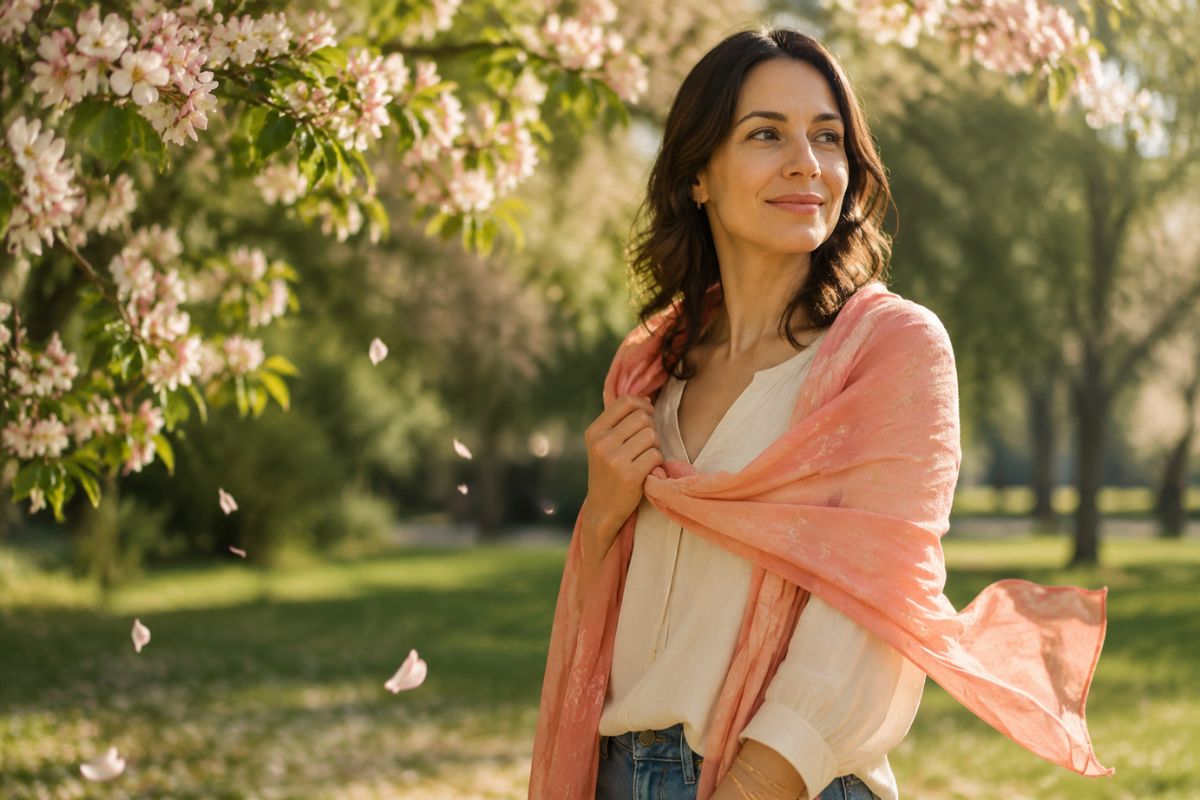
Practical ideas for portraits, social posts, and original projects
Creative Ways to Use AI Spring
Seasonal Greetings
Create a bright spring message from a portrait or family photo.
Profile Updates
Refresh an avatar with blossoms, greenery, and warm daylight.
Travel Memories
Give an outdoor portrait a more vivid springtime atmosphere.
Pet Portraits
Place a clear pet photo in a playful field of seasonal flowers.
Brand Posts
Build a fresh seasonal visual for an original campaign or social update.
Character Scenes
Place an original illustrated character in a soft blooming landscape.
How to Apply the AI Spring Effect
Upload, apply, preview, and download
01
Upload your image
Choose a sharp photo with one clear subject and enough open space around the face or body for flowers, leaves, and seasonal details.
02
Apply the spring effect
Let Imgfree add blooming scenery, fresh color, soft daylight, and a bright seasonal atmosphere around the subject.
03
Preview and download
Review the face, hands, flower edges, clothing, and background details. Generate another version if flowers overlap the subject or fine details look unnatural.
Answers to common questions before you create