AI Roblox Video Generator: Create Roblox Videos Online
Use the Imgfree AI Roblox generator to turn one image into a playful block-style clip. Create AI Roblox videos for avatars and game-inspired scenes.
AI Roblox Video Generator
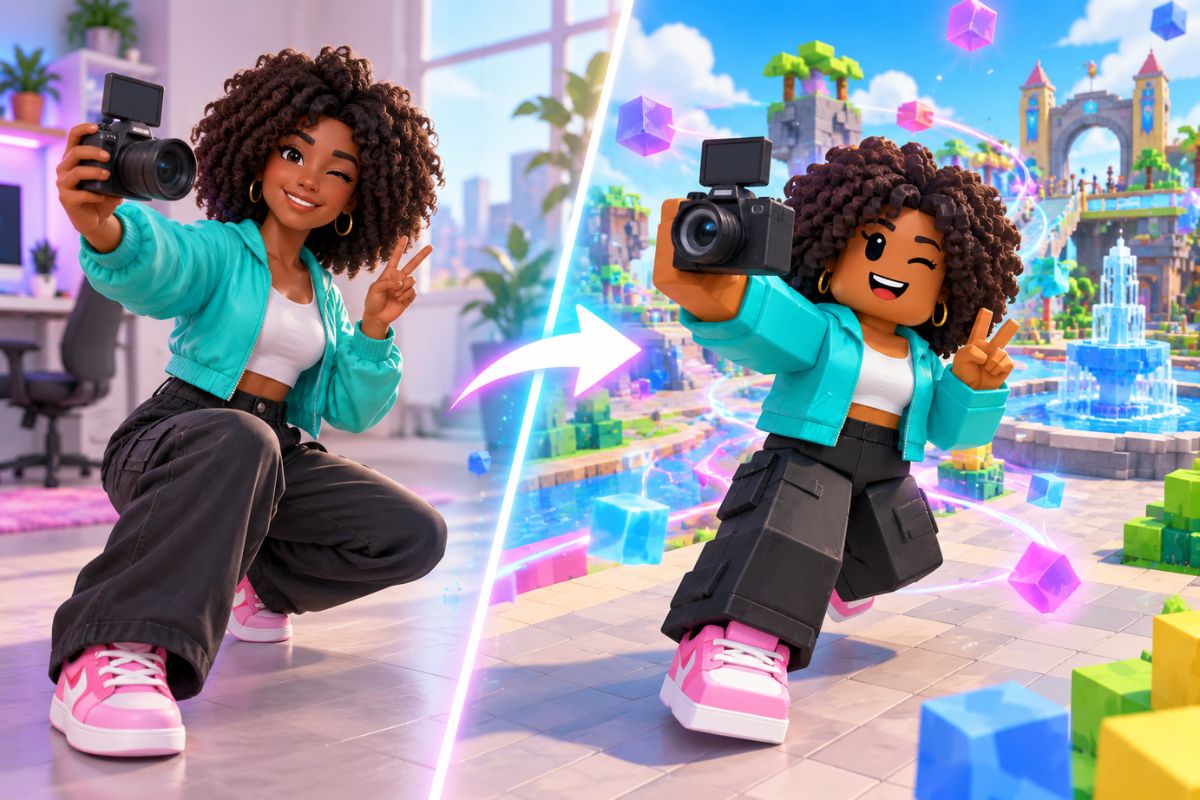
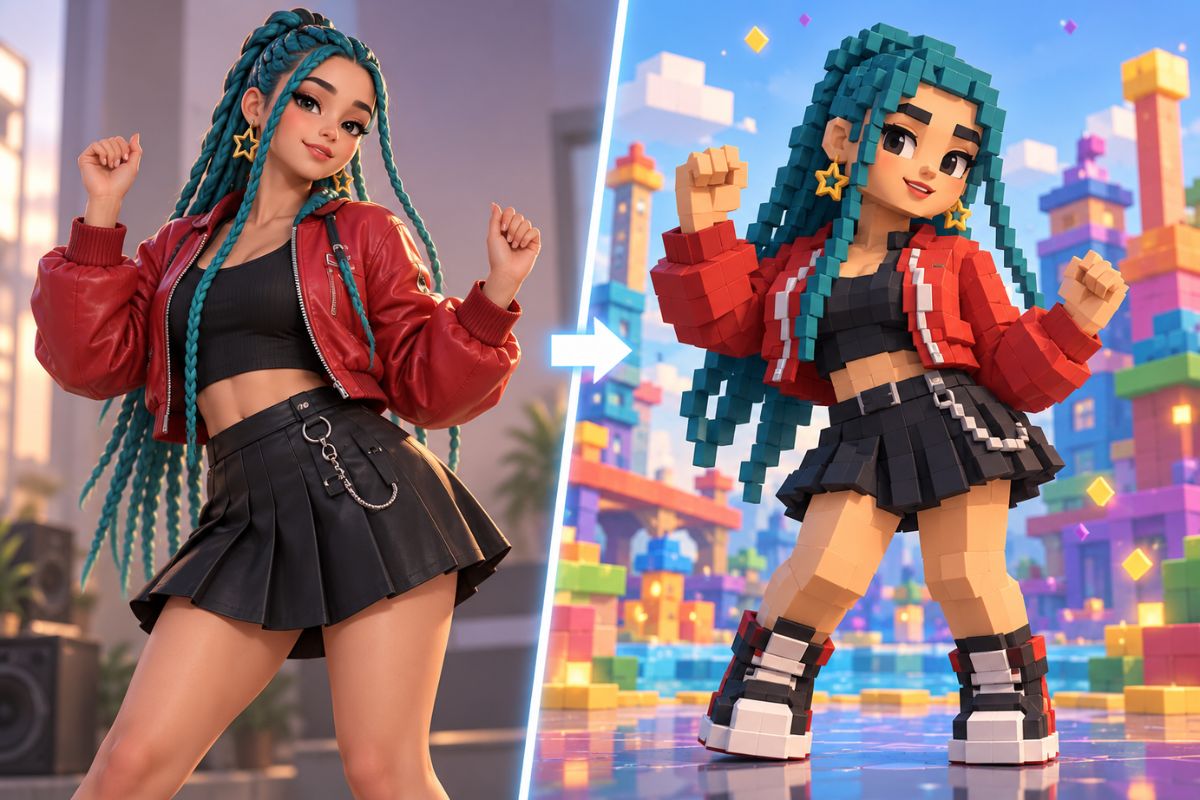
Upload a clear character image and turn it into a playful block-style animation with Imgfree. The AI Roblox generator adds game-inspired movement while helping the main character, outfit colors, and scene remain recognizable.
How to Make an AI Roblox Video from an Image
Upload, apply, preview, and download
- 01
Upload your image
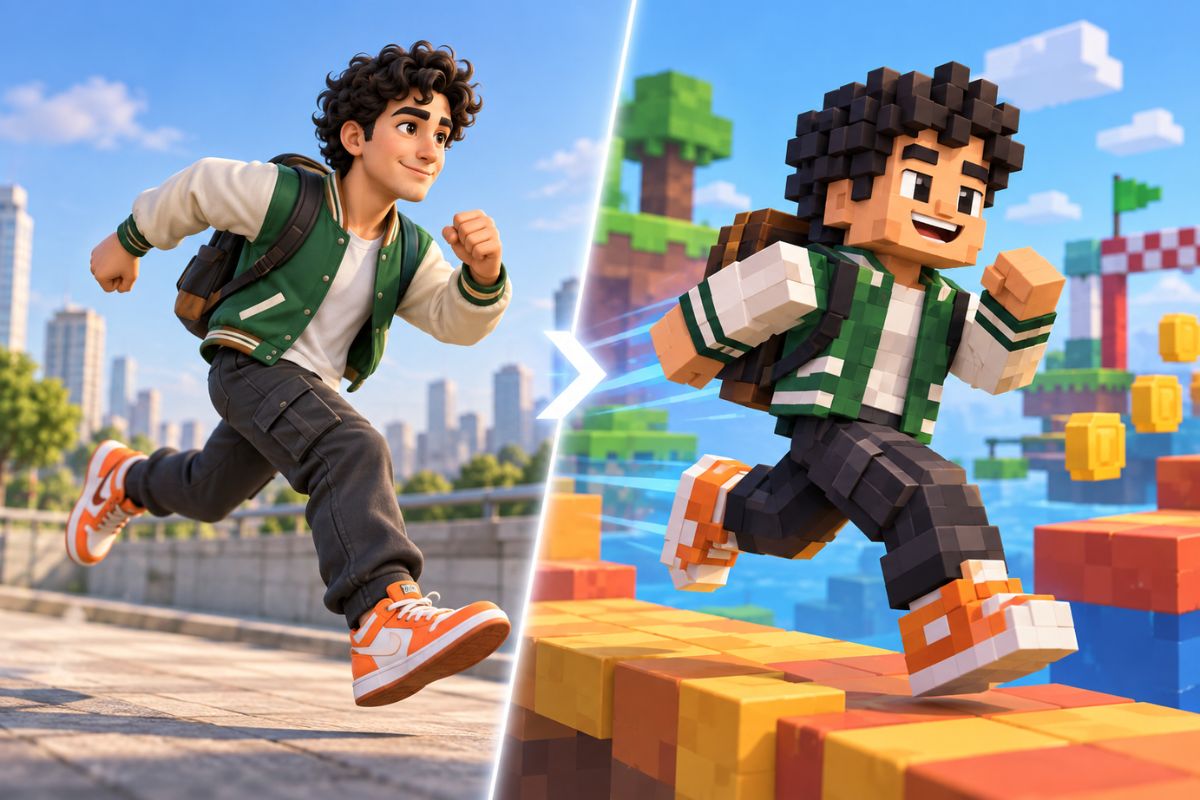
Choose a sharp portrait or original character with one clear subject, visible body shape, and minimal background clutter.
- 02
Apply the block-style effect
Let Imgfree rebuild the subject in a chunky 3D game-inspired scene and add lively movement automatically.
- 03
Preview and download
Watch the face, hands, limbs, clothing edges, and background through the clip. Generate another version if the character drifts or geometry flickers.
Turn One Image into a Block-Style Animated Scene
Block-Style Character Motion
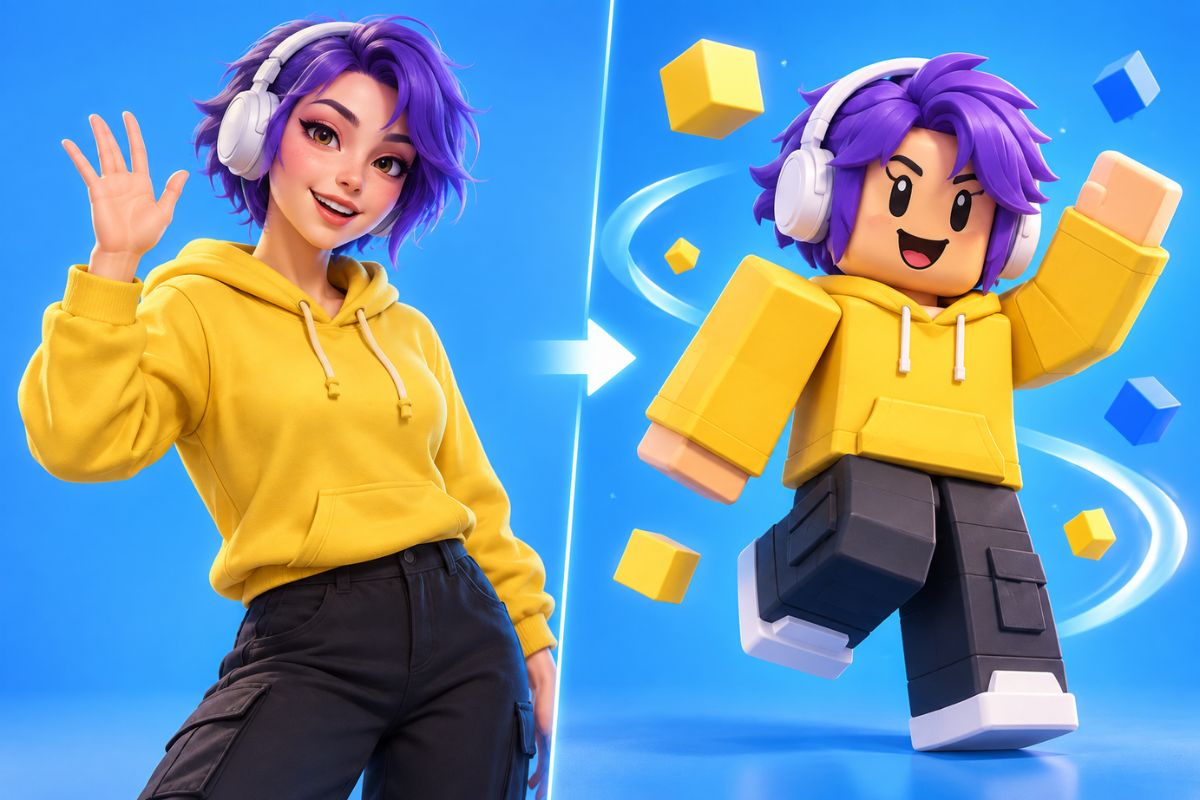
Use image-to-video generation to animate one centered subject with chunky 3D proportions, expressive gestures, and playful movement inspired by block-building game worlds.
Recognizable Outfit and Colors
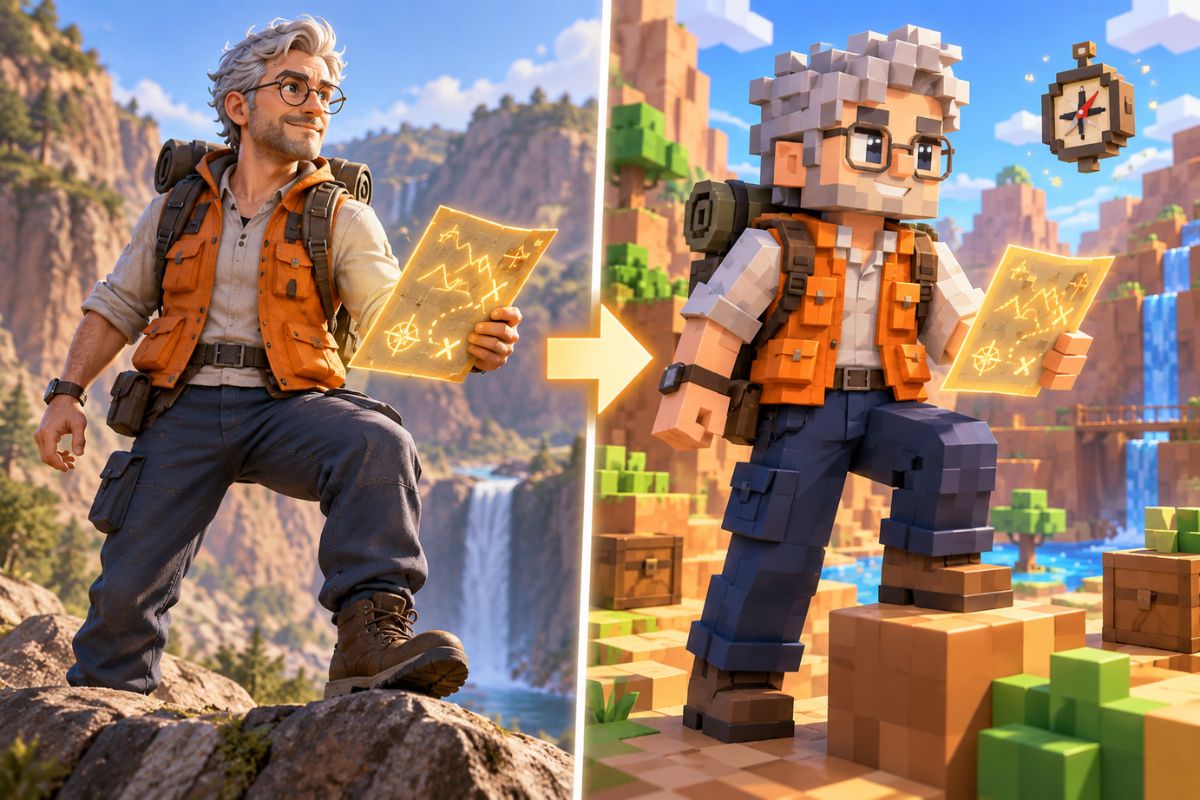
A clean source image gives the AI a stronger visual reference, helping preserve the character's main clothing colors, hairstyle, facial details, accessories, and recognizable silhouette as the scene comes to life.
Game-Inspired Scene Energy
Turn a still character image into a lively game-inspired moment with bright obstacle courses, block-built cities, adventure settings, victory celebrations, or playful action scenes without filming actors or building a complete 3D sequence.
Creative Ways to Use AI Roblox Video Generator
Avatar Intros
Create a short animated entrance for an original block-style avatar.
Gaming Edits
Turn a favorite character image into a lively game-inspired social clip.
Birthday Videos
Make a playful block-world greeting around one clear subject.
Reaction Memes
Add exaggerated motion to a character for a quick visual punchline.
Channel Teasers
Build short animated moments for gaming-themed posts and intros.
Original Character Stories
Animate an original character for a simple adventure or role-play scene.
AI Roblox Video Generator FAQ
What is an AI Roblox generator?
It turns a suitable image into a short block-style animated clip with game-inspired characters, environments, and motion.
How does the AI Roblox video effect work?
Upload one clear image, apply the effect, preview the generated animation, and download the version that keeps the character most coherent.
What images work best?
Use one centered person or original character with a clear silhouette, simple clothing, and limited overlap from props or other subjects.
Will the character stay recognizable?
The generator aims to preserve major facial, color, and outfit cues, but strong motion can change small details. Review the full clip before sharing.
What can I create with AI Roblox?
It fits avatar intros, gaming edits, reaction clips, birthday greetings, channel teasers, and original block-world character stories.
Is this an official Roblox tool?
No. Imgfree is an independent creative service and is not affiliated with or endorsed by Roblox Corporation. Use original or authorized images.
Can I try the generator for free?
Current credits, access terms, and download options are shown in the Imgfree tool and may change over time.