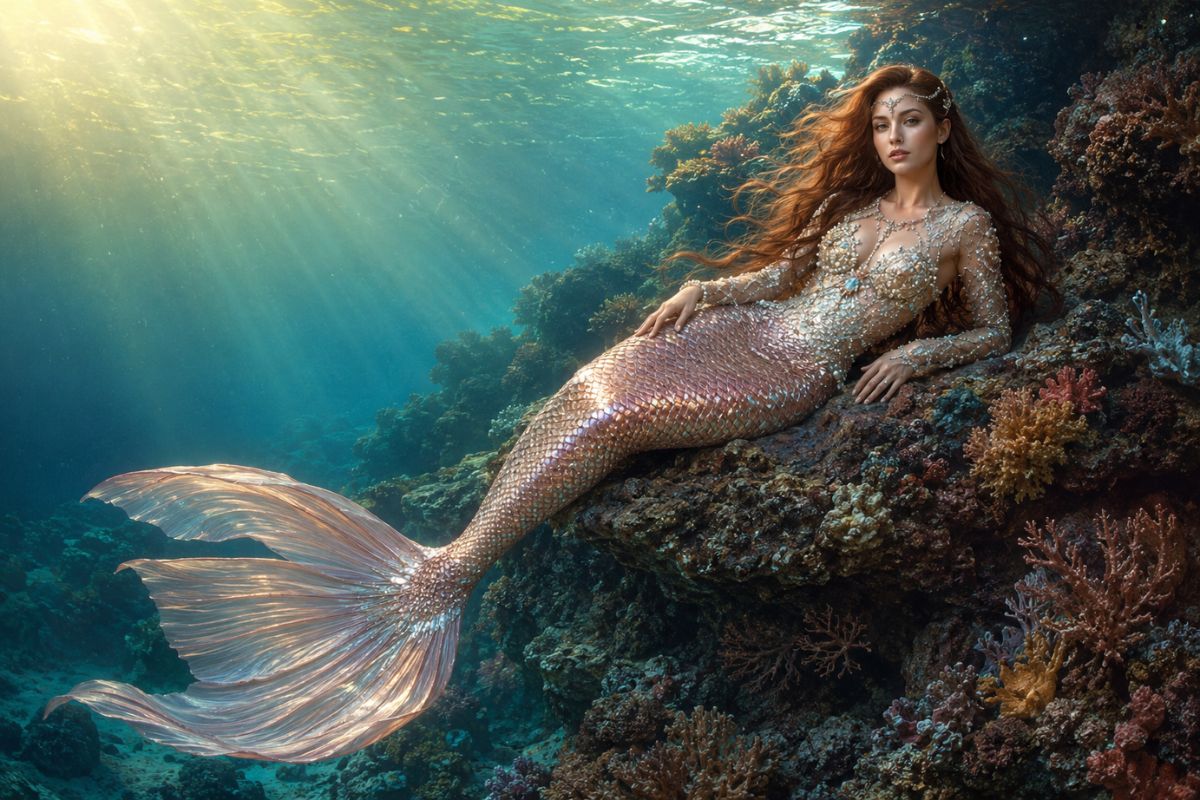
AI Mermaid Filter: Transform Your Photos into Mermaid Videos
Use the Imgfree AI mermaid filter to transform a portrait into an original underwater character with shimmering scales, flowing hair, and ocean scenery.
AI Mermaid Filter
Upload a clear portrait and transform it into an AI generated mermaid with Imgfree. Create an original underwater character with a shimmering tail, flowing hair, fantasy details, and an ocean-inspired setting.
How to Use the AI Mermaid Filter
Upload, apply the effect, then review and download
- 01
Upload a clear portrait
Choose a sharp, well-lit image with one visible subject. A simple background and unobstructed face give the transformation cleaner visual anchors.
- 02
Apply the mermaid effect
Let Imgfree add an original mermaid tail, fantasy styling, and underwater scenery around the subject.
- 03
Preview and download
Check the face, hands, hair, tail shape, accessories, and background. Generate another version if details look distorted or the character drifts too far from your source.
Turn a Portrait into an Underwater Mermaid
Ocean-Inspired Mermaid Styling
Transform a portrait into an original mermaid character with iridescent scales, flowing hair, shell-inspired details, and an underwater color palette.
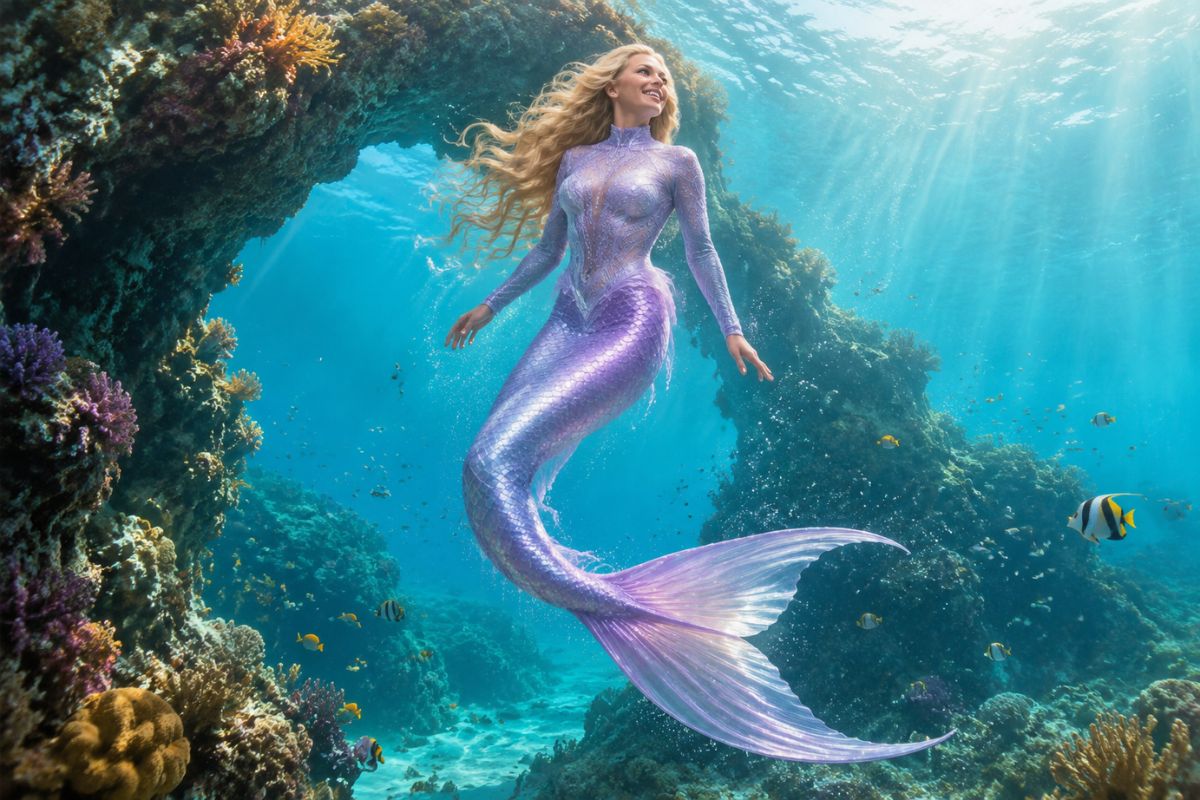
Recognizable Portrait Details
A clear source image gives the effect stronger facial, hair, pose, and lighting cues while the costume and setting change around the subject.
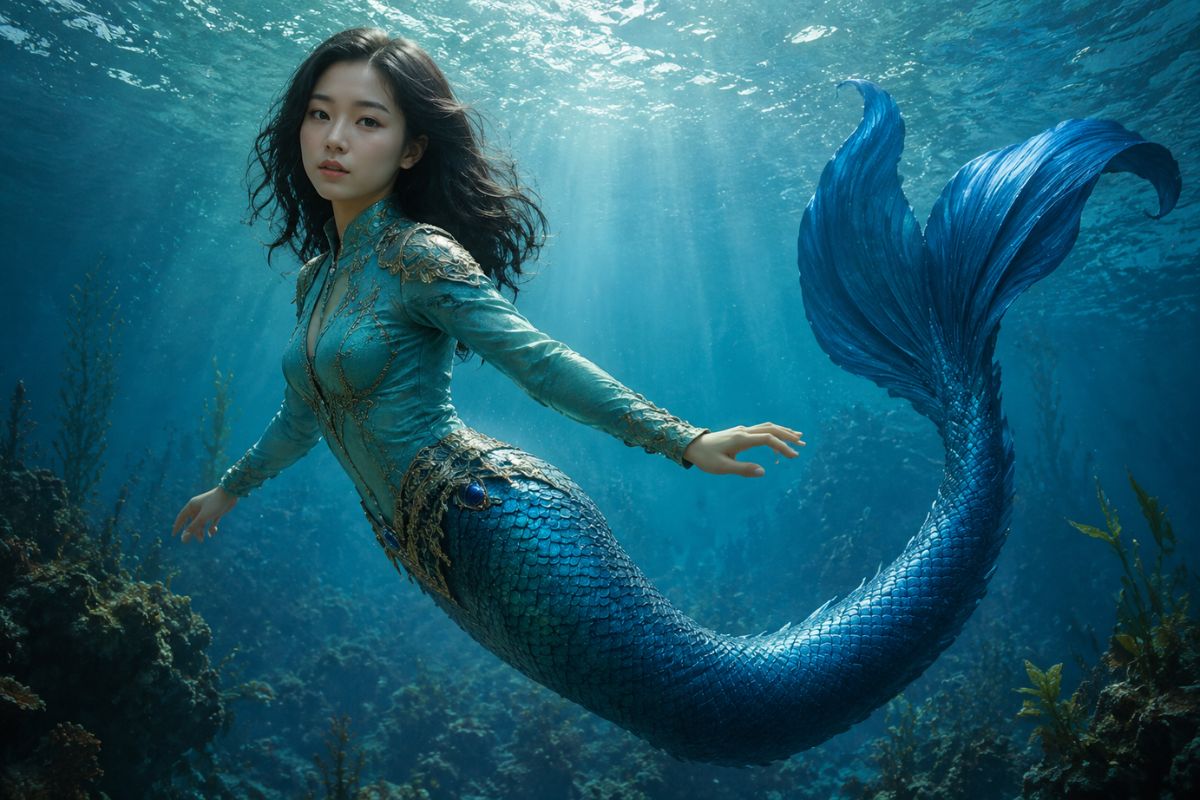
Fantasy Underwater Atmosphere
Add reefs, bubbles, light rays, and deep-sea color to create a complete fantasy scene rather than a simple costume overlay.
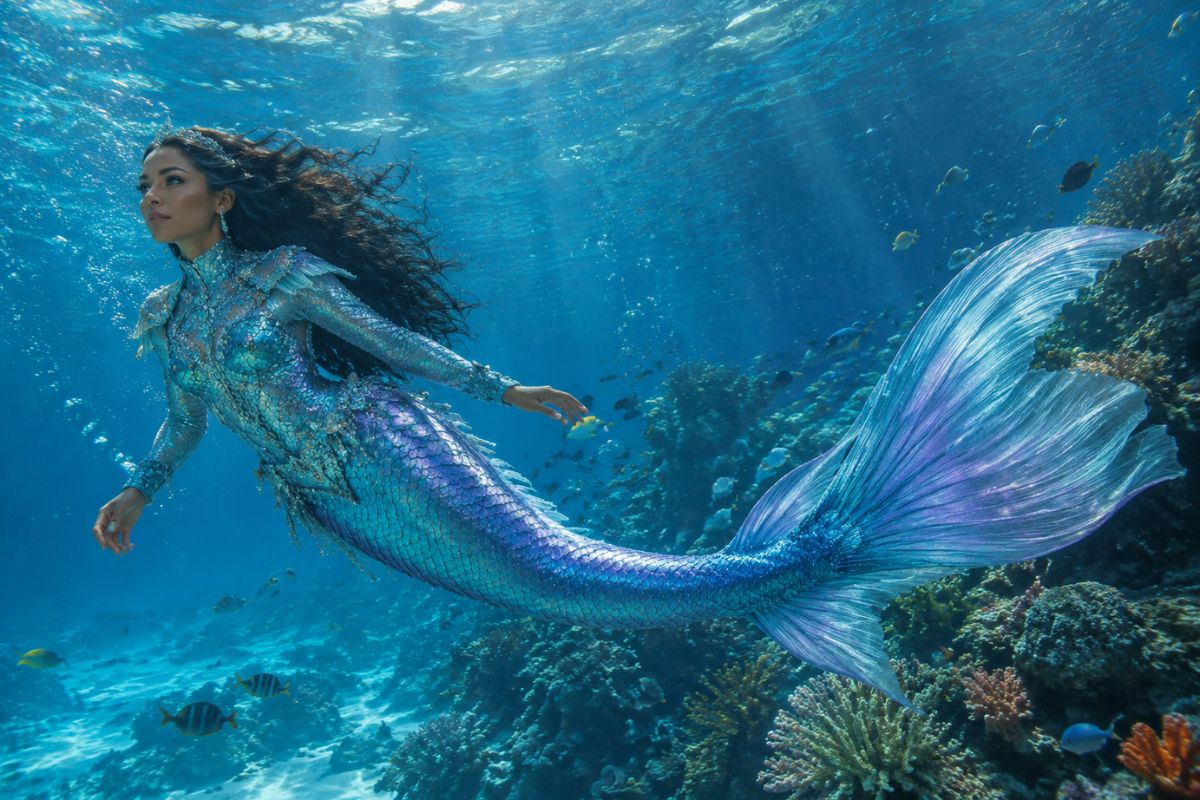
Creative Uses for Your Mermaid Image
Fantasy Profile Pictures
Create a distinctive underwater avatar for social profiles, communities, or game accounts.
Character Concepts
Visualize an original mermaid character for a story, tabletop campaign, or personal art reference.
Ocean-Themed Party Art
Make a colorful fantasy portrait for invitations, decorations, or themed keepsakes.
Storybook Scenes
Build a visual starting point for an underwater tale, comic idea, or mood board.
Cosplay Inspiration
Explore tail colors, jewelry, hair, makeup, and underwater styling before assembling a costume.
Shareable Fantasy Edits
Turn a favorite portrait into an imaginative ocean scene for posts, reactions, and creative challenges.
AI Mermaid Generator FAQ
What is an AI mermaid filter?
It transforms a portrait into a fantasy underwater character by adding mermaid styling, a tail, scale details, and ocean scenery.
How does the AI mermaid generator work?
Upload a clear portrait, apply the mermaid effect, and review the generated image. The source photo provides facial, pose, and lighting cues for the transformation.
What photo works best?
Use one clearly visible subject with a sharp face, balanced lighting, and minimal obstruction. Half-body or full-body portraits give the effect more room for costume and tail details.
Will an AI generated mermaid still look like me?
The effect uses the source portrait as a visual anchor, but generated hair, facial details, hands, and body proportions can vary. Review the final image and try another version when needed.
Can I create different mermaid styles?
Each generation may vary in tail color, scale texture, accessories, lighting, and underwater scenery, making it useful for exploring several original character looks.
Can I try the AI mermaid generator for free?
Imgfree may offer free credits or trial access. Open the tool to check the current allowance, login requirements, and available download options.
Can I use another person’s photo?
Only upload images you have permission to use. Review the result carefully before sharing or using it in a public project.