AI Aging Video Generator | Create Age Progression Videos
Turn one portrait into a realistic age progression video with Imgfree AI Aging Video Generator. Preview an older appearance while preserving recognizable features.
25
AI Aging Video Generator
Upload a portrait and watch the face gradually transform into an older appearance. Imgfree adds mature facial details, changing hair, skin texture, and age-related features while keeping the person recognizable.
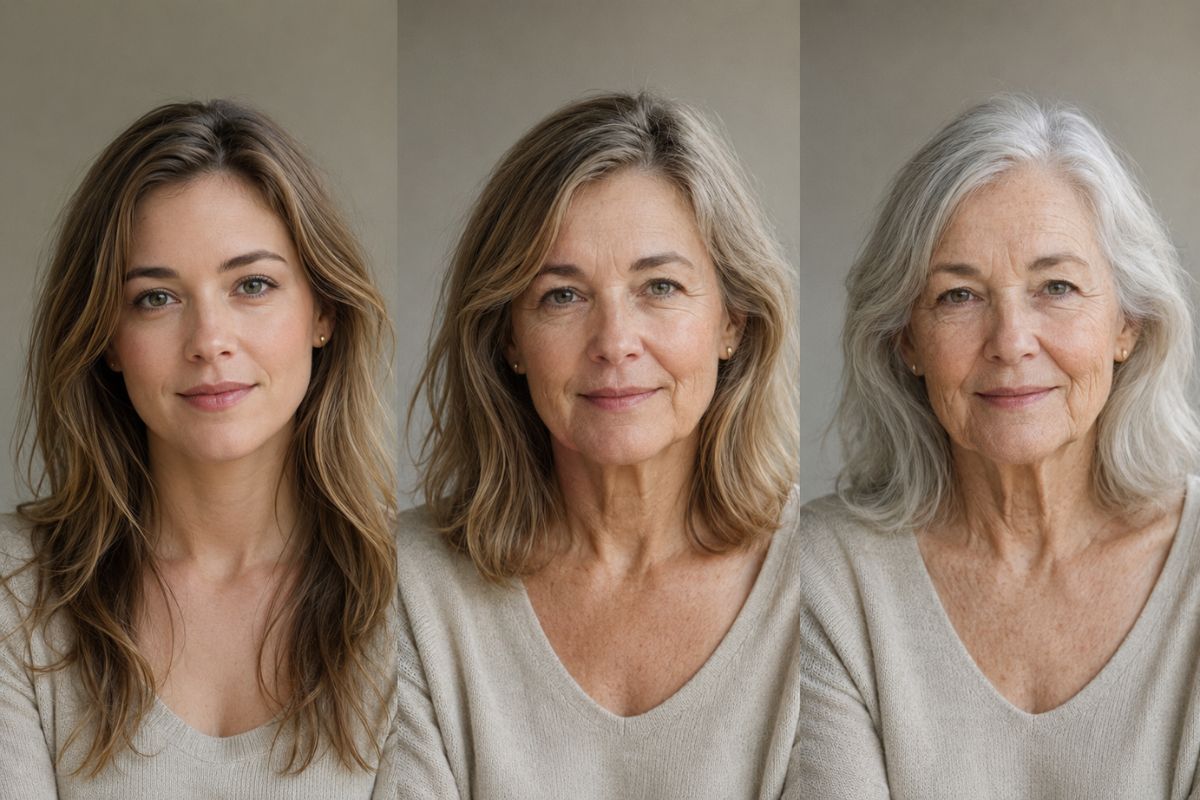
See a Realistic AI Age Progression
Preserve Recognizable Features
The transformation aims to retain important details such as the eyes, face shape, expression, hairstyle, and overall appearance throughout the aging sequence.
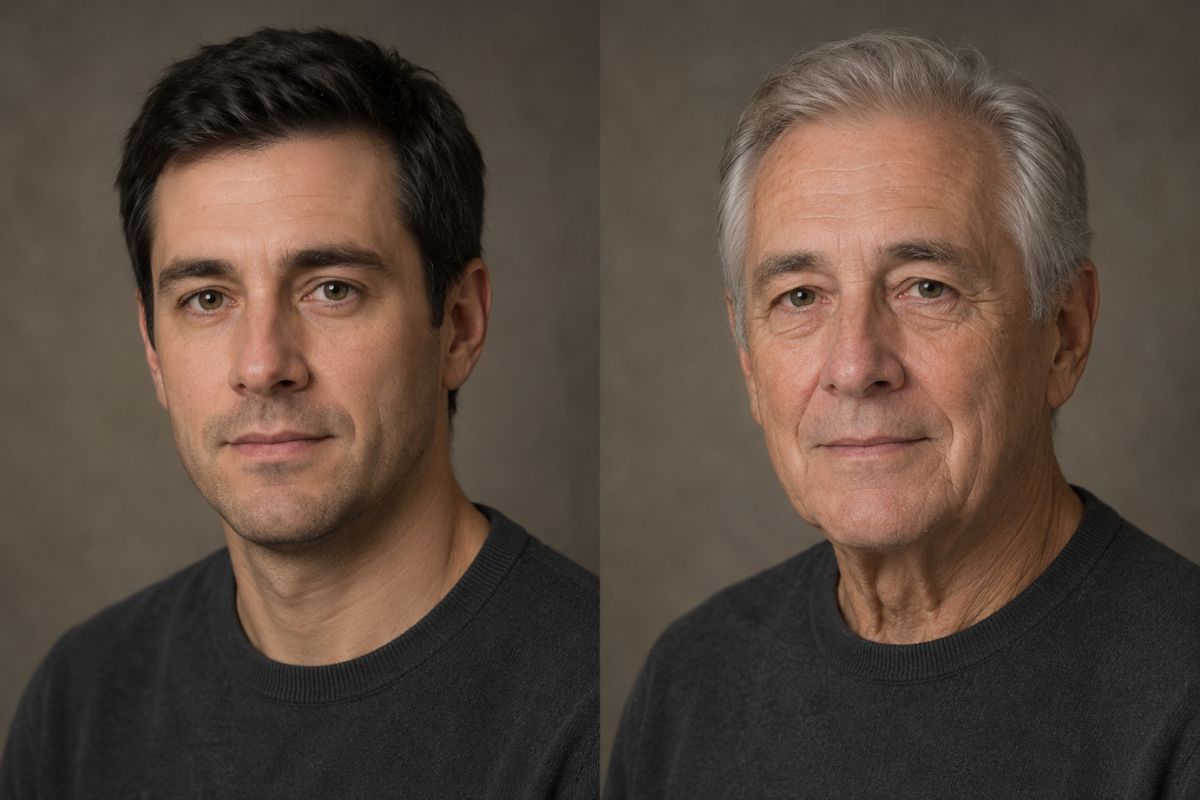
Create a Gradual Aging Transition
Watch age-related details develop smoothly through changes in skin texture, facial contours, hair color, and mature styling instead of an abrupt before-and-after switch.
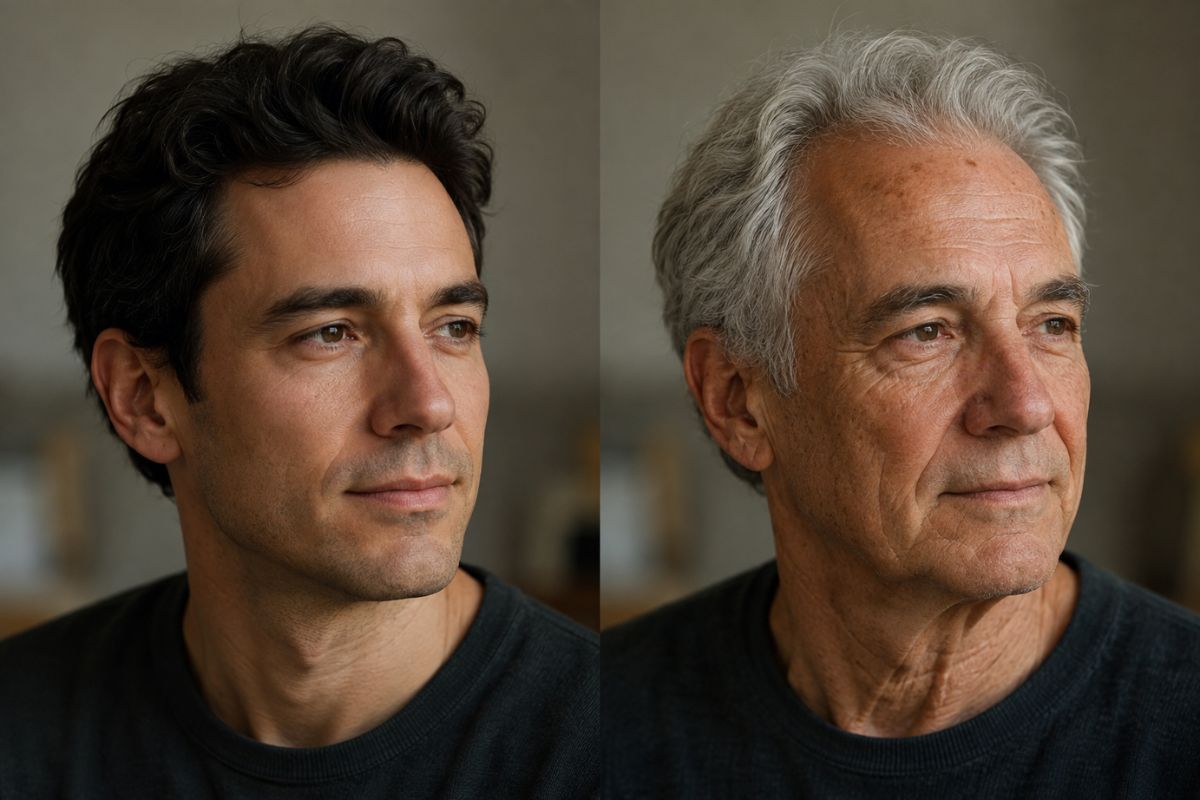
Add Natural Aging Details
Generate an older look with subtle wrinkles, mature facial structure, gray or lighter hair, and balanced skin details that fit the original portrait.
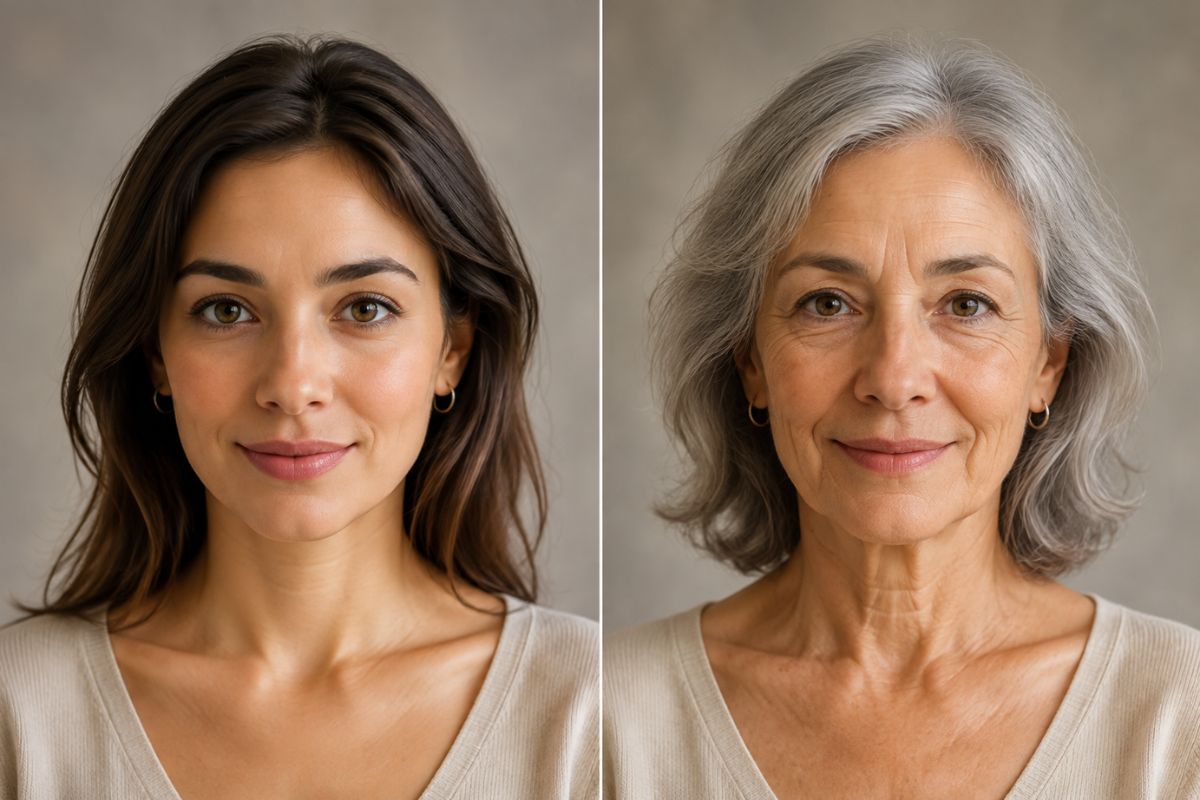
Popular ways to use AI age progression videos
What Can You Create with an AI Aging Video Generator?
Future Self Videos
Preview how you might look at an older age and create a memorable before-to-after video for social media or personal use.
Character Age Progression
Explore how an original character, avatar, or fictional persona could change across different stages of life.
Family-Themed Edits
Create imaginative aging videos from family portraits for personal memories, celebrations, and creative projects.
How to Create an AI Age Progression Video
Create an aging transformation in three steps
01
Upload your portrait
Choose a clear, well-lit photo with one visible face, recognizable features, and minimal obstruction.
02
Apply the aging effect
Select the AI Aging Video effect and let Imgfree automatically create a gradual transformation into an older appearance.
03
Preview and download
Review the age progression video, generate another variation when needed, and download the result once the transition looks right.
Common questions about turning portraits into AI age progression videos.