AI Fisheye Lens Generator for Curved Photo Effects
Use the Imgfree AI fisheye lens generator to turn a photo into a bold ultra-wide image with curved edges, exaggerated depth, and a playful close-up look.
25
AI Fisheye Lens
Upload a photo and recreate the bold perspective of an AI fisheye lens with Imgfree. The fisheye lens generator expands the center, curves the edges, and adds dramatic ultra-wide depth without a specialty camera.
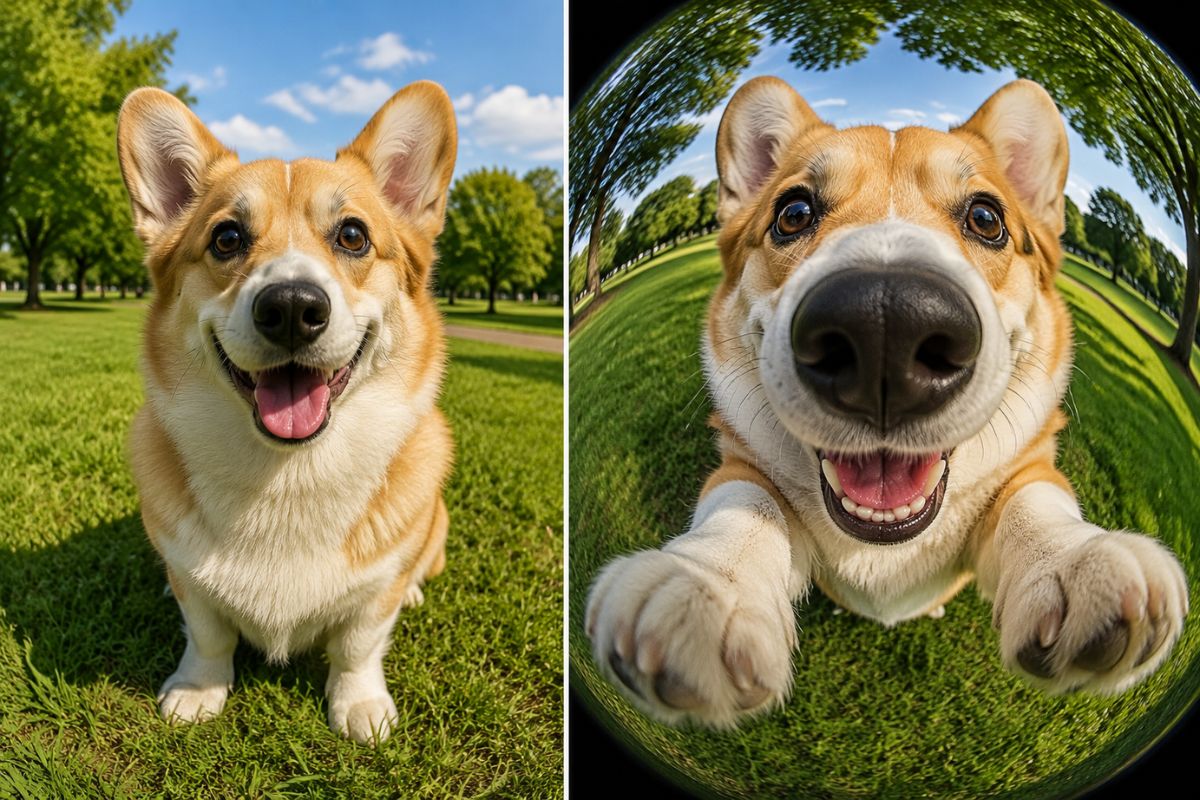
Create a Bold Fisheye Look from Any Photo
Exaggerated Ultra-Wide Perspective
Stretch nearby subjects dramatically toward the viewer while compressing distant details to create a bold, immersive ultra-wide fisheye effect with an image to image transformation.
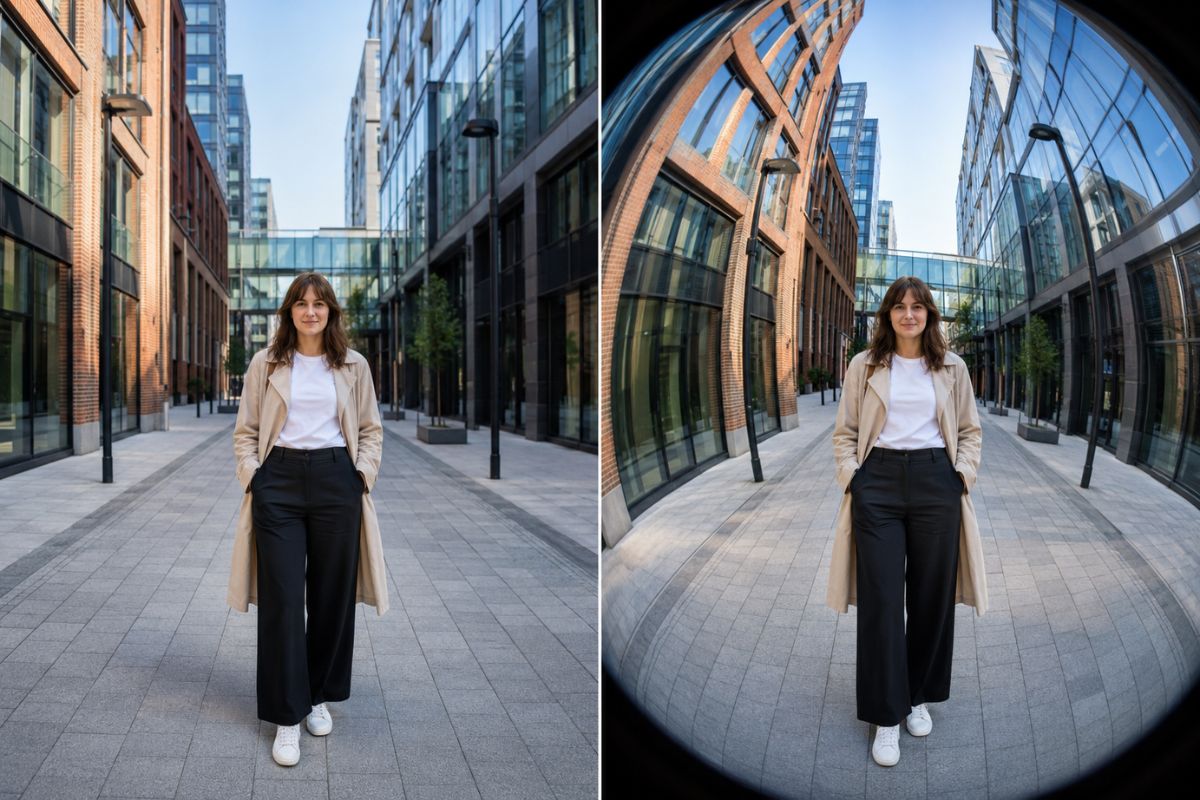
Curved Edge Distortion
Create bowed walls, rounded horizons, and sweeping lines around the frame while keeping the main subject visually clear near the center.
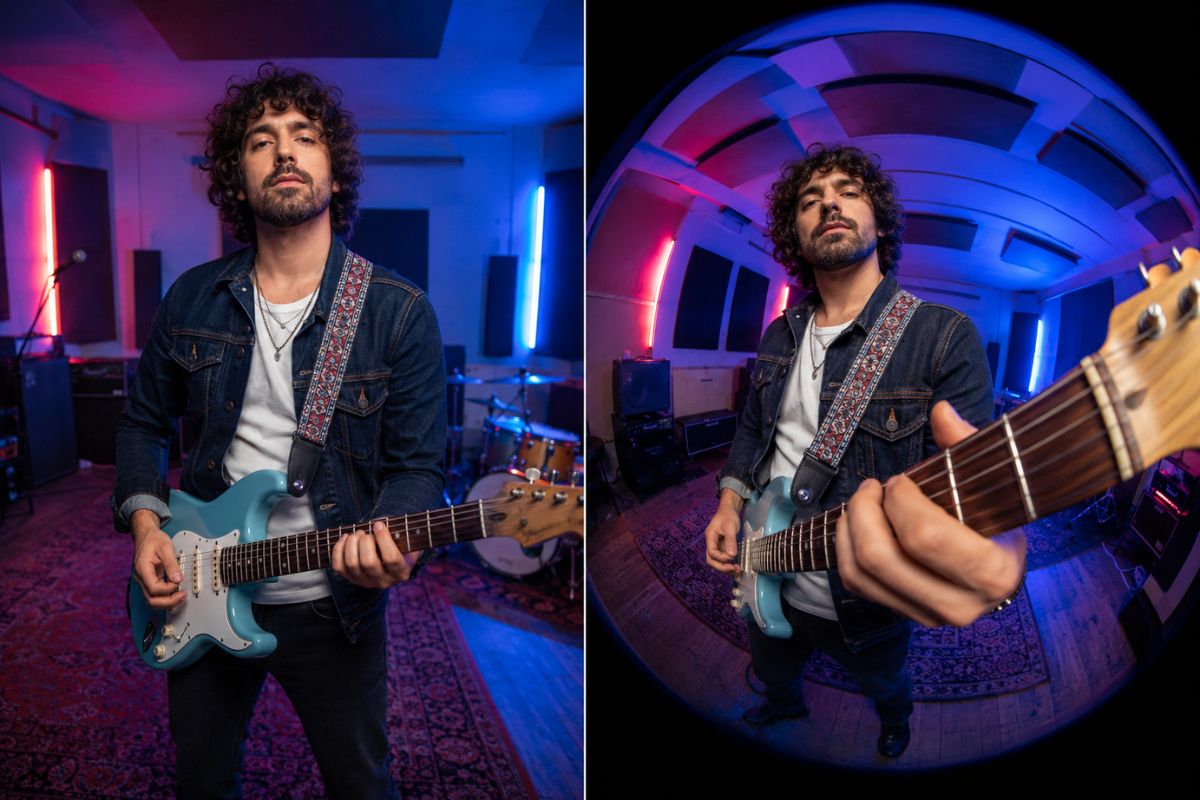
Close-Up Energy
Give portraits, pets, sneakers, skate shots, and reaction images a playful near-the-lens impact that works well in social posts.
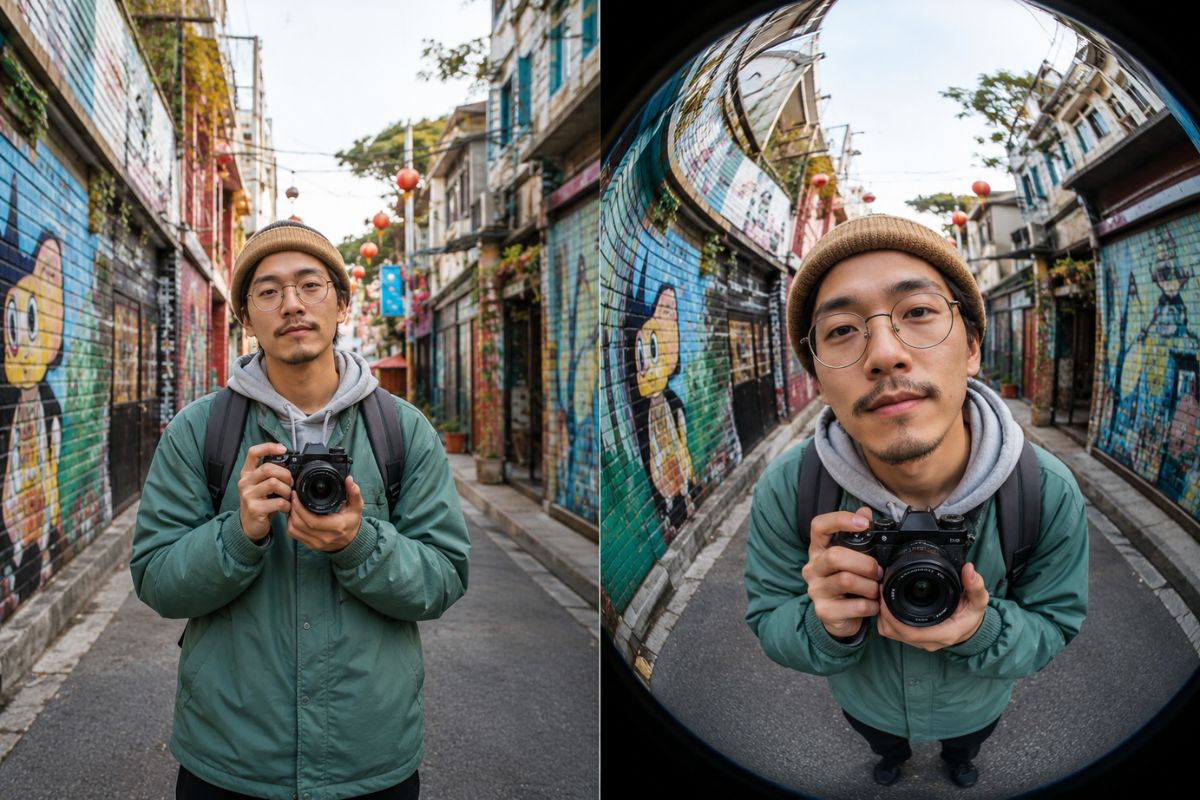
Specific ideas for avatars, posts, and creative projects
Creative Uses for a Fisheye Lens Effect
Profile Pictures
Turn a centered selfie into an energetic avatar with a wide, curved background.
Skate and Sports Photos
Make boards, shoes, hands, or action poses feel closer and more dynamic.
Pet Close-Ups
Emphasize a nose, paws, or expression for a playful portrait with instant character.
Music Cover Concepts
Build a distorted editorial image for original tracks, playlists, or artist announcements.
Street Photography Edits
Add sweeping architecture and exaggerated depth to city scenes without changing lenses.
Reaction Memes
Amplify a facial expression or nearby object with comical ultra-wide perspective.
How to Apply an AI Fisheye Lens Effect
Upload, apply, preview, and download
01
Upload your photo
Choose a sharp image with one obvious subject near the center and enough surrounding background to show the curved perspective.
02
Apply the fisheye effect
Let Imgfree expand the central foreground and bend the outer scene into an ultra-wide lens look.
03
Preview and download
Check the face, hands, straight lines, and frame edges. Try another version if important details stretch too far.
Answers to common questions before you create
