AI Fight Generator: Create AI Fight Videos Online Free
Create original, non-graphic action with an AI fight video generator for martial arts, fantasy duels, cinematic camera moves, and controlled fight scenes.
AI Fight Generator
Upload a clear character or portrait photo and apply the AI fight effect to generate a short action video with dynamic poses, staged movements, dramatic camera motion, and cinematic fight choreography.
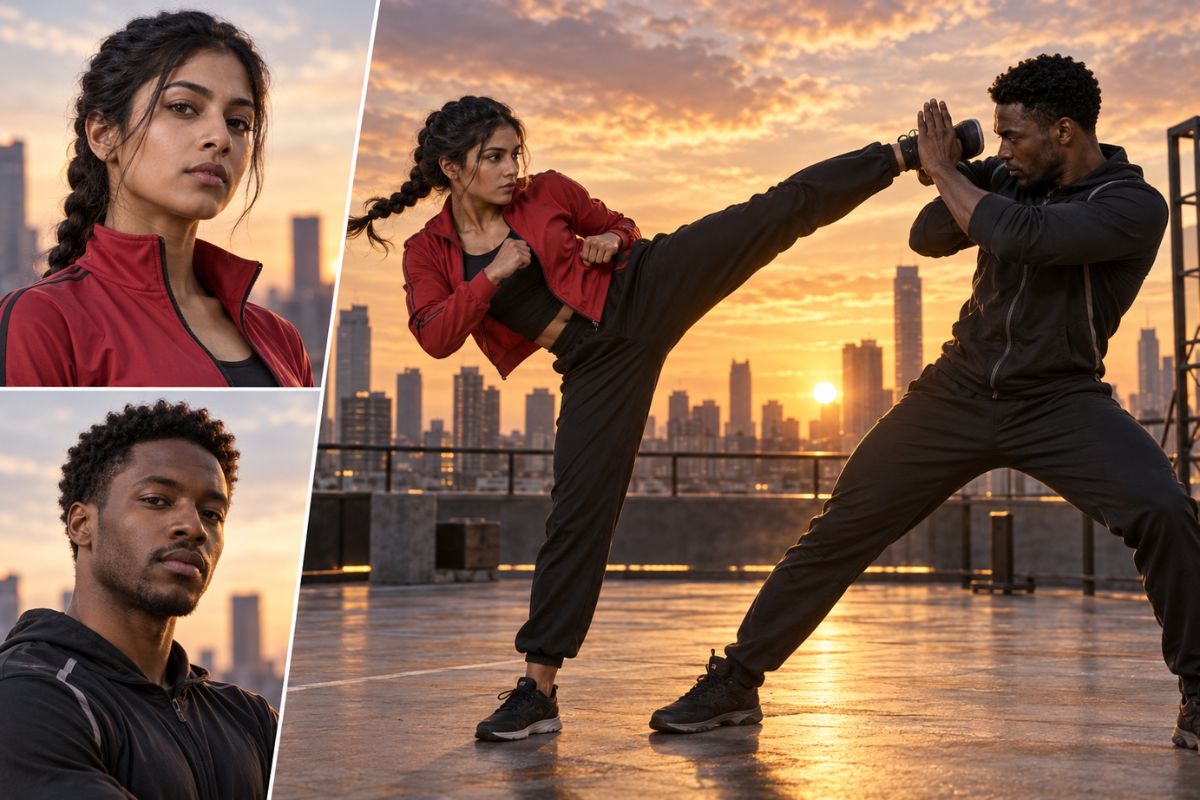
Turn Your Photos Into Cinematic AI Fight Videos
Transform Photos Into Fight Action
Upload a clear character or portrait photo and apply the effect to generate a short fight video with dynamic poses, controlled movements, and cinematic action. You can also explore our image to video tools for more creative video effects.
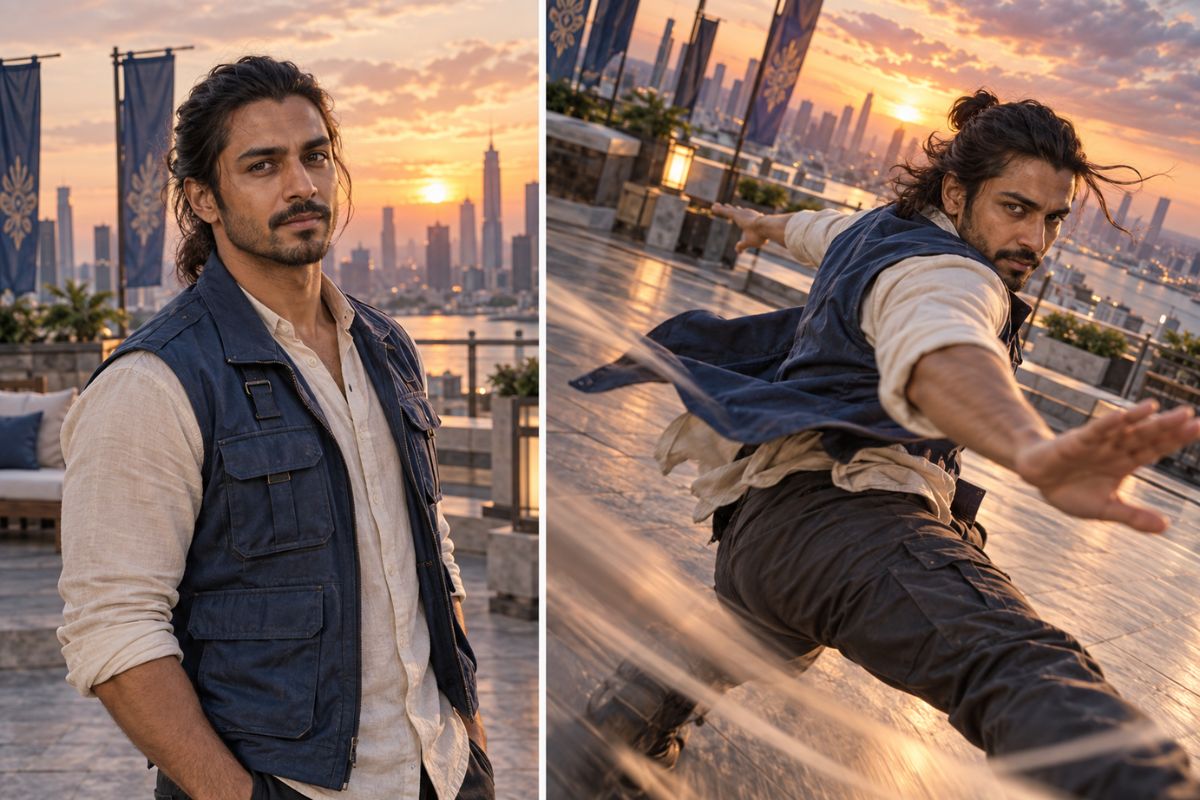
Create Dynamic Camera Movement
Turn your uploaded photo into a cinematic action scene with energetic camera movement, dramatic framing, fast-paced motion, and visually engaging fight choreography.
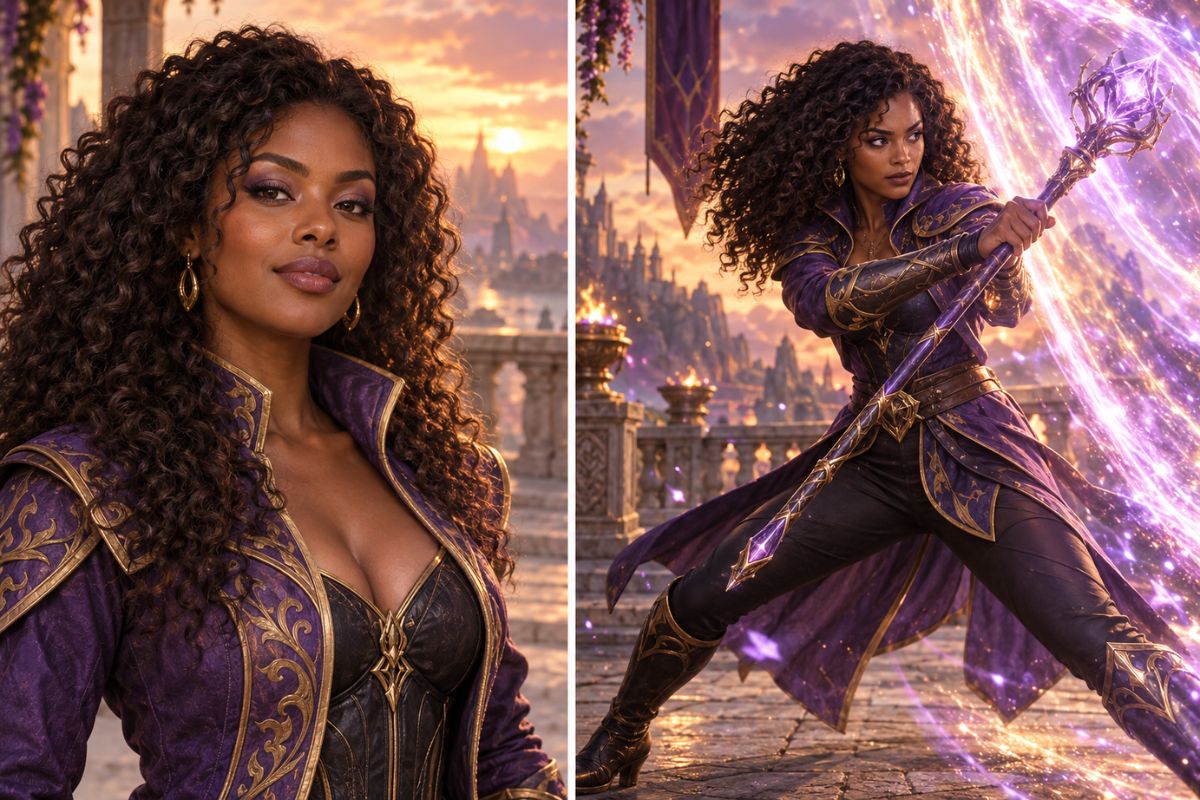
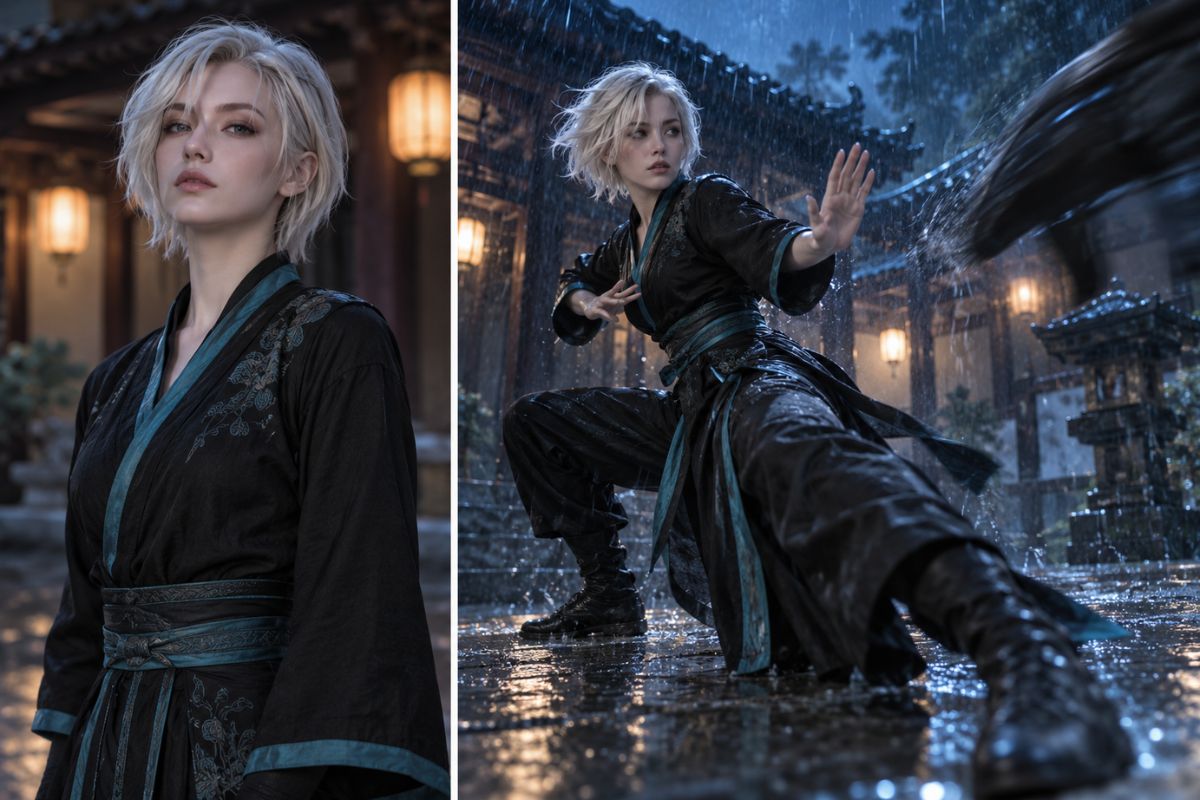
Explore Different Fight Styles
Apply the effect to create martial arts battles, fantasy duels, superhero-style action, sports sparring, or stylized game-inspired fight scenes from your uploaded photo.
What You Can Create
Martial Arts Practice
Create controlled training exchanges with readable stances, blocks, kicks, and safe separation.
Fantasy Duel Concepts
Build original magical or staff-based confrontations with dramatic settings and non-graphic impact.
Heroic Action Shorts
Generate short clashes, rescues, and reversals for original superhero-inspired characters.
Game Style Encounters
Explore arena battles, boss-style faceoffs, and team action without copying protected game characters.
Comedic Fight Moments
Create exaggerated dodges, missed swings, and playful reactions for light, non-injurious scenes.
Storyboard References
Develop visual action beats for pitches, animatics, comic planning, or previsualization.
How to Generate an AI Fight Video
- 01
Upload a Photo
Upload a clear character, portrait, or full-body photo that you want to transform into a cinematic fight video.
- 02
Apply the Fight Effect
Apply the AI fight effect to turn the uploaded photo into a dynamic action scene with staged movements, dramatic poses, and cinematic motion.
- 03
Preview and Download
Preview the generated fight video, check the character appearance and motion, then download the finished video when it is ready.
AI Fight Generator FAQ
What is an AI fight generator?
It transforms an uploaded character or portrait photo into a short AI-generated fight video with dynamic poses, staged movements, and cinematic action.
How does an AI fight video generator work?
Upload a clear photo, apply the AI fight effect, and let the tool transform the subject into a dynamic fight scene.
What type of photo should I upload?
Use a clear portrait or full-body photo with a visible subject, recognizable features, and minimal obstruction for a more consistent generated video.
Can I create different fight scene styles?
The effect can turn your photo into various stylized action scenes, including martial-arts battles, fantasy duels, superhero-inspired action, and dramatic cinematic fights.
Can the generated fight video be playful or non-graphic?
Yes. The effect is suitable for staged action, training scenes, sparring, dramatic poses, and playful fight moments without graphic injuries or blood.
Will the generated video preserve the uploaded character?
The tool aims to retain the subject's main appearance and recognizable features while adding fight movements and cinematic action. Results may vary depending on the uploaded photo.
Can I use a real person's photo?
Only upload photos that you own or have permission to use. Do not create deceptive or harmful fight videos depicting real people without their consent.
Generate an Original Fight Scene
Describe the fighters, choreography, setting, and camera move to create a focused non-graphic action concept.